
Nintendo has finally launched the Switch 2, the next generation of their hugely successful Nintendo Switch! Like the original, the Switch 2 is designed to be versatile and portable, but this time around, most of the improvements are under the hood.
While the Switch 2 likely won’t compete with the PlayStation 5 or Xbox Series X in terms of power, it’s still an impressive device, especially given its price and ability to be played both on the go and docked. This made us wonder: how much would it cost to build a PC with similar performance using currently available parts?
We’re aiming to create a system that performs similarly to a Nintendo Switch 2 when connected to a TV. We’re carefully selecting components and assembling them to achieve that level of power.
Note: Prices are accurate at the time of writing.
GPU
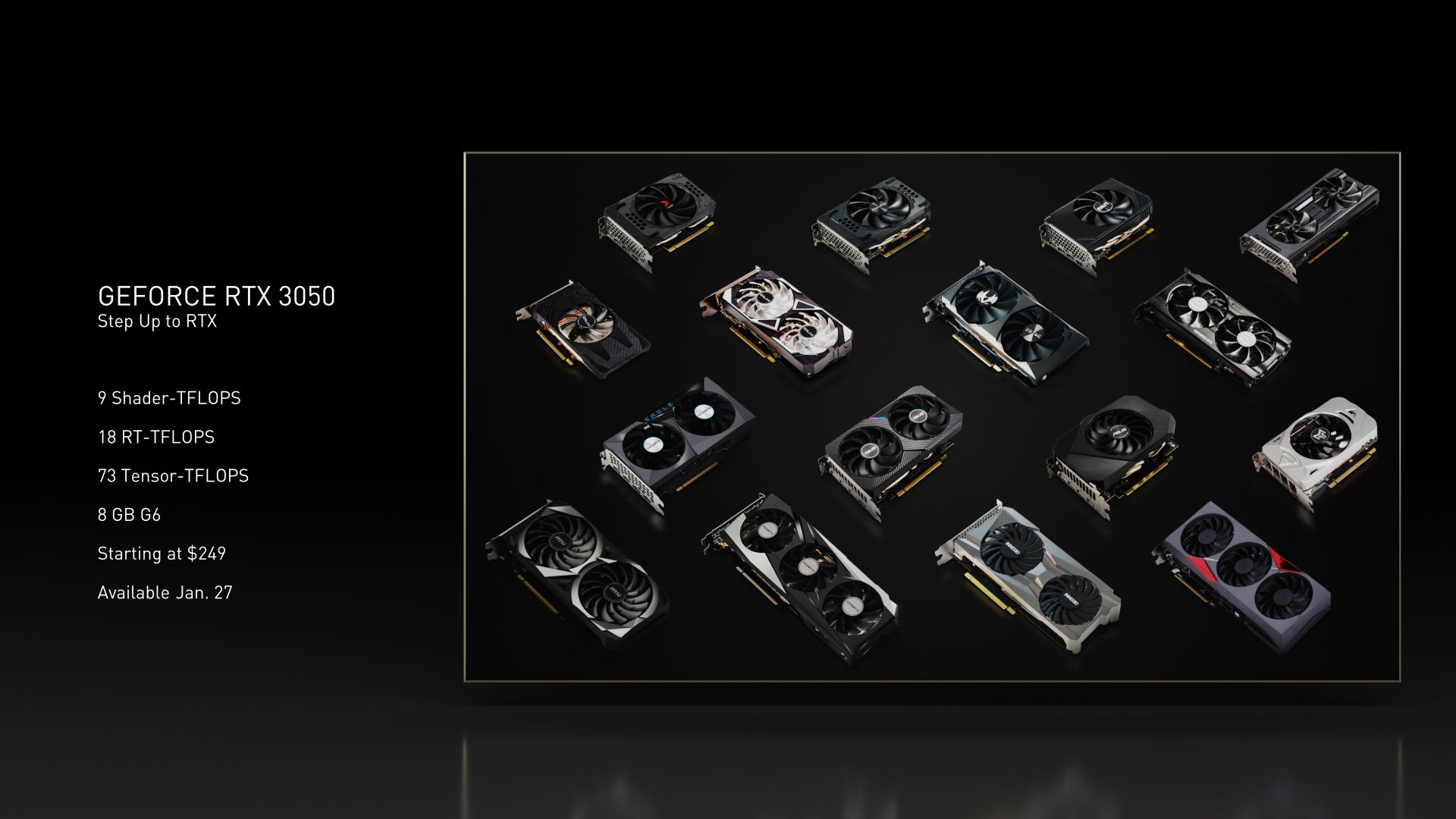
The new Switch 2 utilizes a custom chip from Nvidia, built on the same technology as the RTX 3000 series graphics cards. Nintendo made a good decision by choosing this more advanced technology, as it improves performance and enables features like DLSS 3.0 and ray tracing. This helps the Switch 2 run games more efficiently and with better graphics. Early tests in docked mode look promising, and further optimizations should ensure consistently strong performance in the future.
Okay, so I’m going with an RTX 3050 for the graphics card. I need to keep the overall system design and power usage similar to what I’ve already planned, and this card fits the bill. It’s got 6GB of memory, which should be plenty for playing games at a good resolution and frame rate. Plus, I found it on Amazon for just $180, which is a total steal and makes it a perfect choice to start with for this build.
CPU
The next Nintendo Switch is expected to have a much more powerful processor than the original. It will use a custom chip with eight ARM78 cores, and these cores will run faster when the console is connected to a TV. This is a big upgrade – the original Switch only had four cores – so we can anticipate noticeably better performance whether you’re playing a game that relies on a single core or one that uses multiple cores at once.
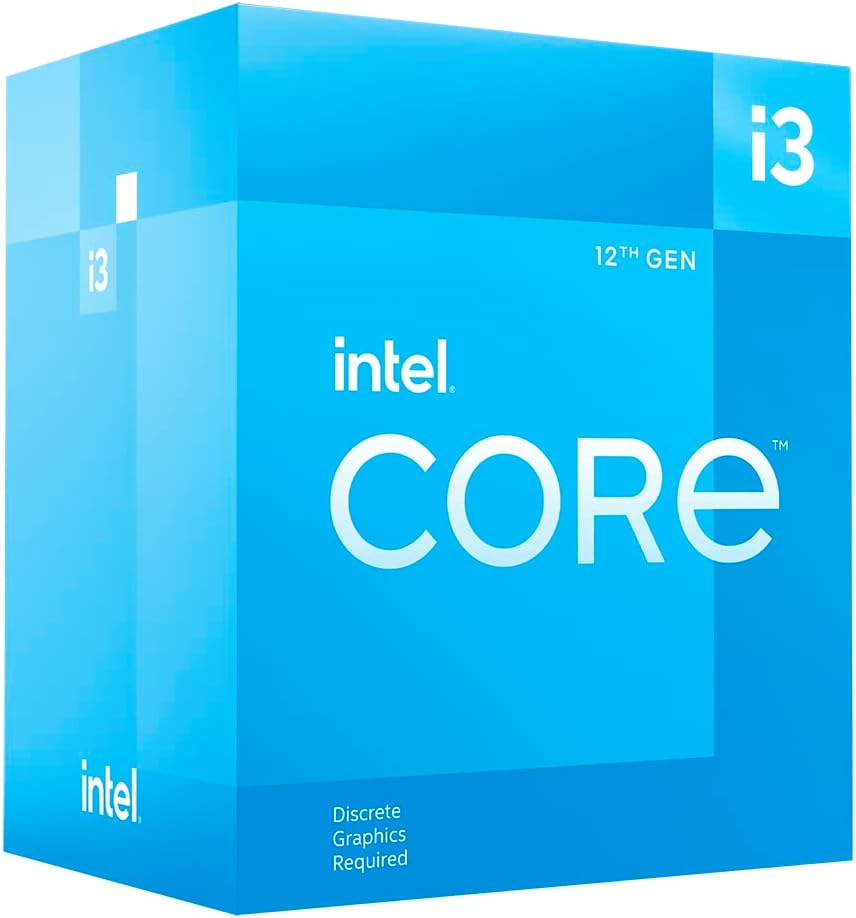
We’re using the Intel Core i3 12100F processor because it’s a good match for the expected processing power of the Nintendo Switch 2. It will work well with the RTX 3050 graphics card, creating a balanced system where neither component holds the other back. While it has the same number of processing threads as the Switch 2, the i3 12100F is faster overall thanks to its larger cache and quicker processing speed.
It’s a great option for what it does, and at about $74 from retailers like Newegg, it’s a really easy decision to make.
Motherboard
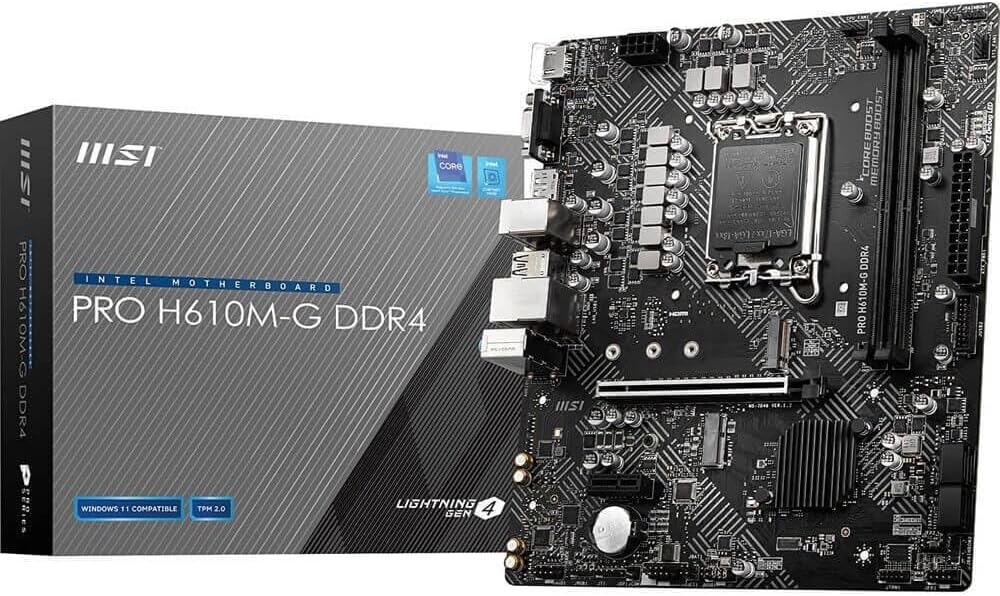
We need a motherboard that can easily support all our computer parts without requiring complicated BIOS updates. The MSI PRO H610M-G is a great option – it’s compatible with LGA 1700 processors, has a PCI-e 4.0 slot for fast storage, and costs about $90 on Amazon.
Memory
The upcoming Nintendo Switch 2 will have significantly more memory than the original, jumping from 4GB to 12GB. Unlike computers, consoles share memory between the processor and graphics card, allowing them to make the most of limited resources. This makes the Switch 2’s larger memory capacity particularly beneficial, offering increased flexibility and performance.
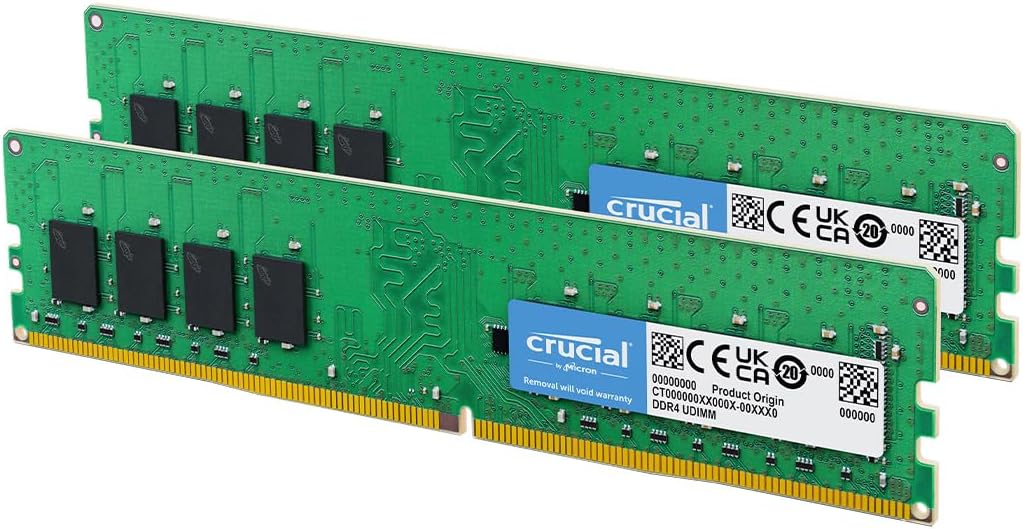
While we’re aiming for a high-end experience, we need to make sure the system has enough memory to handle the large, detailed game worlds we see in modern games. We’ve chosen a Crucial 16 GB DDR4 kit – two 8 GB sticks – running at 3200 MHz. This will help the entire system run smoothly and allow the CPU and GPU to perform at their best. Using two sticks (dual channel) is faster, but a single 16 GB stick would leave room for future upgrades. You can find this kit on Amazon for around $70.
Storage
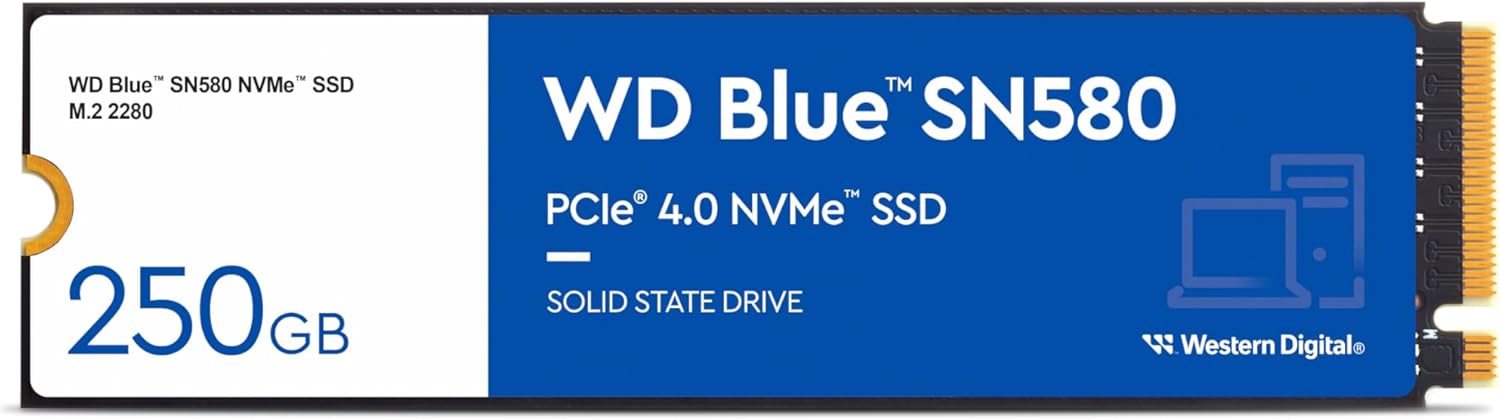
The Nintendo Switch includes 256 GB of UFS 3.1 storage. While not as fast as the storage in the PlayStation 5 or Xbox Series X, it’s a significant upgrade over previous Nintendo systems.
To meet the project requirements, we’ve chosen the Western Digital SN580 SSD. It’s fast and costs about $60 on Amazon. While a larger drive would be better for modern games-they often need 100GB or more-we’re using the 250GB version to keep the build affordable and true to the original plan.
Case
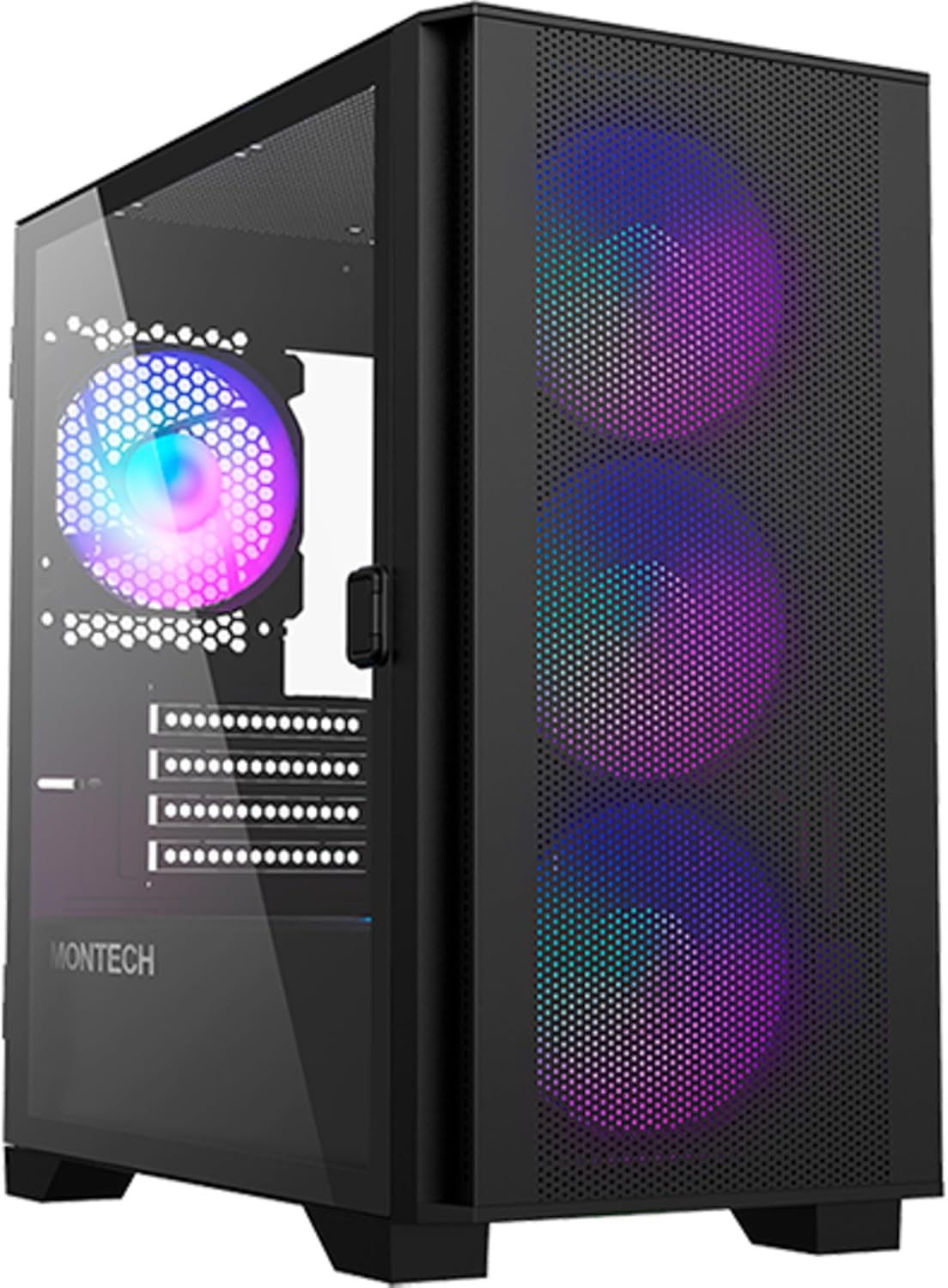
We’ll need a good case to hold all the computer parts, and the Montech AIR 100 is a great option that won’t cost a lot. It looks good, is fairly stylish, and includes four RGB fans to keep the system cool and prevent overheating. You can find it on Amazon for about $70.
Power Supply
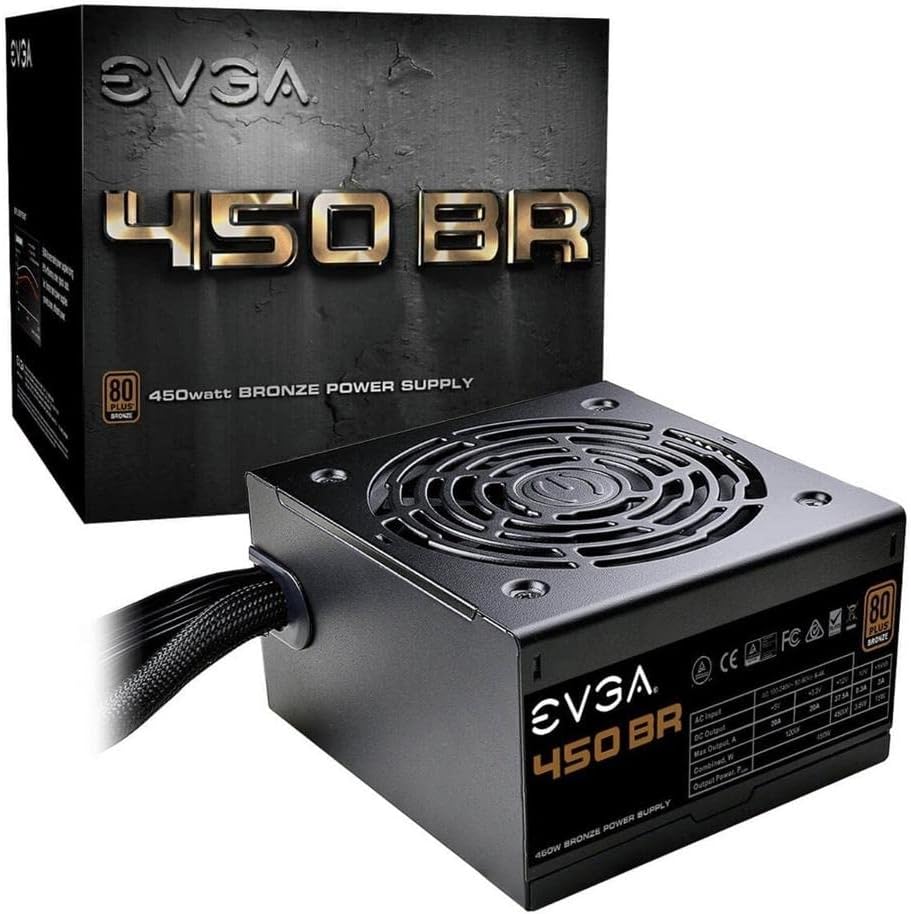
The power supply is a critical component of any gaming PC, so it’s important not to skimp on quality. Choosing a well-known brand with an 80+ efficiency rating is a smart move, and the EVGA 450W 80+ Bronze power supply fits the bill.
The card costs about $55 directly from EVGA, and you’ll likely find similar prices elsewhere. While a 450W power supply isn’t usually ideal, the RTX 3050 6 GB version doesn’t need extra power connectors, so it should work with our system.
Controller
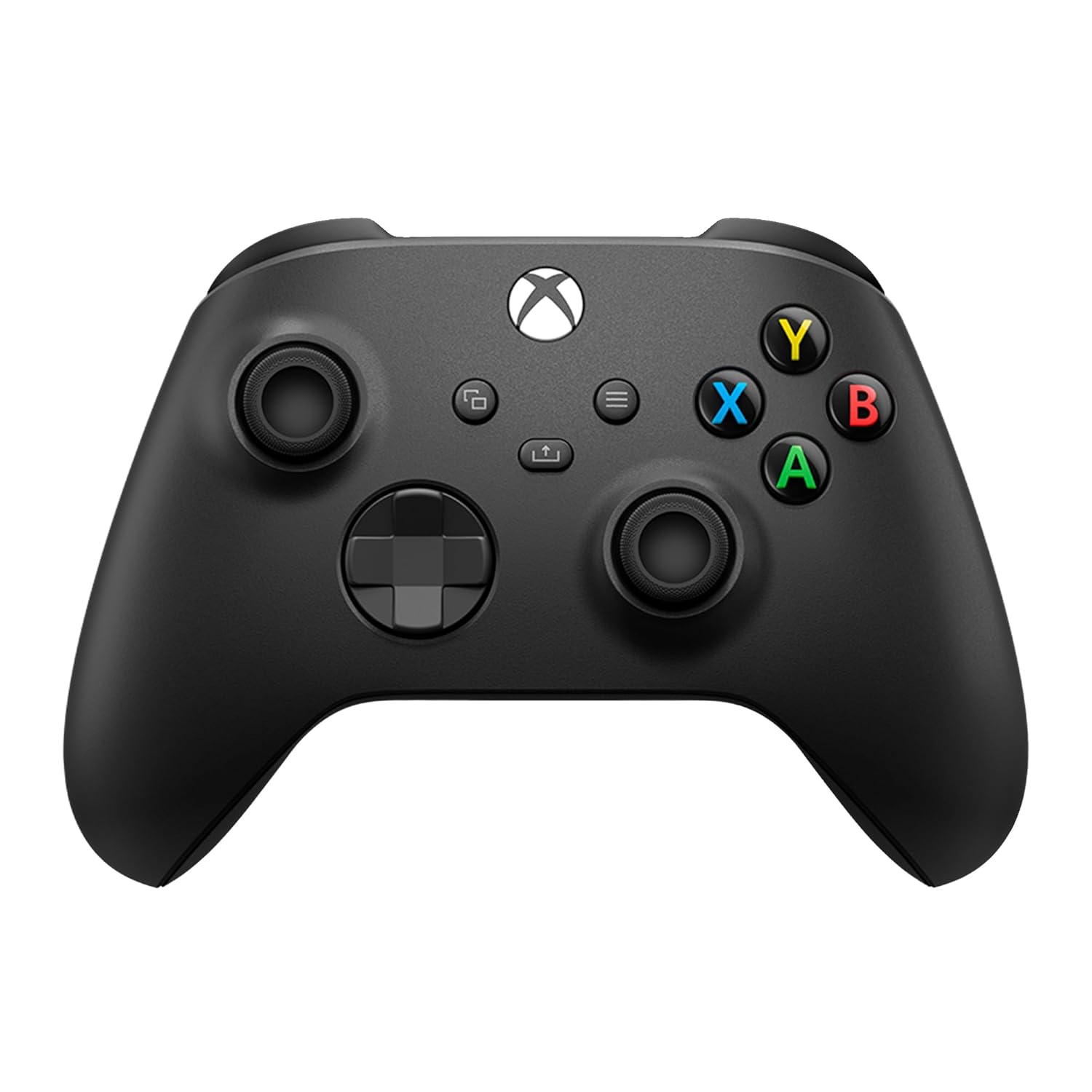
We’re planning to use the Xbox Wireless Controller. It’s a good value at around $75 on Amazon, comfortable to hold, and works with most setups. It connects wirelessly, but uses AA batteries, so you might want to consider rechargeable batteries or a different controller if you don’t want to replace them frequently.
HDMI Cable
We’re using the Anker Certified High Speed HDMI cable, which can handle 4K resolution at 120 frames per second – though most games won’t actually reach those settings yet. You can find it on Amazon for about $8.
Keyboard + Mouse
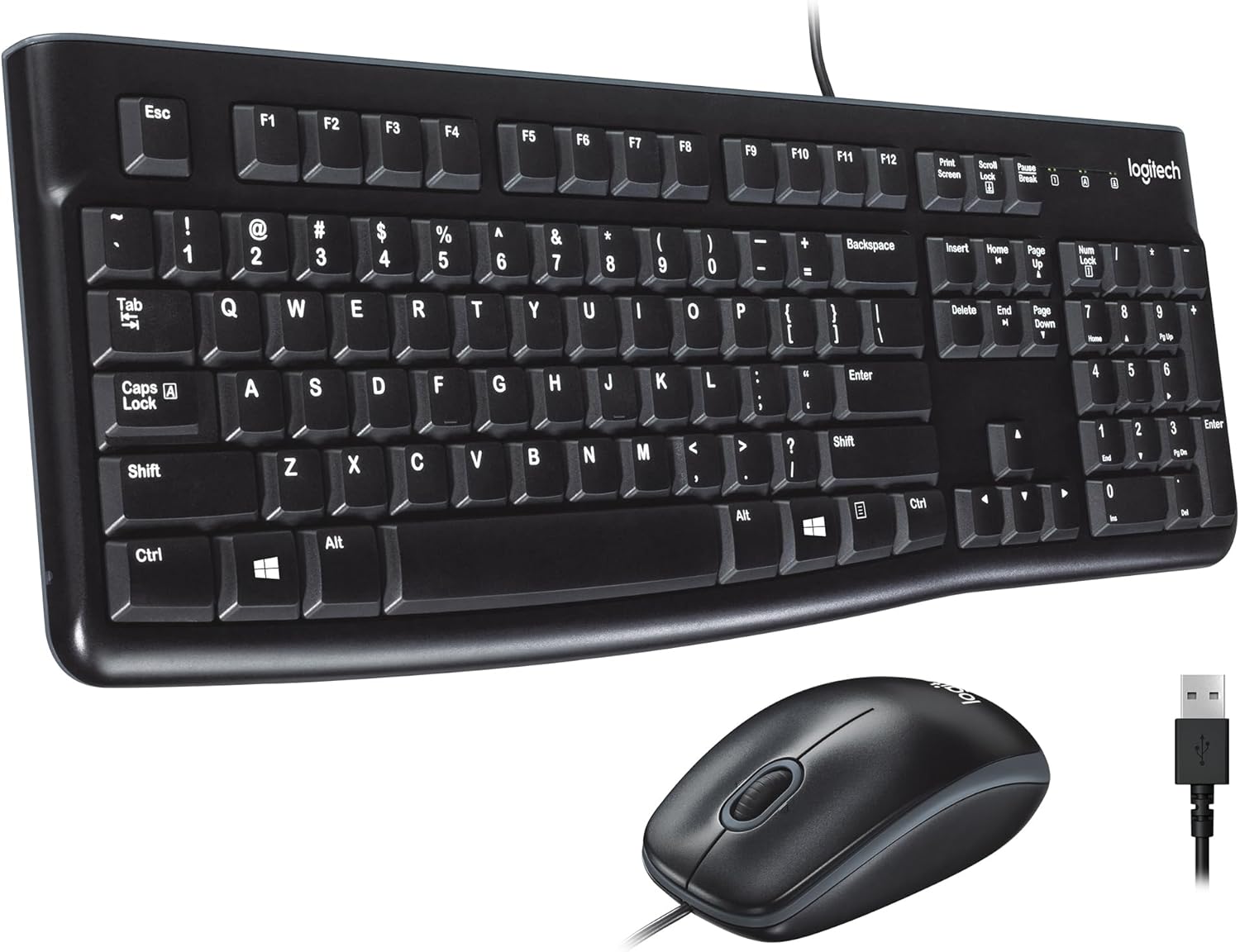
We’ll also need a keyboard and mouse to use the system, and the Logitech MK120 wired combo is a great, affordable option. It’s a basic set, but it works well for everyday use and even light gaming, and it’s available on Amazon for around $15 – which is a fantastic price.
Operating System
We also need to include the cost of a Windows 11 Home license, which is about $139 directly from the official website. This is important because Windows offers the best compatibility for gaming, as getting games to run smoothly on Linux can still be challenging.
Conclusion
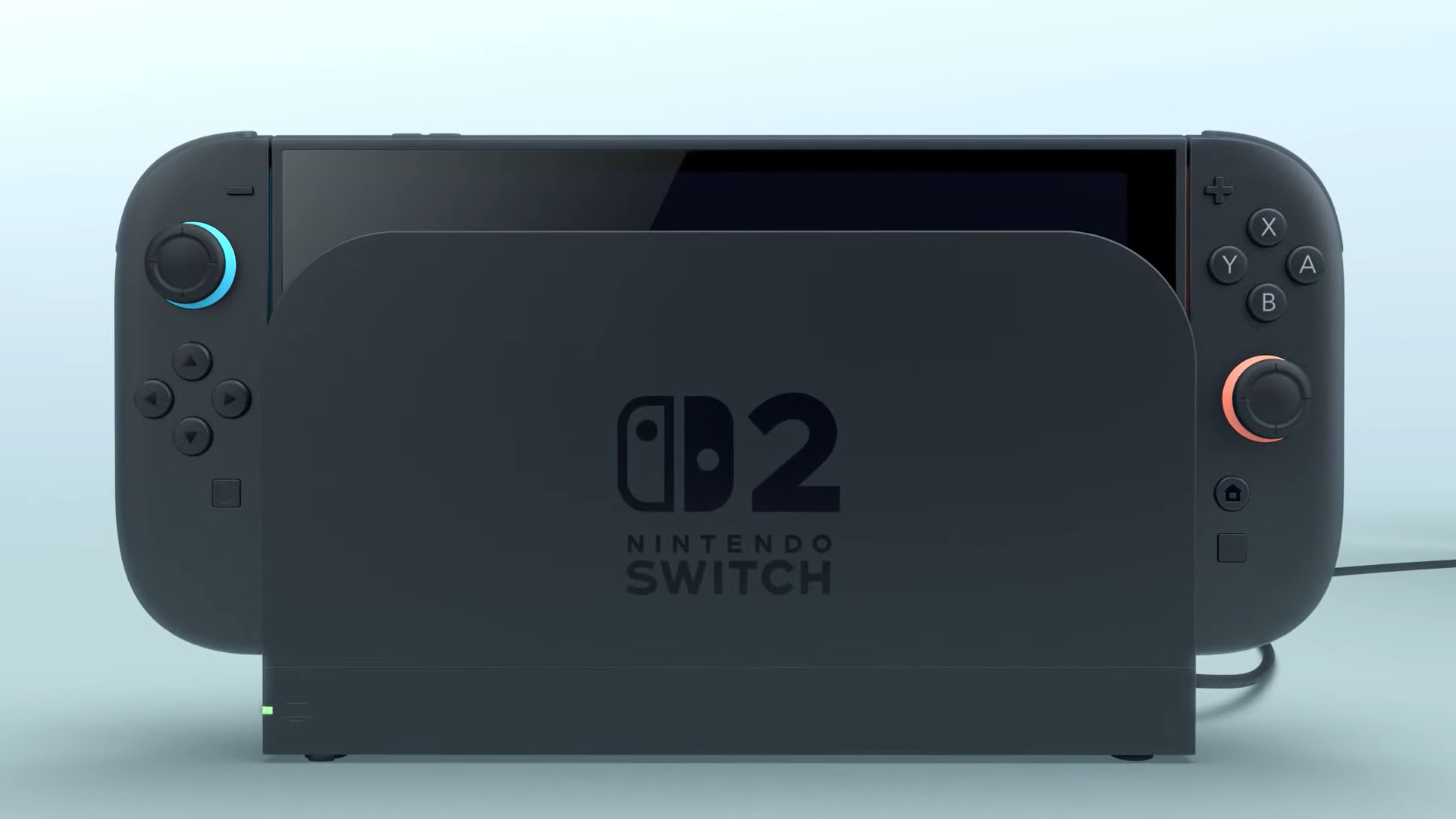
Okay, so I added up the cost of all the parts for this PC build, and it comes out to around $836. That’s quite a bit more than the new Nintendo Switch 2, which is selling for $450 right now. This PC will definitely be more powerful, but the downside is I won’t be able to take it on the go like the Switch, and I’ll miss out on playing games like Mario and Zelda that are exclusive to Nintendo.
I’m really excited to see how this all comes together and how the game changes over time. I’ll definitely be keeping an eye on it, so stay tuned!
Read More
- The Super Mario Galaxy Movie: 50 Easter Eggs, References & Major Cameos Explained
- Sydney Sweeney’s The Housemaid 2 Sets Streaming Release Date
- 10 Best Free Games on Steam in 2026, Ranked
- All 13 Smash Bros. Characters in the Super Mario Galaxy Movie
- Welcome to Demon School! Iruma-kun season 4 release schedule: When are new episodes on Crunchyroll?
- Highly Anticipated Strategy RPG Finally Sets Release Date (And It’s Soon)
- Dune 3 Gets the Huge Update Fans Have Been Waiting For
- Forza Horizon 6 ‘Prologue’ gameplay
- WTH?! Twitter Drops Fake Daredevil: Born Again Season 2 Spoilers as Character Return Confirmed
- Why is Tech Jacket gender-swapped in Invincible season 4 and who voices her?
2025-09-18 17:47