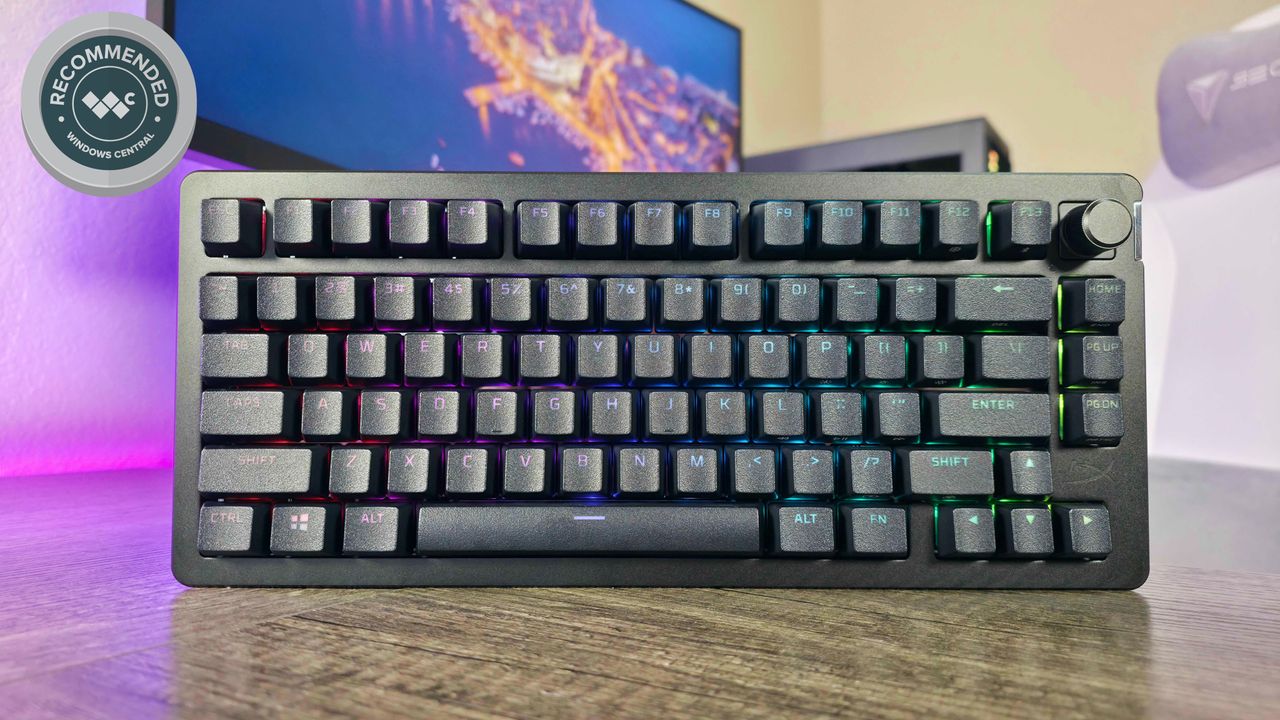
As a researcher, I’ve been testing a variety of keyboards recently, and each one has its own strengths. This new keyboard from HyperX really stands out because it focuses on delivering a high-end, wireless gaming experience, and it’s surprisingly customizable – more so than many others I’ve seen.
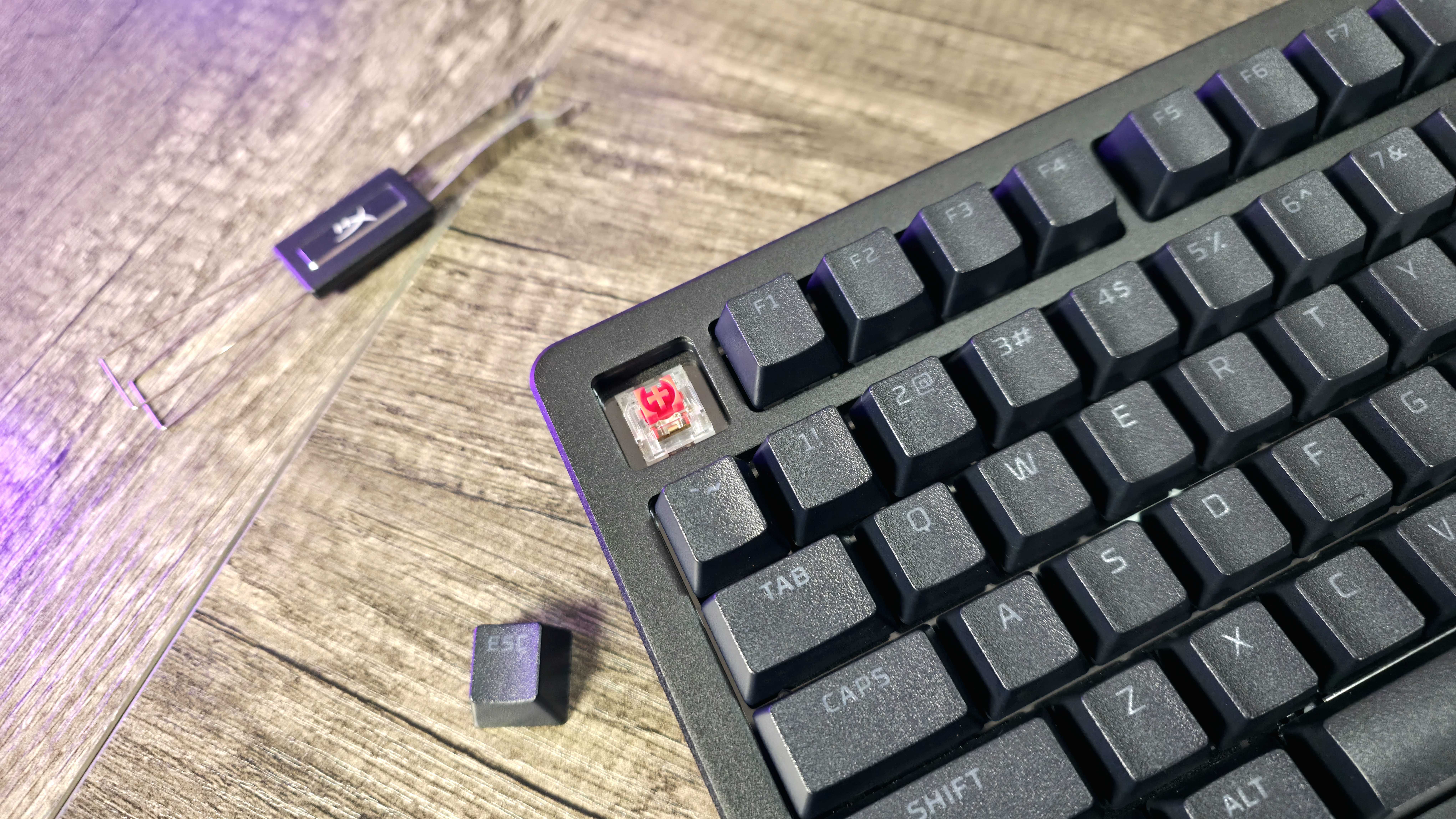
The HyperX Alloy Rise 75 Wireless keyboard is designed to be fully customizable. You can swap out the switches, change the keycaps, and even modify the frame and badge thanks to its magnetic design. It also features vibrant per-key and frame RGB lighting, ensuring a personalized and feature-rich experience. The goal is to provide a keyboard that always feels new and adaptable.
During my tests, the Alloy Rise 75 Wireless didn’t consistently perform as well as other keyboards in its price range, and I noticed some strange issues and instability – things you wouldn’t expect from a high-end product. However, this keyboard has been available for a while now, so it’s often available at a discounted price. That lower price makes it a more appealing option, and improves my overall recommendation.
We received a review unit from HP for this evaluation. Neither HP nor HyperX had any opportunity to review or influence the content before it was published.
A flexible design packed with features
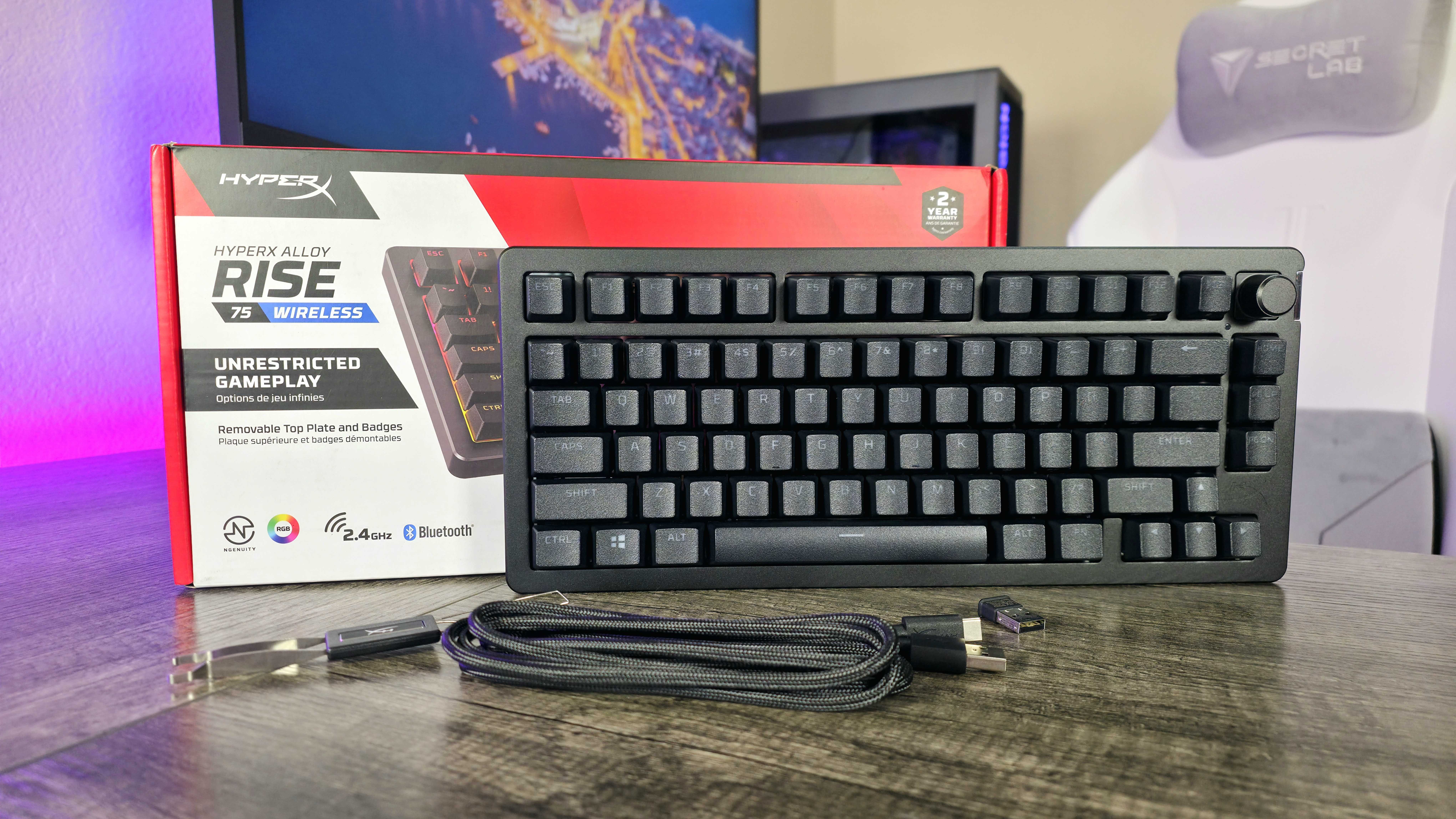

While I still like having a number pad, I’ve really come to appreciate the 75% keyboard layout that’s become so popular.
The HyperX Alloy Rise 75 Wireless keyboard is a decent attempt at this style, but it has a few drawbacks. It lacks dedicated ‘Del’ and right ‘Ctrl’ keys, and the right ‘Shift’ key is still smaller than usual. On the plus side, it includes an extra F13 key, which some users will appreciate.
Beyond its appearance, this keyboard is built with a plastic frame and uses a gasket mount for a unique feel. The aluminum top piece attaches magnetically, allowing you to easily remove it to access the screws and even change its color. Plus, there’s a customizable metal badge on the side – you can buy different designs from HyperX for $24.99 on their website.
The HyperX Alloy Rise 75 Wireless offers a lot of customization options. You can change the switches and keycaps (which are made of durable, double-shot PBT plastic), and it features per-key RGB lighting plus additional RGB strips on the sides. While the keyboard itself only comes in black, these features make it more adaptable than most keyboards.
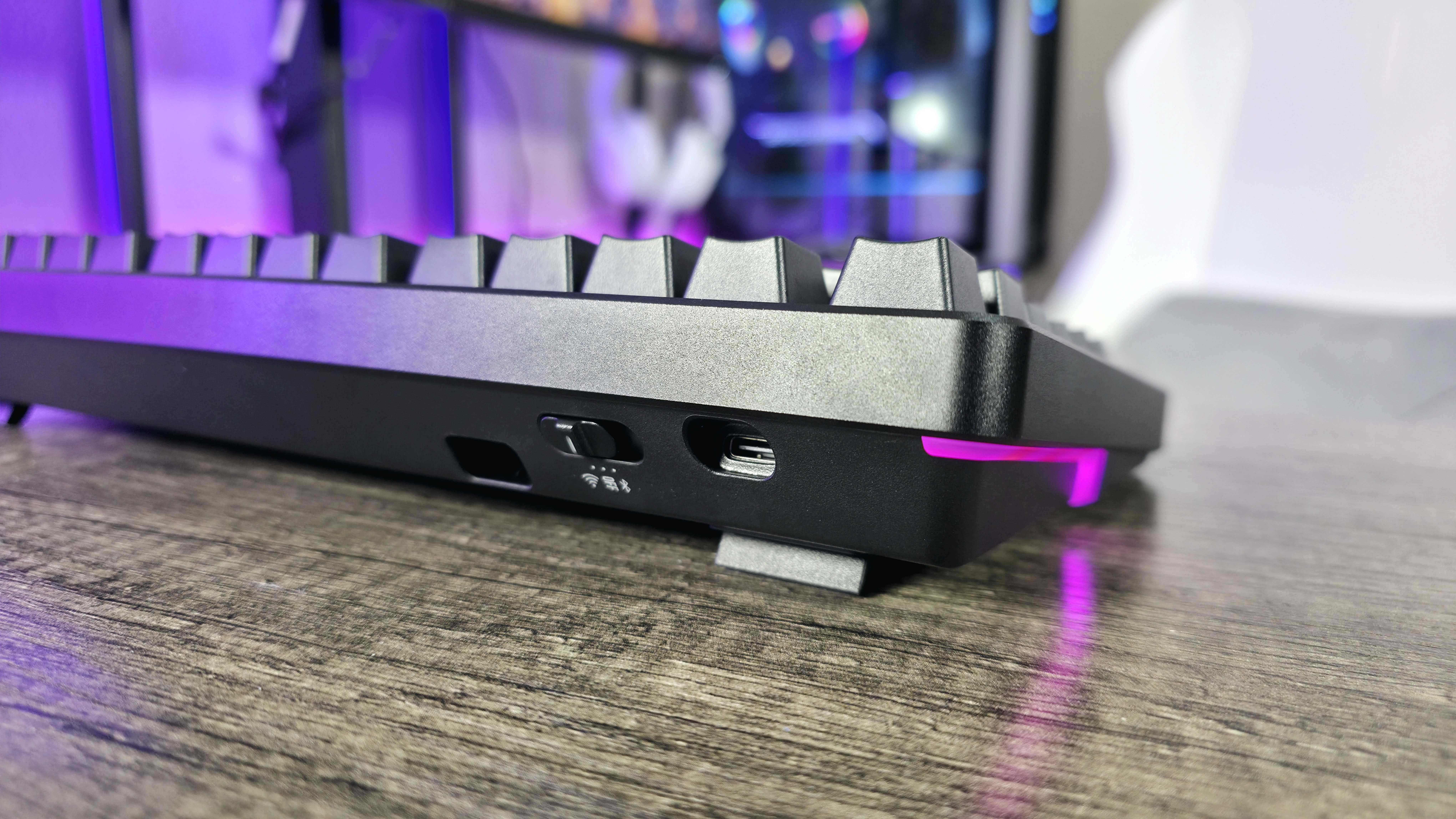
As a huge keyboard fan, I’m really impressed with the Alloy Rise 75 Wireless. It’s not just about making it look exactly how you want! You can connect to multiple devices easily – it has HyperX’s wireless connection, three Bluetooth options, *and* a USB-C port. Plus, it has a cool customizable dial, and get this – an ambient light sensor! That means the RGB backlighting actually changes to match the lighting in your room, which is a feature I haven’t seen much of before.
Honestly, I was really impressed with the battery life on this thing – I’m getting around 80 hours of use even with the RGB turned on! It’s got all the features, a solid design, and feels well-built for the price, but the real question is: how does it *feel* to actually type on every day?
Software and firmware that’s rough around the edges
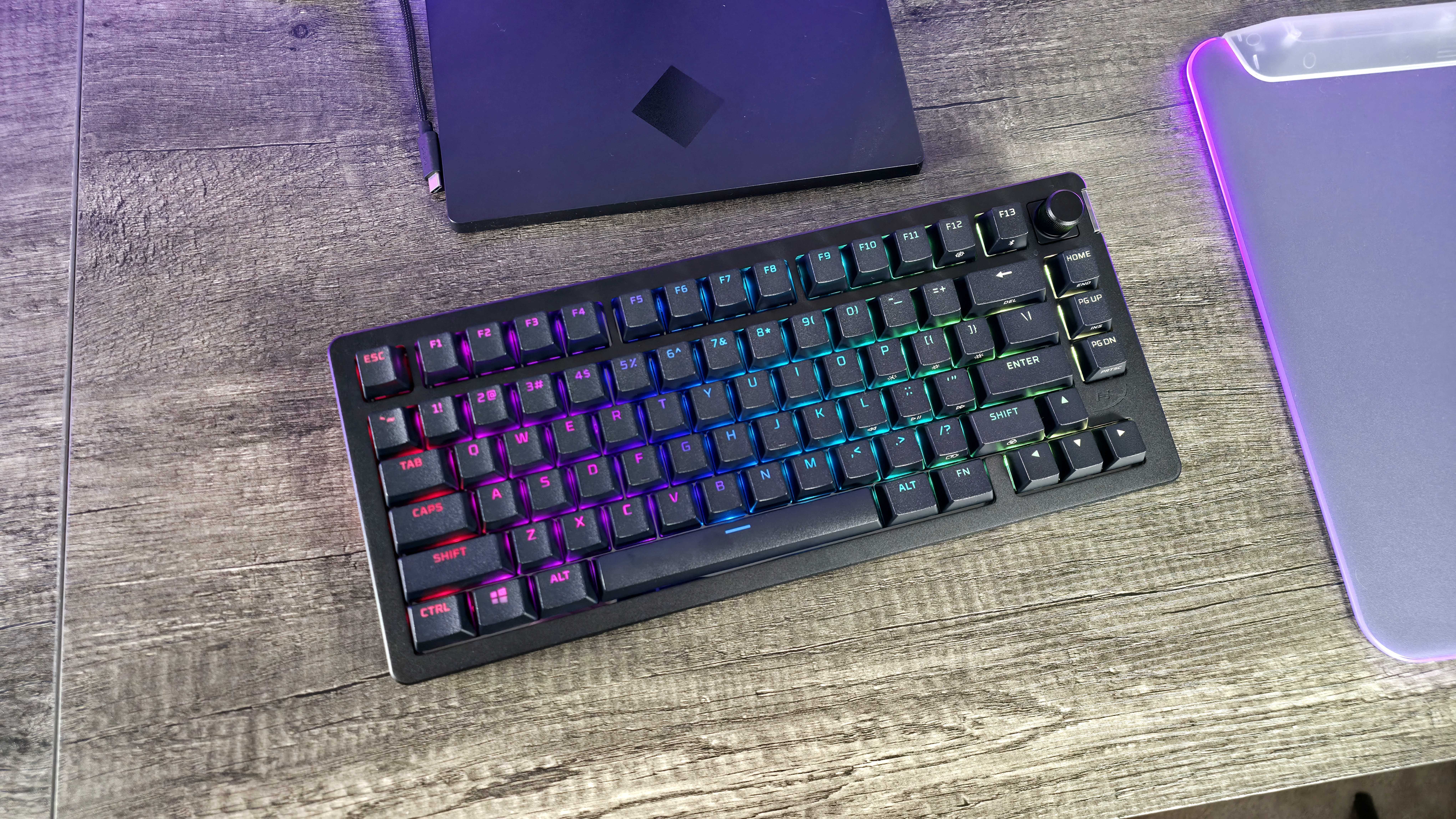
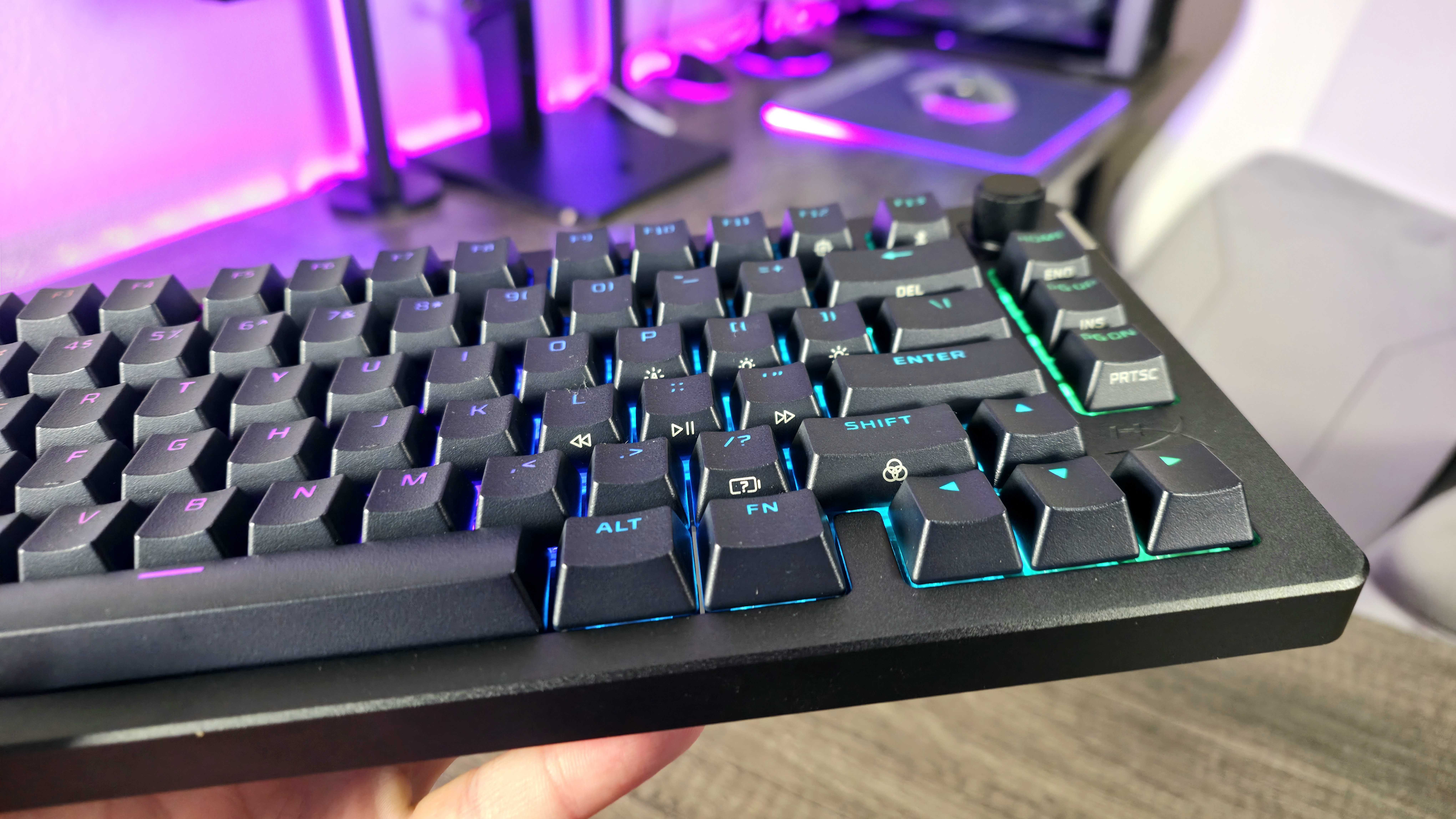
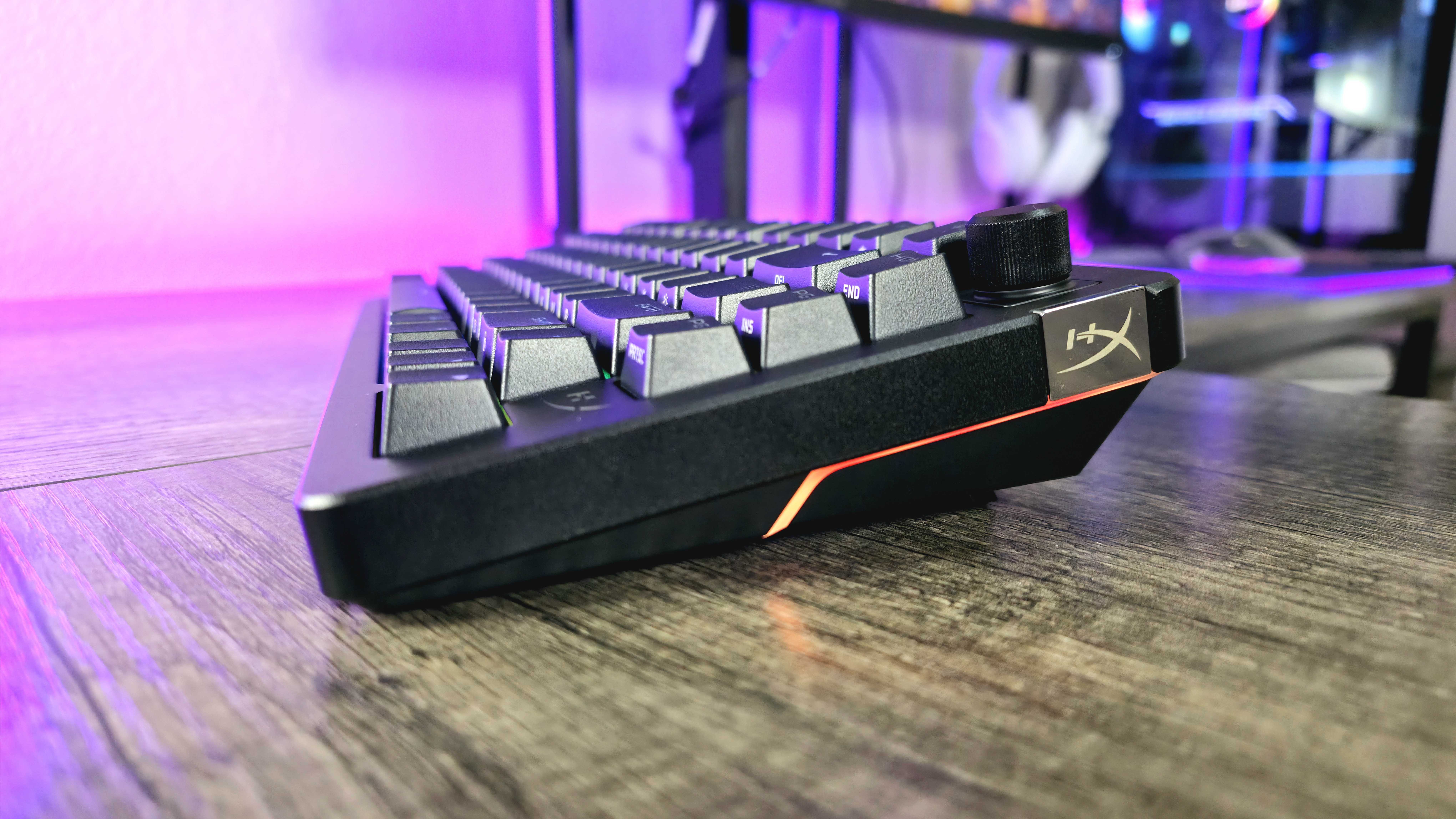
Setting up the HyperX Alloy Rise 75 Wireless keyboard was surprisingly difficult, and it seems Windows Dynamic Lighting was the cause. I’d previously turned this feature off, but it automatically switched back on when I plugged in the keyboard – and it only affected this keyboard, not any of my other devices with RGB lighting.
The Alloy Rise 75 Wireless keyboard had problems until I figured out what was causing them. Many of the keyboard shortcuts didn’t function, or didn’t provide feedback when used, and any customizations I made in the HyperX NGENUITY software wouldn’t save. Other users and reviewers have reported experiencing the same issues.
After disabling Windows Dynamic Lighting, doing a full reset of the keyboard and software, and reinstalling all updates, my Alloy Rise 75 Wireless keyboard started working as expected. However, the RGB lighting would sometimes switch off, requiring a restart of the keyboard. It also disconnected from my computer a few times, which was also fixed by restarting it.
The Alloy Rise 75 Wireless isn’t exactly flawed, but it’s been a bit less reliable compared to other keyboards I’ve tested lately.
The HyperX Alloy Rise 75 Wireless has been available for a while, and even after a year of improvements, it wasn’t always perfectly reliable during my testing. However, while I did encounter some problems, they were minor and didn’t significantly impact my overall experience – less than 1% of my time was spent dealing with them. So, it’s not a broken keyboard, and I wouldn’t say it has major flaws.
Generally, the Alloy Rise 75 Wireless has performed very well and is comfortable to type on. The sound it makes while typing is a bit harsh and metallic, and other keyboards in the same price range feel more premium. Luckily, the Alloy Rise 75 Wireless is now available at a lower price, which makes these minor drawbacks easier to overlook.
Alloy Rise 75 Wireless review: My final thoughts
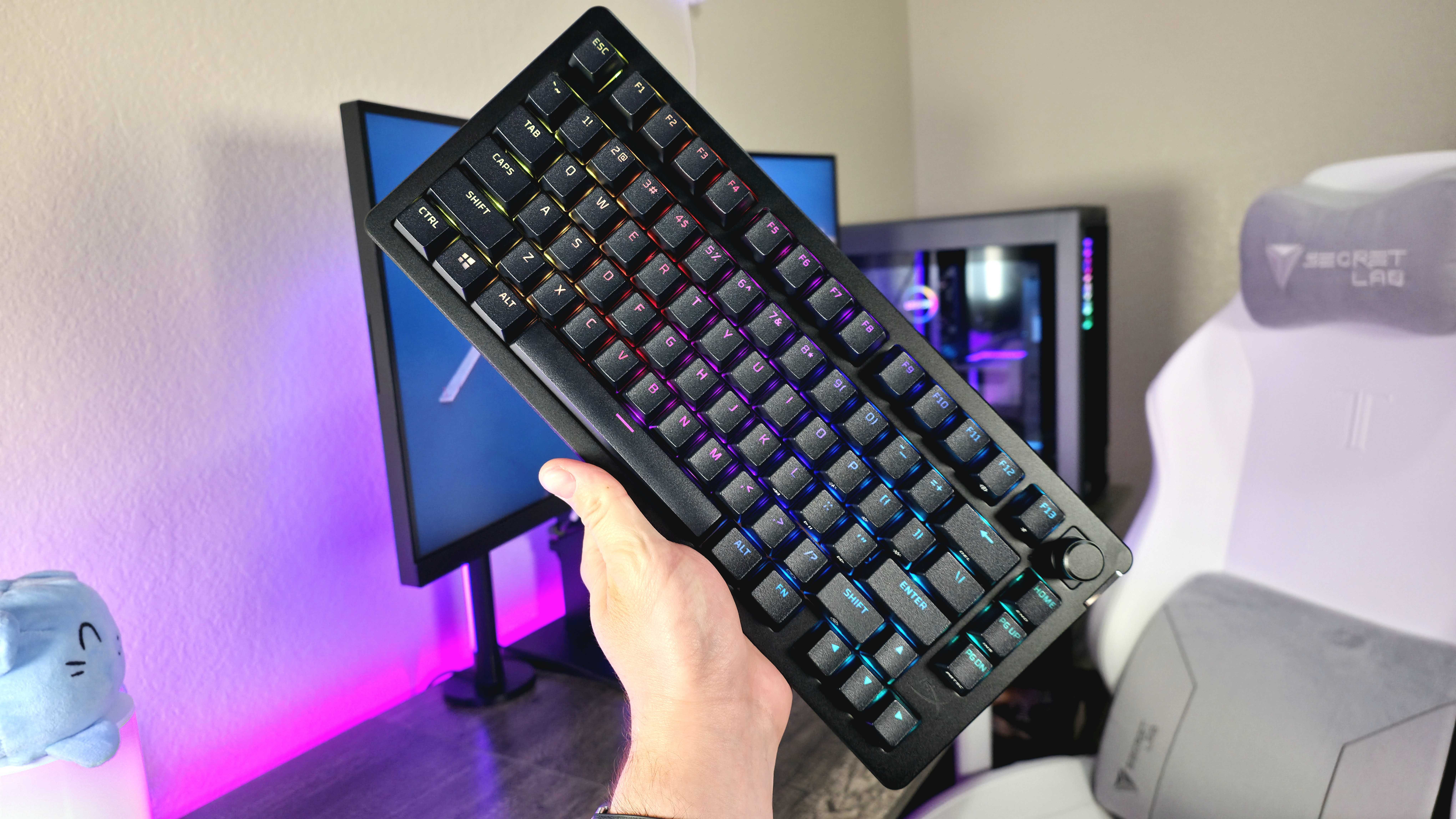
✅You should buy this if …
- You want a full-featured, premium, wireless 75% gaming keyboard.
- You’ll actually take advantage of the increase customizability.
- You find this keyboard on sale for much less than its retail price.
❌You should not buy this if …
- Small issues wear on your patience very quickly.
- You love creamy typing acoustics, like the best enthusiast keyboards.
The HyperX Alloy Rise 75 Wireless costs $230, which puts it in direct competition with top-rated wireless gaming keyboards. Considering how crucial reliability is for a gaming keyboard, it’s hard to recommend at that price point.
The keyboard is actually quite affordable now. You can usually find it for around $130 to $140 on sites like Best Buy and Amazon. That price makes it a great value, especially if you’re looking for a high-quality keyboard without spending a lot of money.
The HyperX Alloy Rise 75 Wireless isn’t likely to become a top-tier gaming keyboard, but it’s a solid choice if you can find it on sale. It offers a lot of features, good customization options, and a generally enjoyable experience for both typing and gaming. Just be aware that it has a few quirks, which are more understandable considering its now-reduced price. I initially reviewed it more positively because of this better value.
Read More
- Trails in the Sky 2nd Chapter launches September 17
- HBO Max Just Added the Final Episodes of a Modern Adult Swim Classic
- Paradox codes (April 2026): Full list of codes and how to redeem them
- PRAGMATA ‘Eight’ trailer
- Crimson Desert’s Momentum Continues With 10 Incredible New Changes
- Pragmata Shows Off Even More Gorgeous RTX Path Tracing Ahead of Launch
- Solo Leveling’s New Character Gets a New Story Amid Season 3 Delay
- Hulu Just Added One of the Most Quotable Movies Ever Made (But It’s Sequel Is Impossible To Stream)
- Dragon Quest Smash/Grow launches April 21
- How Could We Forget About SOL Shogunate, the PS5 Action RPG About Samurai on the Moon?
2025-12-09 17:10