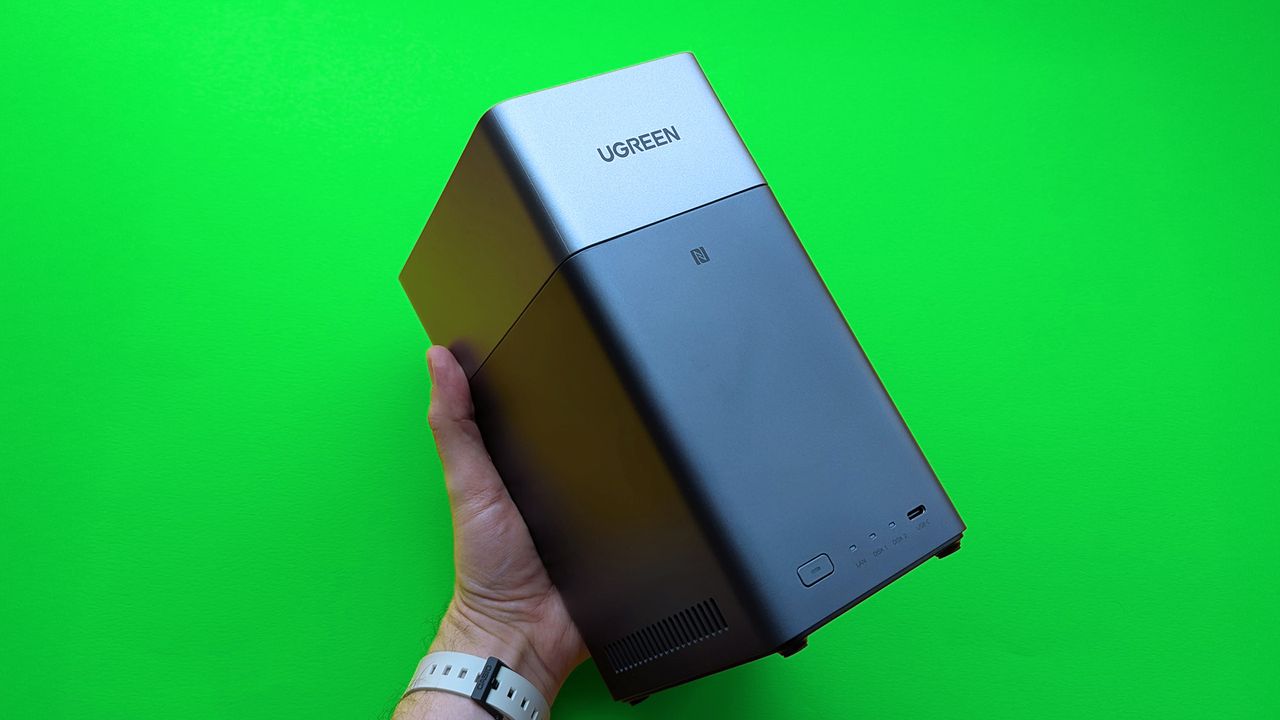
I never really understood the appeal of network-attached storage (NAS) devices – I used to wonder what anyone could need hundreds of terabytes of storage for! But after trying out this basic UGREEN NAS, I get it. You don’t need a super powerful, expensive system to benefit from one.
My recent foray into setting up a home network storage (NAS) device wasn’t groundbreaking. It’s a question many people ask: Can I cut the cord on streaming services and store all my movies and music locally instead, without spending even more money? The answer is yes, and I managed to do it as a beginner, without needing to be an expert.
While RAID-optimized storage drives are recommended, I started building this setup right before Christmas and couldn’t get multi-terabyte drives in time. So, for this UGREEN NASync DH2300 review, I decided to just try using whatever drives I had on hand to see if it would work. It was worth a try!
Where can you buy the NASync DH2300?
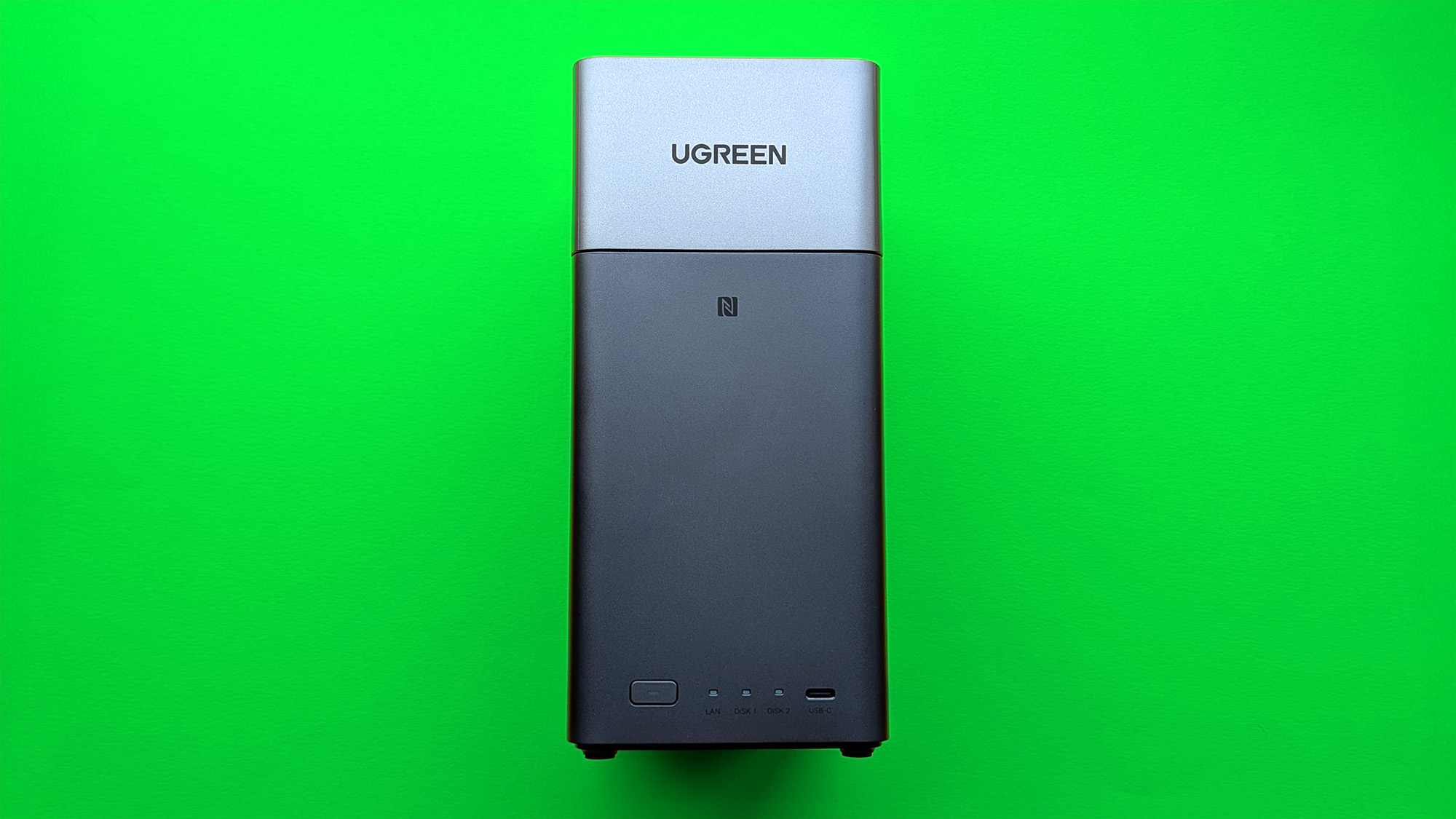
You can usually find UGREEN’s cables, chargers, and other tech gadgets at stores across the US, but their network attached storage (NAS) devices are a little harder to come by.
The NASync DH2300 is readily available on Amazon for around $209.99, which is the standard price. However, it’s often on sale and has recently been available for as little as $167.99.
You can sometimes find the DH2300 on Newegg for less than the manufacturer’s suggested price, and UGREEN NAS is also available directly from Walmart.
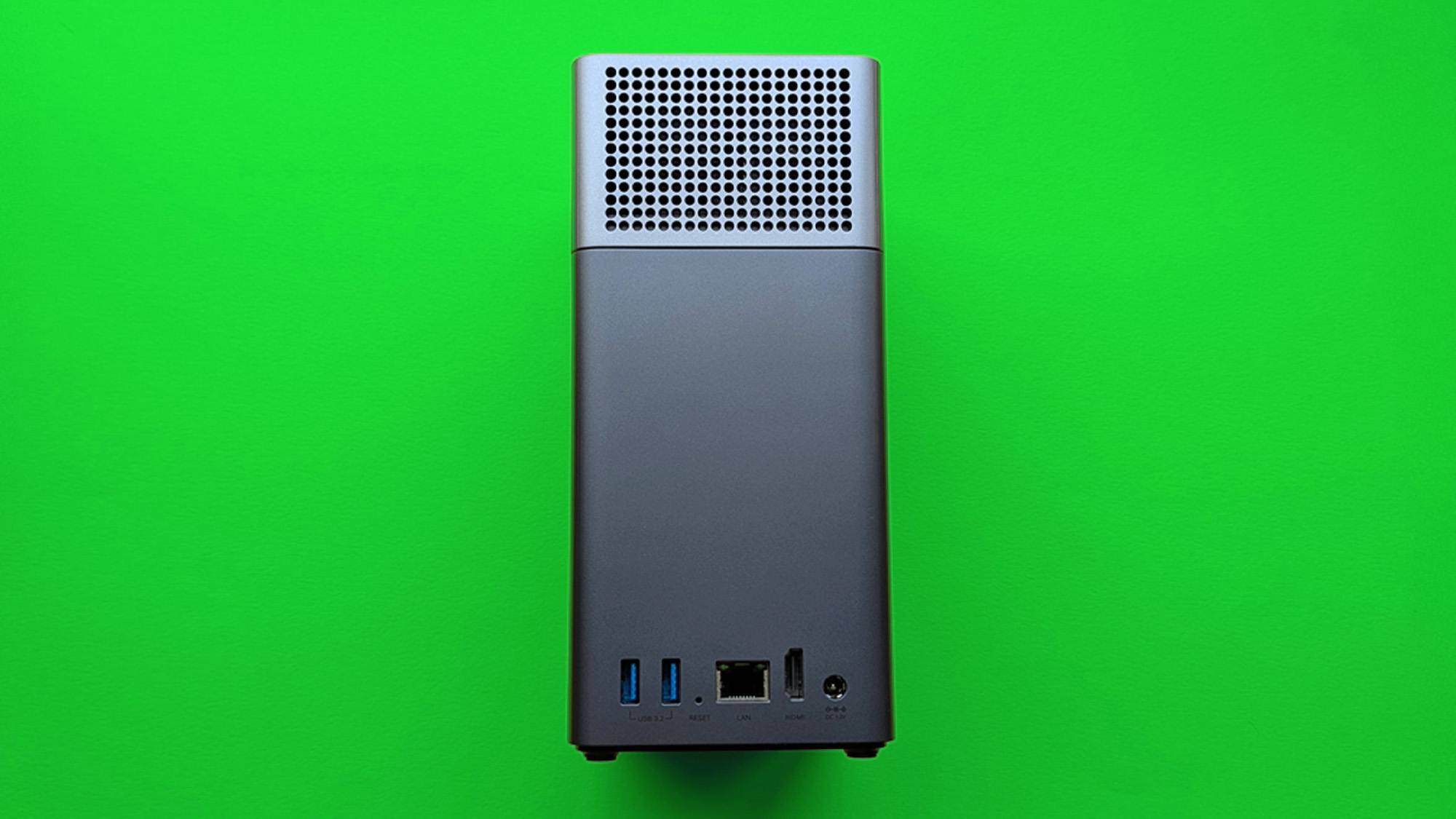
The package includes a 12V/6A power adapter, a Cat7 Ethernet cable, screws, and a screwdriver. You can use these to install either 3.5″ or 2.5″ SATA hard drives. Keep in mind this is a diskless system, meaning you’ll need to supply your own storage drives – UGREEN provides a compatibility list to help, though it’s not required.
Is the NASync DH2300 a good NAS?
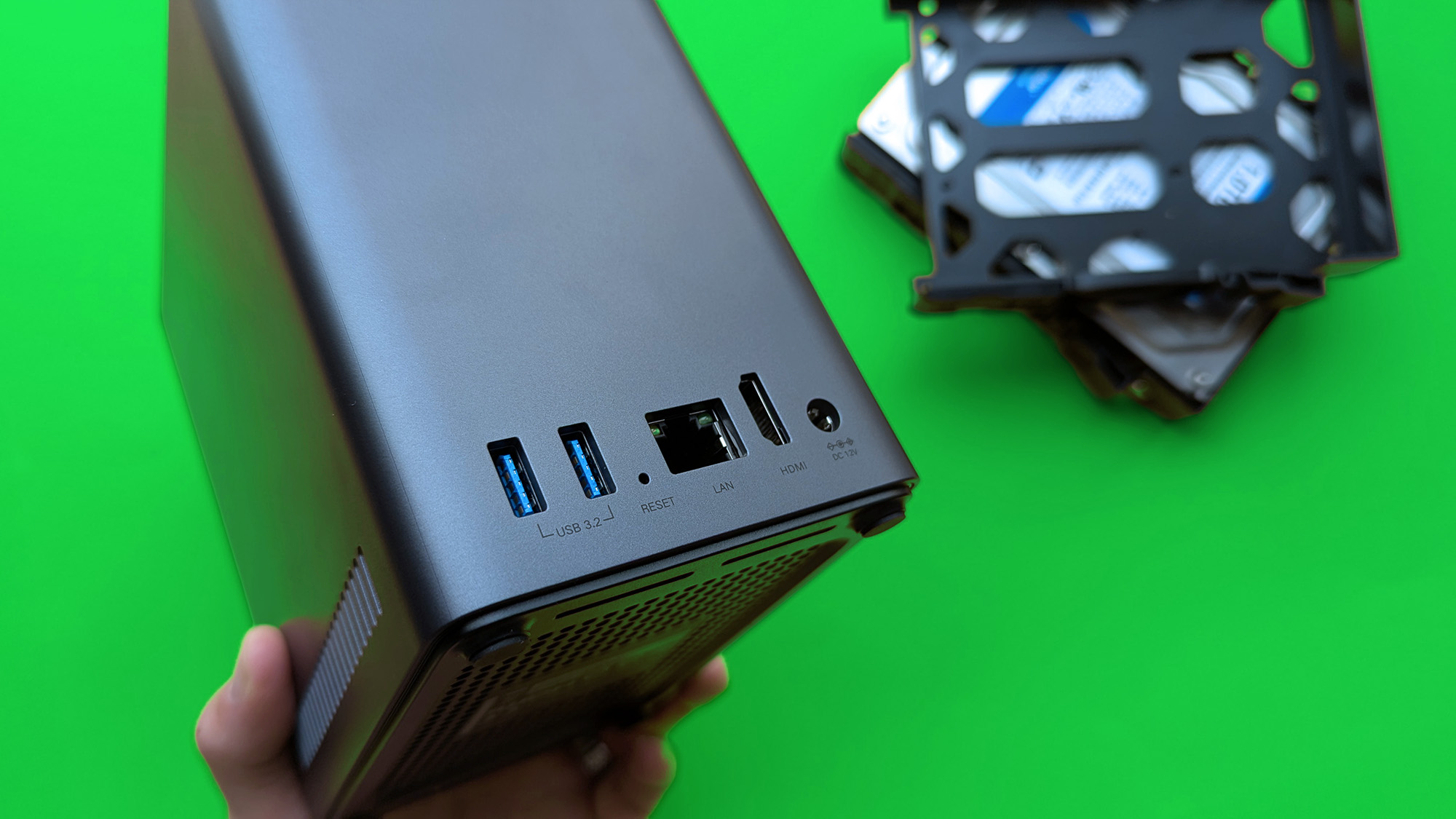
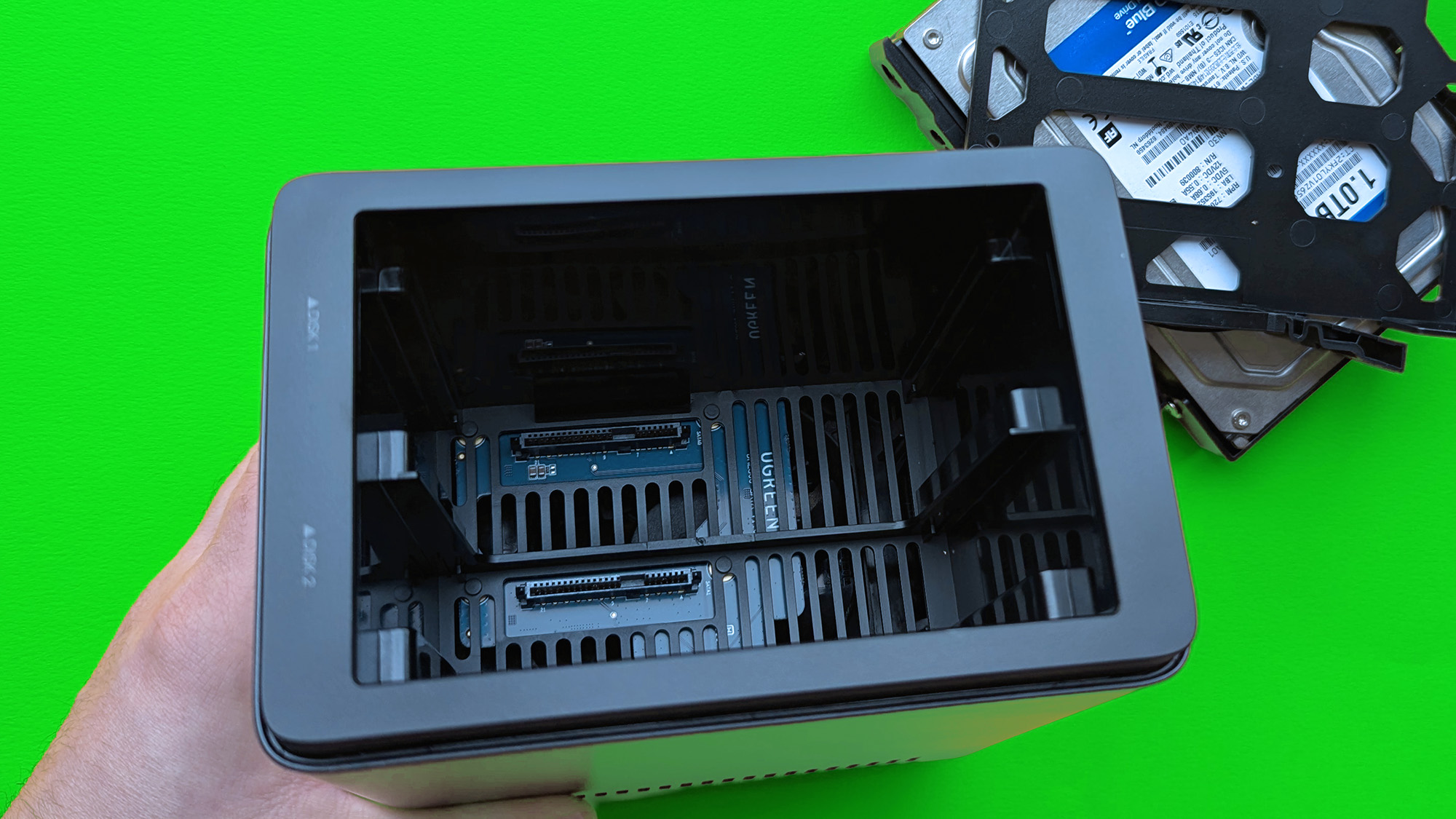
I don’t have a lot of experience with NAS devices – it’s a whole world I haven’t really explored. There are undoubtedly many complex details I’m missing, but I wanted to review the NASync DH2300 as someone new to this technology. From that perspective, it’s been a really good experience.
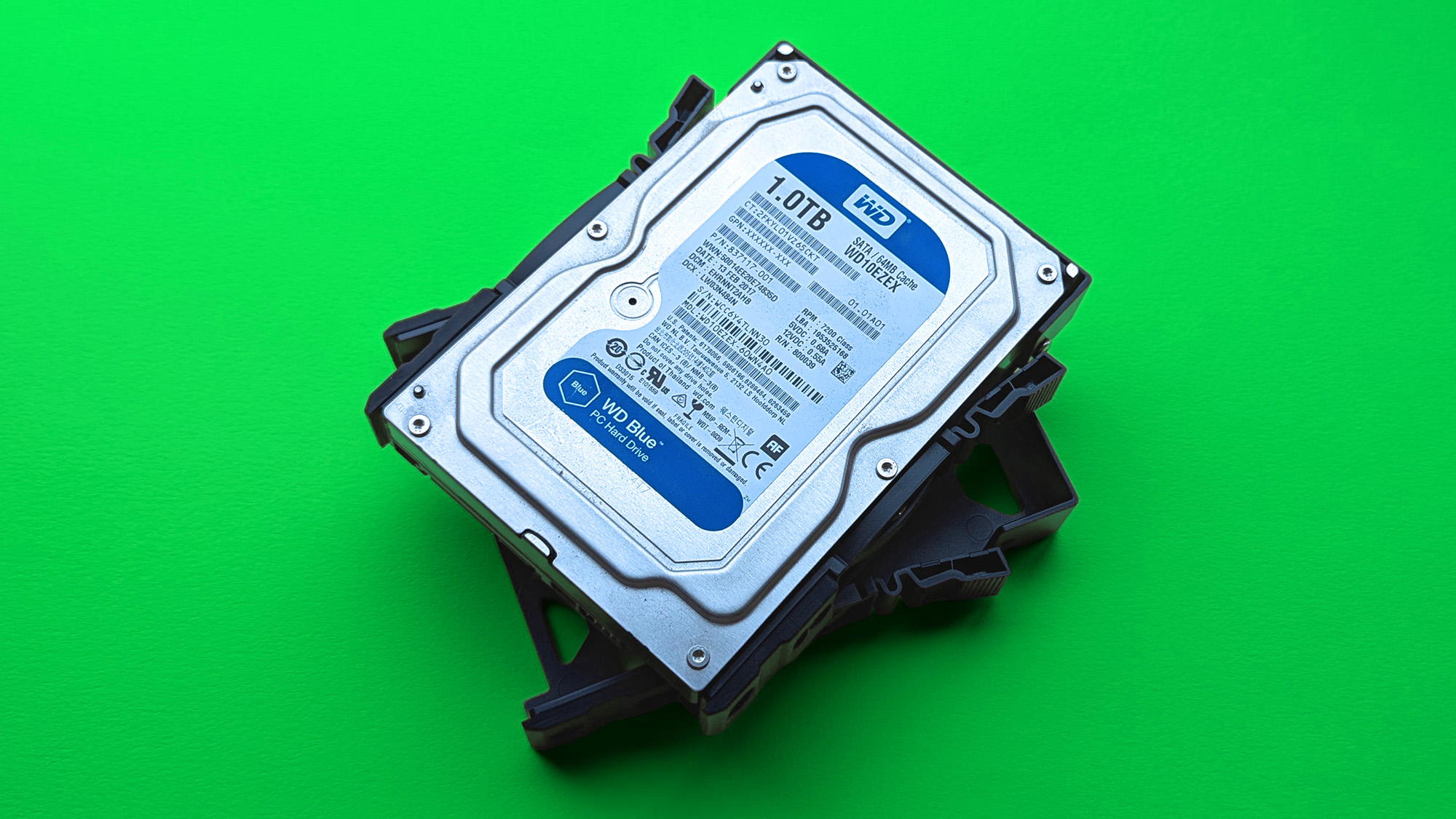
I added an older 3.5-inch WD Blue hard drive, and surprisingly, it worked perfectly even though it wasn’t made for use in a network-attached storage (NAS) device.
UGREEN suggests using drives specifically made for home servers, such as the WD Red Plus, Seagate IronWolf, and Toshiba N300, but those can be costly if you’re not sure about getting a NAS. Having built countless custom PCs, I’ve ended up with a lot of perfectly good 2.5 and 3.5-inch hard drives after switching to faster M.2 NVMe SSDs.
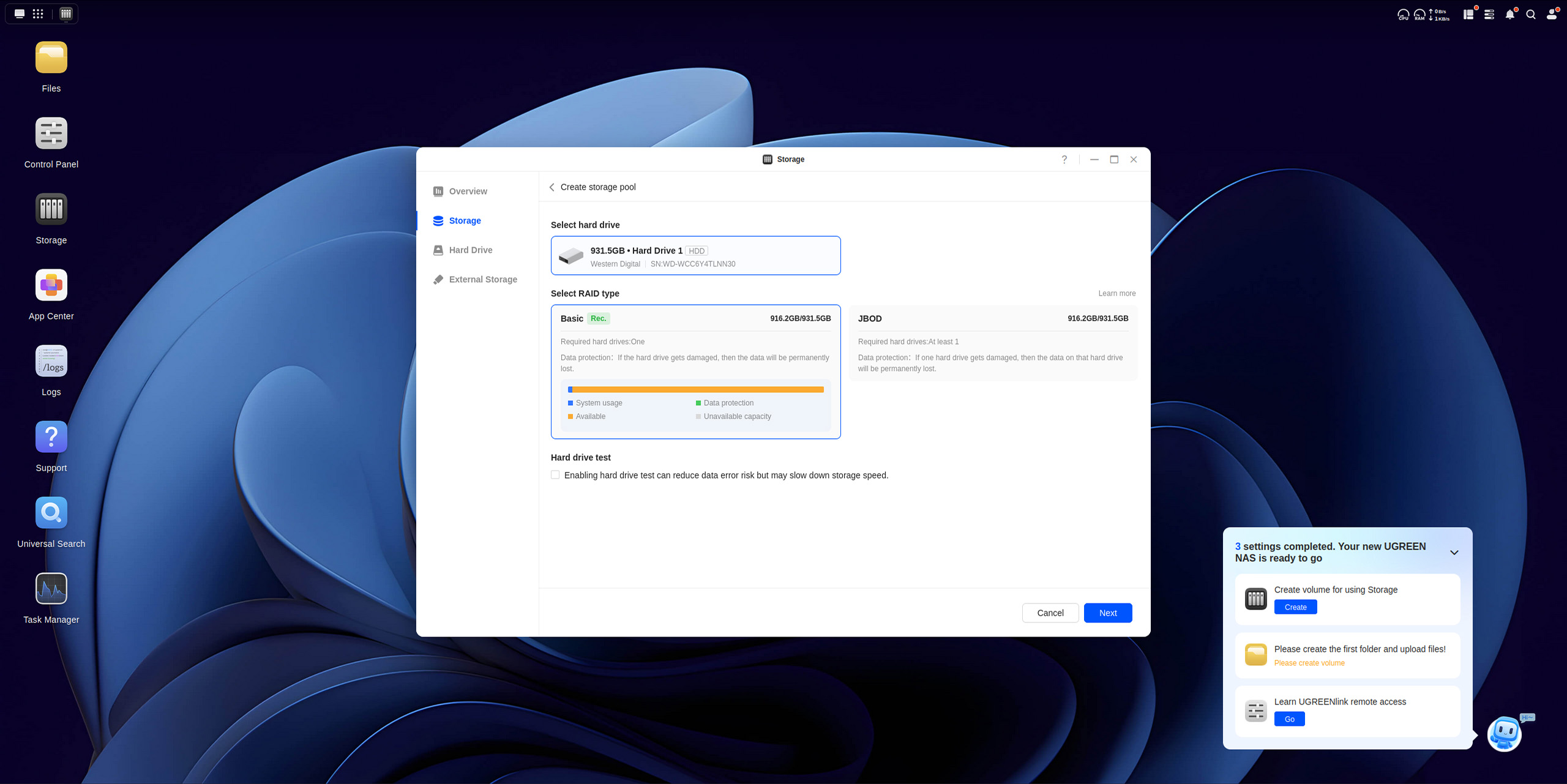
While dedicated NAS drives usually give you the most storage for your money, I tested an older, standard WD Blue hard drive, and it actually worked perfectly well, even though it wasn’t made for a NAS. I’m not recommending you do this regularly, but it *is* possible to use regular drives. It may seem obvious, but it was a surprising discovery for me.
The DH2300 can be set up in several ways, including using NFC-compatible smartphones and the UGREEN mobile app. I prefer using a web browser to manage devices on my network, and setting this up was surprisingly simple. I just went to find.ugnas.com, and then I could easily create folders on the NAS and drag and drop files directly into the browser window.
Does the NASync DH2300 have any issues?
The NASync DH2300 has just a couple of drawbacks – one with the software and one with the hardware. I wanted to test if this affordable NAS could handle running Jellyfin, a media server similar to Plex, and stream my movie and TV show backups (DVD, Blu-ray, and UHD) throughout my home. To do this, I needed to install an app called Docker, but surprisingly, it wasn’t available in the NAS’s app store.
Even though it’s no longer supposed to be available, I can still successfully install a Docker package designed for the DH4300 Plus on my DH2300.
I recently discovered Docker is available for the DH2300, based on recommendations from network-attached storage (NAS) fans. UGREEN removed it from their App Center because the DH2300’s 4GB of RAM doesn’t quite meet Docker’s minimum requirements. However, I was still able to install a Docker package designed for the DH4300 Plus, and it works perfectly on the DH2300.
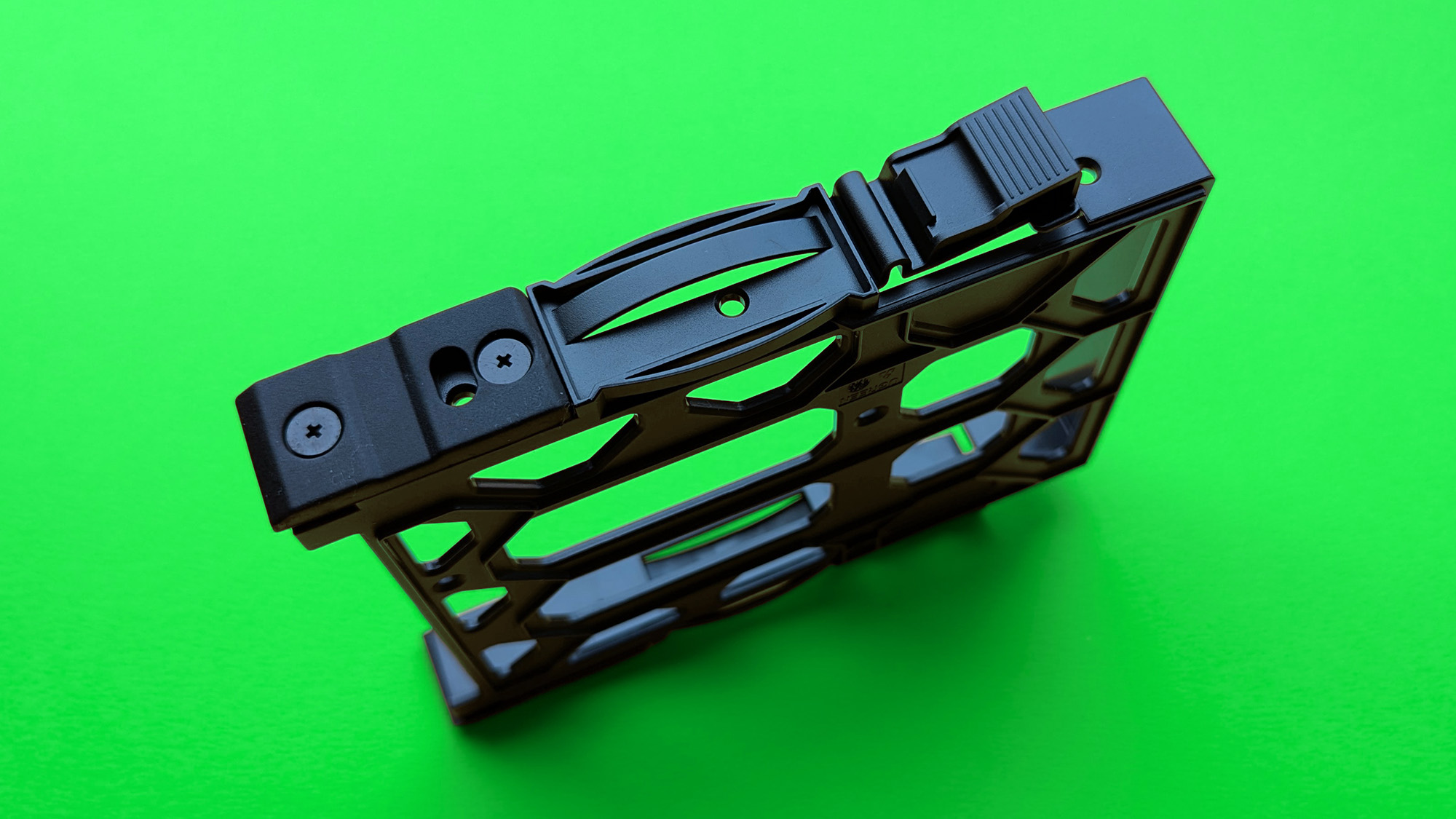
The plastic drive bays are fairly simple. You’ll need to use the provided screws to install your drives, as they aren’t designed for tool-free installation. This is understandable given the price, and it’s a feature found on UGREEN’s higher-end models. Removing Docker also makes the setup a bit less user-friendly.
Should you buy the UGREEN NASync DH2300?
✅ You should buy it if..
- You want to run a basic home media server
- You’re overpaying for cloud backup services
- You’re interested in NAS but don’t want to overspend
❌ You should not buy it if..
- You need high-end hardware transcoding
- You want to transcode media to multiple devices
- You can’t run an Ethernet cable to your network
The NASync DH2300 is great for playing my Blu-ray backups – which are saved as MP4 files with H.264 video and Dolby Digital audio – on almost any device in my home, and it does this without needing to convert the files first, thanks to Jellyfin. However, if I try to stream more demanding content, the processor usage jumps up. I tried using hardware encoding with RKMPP and VA-API, but neither worked well, so I prefer to stream the files directly.
I’m really enjoying this new setup! Being able to stream files one by one lets me watch movies and shows I already own that weren’t available on streaming platforms. While it’s a shame UGREEN took Docker off its App Center, forcing users to find a different solution for the DH4300 Plus, it hasn’t changed my positive impression of the DH2300.
Read More
- Marvel Officially Confirms Deadpool’s Most Brutal Redesign
- Welcome to Demon School! Iruma-kun season 4 release schedule: When are new episodes on Crunchyroll?
- 10 Movies That Were Banned in Different Countries For Random Reasons
- Nintendo Switch 2 Reportedly Getting Remake of One of the Best PS3 and Xbox 360 Games
- Michael Jackson Biopic’s Record-Breaking Debut Unseats 2026’s Biggest Box Office Hit On U.S. Chart
- 9 Great Supernatural Characters Everyone Forgot About
- Gold Rate Forecast
- Crunchyroll Confirms New Isekai Anime Releases for 2026 and Beyond (With Major Returns)
- Did Lauren Sánchez Bezos Hint at Baby Plans With Jeff Bezos? The Truth
- All 61 Episodes 90s Cult Classic Sci-Fi TV Show That Was Famously Canceled Twice Were Just Added to Tubi
2025-12-26 20:10