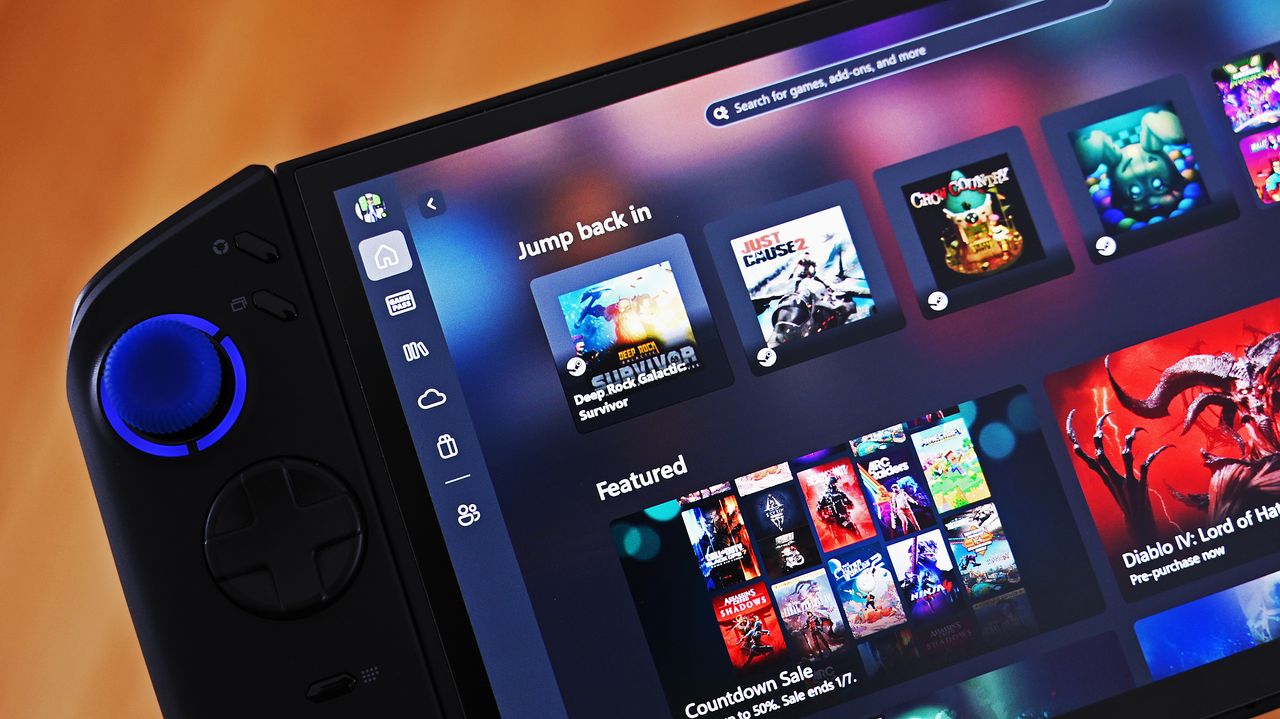
Handheld gaming PCs are constantly improving, and different companies are trying out new ideas. The Lenovo Legion Go is already a popular choice, and a recent software update is designed to enhance the experience even further.
Lenovo recently improved the Legion Space app on its Legion Go devices to work better with the Xbox Full Screen Experience, which first appeared on the Xbox Ally. The update is version 1.3.4.9.
This update improves your Legion Go’s performance and makes it feel more like playing on an Xbox Series X|S handheld, especially when using the Xbox FSE. You’ll enjoy smoother gameplay, easier controls, and quick access to settings directly from the Xbox Game Bar.
Update! On Legion Go 2 from r/LegionGo
The news broke at Reddit.com, with users talking about the various changes included in the Legion Space update. To save you some time, though, here’s what you should know:
- There’s a new quick setting inside Legion Space and the Legion Space widget to toggle the Xbox Full Screen Experience.
- There’s a new Legion Space widget in the Xbox Game Bar with quick settings for performance modes, RGB lighting modes, vibration intensity, and more.
- A short press of the Legion R button will still open the Legion Space widget by default, but a long press will now open the Windows Task Switcher (just like Win + Tab does).
- When the Xbox Full Screen Experience is enabled, your Legion Go will now update its Registry key to “handheld” to correctly allocate resources.
- The new Legion Space update is now rolling out in waves to the original Lenovo Legion Go, Lenovo Legion Go S, and Lenovo Legion Go 2.
Just to clarify, this update doesn’t automatically give you the Xbox Full Screen Experience on your Lenovo Legion Go. It’s just an update to the Legion Space app. You’ll still need to turn on the Xbox Full Screen Experience yourself through the Windows Settings – that feature became available for all gaming handhelds last month.
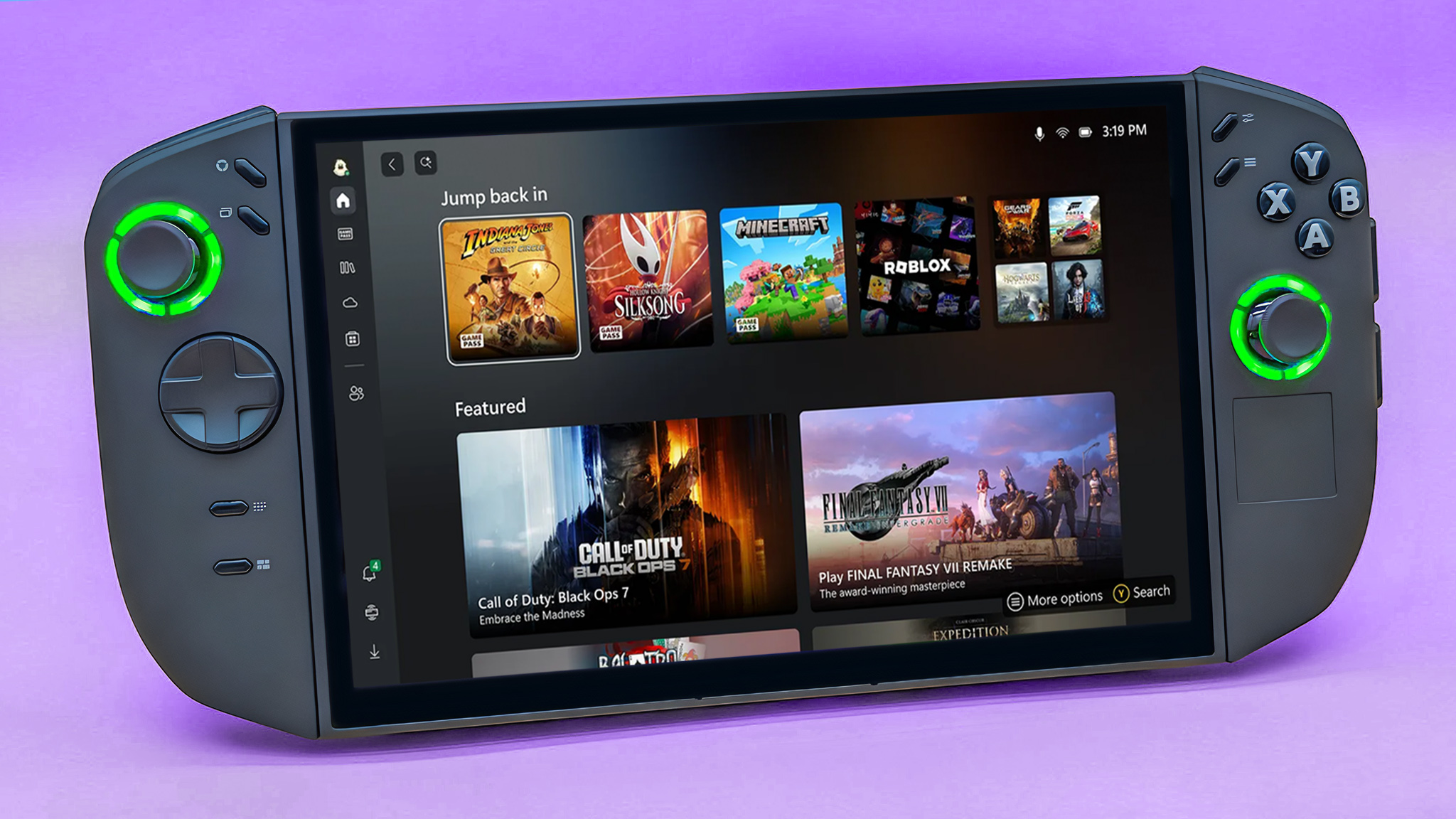
If you’re curious about the Xbox Full Screen Experience, here’s a simple explanation: it aims to make Windows 11 work better on smaller, handheld gaming devices. It does this by turning Windows into a full-screen Xbox app, making it easier to use with a controller, freeing up system resources, and centralizing all your games in one convenient location.
The goal is to create a handheld gaming experience for PC that feels more like a console, much like the Steam Deck. This is particularly appealing for those already using Xbox, as it offers a simple way to access and play their Xbox Game Pass and cloud games. While still under development, Microsoft has ambitious plans to further enhance the Xbox FSE by 2026.

Read More
- Marvel Officially Confirms Deadpool’s Most Brutal Redesign
- The Boys Season 5, Episode 5 Ending Explained: Why Homelander Does THAT
- Gemma Arterton spy thriller Secret Service based on hit novel gets release date confirmed on ITV
- Invincible Creators Offer Promising Update on Season 5 Release Date
- 10 Movies That Were Banned in Different Countries For Random Reasons
- Gold Rate Forecast
- ‘You Can Play Your Purchased Games As Usual’: Sony Breaks Silence on PS5, PS4 Game Expiry DRM
- After 11 Years, Black Clover Officially Ends With Final Release (& Crowns a New Wizard King)
- Assassin’s Creed Codename Hexe Has Fewer “Magical” Elements Since Leadership Change – Rumor
- ‘The Bride!’ Review: Jessie Buckley Breathes Life into a Monstrous Mess
2025-12-29 15:09