
As a gamer, a good headset is seriously one of the most important things you can have. Honestly, finding a new one feels a lot like buying a car – if you’re not just grabbing something super cheap to replace quickly, you’re looking at something that’s going to last years and cost a decent amount of money. It’s how I talk to my team, but more than that, it’s how I experience the game. Being able to hear footsteps creeping up on me can be a lifesaver, but a great headset also makes you feel like you’re right there in the action – whether it’s a huge battle or behind the wheel of a fast car. So, I was excited to try out Razer’s Kraken V4 Pro to see if it could deliver that kind of experience.
This headset, priced at $399.99, is a high-end accessory. It’s designed for comfort with a soft headband and earcups, making it great for long gaming or listening sessions. It’s packed with features like customizable RGB lighting, a small OLED screen for easy adjustments, and haptic feedback that lets you feel the sound. Despite all these impressive features, it does have some drawbacks, particularly with the microphone quality.
Rating: 3.5/5
| Pros | Cons |
|---|---|
| High-quality sound that captures every nitty-gritty audible detail. | The microphone is not of high enough quality for the price. |
| Haptics are highly immersive and customizable | Random, inexplicable connection issues |
| Comfortable to wear for long periods | Requires a fair bit of tweaking to get an optimal battery life |
| Compatible with multiple devices that can easily be switched between |
Razer Kraken V4 Pro Boasts Impressive Sound
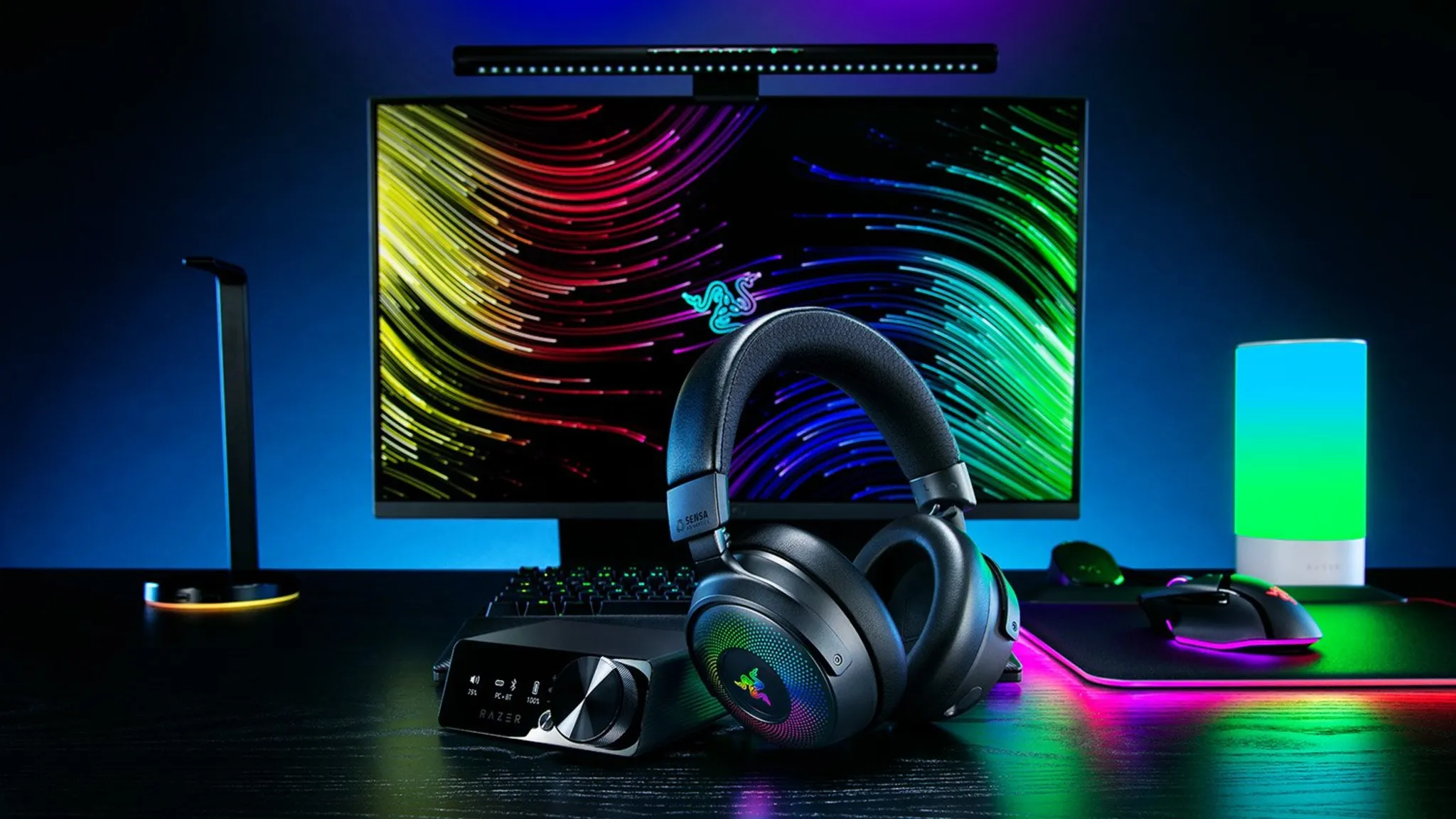
I’m not a sound expert – I just listen to headphones a lot! While I wouldn’t call myself an audiophile, I’ve been using headphones daily for years and I know what sounds good to me. And the Razer Kraken V4 Pro? It definitely sounds really good – a clear step above average.
As soon as I put on the headset, I started playing the final dogfight scene from Top Gun: Maverick. The combination of Hans Zimmer’s intense music, the sound of machine guns, and the roaring jets made it the ideal test. The headset completely immersed me, making it feel like I was back in the IMAX theater when I first saw the movie. The sound was crystal clear, with a powerful, gripping bass that really drew me in.
When connected to a PC, the headset offers THX Spatial Audio, which creates a more immersive 3D sound experience in supported games. I tested it with Battlefield 6 and was amazed – the sound of jets flying overhead or explosions felt incredibly realistic and clear. The depth and richness of the audio really made the game come alive.
The headset’s vibrations really enhance the experience. They’re not just simple rumbles; they adjust in strength based on the volume and the specific sounds you’re hearing. For example, you’ll feel quick bursts with rapid gunfire and longer, stronger vibrations with explosions or powerful drum beats. I was worried the vibrations might become irritating, but that didn’t happen. I did experience a slight headache when playing at high volumes, but lowering the volume quickly resolved that.
You can adjust how strong the vibrations are without changing the sound, making them more comfortable if they’re too noticeable. Or, if you prefer, you can simply turn the vibrations off completely.
Razer Kraken V4 Pro Is Highly Customizable and Very Flexible
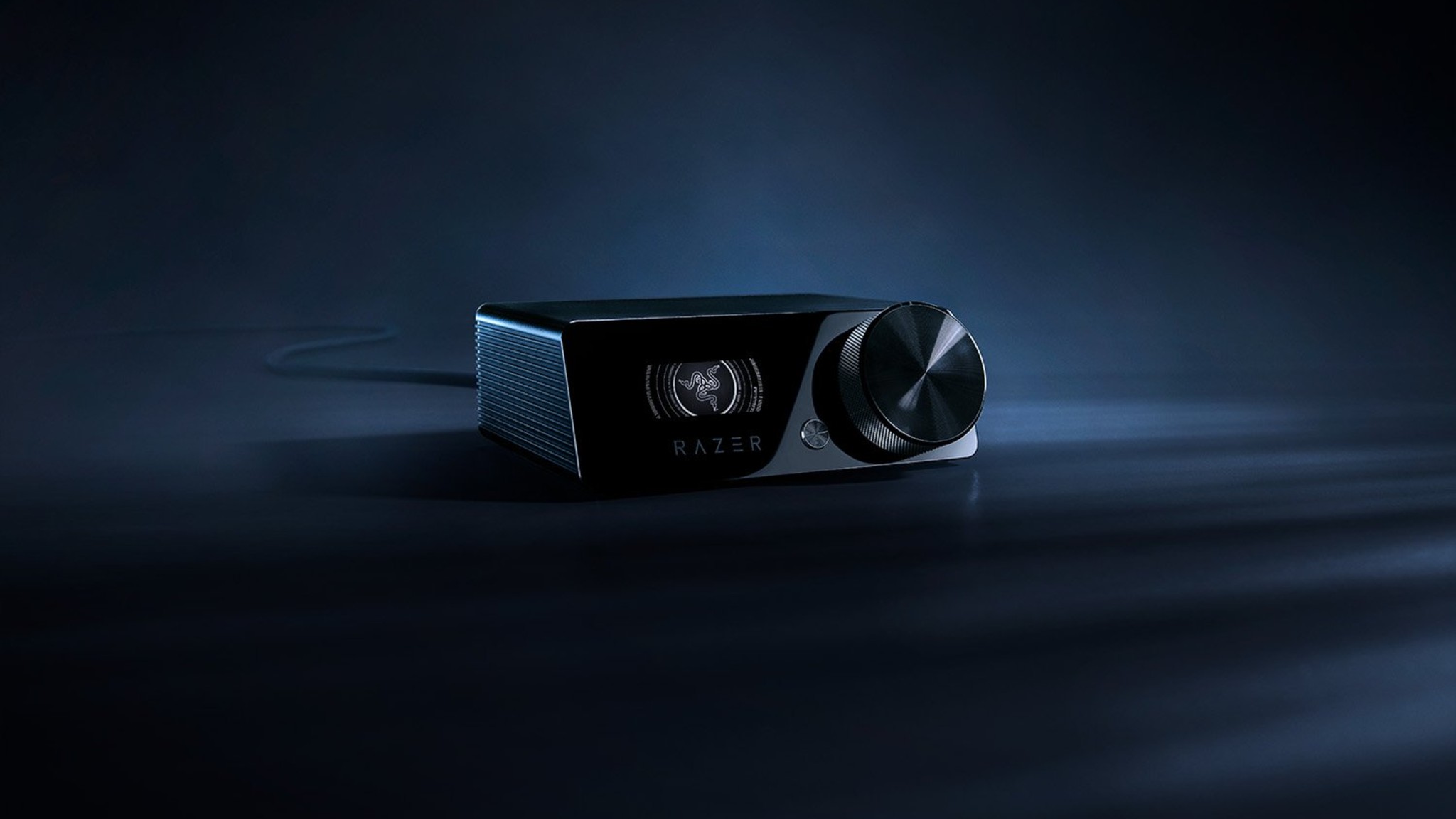
One of the coolest things about this headset is how much you can customize it. I love being able to play around with the RGB lighting – you can change the brightness, patterns, basically everything, right in the Razer Synapse app on my PC. But it doesn’t stop there! You can also switch between different sound settings. There are presets for music, movies, and games, and if none of those are quite right, you can totally build your own custom profile. Usually, the headset is smart enough to figure out what I’m doing and switch automatically – it knows when I’m in a game or just jamming out to Spotify, which is really convenient.
This headset is incredibly versatile and works seamlessly with different devices. I primarily use my Razer Kraken VR Pro with my PC, but I was able to quickly switch it to Bluetooth and play my Steam Deck in bed without any hassle. The sound quality remained excellent, and it felt just like using it at my desk. It’s a great headset for the Steam Deck in particular. The only minor drawback is a volume control dial on the back; if you’re lying down, it might accidentally get bumped against a pillow and change the sound level.
The Razer Kraken V4 Pro can connect to multiple devices simultaneously. This means you can, for example, be playing a game and answer a phone call without interrupting your gameplay. While it’s a neat feature, it’s not hugely practical for most people. Razer suggests it’s useful for apps like Discord, but since consoles and PCs now have built-in Discord support, and most PC gamers wouldn’t use their phone for Discord anyway, its usefulness is limited.
Razer Kraken V4 Pro Has Some Egregious Flaws
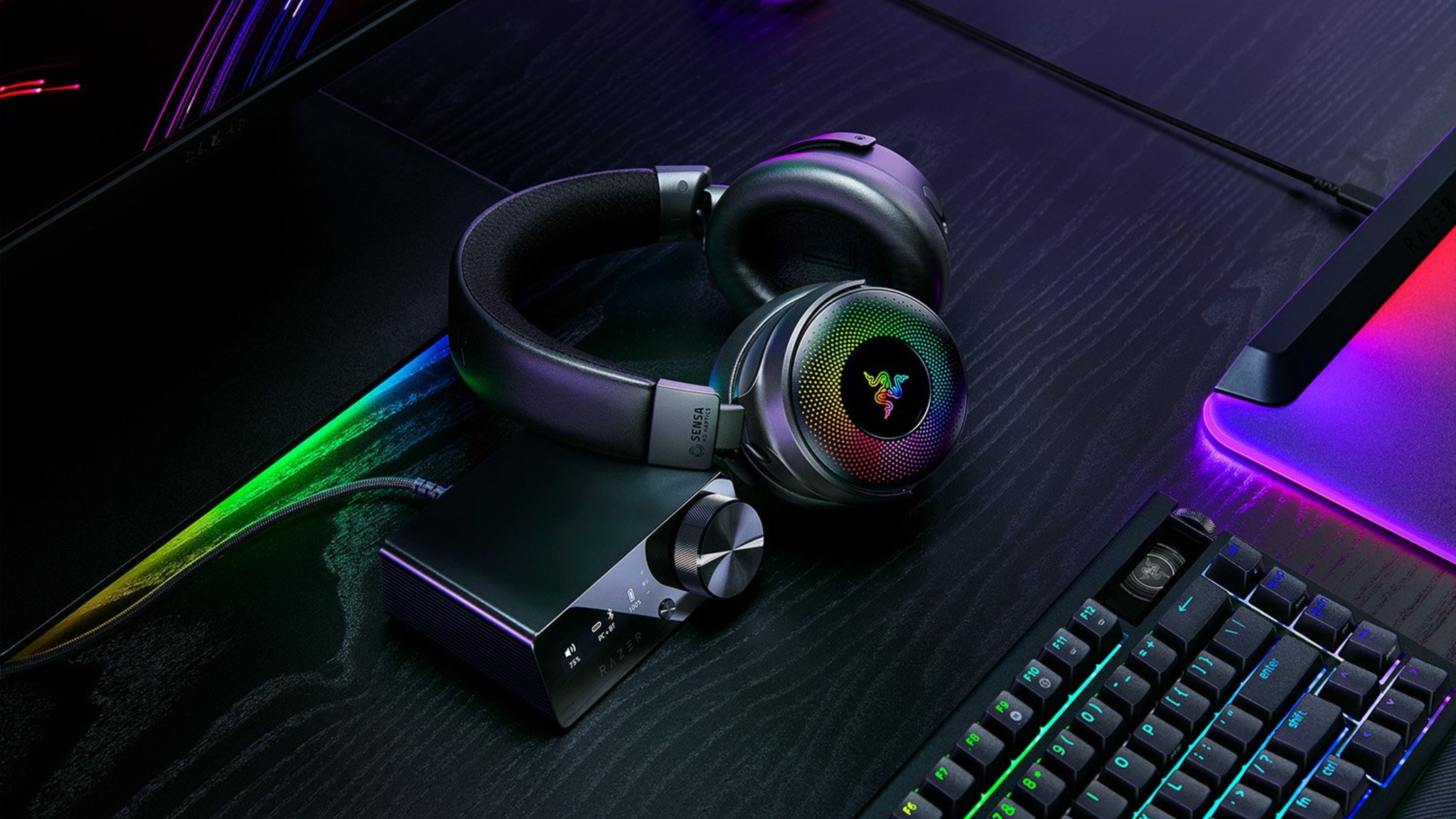
This headset costs $400, so you’d expect it to be top-of-the-line in every way. Sadly, that’s not the case. The microphone quality is just okay. When I first used it on Discord, someone actually asked if I was using a microphone from an old Xbox 360! That’s definitely not the reaction you want after spending so much money on a headset.
The microphone has a clever design – it smoothly slides in and out of the headphones, tucking away when you don’t need it. A helpful red light indicates when you’re on mute, preventing accidental broadcasting. Unfortunately, the audio quality isn’t great. It sounds muffled and echoey, as if you’re talking through a filter. For the price, or even compared to less expensive options available in 2025, the sound quality is disappointing.
I also ran into a few frustrating issues with the headset. Several times when I tried to chat with friends, the microphone wouldn’t work – I could hear them perfectly, but they couldn’t hear me. I tried adjusting settings on my computer, Discord, and the Razer software, but nothing fixed it. Sometimes, unplugging and plugging the headset’s control hub back in seemed to help, though I wasn’t sure if that was the actual solution.
The Razer Kraken V4 Pro initially had very poor battery life, needing to be charged almost twice a day. I improved it by adjusting settings to reduce the strength of the haptic feedback and completely turning off the RGB lights. As it comes out of the box, the battery life is nowhere near the advertised 50 hours. However, if you don’t mind disabling some of the extra features, you can significantly extend the battery and make the headset much more practical to use.
Is the Razer Kraken V4 Pro Worth It?
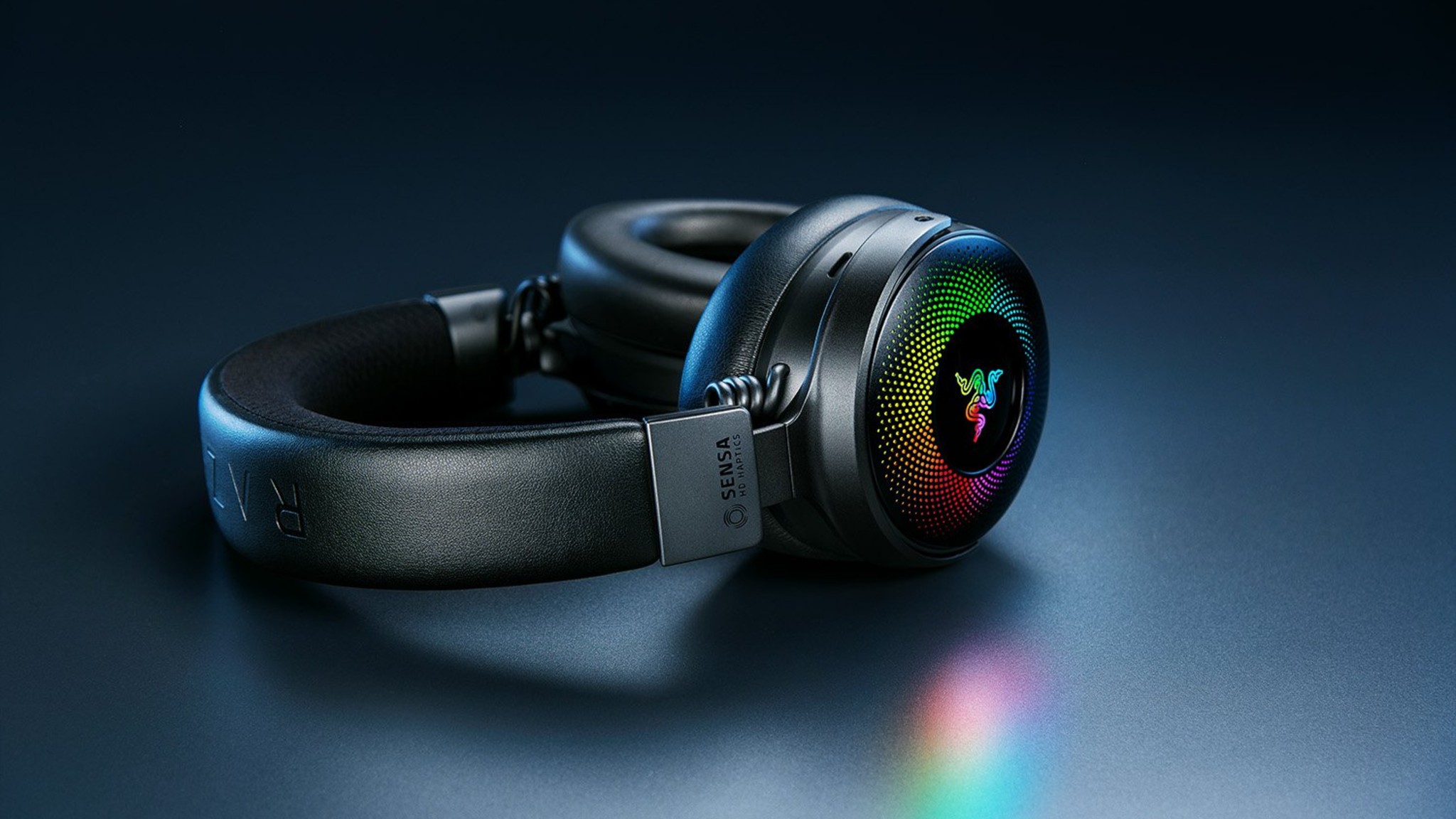
Spending $400 on a headset is generally a lot, and I wouldn’t recommend this one at that price. However, if you find it on sale, it’s worth a look. The audio quality is amazing and it’s highly customizable. But be aware that the microphone is just okay, it can sometimes disconnect, and the battery doesn’t last very long unless you adjust the settings. Overall, it’s a good headset, but not exceptional enough to justify the full price considering all its flaws.
What do you think? Leave a comment below and join the conversation now in the ComicBook Forum!
Read More
- Everything You Need To Know About Nikki Baxter In Stranger Things’ Animated Spinoff
- The Boys Season 5, Episode 5 Ending Explained: Why Homelander Does THAT
- ‘The Bride!’ Review: Jessie Buckley Breathes Life into a Monstrous Mess
- Welcome to Demon School! Iruma-kun season 4 release schedule: When are new episodes on Crunchyroll?
- 10 Movies That Were Banned in Different Countries For Random Reasons
- Frieren: Beyond Journey’s End Gets a New Release After Season 2 Finale
- After 11 Years, Black Clover Officially Ends With Final Release (& Crowns a New Wizard King)
- 7 Most Brutal Avengers Villains, Ranked by Threat Level
- Miranda Kerr Shares “Quick” Procedure She Got Before Met Gala 2026
- Gemma Arterton spy thriller Secret Service based on hit novel gets release date confirmed on ITV
2025-12-30 03:41