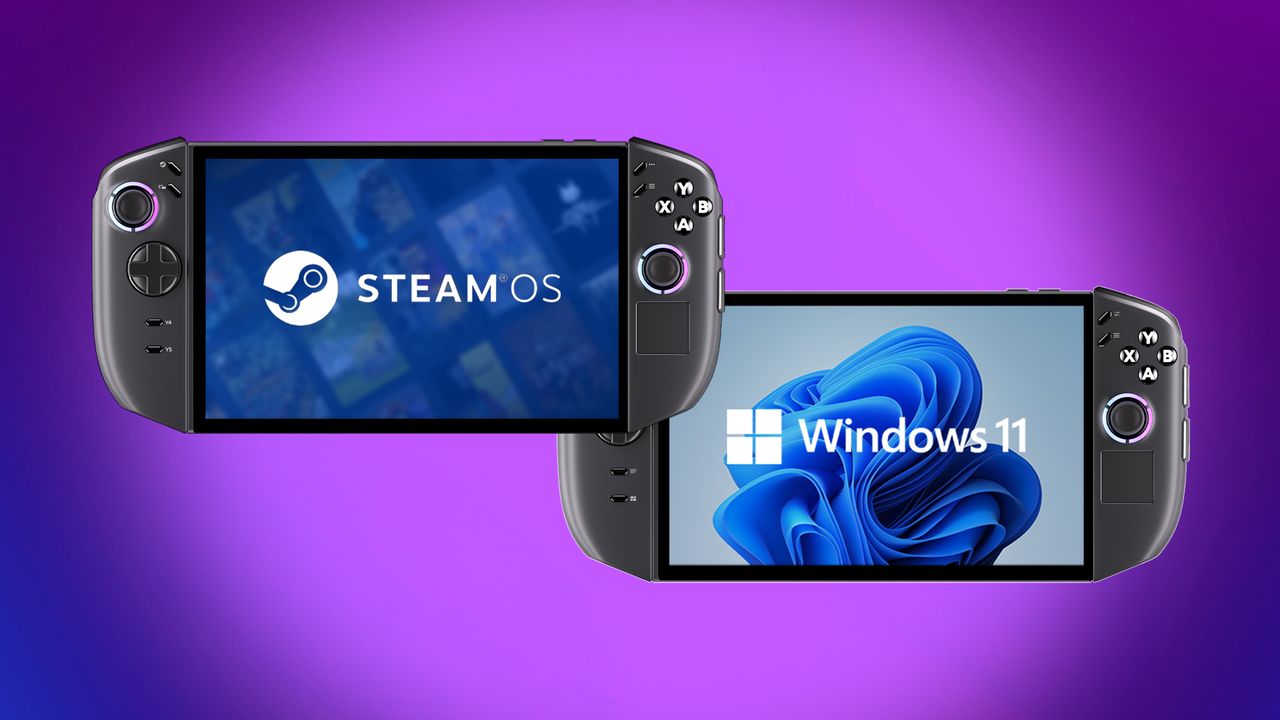
The Legion Go 2, a Windows 11 gaming handheld, first became available in October 2025. Then, at CES 2026, Lenovo announced a SteamOS version of the device, similar to the Steam Deck, but with higher-end components and features.
If you’re deciding between the operating systems for your Legion Go 2, I’ve compared them for you and explained the key differences. Let’s take a look at how they stack up against each other.
TL:DR: Look for the TL;DR sections to get the highlights for each category.
Legion Go 2: SteamOS vs Windows — Specs
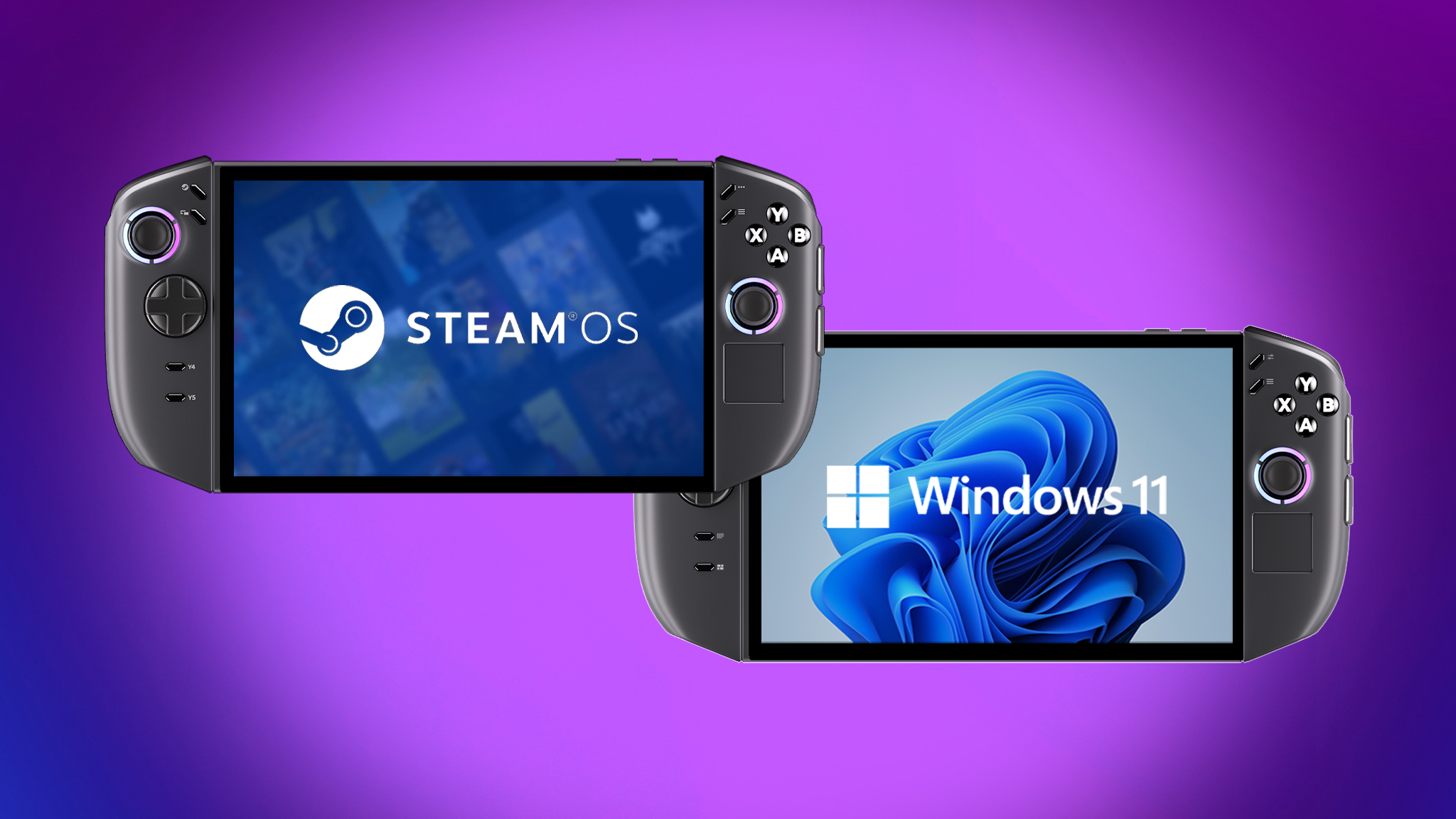
| Legion Go 2 (SteamOS) | Legion Go 2 (Windows) | |
|---|---|---|
| Starting price | $1,199.00 | $1,049.99 | $1,349.99 | $1,499.99 |
| Release date | June 2026 | October 2025 |
| OS | SteamOS | Windows 11 Home |
| Processor | AMD Ryzen Z2 8c/16t 4nm | Ryzen Z2 Extreme 8c/16t 4nm process | AMD Ryzen Z2 8c/16t 4nm | Ryzen Z2 Extreme 8c/16t 4nm process |
| Graphics | Up to 16 GPU Cores (RDNA3.5) | 12 GPU Cores (RDNA3) | 16 GPU Cores RDNA3.5) |
| Refresh rate / VRR | 144Hz / Yes | 144Hz / Yes |
| Memory | Up to 32GB LPDDR5X RAM | 16GB | 32GB LPDDR5X-8000 MHz RAM |
| Storage | Up to 2TB SSD | 1TB | 2TB M.2 2242 SSD |
| Display | 8.8-inch WUXGA (1920 x 1200) 16:10 OLED touchscreen, 144Hz, 500 nits, TrueBlack 1000 | 8.8-inch WUXGA (1920 x 1200) 16:10 OLED touchscreen, 144Hz, 500 nits, TrueBlack 1000 |
| Connectivity | Wi-Fi 6E and Bluetooth 5.3 | Wi-Fi 6E and Bluetooth 5.3 |
| Ports | 2x USB4 Type-C (DisplayPort 1.4, Power Delivery 3.0), 1x microSD card reader (up to 2TB), 1x audio jack, | 2x USB4 Type-C (DisplayPort 1.4, Power Delivery 3.0), 1x microSD card reader (up to 2TB), 1x audio jack, |
| Joysticks | Offset Hall Effect sticks | Offset Hall Effect sticks |
| Fingerprint reader | Yes (unsupported) | Yes |
| Touchpad | Yes (one) | Yes (one) |
| Detachable controllers | Yes | Yes |
| Color | Black | Black |
| Dimensions | 295.6 x 136.7 x 42.25mm (11.64 x 5.38 x 1.66in) | 295.6 x 136.7 x 42.2mm (11.64 x 5.38 x 1.66in) |
| Weight | 920g (2.2 lbs) | 920g (2.03 lbs) |
| Battery | 74Whr | 74Whr |
Back to the top ^
Legion Go 2: SteamOS vs Windows — Pricing
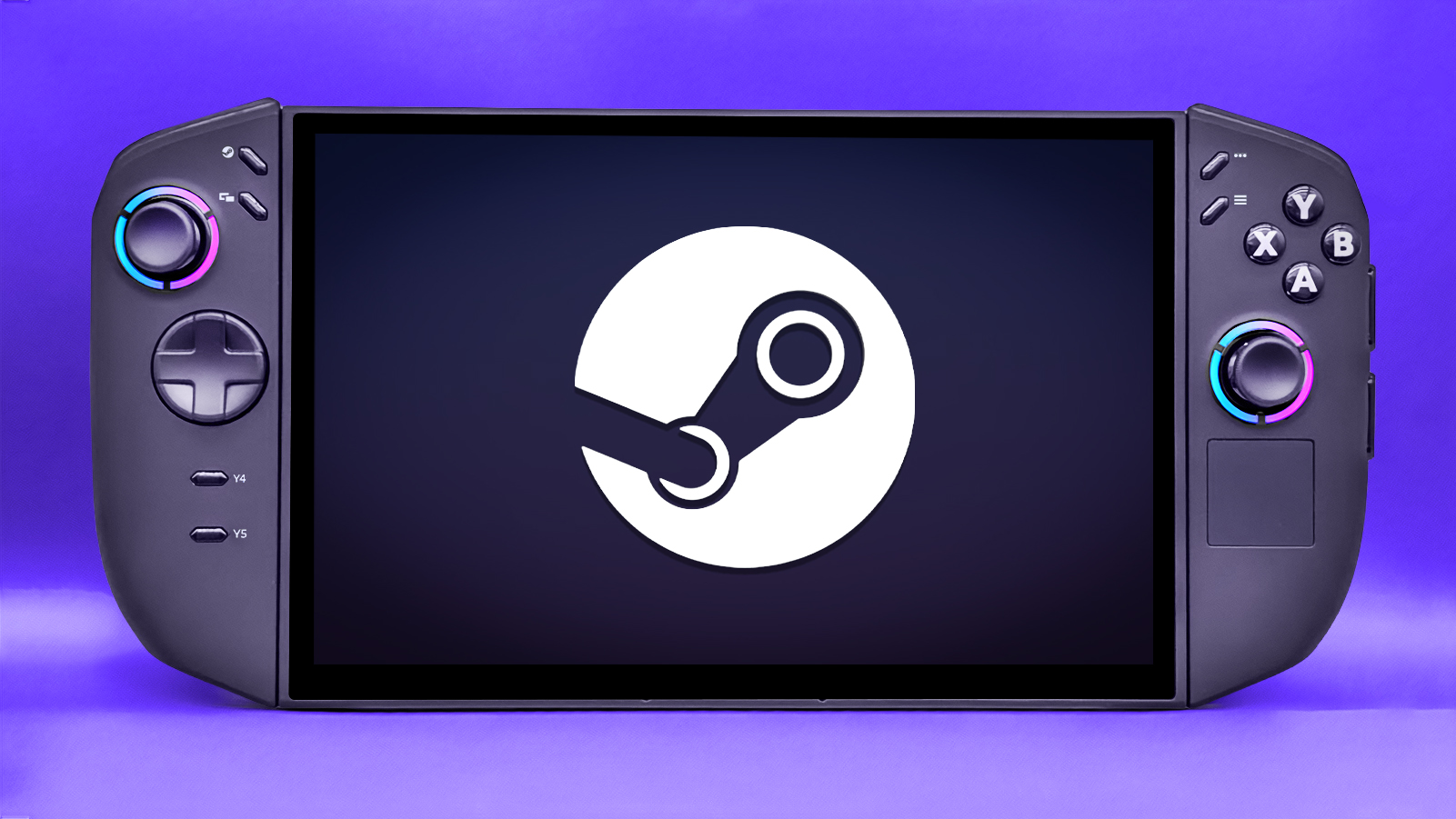
Currently, the Windows version of the Legion Go 2 costs $1,049.99, which is less than the SteamOS version’s price of $1,199.99.
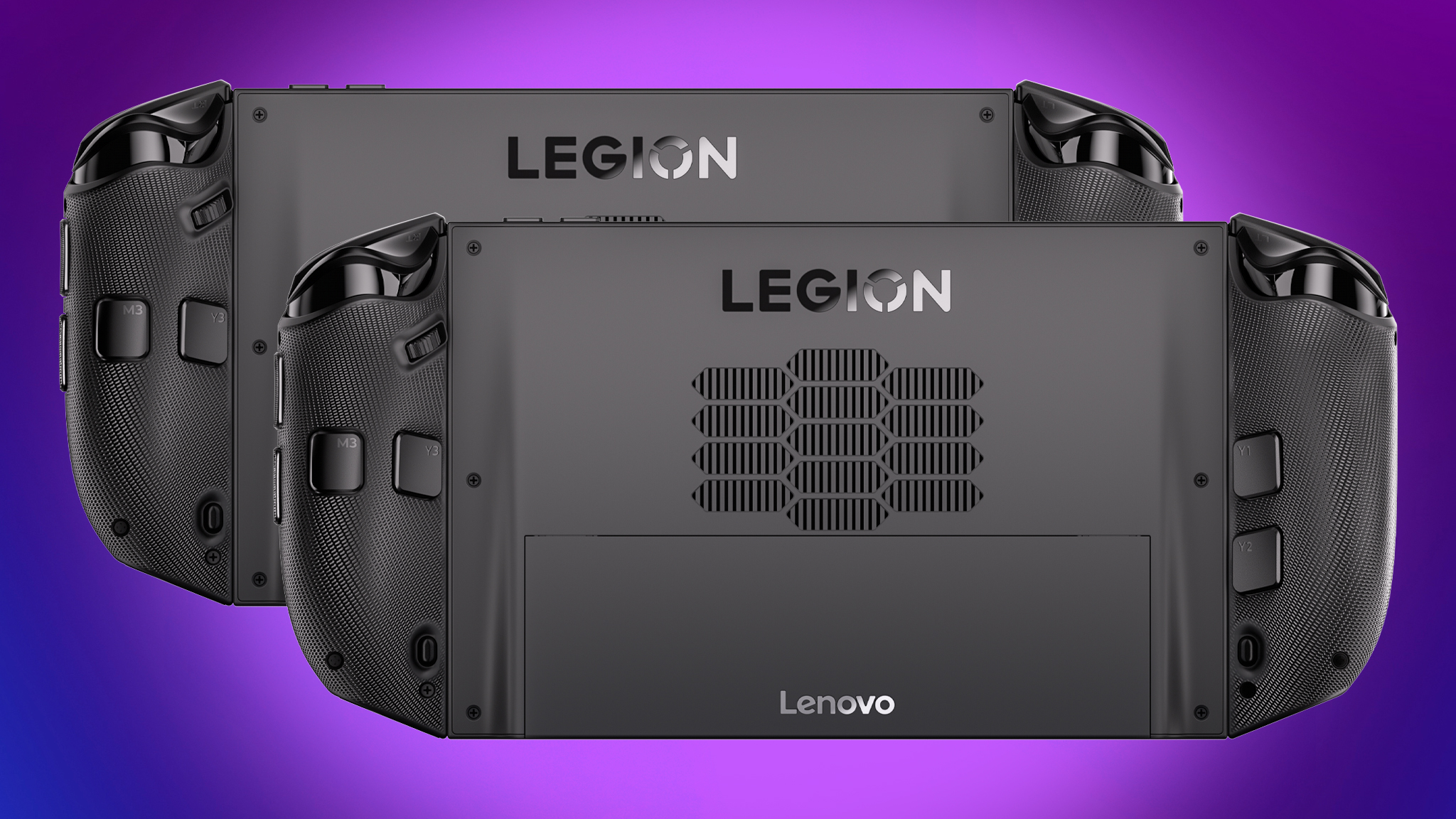
These handheld devices are very similar to each other in terms of hardware – things like their button layouts, processors, screens, and ports – beyond just the software they run.
It’s a little unexpected that the SteamOS version is more expensive, considering the Windows version of the Legion Go S already costs more than the SteamOS one.
Interestingly, the Windows version of the Legion Go 2 is cheaper than the SteamOS version.
Back to the top ^
Legion Go 2: SteamOS vs Windows — Performance
I’ll be testing the Legion Go 2’s performance with SteamOS as soon as I receive it and will share the results here. Until then, this information is based on the official specifications and my best estimates.
Even though both the Windows and SteamOS versions of the Legion Go 2 use the same Ryzen Z2 Series processors and offer the same amount of memory and storage, the SteamOS versions are expected to perform better overall.
SteamOS runs better on handheld devices than Windows 11 because it’s designed to be lean and efficient. Windows 11 often slows down due to unnecessary programs and processes running in the background, while SteamOS prioritizes performance and uses less power.
Tests have shown the Xbox Ally X ran SteamOS more smoothly than Windows 11, its default operating system. Therefore, we expect the Legion Go 2 to also perform better using SteamOS.
It’s looking like the SteamOS version of the Legion Go 2 will probably perform better, but I need to do some testing to confirm that.
Back to the top ^
Legion Go 2: SteamOS vs Windows — Display
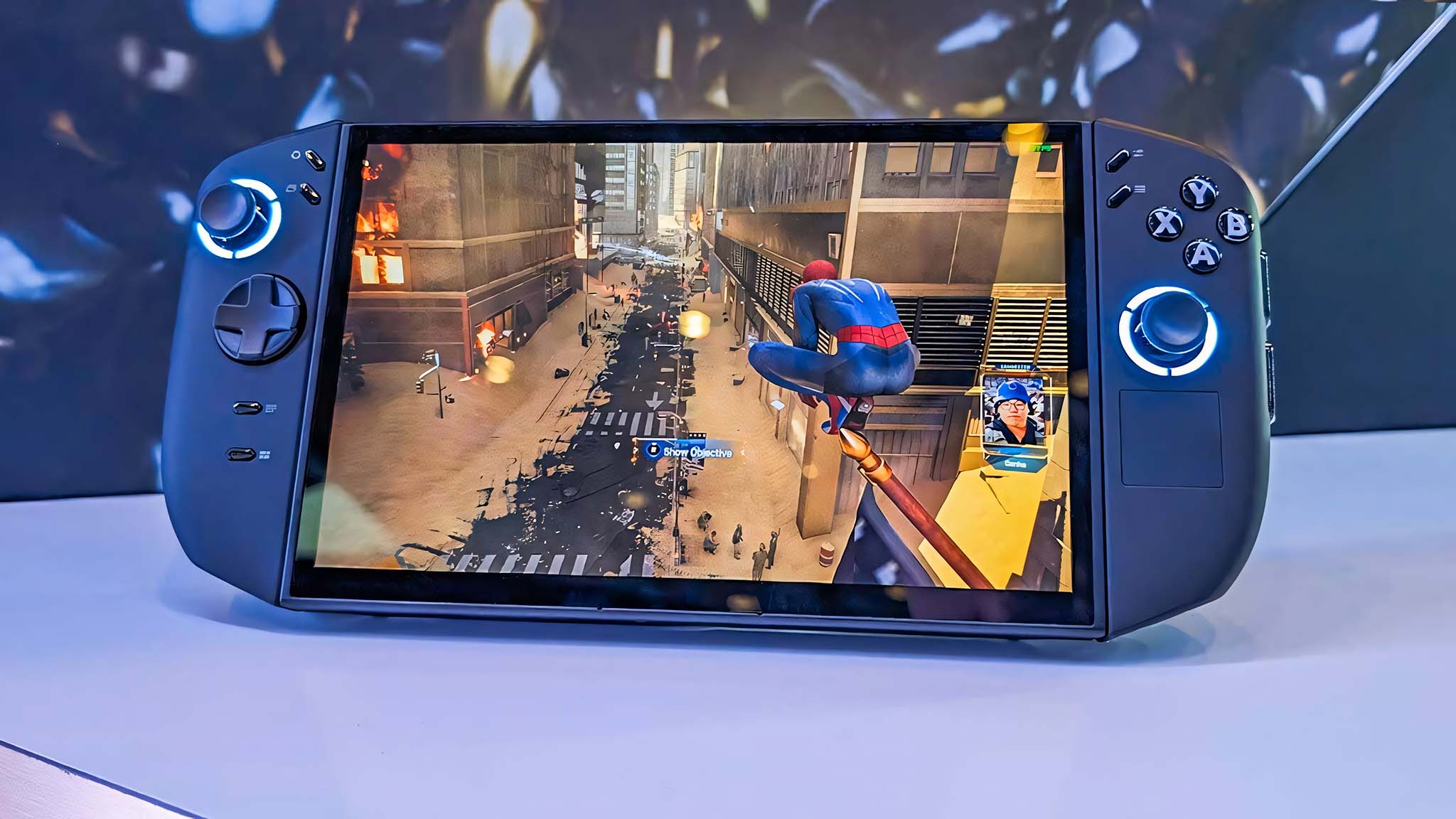
The Legion Go 2, whether running SteamOS or Windows, has a stunning 8.8-inch OLED touchscreen display. It boasts a sharp 1920×1200 resolution, a smooth 144Hz refresh rate, and support for VRR technology, which dynamically adjusts the refresh rate for a better visual experience.
These displays deliver a stunning range of colors and sharp details, with clear and fluid motion.
As I noted in my Legion Go 2 (Windows) review, this is the best handheld display to date.
TL;DR: DISPLAY WINNER: It’s a tie. Both the Windows and SteamOS versions have the same OLED display.
Back to the top ^
Legion Go 2: SteamOS vs Windows — Controls and ports
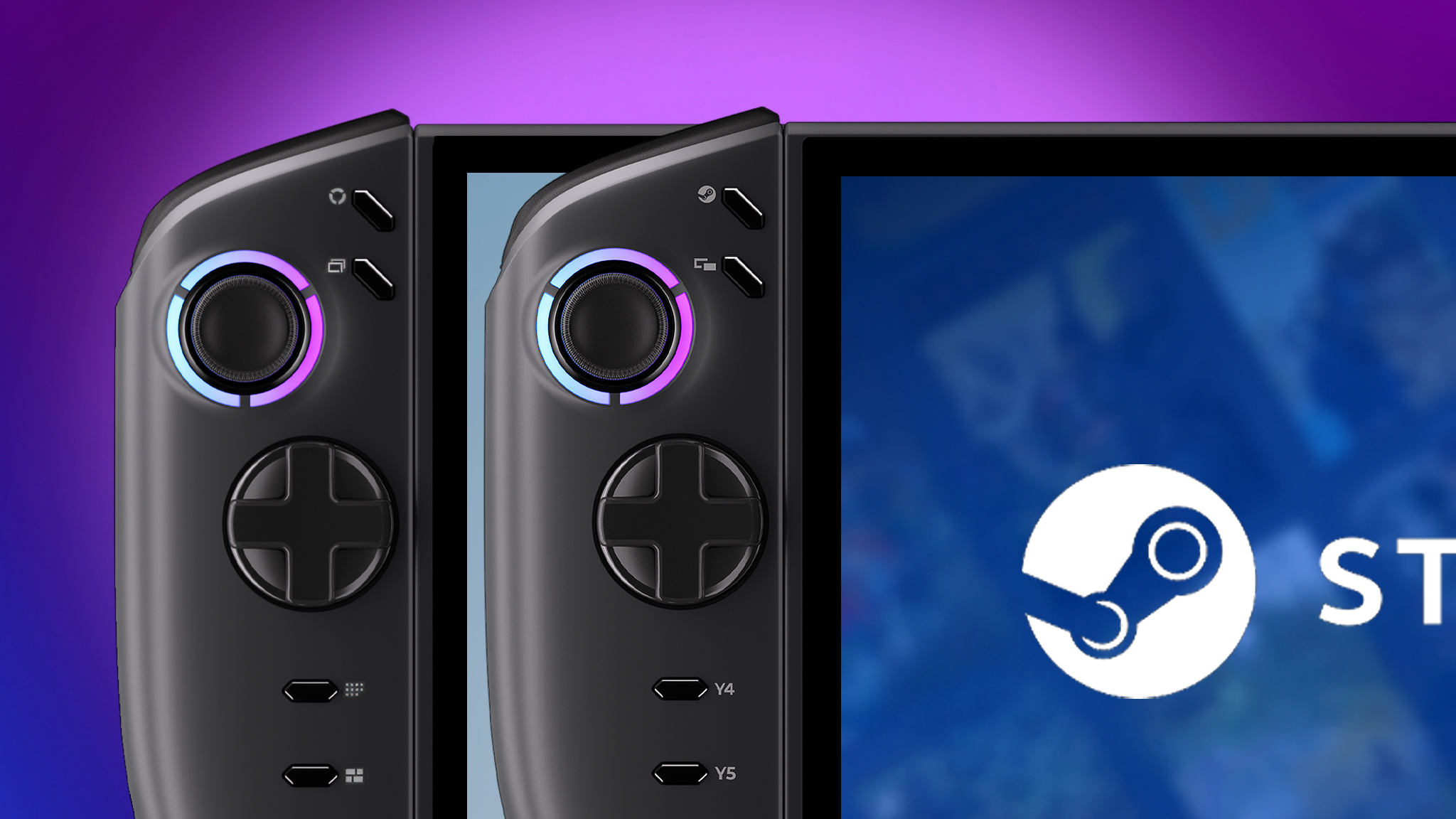
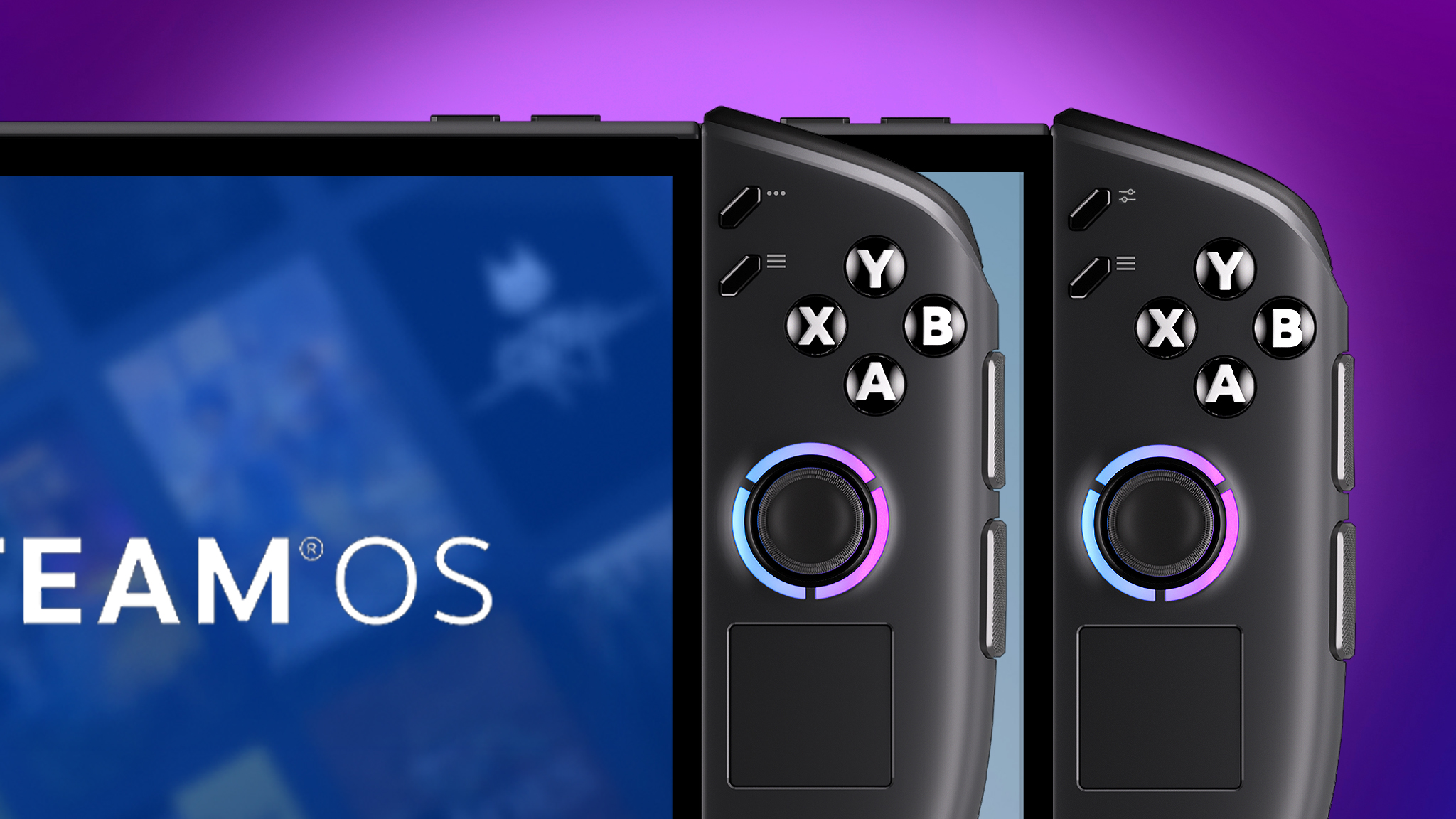
The Legion Go 2 looks and feels the same whether you’re using SteamOS or Windows. The main difference is that the SteamOS version displays the familiar Steam Deck game icons on its buttons.
Both devices feature Hall Effect joysticks that are designed to prevent drifting, plus controllers you can detach and a touchpad located beneath the right joystick. The right controller also includes an FPS Mode, which lets you use it like a mouse by sliding it on a surface.
I’ve found FPS Mode helpful for precise control in games and for moving the cursor around Windows 11 and Chrome. I expect it will also work well with games in SteamOS’s Desktop Mode and potentially on the SteamOS handheld. I plan to test it specifically when I review the Legion Go 2 running SteamOS.
The Legion Go 2 has a circular RGB light on top, shaped like the Legion logo, with a fingerprint reader in the middle. This fingerprint reader works great with the Windows operating system. However, when using SteamOS, the fingerprint reader doesn’t function because SteamOS doesn’t support this type of login.
What about ports?
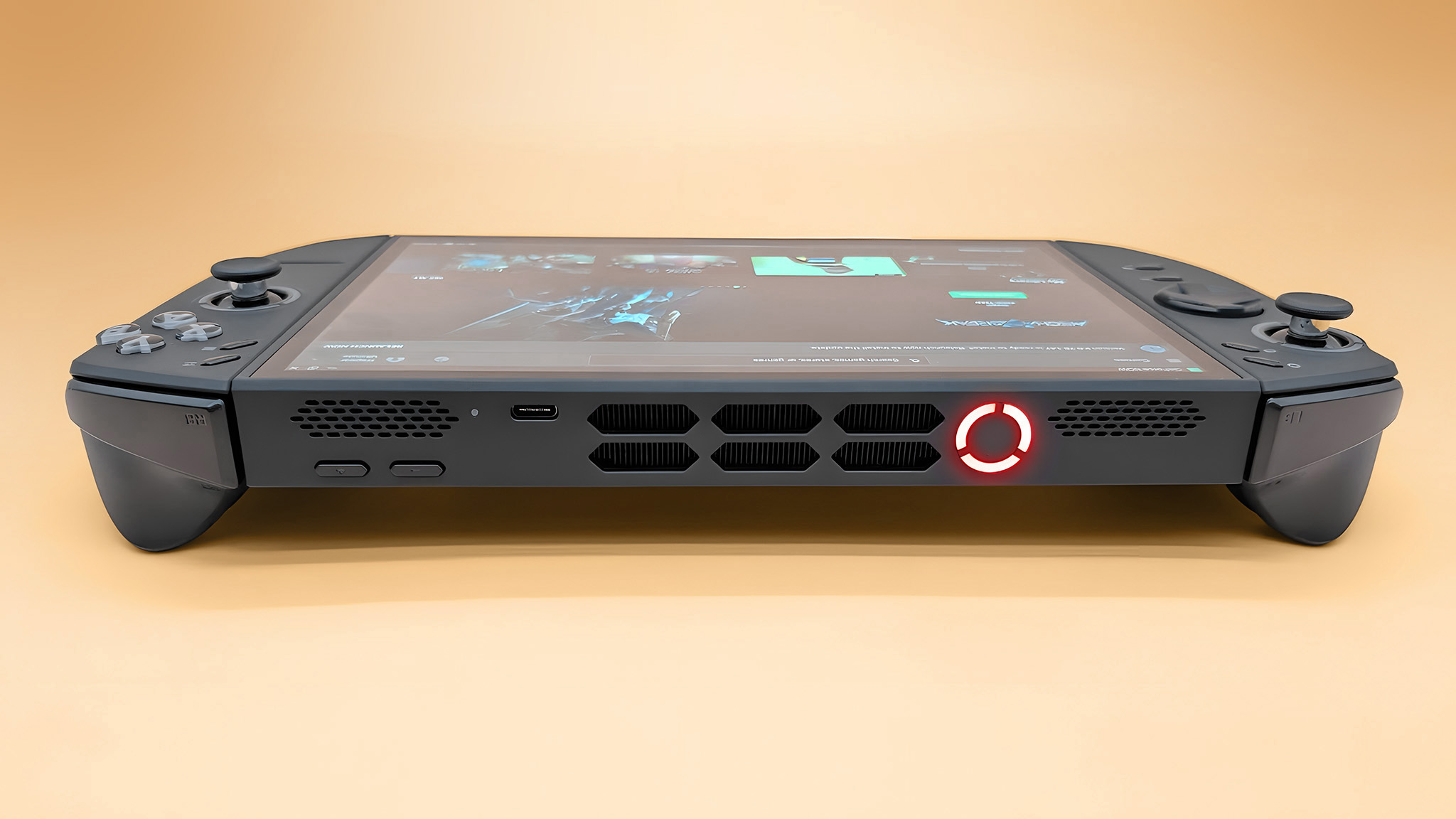
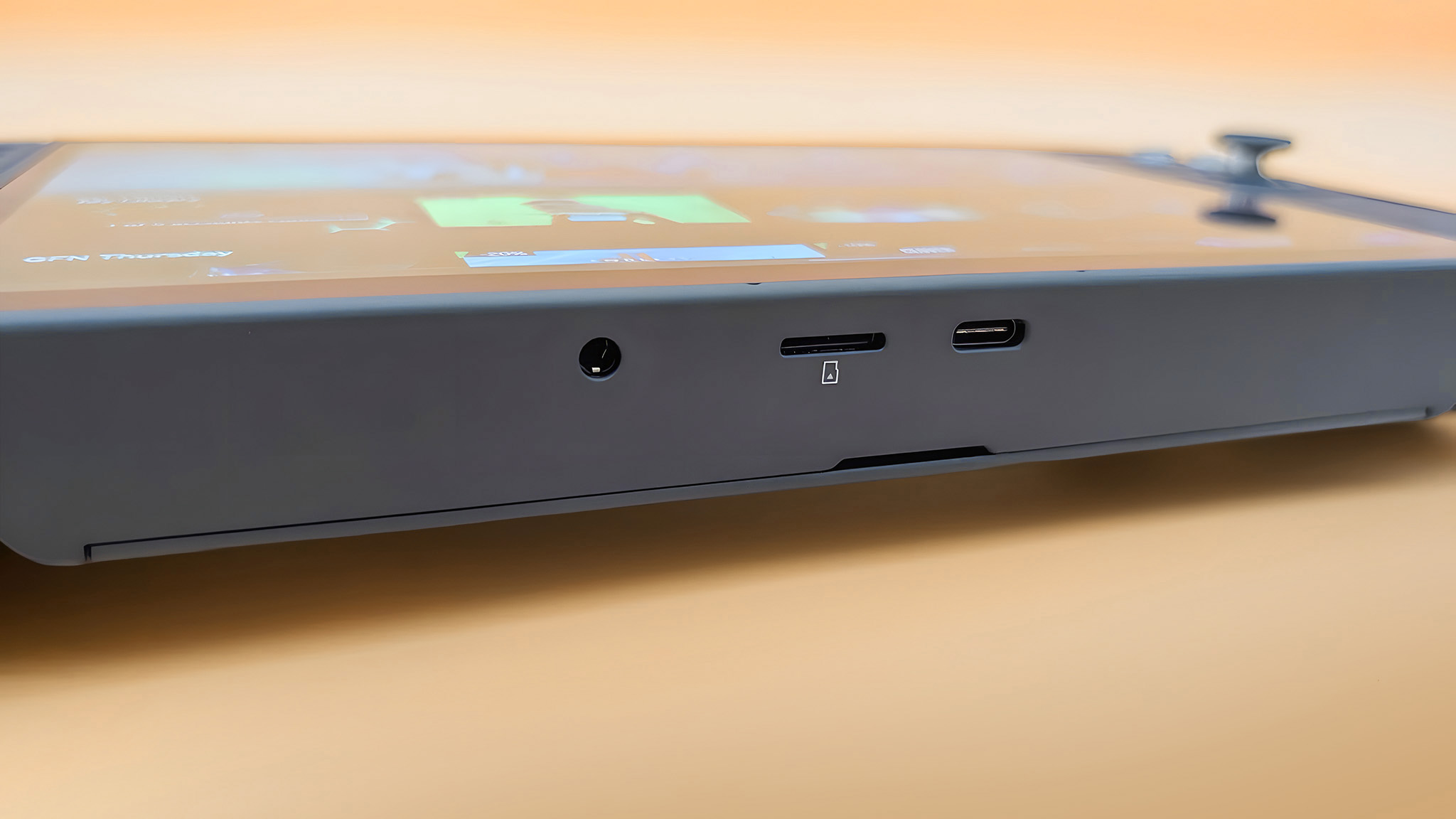
Both versions of the Legion Go 2 include a headphone jack, a microSD card slot that can handle up to 2TB of storage, and two USB4 Type-C ports.
Both handheld devices can connect to a TV or monitor using a docking station thanks to DisplayPort support. To ensure compatibility, be sure to use a docking station that provides at least 65W of power.
In short, when it comes to controls and ports, Windows comes out on top. Although the buttons, joysticks, and ports are identical on both devices, it seems like the SteamOS version might have limitations in FPS mode, and the fingerprint reader only works with the Windows version.
Back to the top ^
Legion Go 2: SteamOS vs Windows — Software and games
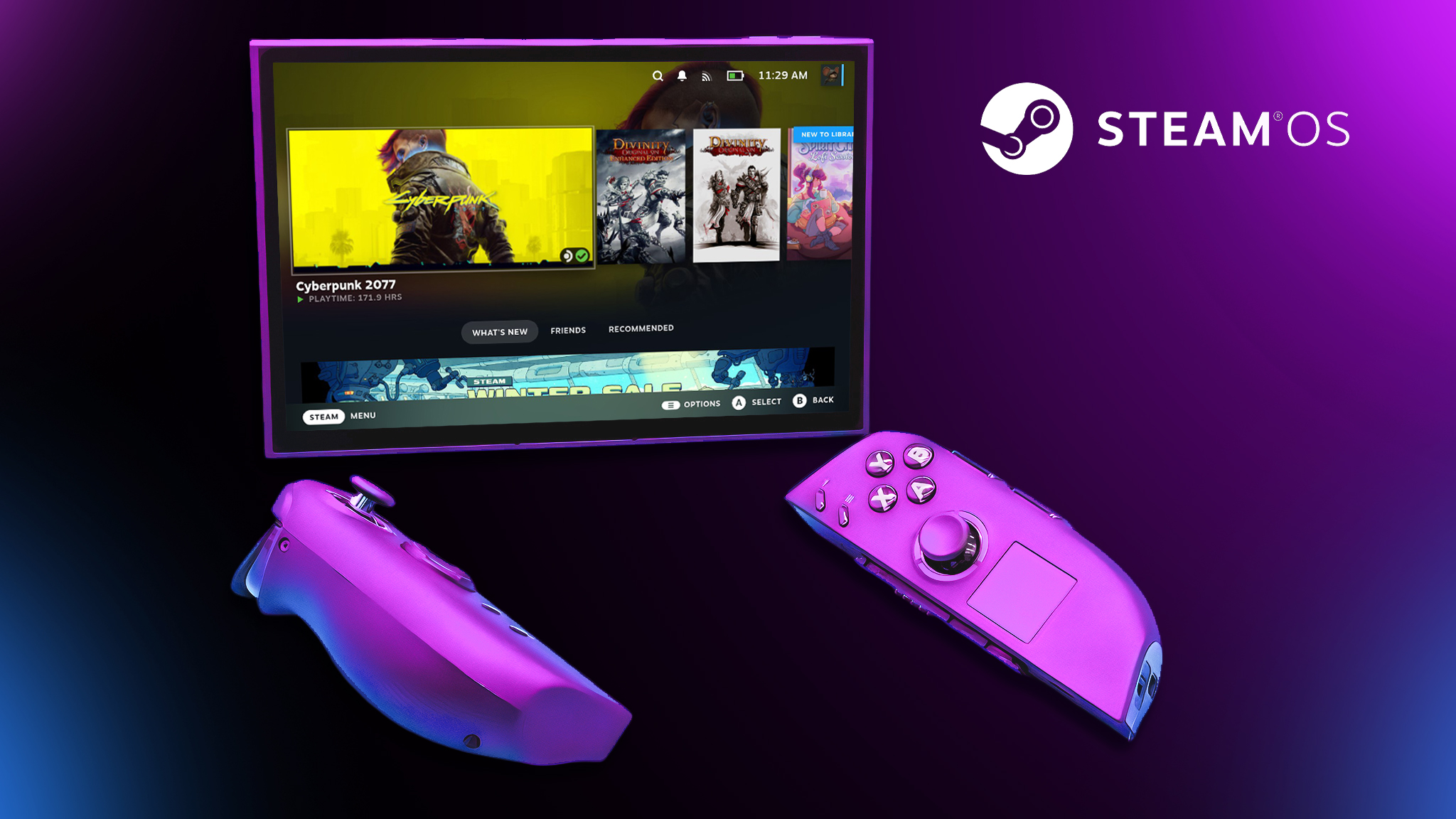
The main difference between the two versions of the Legion Go 2 is the operating system: one uses SteamOS, which is built on Linux, and the other uses Windows 11.
SteamOS, in its default setup, is designed to only let you play games from your Steam library. However, as I detailed in my Decky Loader guide, this plugin simplifies accessing games from other platforms like Battle.net and the Epic Games Store, expanding your options on the device.
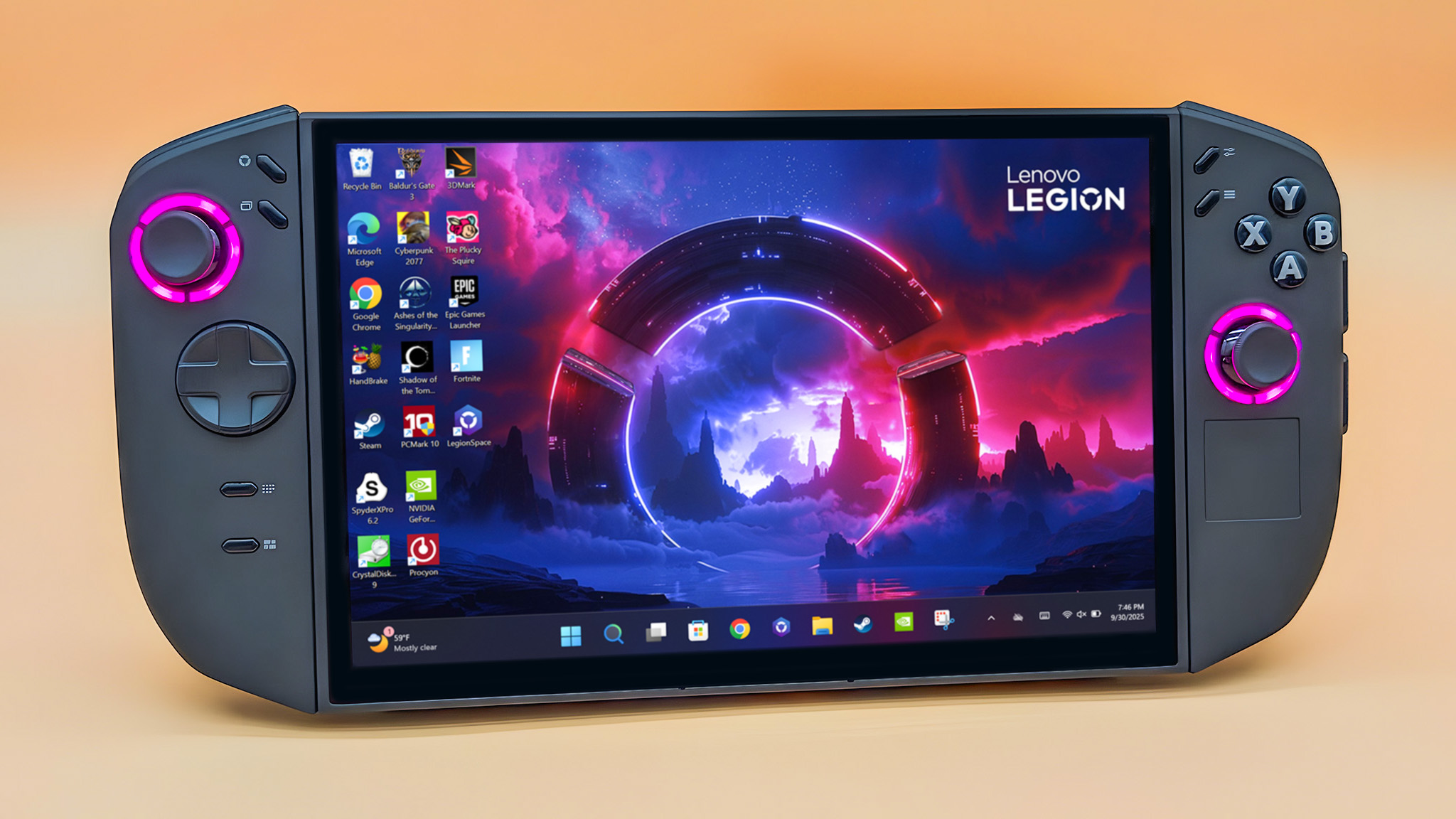
The Windows version isn’t as well-suited for handheld gaming. It functions much like a regular Windows computer, which creates a couple of issues. Many users find the Windows interface overly complicated compared to the simpler, console-style design of SteamOS. Also, Windows comes with a lot of unnecessary programs and background processes that can slow down the handheld and reduce its efficiency. Removing these unneeded programs can help improve performance.
Many people with Windows handheld gaming devices are choosing to switch to SteamOS or Bazzite because they offer a more console-like and user-friendly experience.
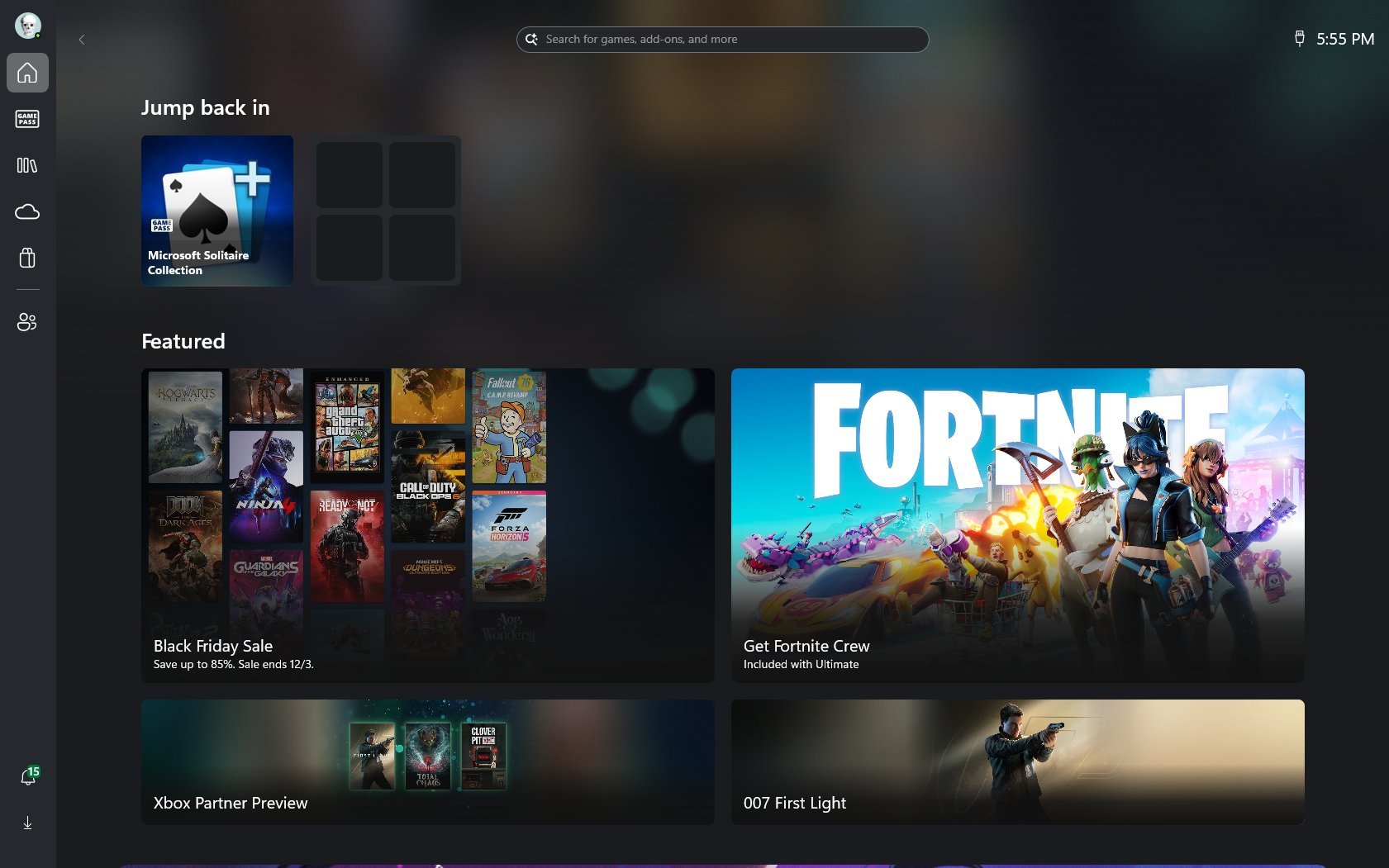
The Xbox Ally X’s Xbox Full Screen Experience (Xbox FSE) is now available on the Legion Go 2 (Windows). This feature changes Windows to look and feel more like a console, similar to SteamOS, and helps handheld devices run faster by minimizing unnecessary background apps. While Xbox FSE isn’t perfect yet, Microsoft is planning improvements for 2026, which should make it even better.
Keeping SteamOS and its games current is simple – you can switch between your game library and the system settings. On Windows handhelds, however, updating requires navigating through multiple menus – Windows settings, game services, individual games, AMD Software, and Lenovo Space – making it much more complex.
Windows also offers many benefits. If you’re familiar with the operating system, you can immediately start browsing the internet, using gaming platforms, and downloading software.
Then there’s the game compatibility issue.
Most PC games are made for Windows, but SteamOS uses a program called Proton to let many of them run on Linux. Proton is constantly improving, but some games still aren’t fully compatible and might not run smoothly – or at all – on SteamOS handhelds without significant adjustments. Even with tweaking, there’s no guarantee every game will work.
Many popular online games need anti-cheat software to work, but these programs often aren’t compatible with SteamOS. While players have found ways to make them work, these fixes could be mistaken for cheating and lead to account bans. Because of this, it’s usually best to play games with anti-cheat systems on a Windows computer.
Just so you know, you can easily connect a mouse and keyboard to the SteamOS and Windows versions of this device and use it just like a regular computer. I’ve been using my Legion Go to do things beyond gaming – like writing articles and browsing the web. I especially like using the Artciety Foldable Bluetooth Keyboard with a touchpad (it costs $34.99 on Amazon).
Okay, so figuring out whether SteamOS or Windows is better on the Legion Go 2 really comes down to the games *I* want to play. I need to think about what titles I’m most excited for and which operating system will run them more smoothly. It’s all about finding what works best for *my* gaming library!
In short, SteamOS is the winner for software and gaming, but it’s not perfect. It runs better on handheld devices and feels more like a console. However, some games and anti-cheat software don’t work well with it, while they generally run fine on Windows.
Back to the top ^
Legion Go 2: SteamOS vs Windows — Battery life
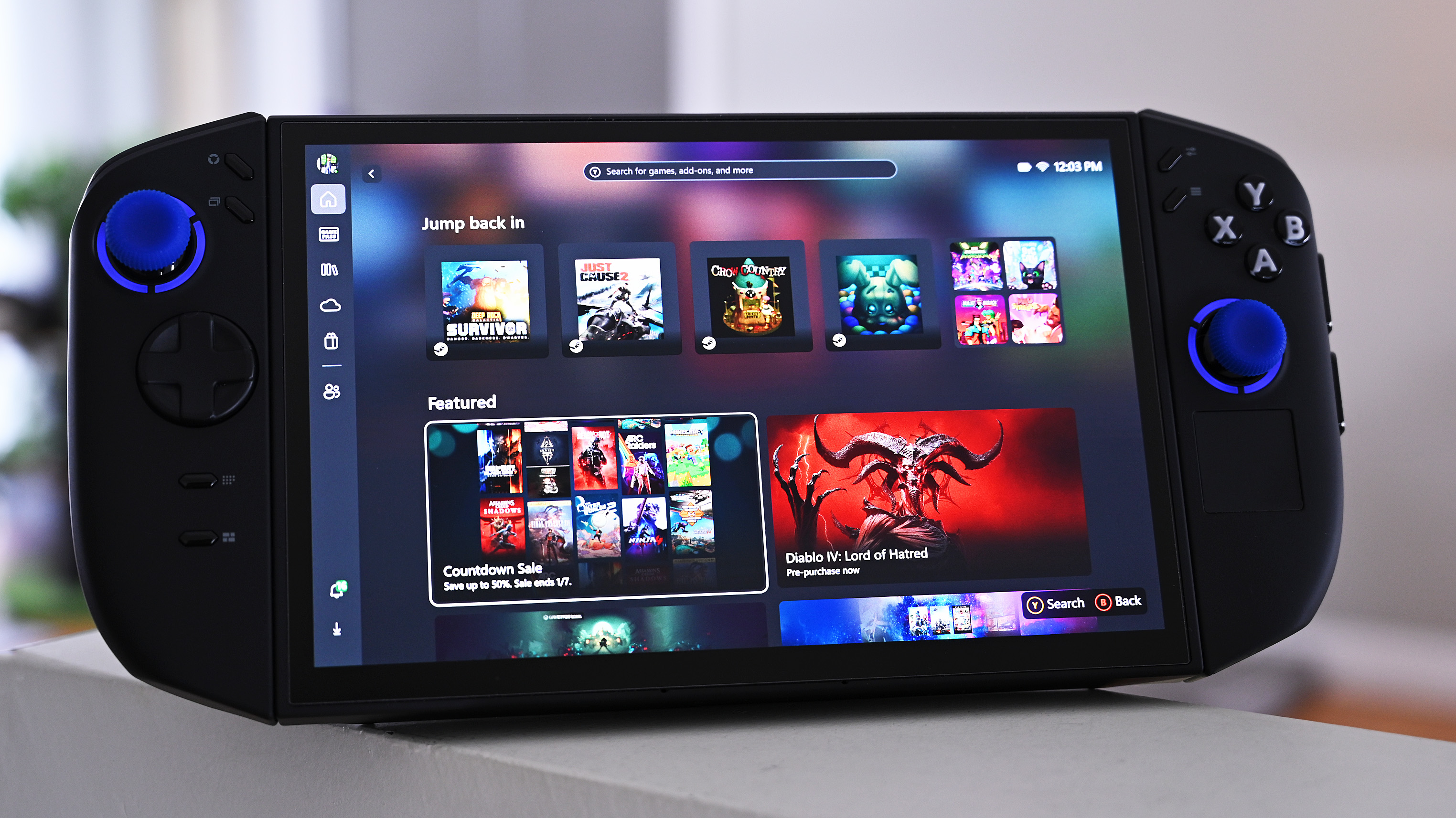
Both the Windows and SteamOS versions of the Legion Go 2 have a 74Wh battery. However, the SteamOS version probably lasts longer because its operating system is more efficient, designed specifically for handheld gaming, and doesn’t come with unnecessary pre-installed programs.
I need to run my own tests to know for sure how long the Legion Go 2 (SteamOS) battery will last. However, my earlier tests with the Windows version of the Legion Go 2 showed it typically runs between 1.5 and 5+ hours, depending on how you configure it.
The SteamOS version uses the same energy-intensive Z2 processors, meaning its battery life is probably only slightly better than the Windows version.
I’ll update this section as soon as I can run a Legion Go 2 (SteamOS) through battery testing.
Basically, the SteamOS version probably has better battery life, but I need to run some tests to confirm.
Back to the top ^
Legion Go 2: SteamOS vs Windows — Grip ergonomics and comfort
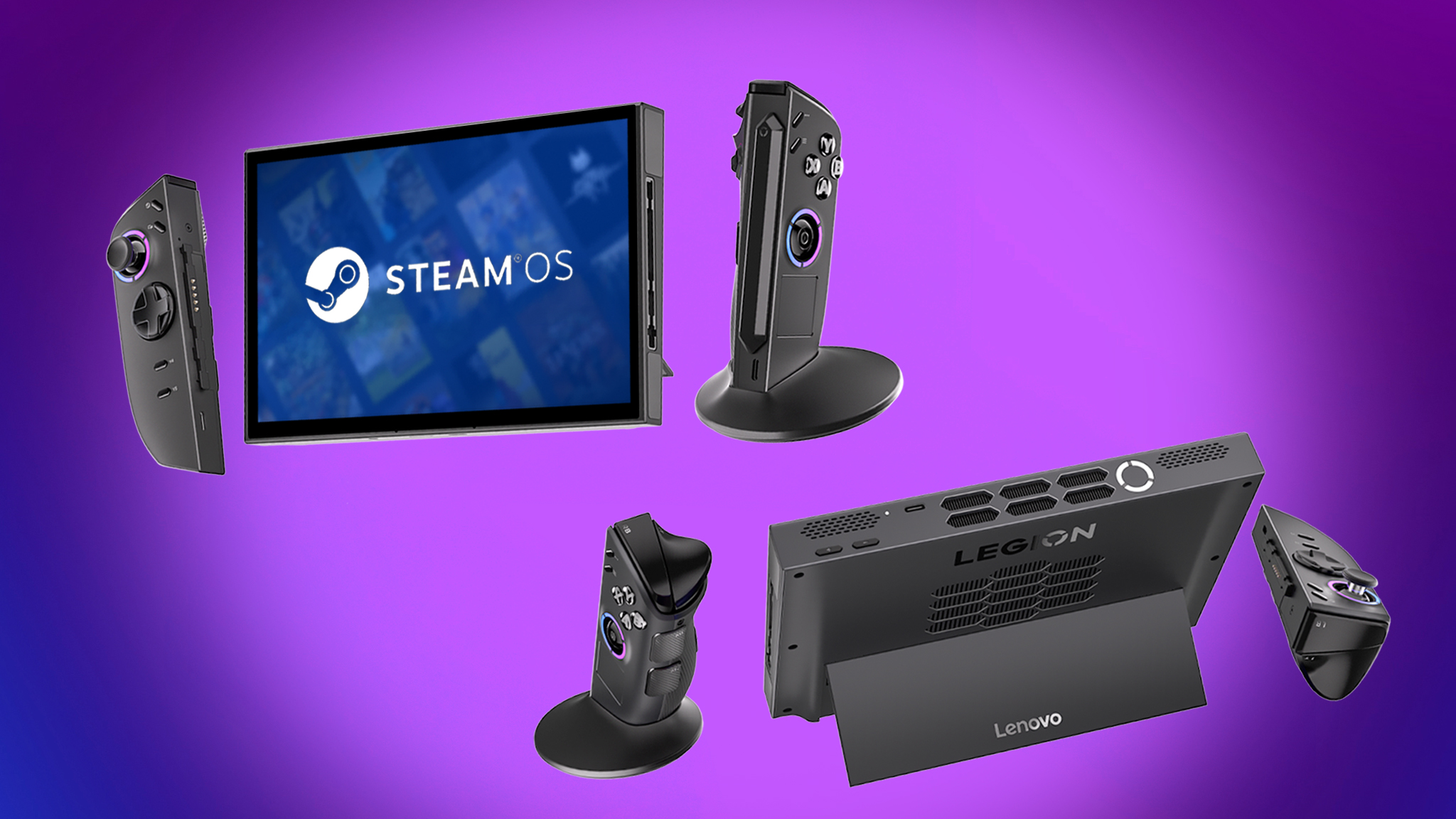
The same ergonomic design and shape are at play with both the SteamOS and Windows Legion Go 2.
These devices measure 11.64 inches long, 5.38 inches high, and 1.66 inches thick, making them quite large compared to other handhelds. As you might expect, they’re also fairly heavy, weighing between 2.03 and 2.2 pounds depending on the model.
Don’t worry about your hands getting tired too quickly! The controllers are very light, weighing only 0.46 pounds. If your wrists start to ache, you can easily switch to tabletop mode for a more comfortable experience.
In short, we have a tie for the most comfortable option! Both versions are identical in terms of how they feel, their size, and how much they weigh.
Back to the top ^
Legion Go 2: SteamOS vs Windows — Comparison chart
| Category | Winner |
|---|---|
| Price | Windows. The handheld has a lower starting price, even if it isn’t by much. |
| Performance | Tie. Both handhelds offer the same configuration options. |
| Display | Tie. Both handhelds have the same 8.8-inch OLED. |
| Controls & ports | Windows. Some of the handhelds functions might work better (or only work) on Windows. |
| Software & games | Tradeoffs. SteamOS is more efficient and has a better interface, but more games are compatible with Windows. |
| Battery life | SteamOS. Both handhelds have the same battery capacity, but SteamOS tends to run more efficiently. |
| Grip | Tie. Ergonomics, dimensions, and weight are the same on both. |
| Best overall | Tradeoffs. Windows might be more bloated and have a worse interface, but more games can run on it. Meanwhile, SteamOS is better optimized for handhelds and likely offers better battery life. |
Back to the top ^
Legion Go 2: SteamOS vs Windows — Which should I buy?
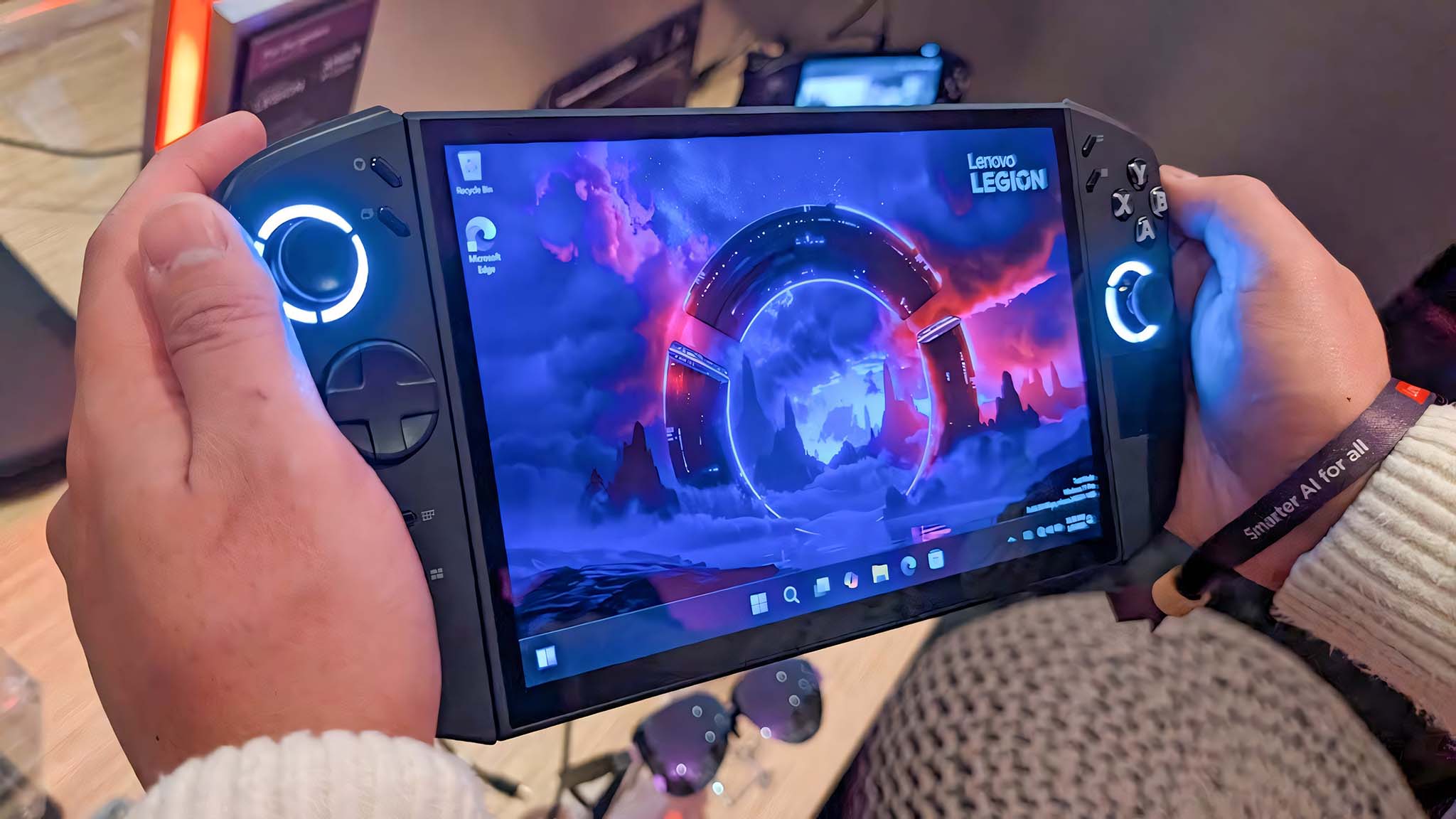
The Legion Go 2, running either Windows or SteamOS, has the potential to be an ideal handheld gaming device, depending on your personal preferences.
Honestly, I think most people will probably enjoy SteamOS more. It feels really streamlined and easy to use, kind of like a console. But, I get that Windows might be better for some people depending on what they need it for.
If you want a handheld gaming device that feels like a streamlined console rather than a portable PC, the Legion Go 2 (with SteamOS) is a great choice. SteamOS is also recommended because it’s clean and runs very efficiently.
If you play games that require anti-cheat software or aren’t compatible with SteamOS, the Legion Go 2 (Windows version) is a better choice. Also, choose the Windows version if you want to use the device like a regular Windows laptop – for things like schoolwork, office tasks, or just general use.
If you’re looking to buy a handheld gaming device right now, it’s going to be difficult. The Windows-based Legion Go 2 has been sold out at most stores for months, and the SteamOS version isn’t available until June 2026, meaning you might have to resort to buying from resellers at inflated prices.
Back to the top ^
Read More
- FRONT MISSION 3: Remake coming to PS5, Xbox Series, PS4, Xbox One, and PC on January 30, 2026
- Best Controller Settings for ARC Raiders
- Taylor Sheridan’s Gritty 5-Part Crime Show Reveals New Final Season Villain
- The Boys Season 5, Episode 5 Ending Explained: Why Homelander Does THAT
- Mark Zuckerberg & Wife Priscilla Chan Make Surprise Debut at Met Gala
- The Boys Season 5 Officially Ends An Era For Jensen Ackles’ Soldier Boy
- ‘The Bride!’ Review: Jessie Buckley Breathes Life into a Monstrous Mess
- Invincible Season 4 Episode 4 Post-Credits Unveils a Demonic Return & More
- Welcome to Demon School! Iruma-kun season 4 release schedule: When are new episodes on Crunchyroll?
- From season 4 release schedule: When is episode 2 out on MGM+?
2026-01-07 18:15