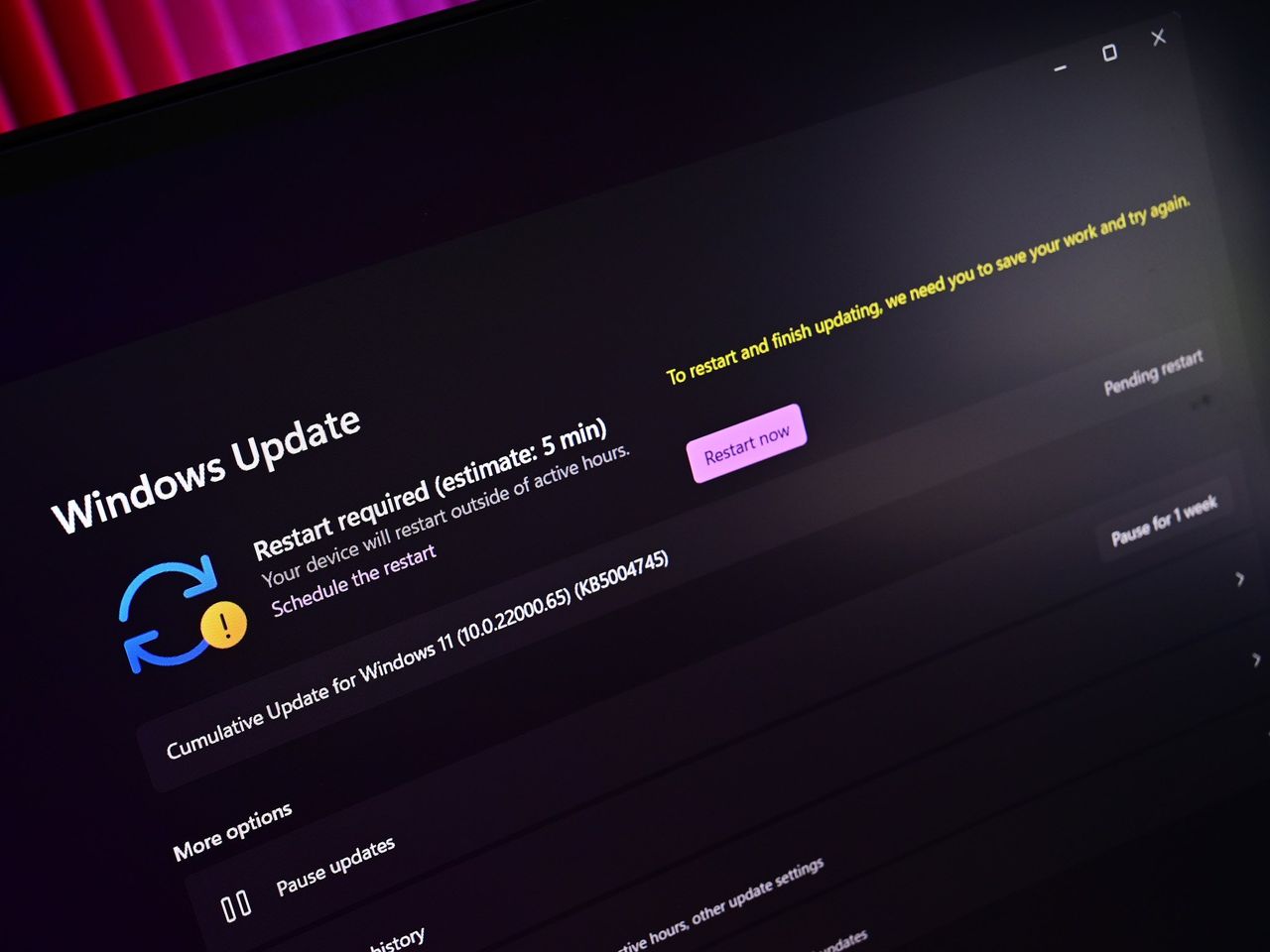
Microsoft has released a new Windows 11 preview, and it includes a feature previously only available to Copilot+ users. This update lets the Narrator app use Copilot to describe any image displayed on your screen, making it more accessible.
Last year, Microsoft added a feature to Copilot+ PCs that uses AI to describe images for people who are blind or have low vision. Narrator, a Windows screen reader, now works with Copilot on all Windows 11 devices to better understand and describe images and other visuals on your screen.
This AI feature in Windows 11 is a genuinely valuable tool, especially for people with vision impairment. It’s great to see Microsoft using AI to improve accessibility, and making this feature available to all Windows 11 users – not just those with the latest PCs – is a smart move.
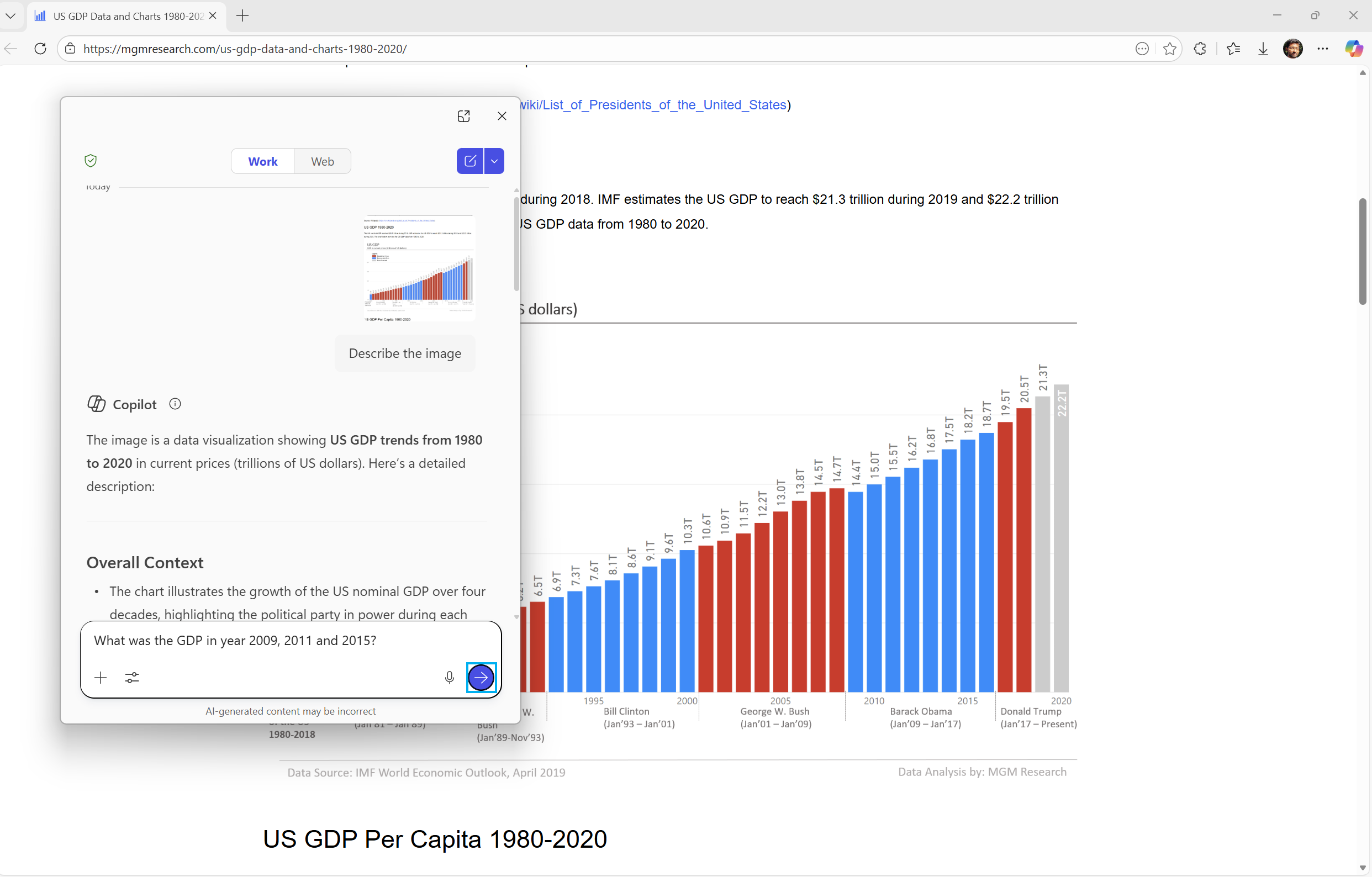
To get a description of what’s currently in focus, press the Narrator key along with Ctrl + D. To describe the entire screen, use Narrator key + Ctrl + S. When Copilot opens, the image is already loaded, and you can type in what you want to know. Your image isn’t shared until you specifically ask for a description, so you’re always in control. If you need more information or want to explore further, just select ‘Ask Copilot’.
Beyond integrating Copilot with Narrator, Microsoft is now giving IT administrators the power to remove Copilot apps from devices they manage. Specifically, on Windows 11 Pro, Enterprise, and Education versions, a new setting will automatically uninstall Copilot if certain criteria are met:
- Microsoft 365 Copilot and Microsoft Copilot are both installed
- The Microsoft Copilot app was not installed by the user
- The Microsoft Copilot app was not launched in the last 28 days
Okay, so aside from all the Copilot buzz, I just heard Microsoft is tweaking something really cool in Windows 11. They’re improving the ‘Resume’ feature – you know, the one that lets you continue what you were doing on your phone right on your PC via the Taskbar? Up until now, it *only* worked if you were using Phone Link, but they’re testing a way to expand that functionality, which is awesome!
We’ve improved our Cross Device Resume feature, originally announced previously. App developers were previously limited to using the Link to Windows app for integration. Now, we’re adding support for the Windows Notification System (WNS), allowing more users to enjoy the seamless experience of resuming their work across devices on Windows.
The latest preview of Windows 11 is now available as build 26220.7535 (KB5072046) for users in the Dev or Beta Channel through Windows Update. Microsoft is letting everyone know that the Dev Channel will soon use much higher build numbers, meaning you won’t be able to switch back and forth between the Dev and Beta Channels. If you want to stay with the current 25H2 version, it’s best to switch to the Beta Channel right away.

Read More
- FRONT MISSION 3: Remake coming to PS5, Xbox Series, PS4, Xbox One, and PC on January 30, 2026
- Taylor Sheridan’s Gritty 5-Part Crime Show Reveals New Final Season Villain
- The Boys Season 5, Episode 5 Ending Explained: Why Homelander Does THAT
- ‘The Bride!’ Review: Jessie Buckley Breathes Life into a Monstrous Mess
- Mark Zuckerberg & Wife Priscilla Chan Make Surprise Debut at Met Gala
- From season 4 release schedule: When is episode 2 out on MGM+?
- How to Build Water Elevators and Fountains in Enshrouded
- Ashley’s Powers in The Boys Season 5 Explained & Why They Don’t Work On [SPOILER]
- Why There’s No Ghosts Tonight (Nov 27) & When Season 5, Episode 7 Releases
- Invincible Season 4 Episode 4 Post-Credits Unveils a Demonic Return & More
2026-01-09 21:39