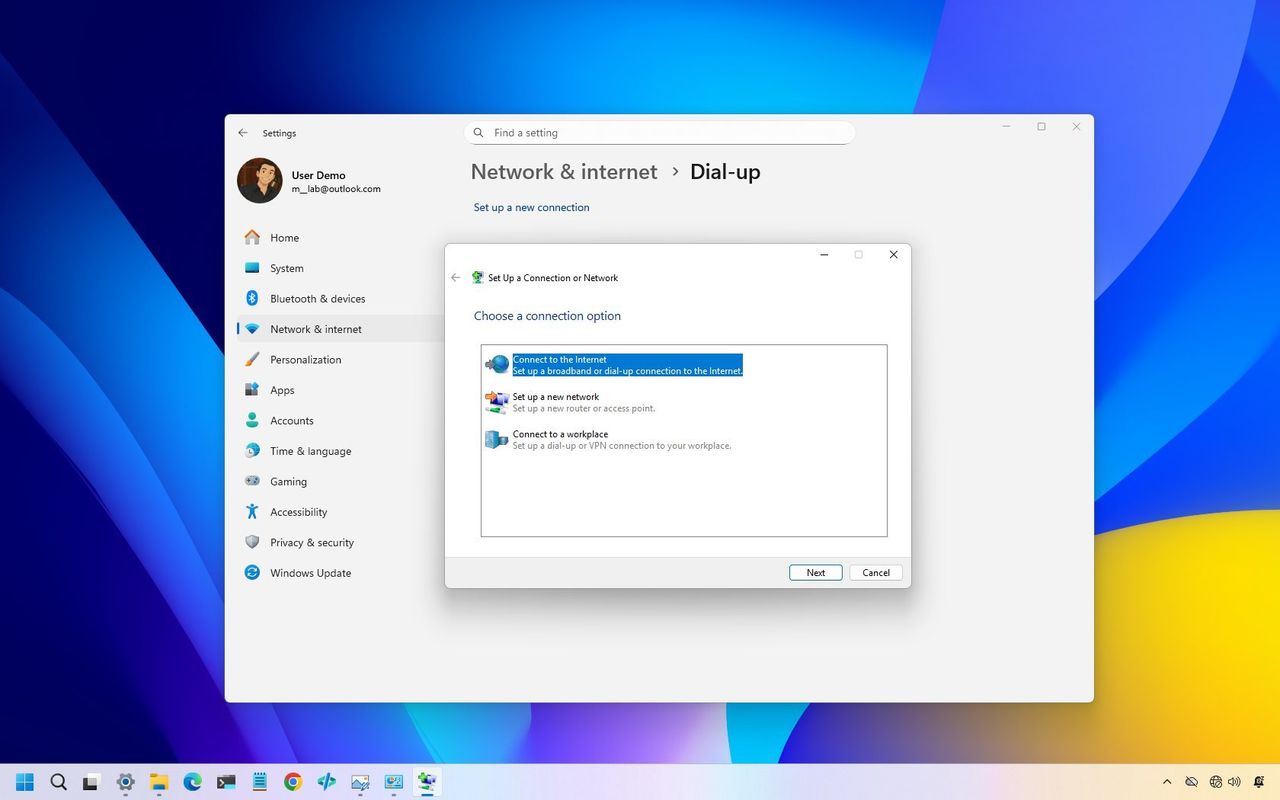
If your modem stopped working after you installed the Windows 11 security update from January 2026, you’re experiencing a known issue. Many users have reported that update KB5074109 is causing modems to stop functioning. This appears to be another problem added to a series of issues with the latest Windows 11 updates.
The recent KB5074109 update is causing problems for users with NVIDIA graphics cards, including black screens, slowdowns, and app crashes. Some people are even experiencing boot failures or difficulties removing the update. This adds to existing concerns about the update being released with multiple bugs.
However, in this specific case, it’s not the result of a bug.
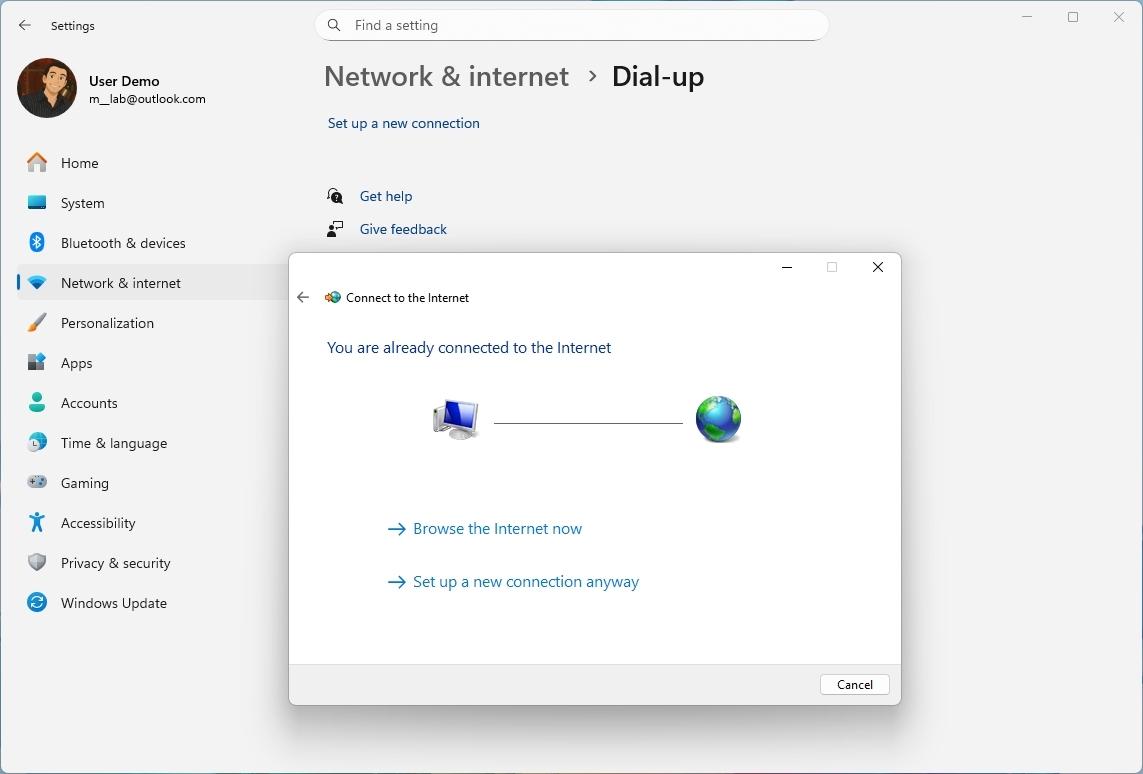
Microsoft’s January 2026 security update (KB5074109, Build 26200.7623) includes the removal of older modem drivers. Specifically, the update removes these files: agrsm64.sys (64-bit), agrsm.sys (32-bit), smserl64.sys (64-bit), and smserial.sys (32-bit).
Because of this update, some modems are now incompatible with the operating system, as they rely on drivers that no longer function. This issue caught many users by surprise, as the change was only listed in the update details and wasn’t widely publicized.
We’re seeing more and more users report problems, both on Microsoft’s official forums and in other online communities.
A Microsoft Q&A user, Imsai8080, reported that a new modem they bought—which was advertised as being compatible with Windows 11—didn’t work. The user found that uninstalling the update fixed the problem, and both the new and their old modem are now functioning correctly.
The user pointed out that a lot of older phone answering and logging systems relied on these modems and drivers to work, which is unfortunate.
The user reached out to the hardware manufacturer and learned that many others were reporting the same problem, which was causing delays in getting help.
Users on the Tom’s Hardware forums expressed similar disappointment. One user, ohs77, shared that their 6-month-old modem stopped working because it needed a specific driver called agrsm64.sys. They sarcastically noted that Microsoft’s solution seemed to be simply removing support for modems that don’t work anymore.
The user said the modem company wasn’t providing new drivers and probably wouldn’t in the future.
The recent change has created a few issues, but Microsoft made it to strengthen security. The older modem drivers had known weaknesses that hadn’t been fixed. Microsoft believes removing them makes the operating system safer overall.
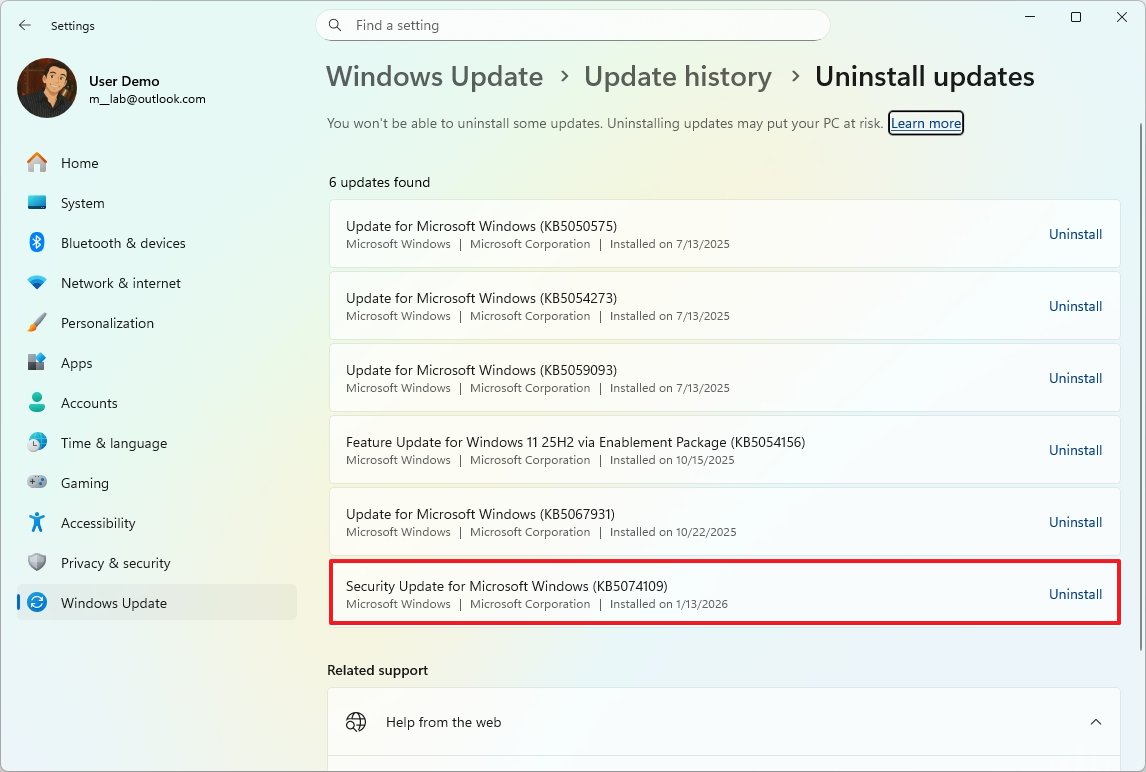
If a device isn’t working correctly after a recent update, you can temporarily fix the issue by removing update KB5074109 and turning off Windows Update. While it’s generally best to keep your operating system updated for security reasons, this can buy you some time until a more permanent fix is available.
It’s unusual for a Windows Update to cause a problem and for Microsoft to intentionally confirm it, but that’s the situation now. If you have an older modem, this update might be a nudge to upgrade it.
Has your device been impacted by these driver changes on Windows 11? Let me know in the comments!
More resources

I like to stay updated on all things Windows, so I follow Windows Central on Google News. It’s a great way to have their newest articles, helpful tips, and interesting features show up right in my news feed.
Read More
- 10 Most Powerful Versions of Superman, Ranked
- Gold Rate Forecast
- GBP CNY PREDICTION
- 007 First Light: Release Date, Story, Gameplay, Cast, Editions, and Platforms
- Forza Horizon 6 Car List So Far: Confirmed Highlights, Cover Cars, DLC, and Rewards
- Superman’s 7 Best Power-Ups, Ranked
- DOGE PREDICTION. DOGE cryptocurrency
- What happened to Soldier Boy in The Boys?
- Kingdom Come Deliverance Update 1.002 Enables Trophies to Be Transferred
- 10 Greatest Wii U Games of All Time, Ranked
2026-01-27 01:40