Xbox library and games not showing up? — You’re not alone, and Xbox Support is investigating the problem.

It’s currently unclear how many people are experiencing this problem. As of right now, I can still see all my games – both owned and those through Xbox Game Pass – on my Xbox Series X and Windows 11 PC. I’ve also been able to use the Xbox Store without any issues, even recently purchasing and playing the Silent Hill 2 remake (with Xbox Play Anywhere) on both my console and PC.

You might not be affected at all, and that’s okay! If you are, hopefully it will be resolved soon. I’ll share an update as soon as a fix is reported.

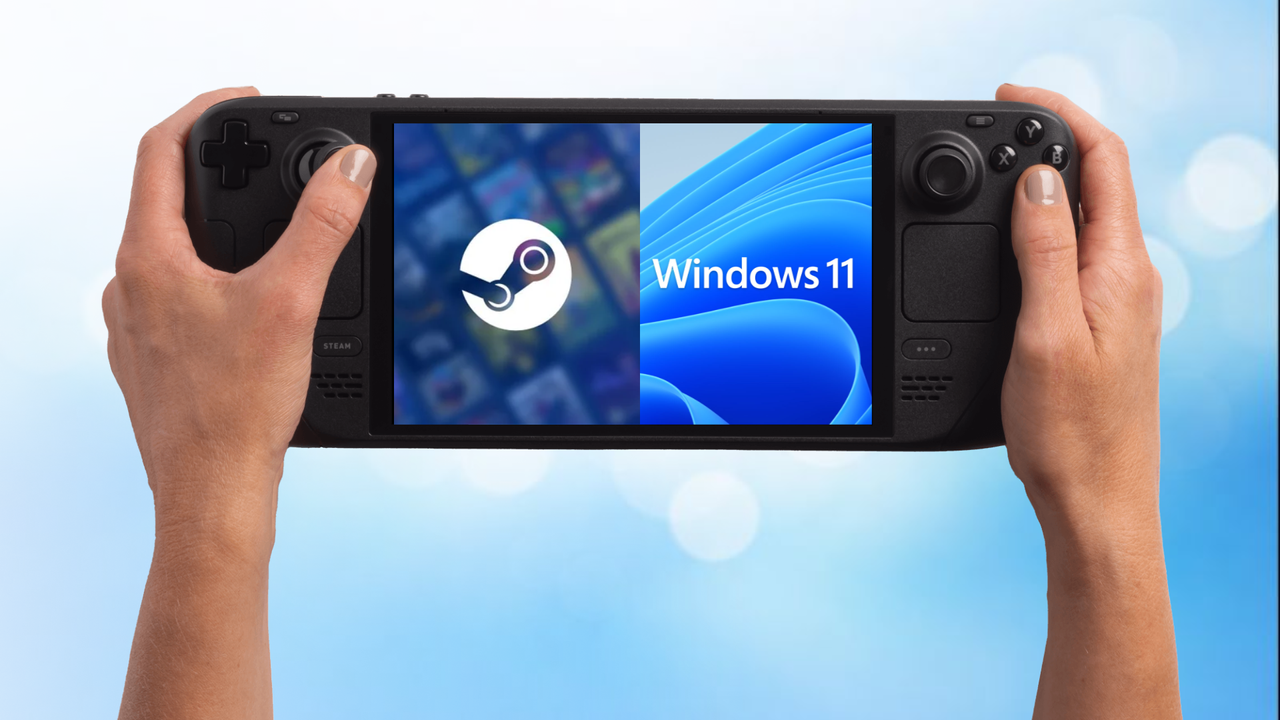
Microsoft launches Xbox full screen experience preview for Windows 11 gaming PCs — expanding beyond handhelds for the first time

Microsoft has created a full-screen Xbox experience for PCs that’s designed to be easy to use with a controller. It offers a simple, uncluttered interface perfect for gaming, and works seamlessly with your controller on desktops, laptops, and tablets, making it easy to switch between tasks and enjoy a smoother gaming experience.

How to set up your new Copilot+ PC on Windows 11

Once your new Copilot+ PC finishes its initial setup, it’s a good idea to uninstall any pre-installed apps you won’t use and make sure Windows 11 has all the latest updates. Then, install the programs you need, transfer your files from your old device, and customize your settings to get the performance and appearance you prefer.