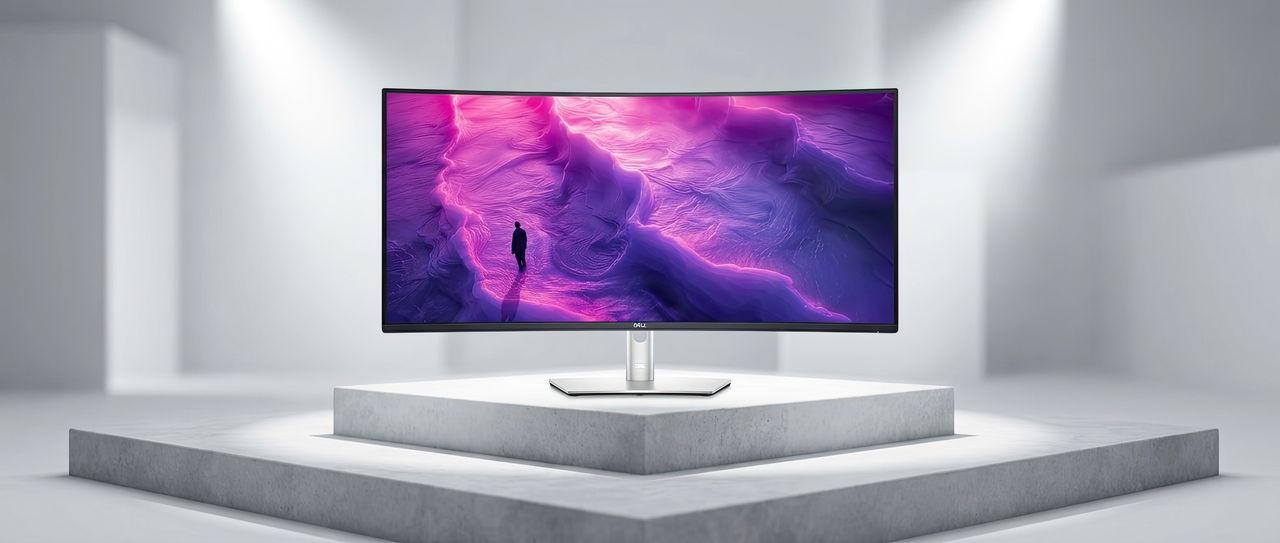
Dell consistently creates monitors that outperform many professional displays, but their new Ultrasharp 52 Thunderbolt Hub Monitor (U5226KW) still impressed me. Receiving the massive 52-inch, 6K monitor at my home office was a real surprise – I even had to help the delivery driver carry it in!
The specifications are incredibly impressive. This monitor boasts a massive 52-inch screen with 6K resolution – a combination you won’t find anywhere else. And just when you think it can’t get any better, it adds a super-fast 120Hz refresh rate, which is truly stunning. It’s hard to believe a monitor this large, clear, and responsive actually exists. While you *can* play games on it, it’s really designed for those who want the smoothest possible visual experience, like incredibly fluid Windows animations.
At $2,899.99 with the stand, or $2,799.99 without, this monitor is definitely for serious users. To be honest, I thought it would be even more expensive. Dell used to sell a similar 30-inch 4K OLED monitor for $5,000 back in 2016, and this new one feels like a significant upgrade. In fact, Dell still offers a fantastic 32-inch 6K Ultrasharp monitor with a soundbar for around $2,999.
After using this incredibly impressive display for a few weeks, it’s time to share my thoughts – and figure out who would actually benefit from it. Let’s dive in.
Dell Ultrasharp 52 specs and features
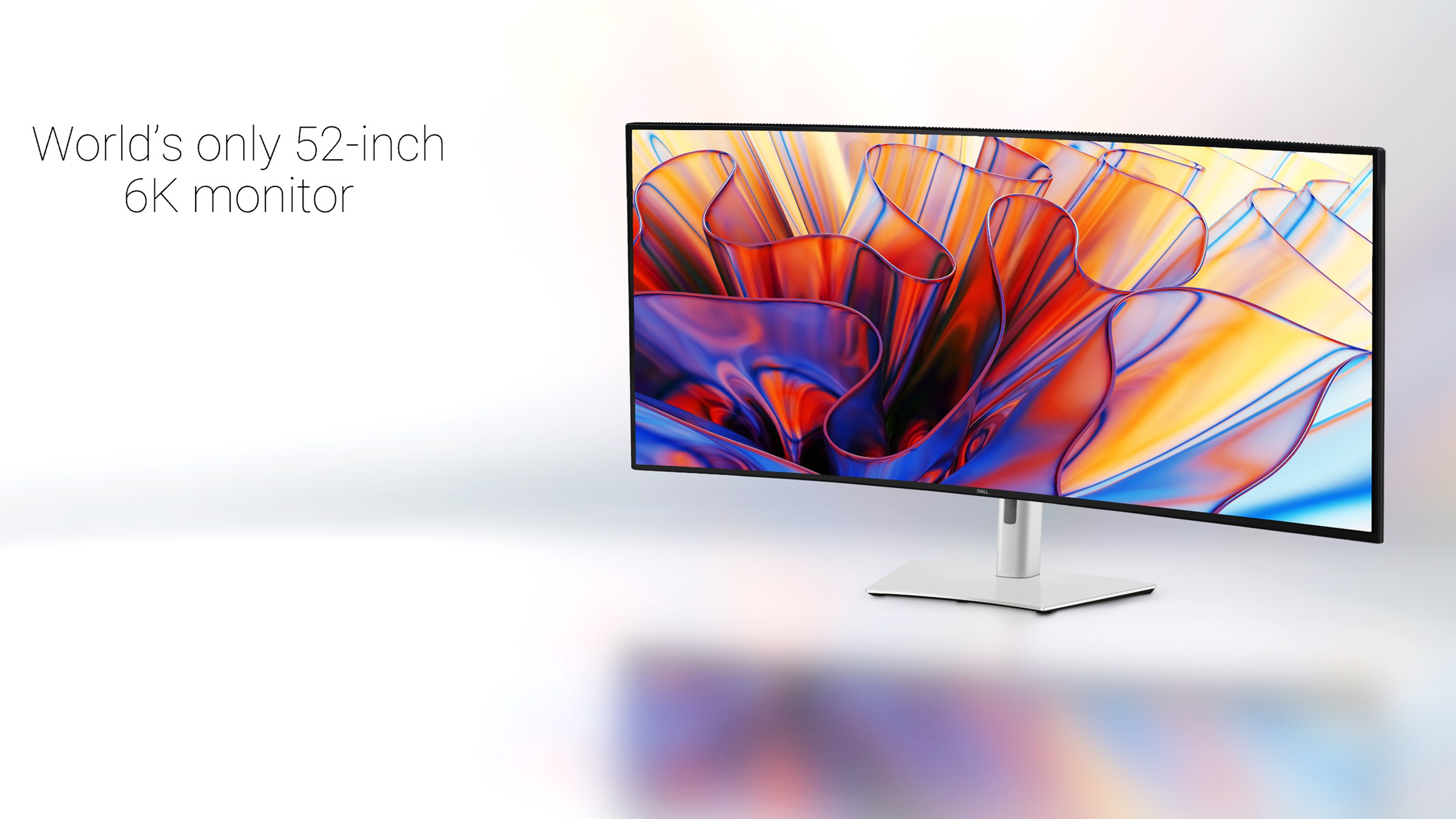
I already spoiled the main specifications of the Ultrasharp 52, but let’s dive a bit deeper.
This monitor doesn’t use an OLED panel, but instead features LG’s IPS Black Technology. This technology improves IPS panels, making colors appear deeper and blacks richer – closer to what you’d see with an OLED screen. It boosts contrast to 2,000:1 and significantly improves black levels. A benefit of using IPS Black instead of OLED is that you don’t have to worry about burn-in, which can happen if static images are displayed for extended periods. This makes it a great choice for users who often have unchanging images on their screen.
This monitor boasts a stunning 6144 x 2560 resolution and a wide 21:9 aspect ratio, displayed on a large, 51.5-inch curved screen. It has a response time of 8.0 milliseconds, or a faster 5.0 milliseconds in ‘Fast Mode,’ which is good enough for enjoyable gaming.
This monitor is designed to be easy on your eyes. It’s flicker-free and has received the highest rating (5 stars) from TÜV Rheinland for eye comfort. Dell highlights that this is the first monitor to meet the stringent TÜV standards for low blue light emissions, reducing exposure by up to 60% compared to other monitors. Plus, it features an anti-glare coating with a durable hard finish, ensuring a clear, glare-free viewing experience.
A nice extra feature – not often found on monitors – is the Ultrasharp 52’s ambient light sensor. It automatically adjusts the screen’s brightness and color temperature. You can turn this feature off if you prefer, which is great. It tends to dim the screen more than you might expect, but after getting used to it, I found it actually helped reduce eye strain.
The display covers a very wide range of colors, accurately reproducing 99% of the DCI-P3 and Display P3 color spaces, as well as 100% of both sRGB and BT.709. My calibration tests confirmed these excellent results.
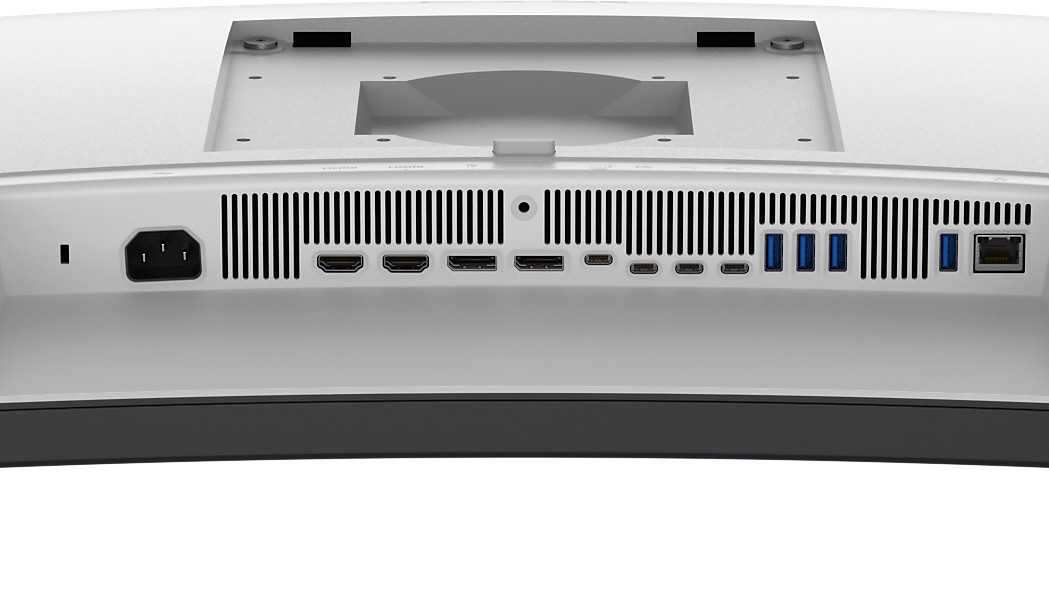
This device offers a wide range of ports, including two HDMI ports (supporting resolutions up to 6144×2560 at 120Hz with VRR), two DisplayPort 1.4 ports, four fast USB-A ports, three USB-C ports for data transfer, a Thunderbolt 4 port for very fast data transfer, an RJ45 Ethernet port, and two additional USB-C ports. Some of the USB ports also support battery charging and power delivery up to 27W.
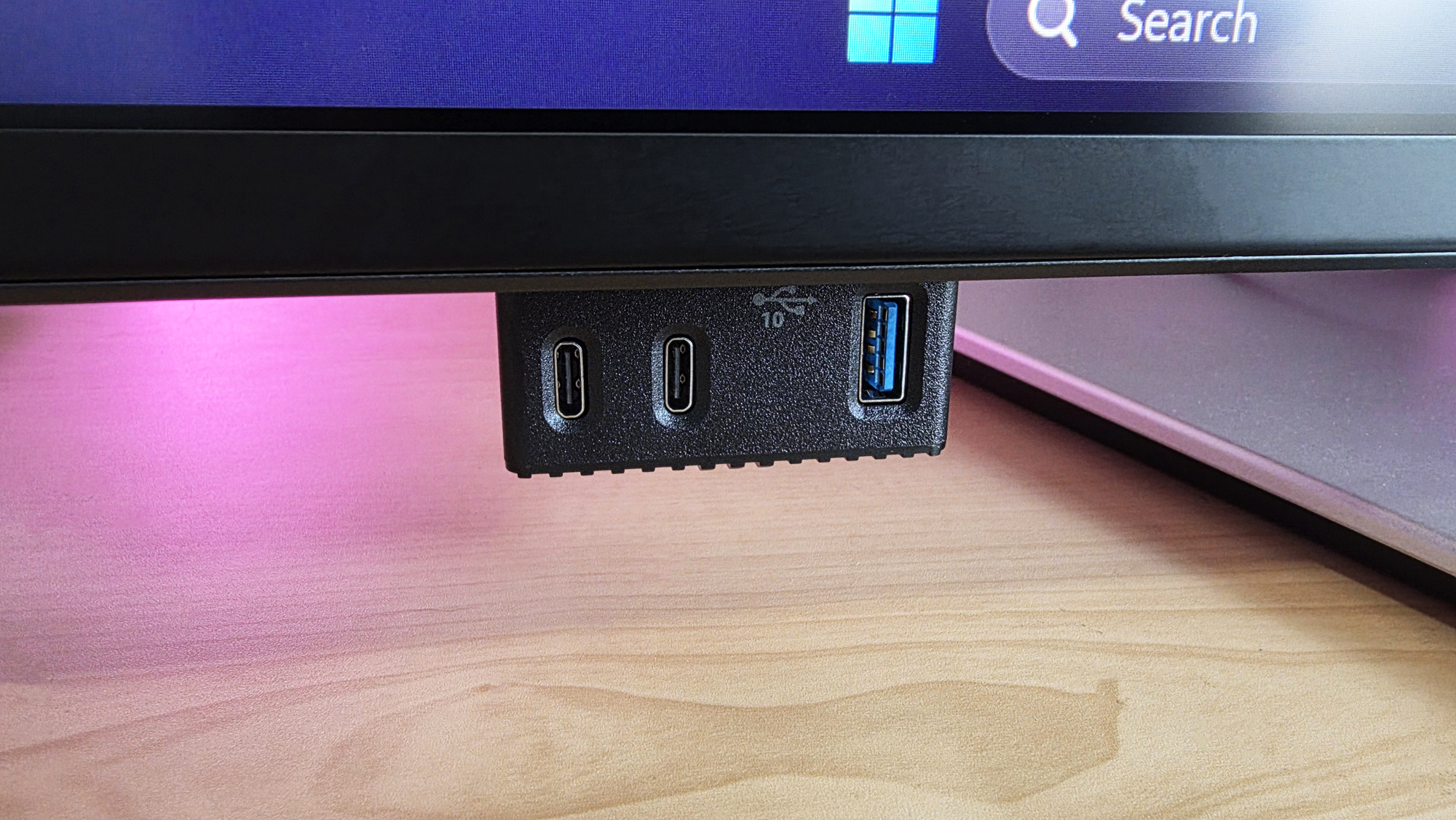
For convenience, the front of the device features a hub with two USB-C ports and one USB-A port, which pop out when you press a button – a design choice Dell often uses. This makes it easy to plug in things like flash drives or charge your phone.
The Ultrasharp 52 is designed for demanding users and includes a Thunderbolt 4 hub and KVM switch, letting you connect up to four computers – like laptops and desktops – to a single monitor. You can view content from multiple sources simultaneously with Picture by Picture (supporting up to four inputs) or Picture in Picture (supporting up to two screen divisions). It also features an automatic USB KVM with Ethernet switching, allowing you to control up to four connected computers.
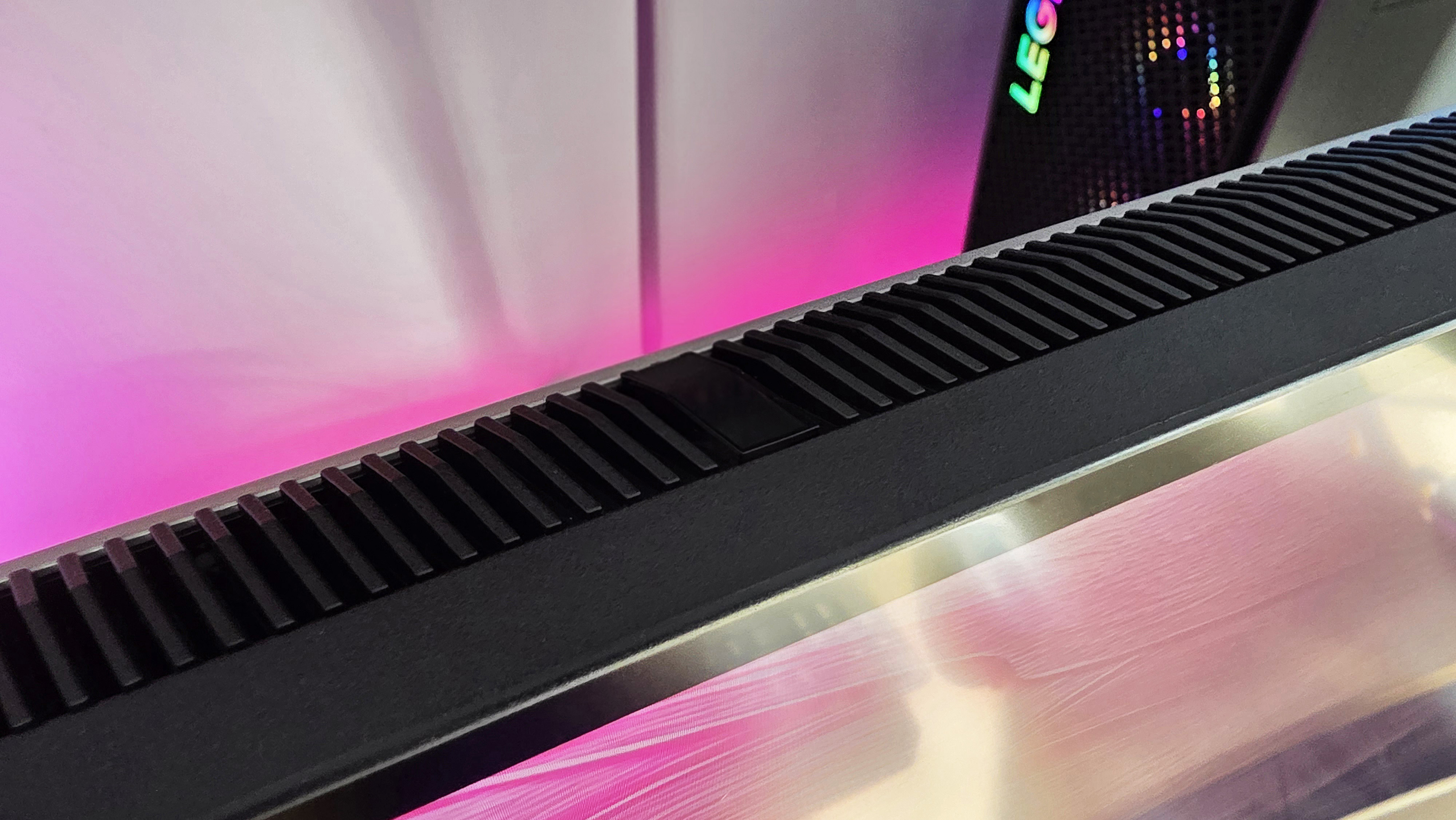
I was worried there wouldn’t be any sound, but thankfully, Dell included it! The monitor has two 9-watt speakers built in, located on the bottom edge.
The box contains everything you need to get started: the monitor itself, an adjustable stand, a power cable, and all the necessary video cables – including DisplayPort 1.4, HDMI 2.1, a USB-C to USB-A cable, Thunderbolt 4, and a high-speed 40Gbps active cable.
The whole thing with the base stand weighs 18.23 kg (40.19 lbs.), and yes, it’s VESA compatible.
Dell Ultrasharp 52, what is it like to use?
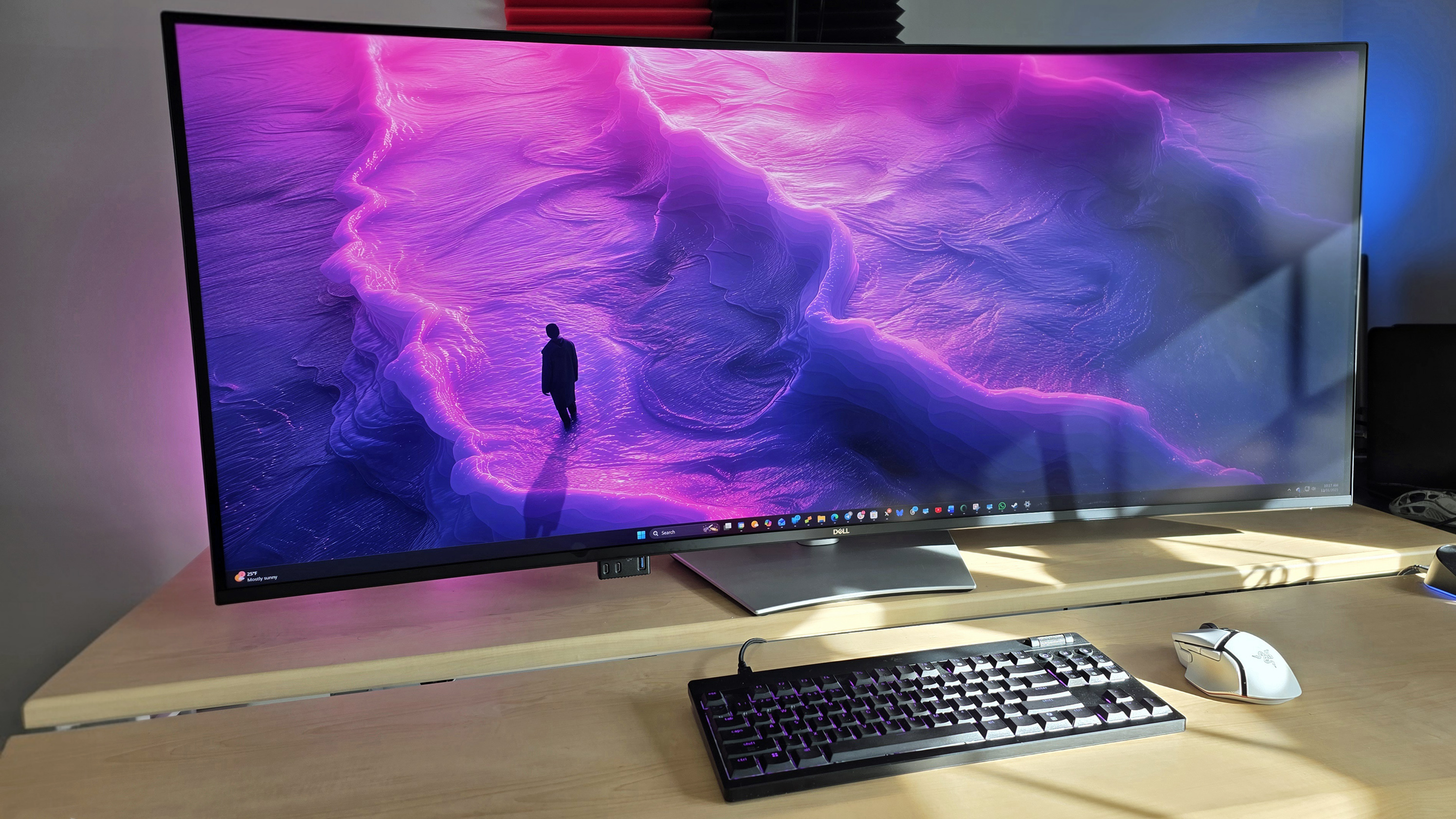
Honestly, it was pretty funny just putting this huge thing on my desk. It’s so big that when I first turned on my computer, I immediately wondered if I’d ever get used to it.
Then I used it for 24 hours, and I can’t see going back.
Let’s take a quick look at the setup process. It was really easy! Everything you need – the monitor itself, the stand, and the cables – comes in one box. The box is designed like a sled, which makes it easier to move, though it’s helpful to have someone assist you. The stand is in two pieces and clicks right into the back of the monitor without needing any tools.
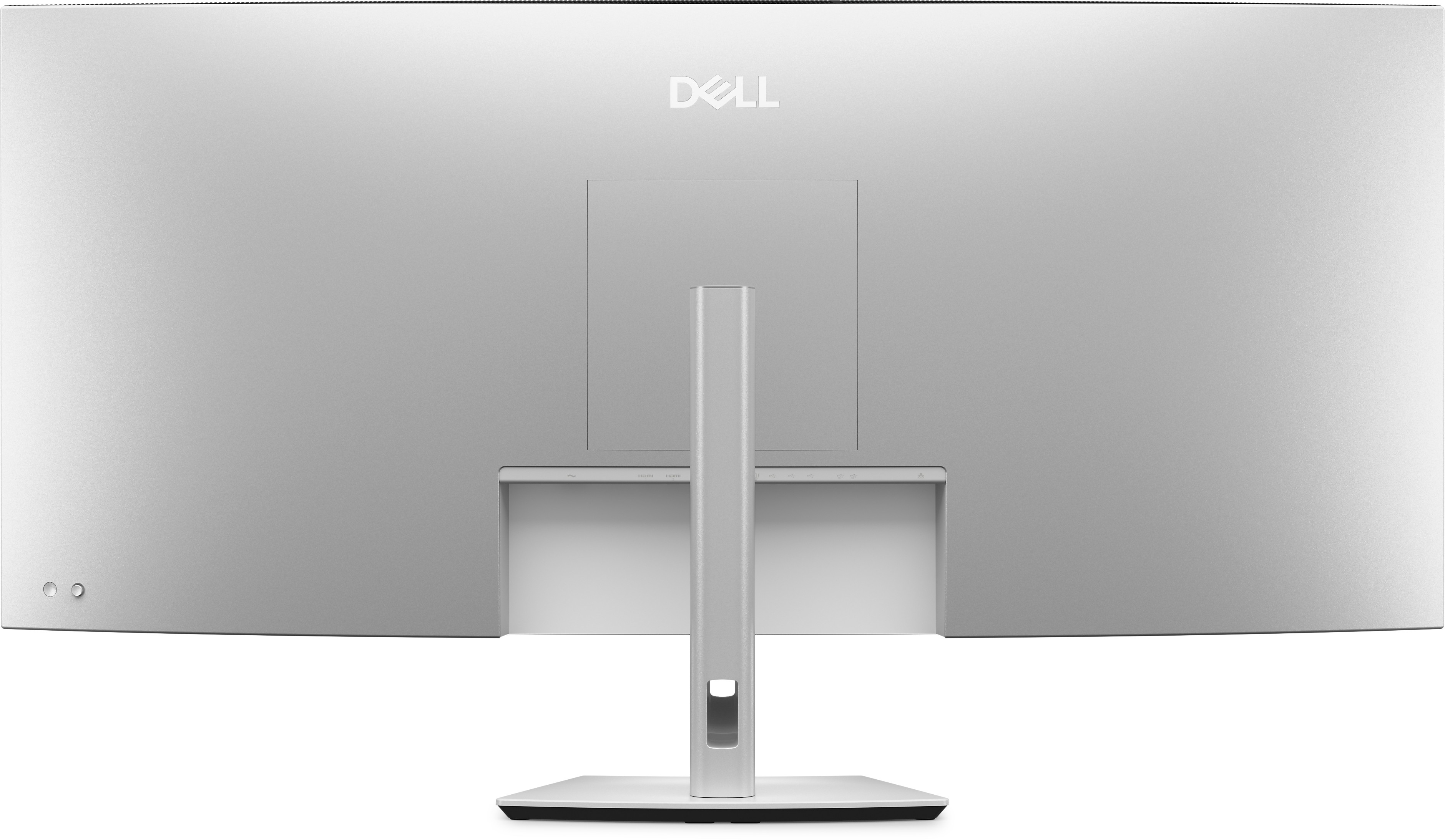
This 4200R curved monitor doesn’t have an extreme curve, but I recommend handling it with care. Curved monitors like this can be easily damaged, particularly if the screen is facing down.
Like most people, I recommend using a DisplayPort cable instead of HDMI, although both worked fine with my NVIDIA RTX 4070 graphics card. Connecting the extra wires for power to the other ports was a little difficult, but everything ended up working as expected.
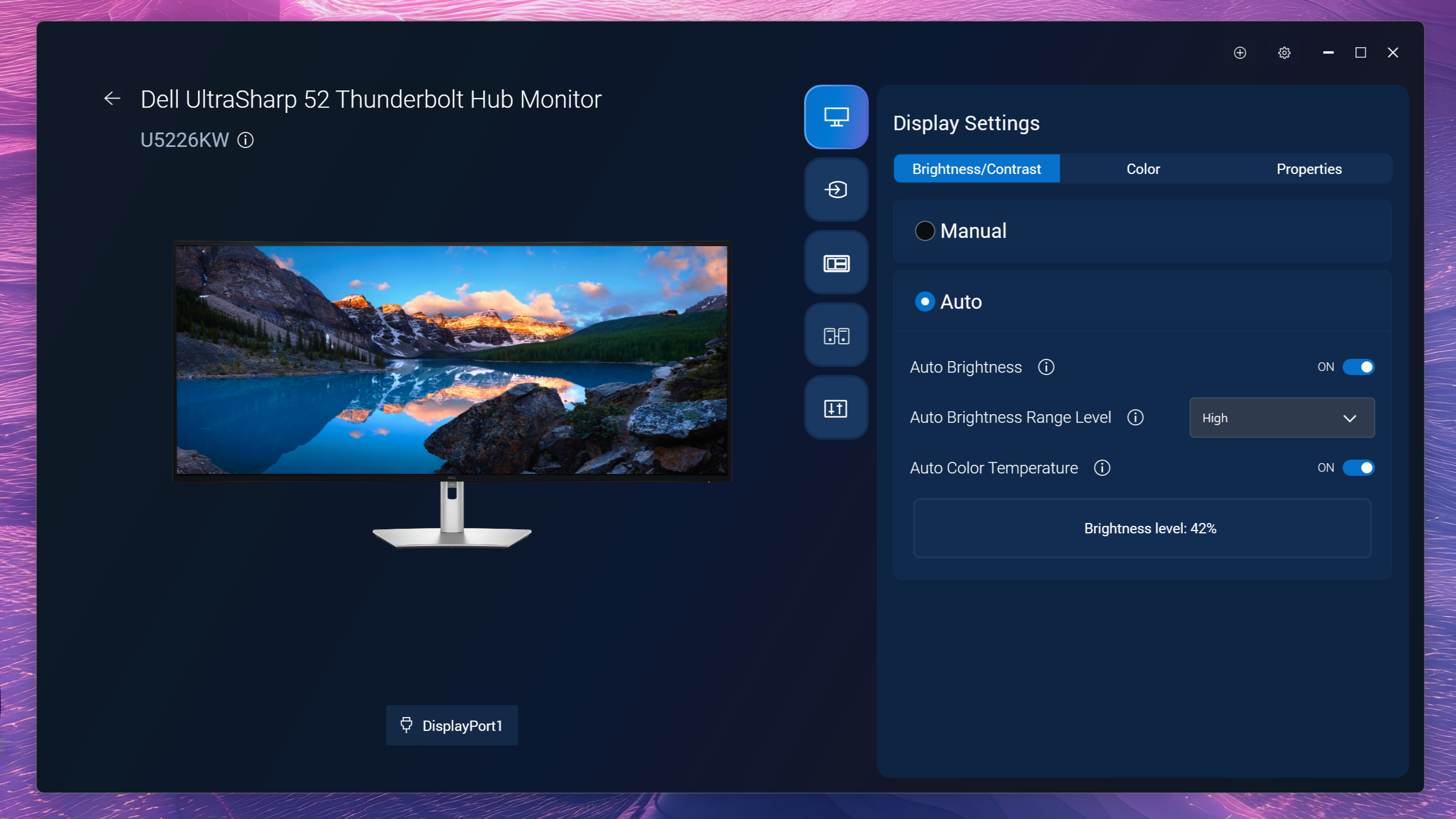
To fully enjoy the Ultrasharp 52 monitor, install the Dell Display and Peripheral Manager. This helpful app allows you to adjust settings like brightness, color, automatic brightness, and KVM functionality, plus customize how windows snap to the screen. It’s a well-designed application and works perfectly.
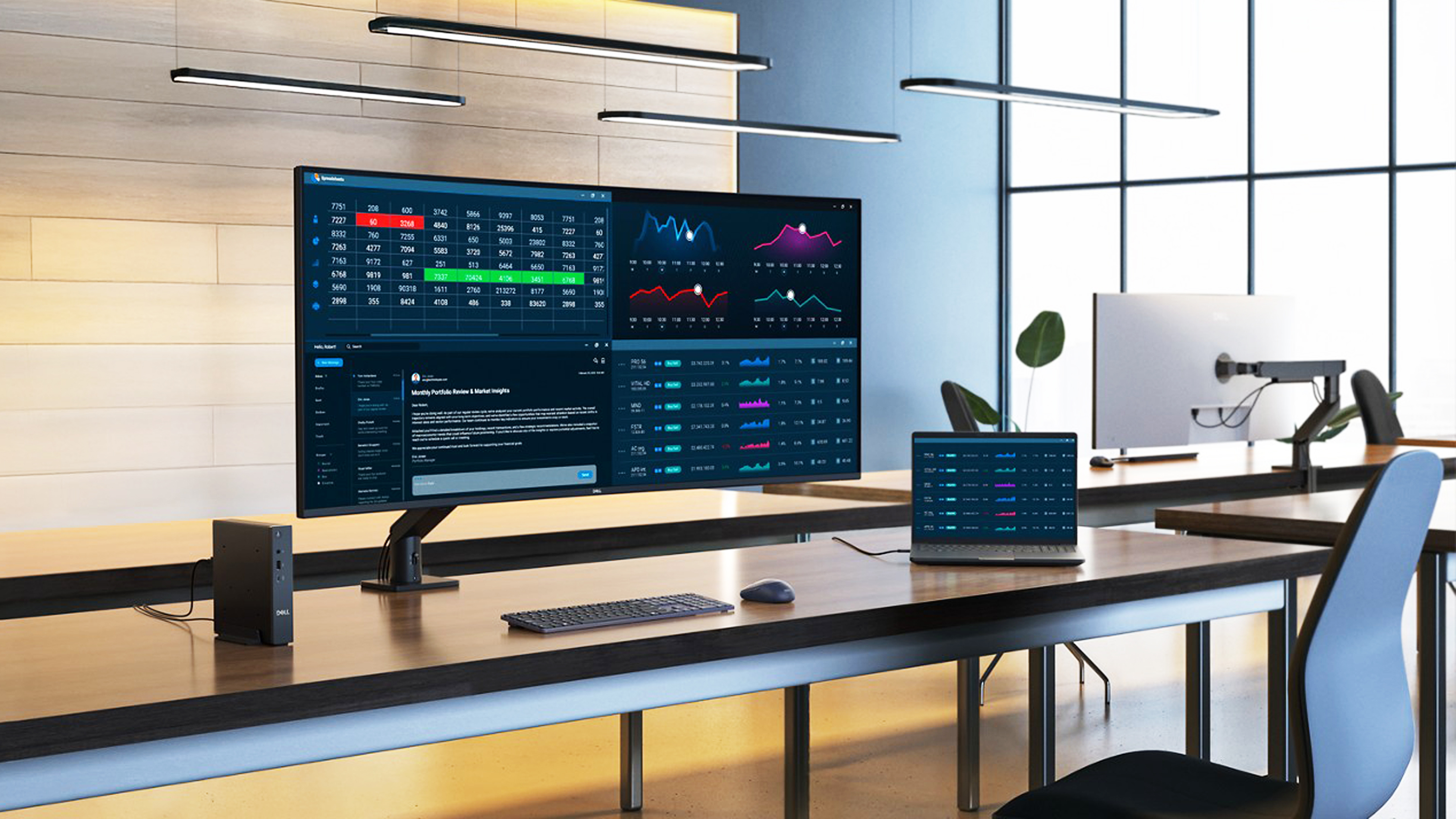
Now that everything’s connected, it’s amazing – someone could literally see my screen from the street! But if you spend your day analyzing data, looking at charts, and using Slack, the Dell Ultrasharp 52 monitor is fantastic. The text is incredibly clear at 129 pixels per inch, and the size is just right (Dell says the sweet spot is between 110 and 140 PPI). I did increase the Windows scaling to 175% – a bit higher than the recommended 125% – but that’s just because my eyes aren’t what they used to be.
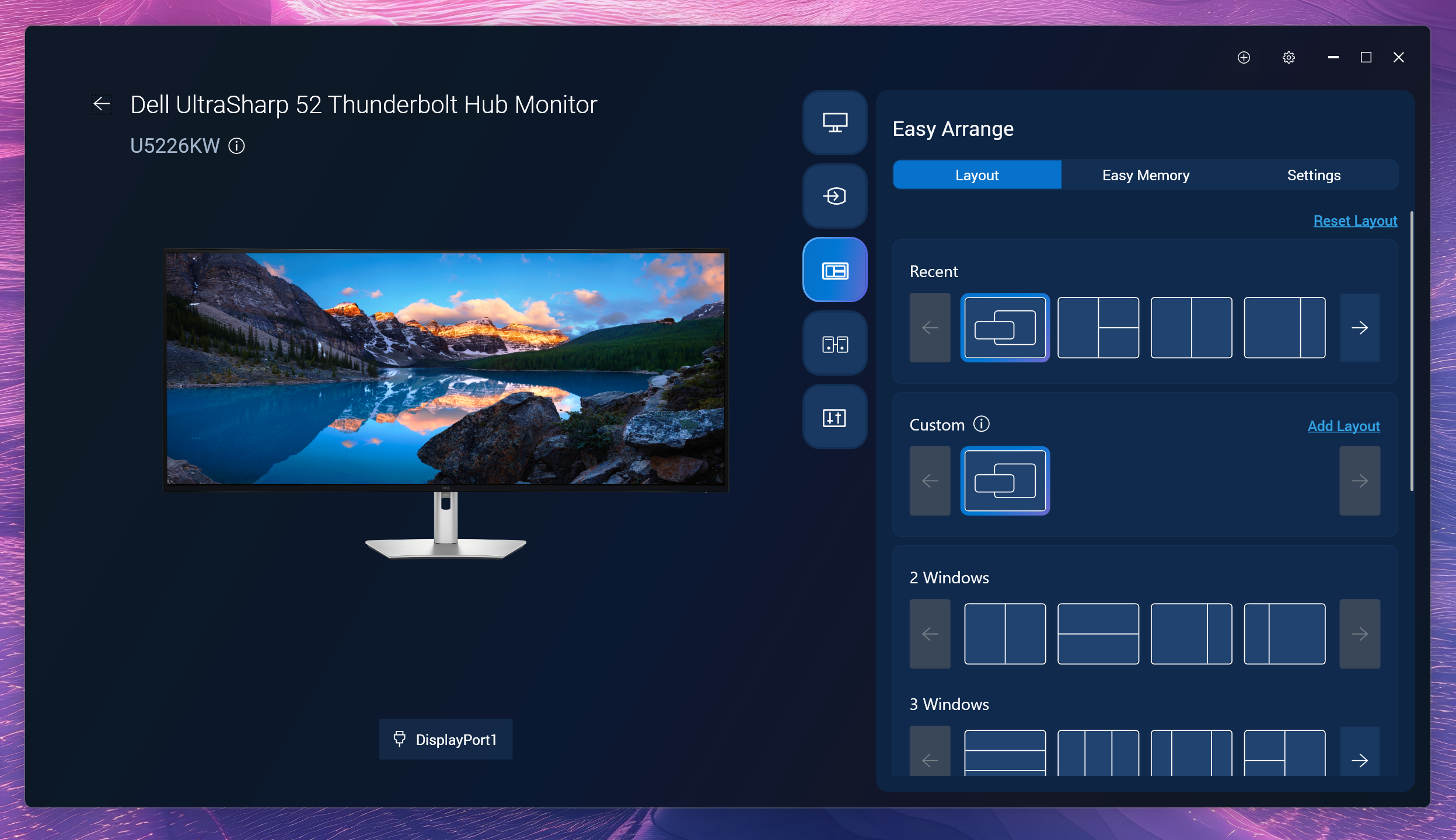
I already liked how Windows lets you snap windows around, but Dell takes it to another level! Their version not only has some handy pre-set snapping options, but you can actually customize it and create your *own* layouts – it’s seriously cool.
To give you a sense of how large it is, Dell compares the Ultrasharp 52 to having one 43-inch 4K monitor alongside two 27-inch QHD monitors, or to stacking two 49-inch DQHD (ultrawide) monitors on top of each other – both setups are already quite impressive.
Yeah, it’s a lot of screen.
I was pleasantly surprised by the built-in speakers! I didn’t think the two 9W speakers would be enough, but they work perfectly for both watching videos and making video calls. The sound quality is really good – it’s full and clear, and especially great for online meetings because the sound seems to come right from the center.
Who is the Dell Ultrasharp 52 for, and is it worth $2,899?
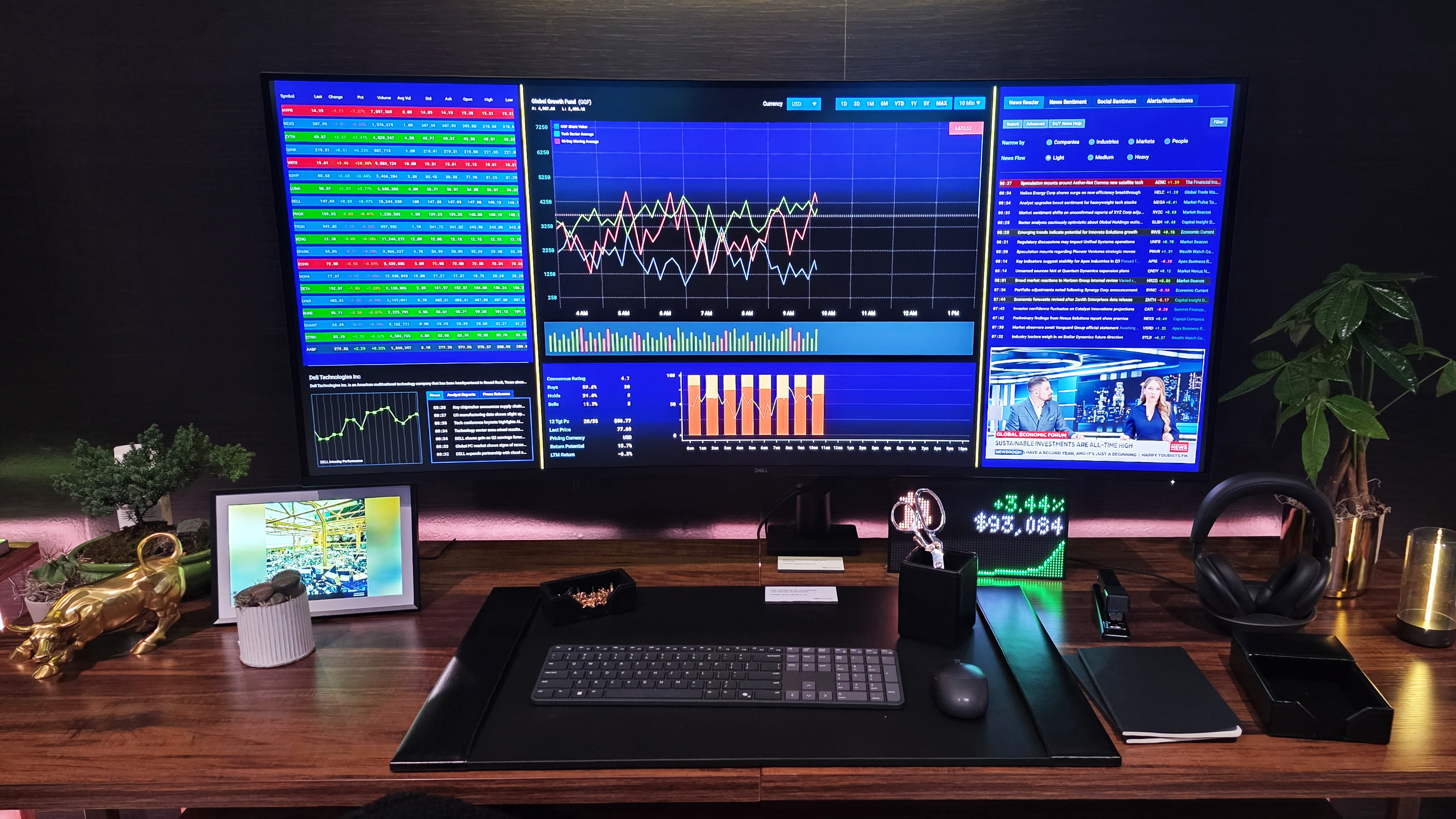
Make no mistake, this is a serious monitor for professionals.
Dell says the Ultrasharp 52 is designed for professionals like traders, financial analysts, engineers, designers, and executives who need accurate, clear, and efficient displays. That’s fitting, as this monitor is similar to the multi-monitor setups often used by financial analysts – arrangements that typically include screens of different sizes and orientations, including some positioned vertically.
At $2,899, this is a good deal for people earning at least six figures, and probably much more, as it can be considered a work necessity. Having used multiple monitors for work – constantly looking at charts, data, and messaging apps – I can say it’s often frustrating. You deal with mismatched resolutions, connection problems, and inconsistent color quality. A single monitor, on the other hand, provides a consistently excellent experience.
Indeed, I didn’t have a single bug in my time with the Ultrasharp 52.
If you enjoy trying out new tech and have the budget for it, you’ll probably love having realistic, life-size faces appear during video calls. It’s not really designed for serious gamers, but it works well enough if you occasionally game with it too.
But are there other options?
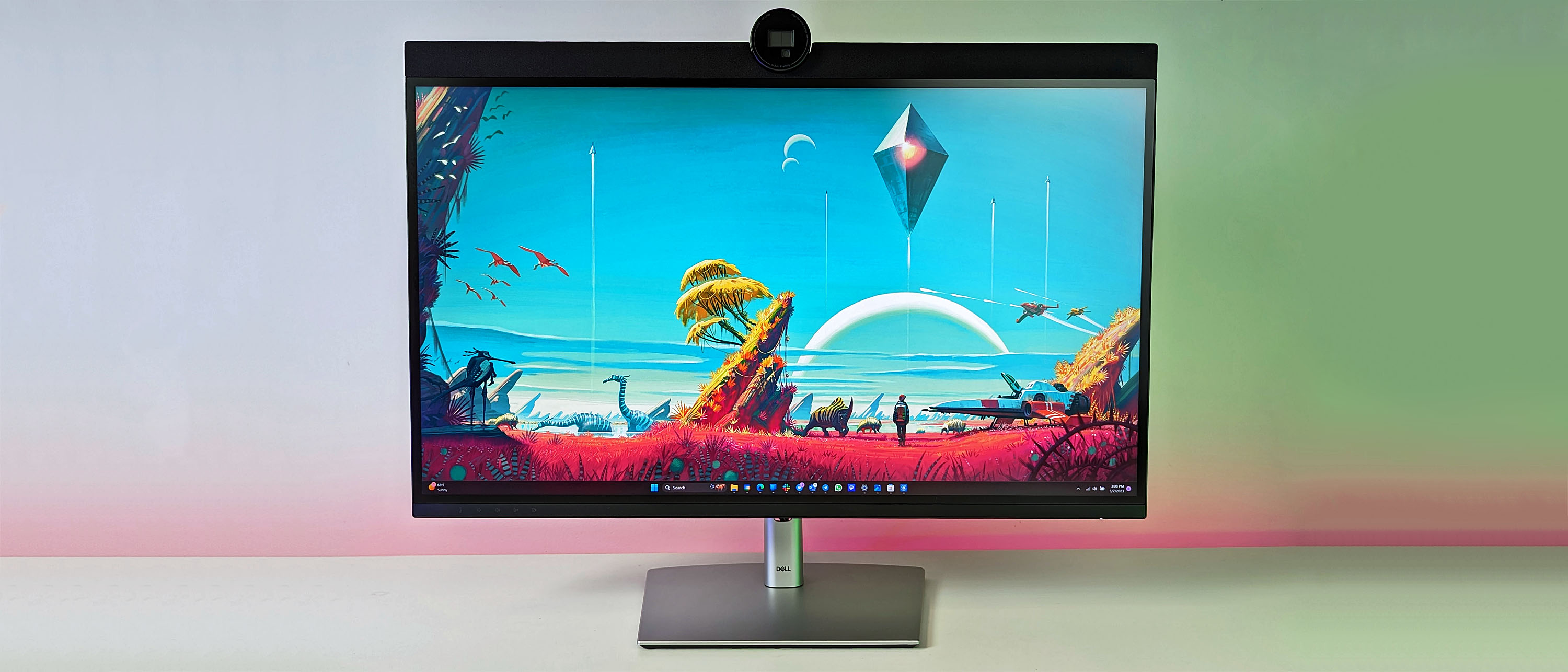
I’ve tested several 6K monitors from Dell before. I recently replaced the Ultrasharp 32 6K – which includes a soundbar and a great webcam – with the Ultrasharp 52. The 32 is geared more towards office use, and I consider it one of the best monitors I’ve ever used, even though its webcam has sometimes stopped working.
But there is one other contender that is technically much cheaper and higher spec’d.
The Samsung 57-inch Odyssey Neo G9 is a top-of-the-line monitor featuring a super-curved 1000R screen, stunning dual 4K resolution (7680 x 2160), mini-LED technology, a high 2,500:1 contrast ratio, and a blazing-fast 240Hz refresh rate with 140 pixels per inch. It’s currently available for around $1,499 (while supplies last) – a significant discount, making it a great deal, especially if you’re considering a multi-monitor setup!
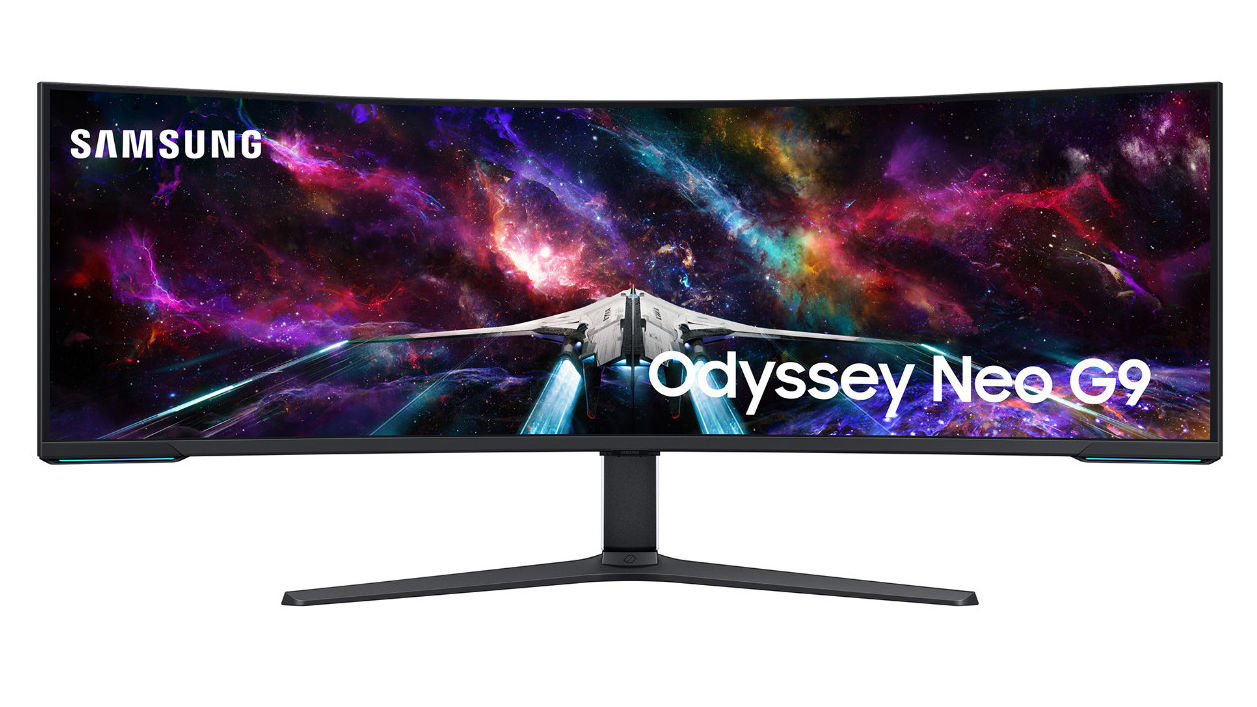
While the Samsung monitor offers a vibrant and bright display, the Dell model has some advantages. The Dell is better suited for work, reading, and accurate color representation. Its ultrawide 6K resolution and Mac compatibility make multitasking easier. Plus, the Dell includes a Thunderbolt 4 hub with 140W charging, simplifying connections for laptops and allowing for easy use with multiple devices (up to four) through its KVM functionality. Samsung does offer basic KVM features, but lacks the full Thunderbolt 4 hub. Also, while the Samsung’s mini-LED is visually impressive, the Dell is designed for extended work sessions and includes certifications for reduced eye strain, like TÜV 5-Star and hardware Low Blue Light.
Samsung is a good option for gaming and general office tasks. However, Dell is better suited for professionals like traders, analysts, engineers, designers, and executives who spend long hours looking at screens and use multiple devices. Essentially, Samsung prioritizes a visually appealing display, while Dell focuses on reducing eye strain for extended use.
Dell Ultrasharp 52: Final thoughts
✅You should buy this if …
- You’re looking to consolidate your multi-monitor setup
- You need the biggest display with no compromise
- You have a multi-PC workflow or shared workstations
- You’re a trader, a financial analyst, an engineer, a designer, or an executive
❌You should not buy this if …
- You’re primarily a gamer
- You have a small desk
The Ultrasharp 52 is truly impressive – it’s more than you probably need, but in the best way possible. It’s beautifully made and a pleasure to use. This monitor is especially valuable for professionals like traders, analysts, engineers, designers, and executives who constantly work with data-heavy visuals and multiple devices – it will significantly boost your productivity and quickly pay for itself.
Even if you’re simply a user who wants an amazing experience for video calls – especially if you want to see people at a life-size scale – and have the budget for it, you’ll absolutely love this monitor.
Honestly, for most people, this monitor is probably overkill – it’s expensive, huge, and just a lot to handle. But if you’re a serious professional who needs the best, the Dell Ultrasharp 52 is a game-changer. It’s unlike anything I’ve ever seen, and I think it’s the new top pick for anyone building a powerful workstation.
Needless to say, it’s going on our list for the best computer monitors for 2026.
Read More
- All 13 Smash Bros. Characters in the Super Mario Galaxy Movie
- Why is Tech Jacket gender-swapped in Invincible season 4 and who voices her?
- TV legend Carol Kirkwood reveals the reasons why she decided to retire after 28 years with BBC
- Welcome to Demon School! Iruma-kun season 4 release schedule: When are new episodes on Crunchyroll?
- Sydney Sweeney’s The Housemaid 2 Sets Streaming Release Date
- Highly Anticipated Strategy RPG Finally Sets Release Date (And It’s Soon)
- The Super Mario Galaxy Movie: 50 Easter Eggs, References & Major Cameos Explained
- Dune 3 Gets the Huge Update Fans Have Been Waiting For
- Digimon Is Getting a New RPG in 2026 (And You Probably Missed It)
- MOUSE: P.I. For Hire Loops in Caravan Palace for A Catchy New Track Ahead of April 16 Release
2026-01-06 17:14