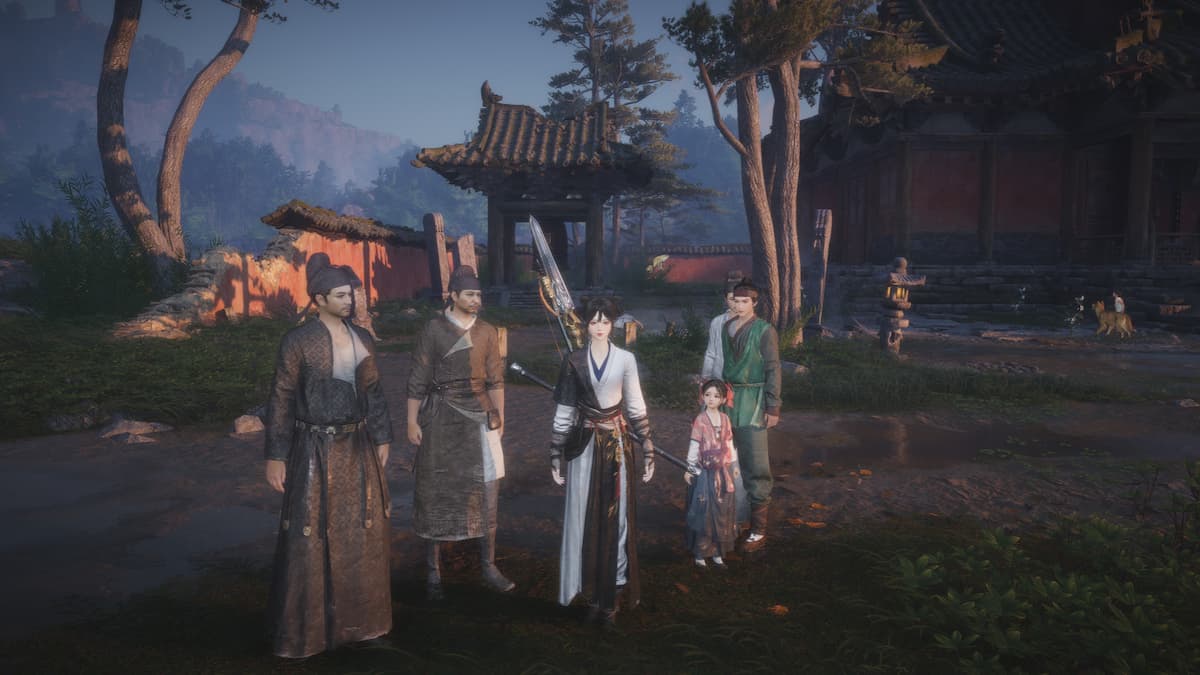
The wuxia adventure game Where Winds Meet has quickly gained a large and dedicated fanbase around the world. With the game available on multiple platforms, many players are wondering: can you play with friends on different systems?
Here’s the answer.
Table of contents
Is crossplay supported in Where Winds Meet?
Good news! Where Winds Meet does support crossplay, meaning you can play with friends even if they’re on a different gaming system than you are.

The popular action RPG, which also features massively multiplayer online elements, launched on December 12th for PC (through NetEase, Steam, and Epic Games), PlayStation 5, and both Android and iOS mobile devices. A key highlight is its ability to let players connect and play together across all these platforms. Plus, with cross-progression, you can enjoy a seamless experience whether you’re playing alone or with friends, switching between devices as you please.
In Where Winds Meet, players on different platforms can play together automatically, and there’s no way to turn this feature off. However, you’ll need to make some progress in the game to unlock the multiplayer or co-op modes – we’ll explain how in the next section.
How to play Where Winds Meet co-op with friends

To enjoy playing Where Winds Meet with friends, you’ll first need to reach Level 3. The quickest way to do this is to complete the tutorial and the General Shrine main quest – which involves defeating Fang Xu in the arena. This should take around 30 minutes.
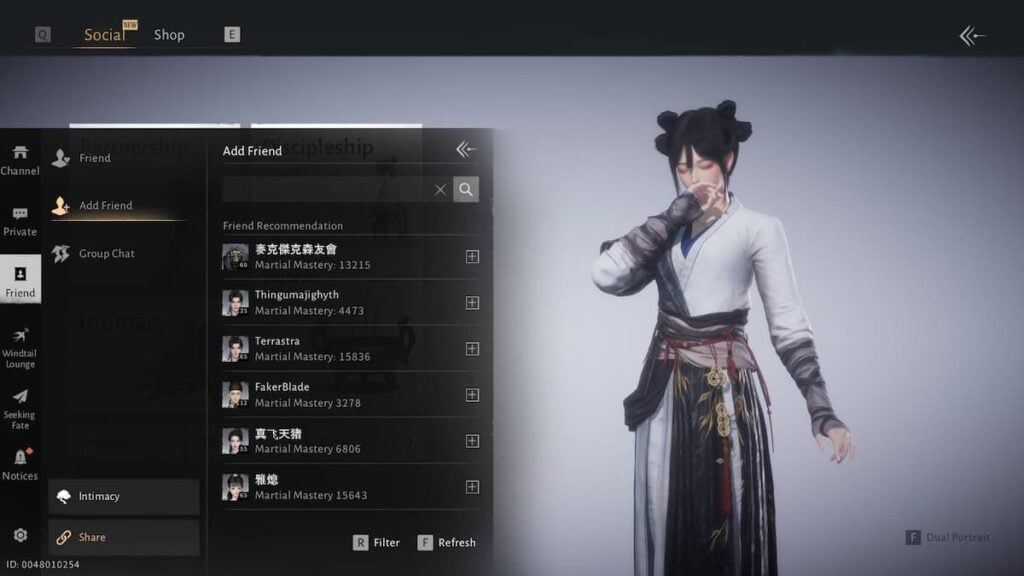
After you unlock co-op, follow these steps to play multiplayer in Where Winds Meet:
- Bring up the in-game menu and hit the Social button. Then, select the Friend button and you can add people to your list from here. If you can’t find your friend with their username, we recommend using the UID. To get your friend’s UID, ask them to select the Share button under Social > Friend and give you the ID—or you can give them yours.
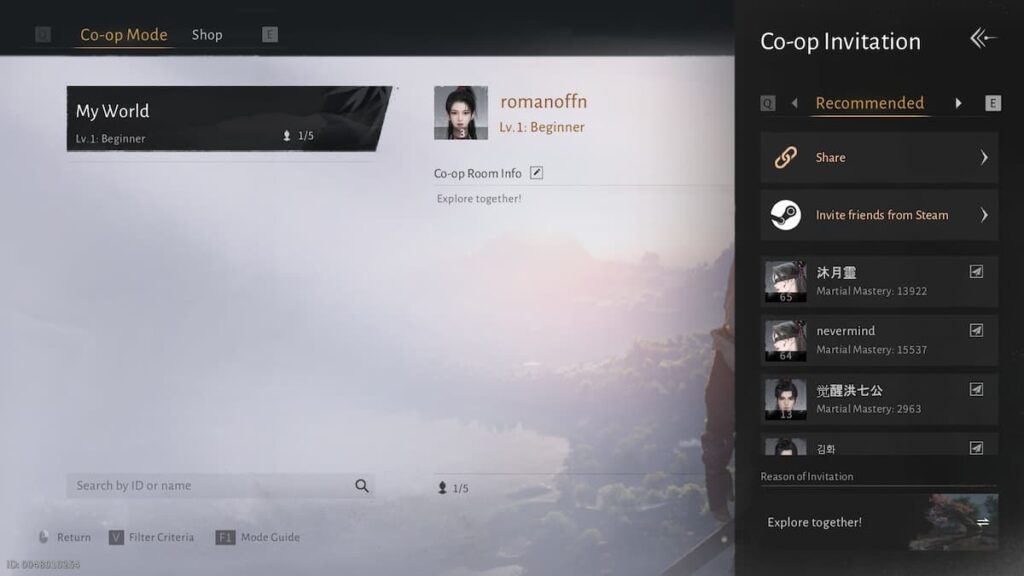
- Once you’ve got friends in your list, go back to the Social menu, select Co-op (enter a public or another player’s world) or Team (make a private game), and invite them to play with you.
- Under Co-op, select Co-op Room Info and check your settings. You can enable Cross-region play if your friends live in a different region than you. You can also open their profiles and select “Invite to Co-op Room” to easily invite them to your world.
Where Winds Meet offers two ways to play: Solo and Online. When you first gain access to cooperative play, you’ll start in Solo mode. This allows you to play by yourself or privately team up with friends. Keep in mind that when completing missions or battles with a friend, only the player who is the ‘leader’ of the team will have their game story advance.
Once you reach level 10, you can play online, which lets you experience the game like a massive multiplayer RPG. This means you can join forces with or fight against other players in your game world. However, if you’re new to the game, it’s best to avoid online mode – it can be overwhelming with lots of players and might not run smoothly. If you prefer a calmer RPG experience, either playing alone or with friends, stick to solo mode.
Read More
- Gold Rate Forecast
- Guardians of the Globe Members We Want to See in Invincible Season 4
- One of Hulu’s Best New Shows Lands on Disney+ Ahead of Season 2
- Kelly Osbourne Slams “Disgusting” Comments on Her Appearance
- Dune 3 Gets the Huge Update Fans Have Been Waiting For
- ’90s Cartoon Reboot & TMNT Connection!
- Hideo Kojima Says He Was Never Told About The Matrix Creators Wanting Him to Make a Game
- Miss Super Sentai After Cancellation? Watch These 5 Anime to Fill the Void
- Homura Hime coming to Switch 2 in 2026
- Dolly Parton’s Husband Carl Dean’s Will Revealed After His Death
2025-12-15 04:57