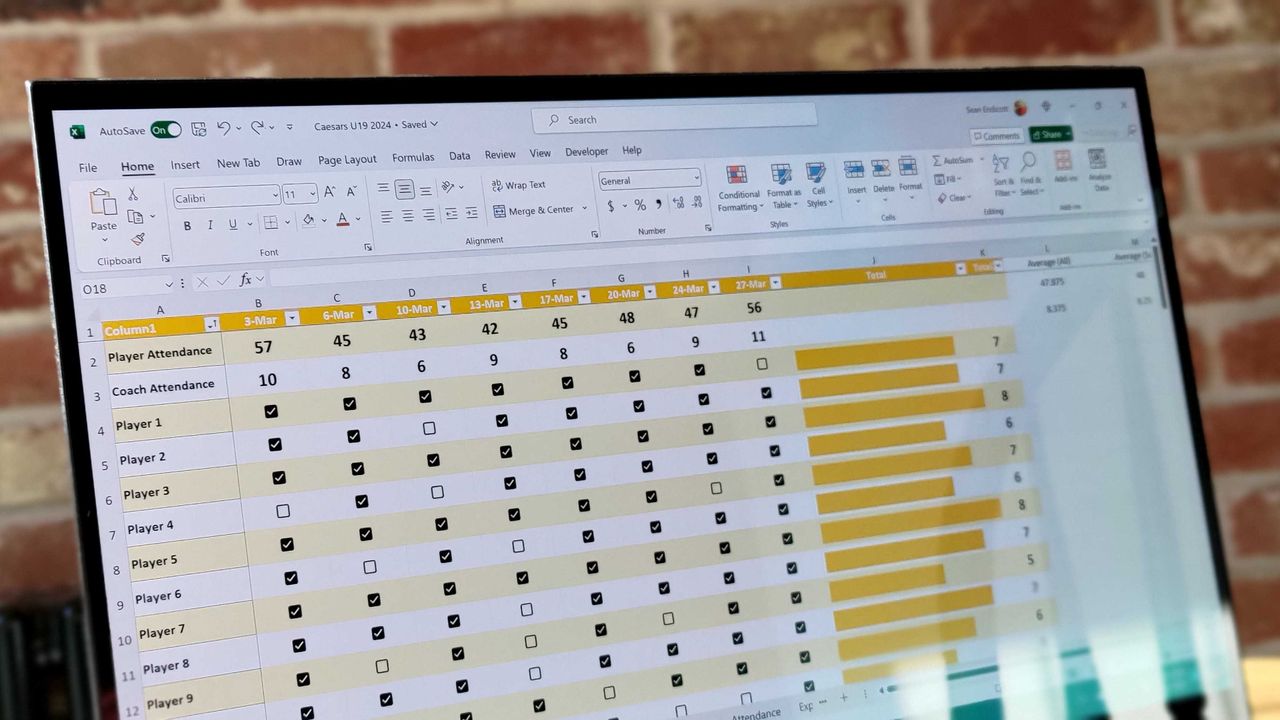
Microsoft Excel now includes a new artificial intelligence feature designed to help you get more done. Called Agent Mode and part of Microsoft 365 Copilot, it’s now available on both Windows and Mac computers. It was previously accessible through the web version of Excel, and is being expanded to macOS users soon.
Excel’s Agent Mode is an AI helper that works with you to get things done. You can simply tell it what you want using everyday language, and it will automatically update your spreadsheet – no more copying and pasting needed!
When Microsoft introduced the online version of its new Excel tool, they described a few different ways it can be used with a feature called Agent Mode.
- Create workbooks: Generate new content directly in Excel, grounded in both existing workbook data and web search results to bring in relevant context.
- Scenario modeling: Run what-if analyses for revenue, budgets, or forecasts and model advanced scenarios with adjustable assumptions.
- Data analysis: Generate analyses of large datasets, highlight anomalies, and surface trends with formula-driven analysis.
- Formula generation: Fix broken formulas or and generate dynamic formulas that connect across your workbook data, including explanations for complex calculations.
- Data visualization: Create pivot tables, charts, and dashboards—all through natural conversation. Generate native Excel artifacts that recalculate and update based on changes to the underlying data.
Excel’s Agent Mode became available for public testing in September. Based on feedback from early testers and web app users, Microsoft has now enhanced Agent Mode with several improvements.
Agent Mode is now available in Excel for both Windows and Mac computers. It’s built right into Copilot in Excel, making it simple to find and use without a lot of training.
Microsoft has added web search capabilities to Excel’s Agent Mode, enabling it to access and include current information from the internet.
Users also have the choice to use models from OpenAI (GPT-5.2) or Anthropic (Claude Opus 4.5).
Excel’s Copilot usually picks the best AI model automatically, but you can also choose a specific one for each question you ask.
You can use Agent Mode in Excel with a Microsoft 365 Personal, Family, or Premium subscription, or if your organization has a Microsoft 365 Copilot license.
Agent Mode is not available in the EU or UK at this time.
Read More
- GBP CNY PREDICTION
- 10 Most Powerful Versions of Superman, Ranked
- Gold Rate Forecast
- DOGE PREDICTION. DOGE cryptocurrency
- 10 Greatest Wii U Games of All Time, Ranked
- Forza Horizon 6 Car List So Far: Confirmed Highlights, Cover Cars, DLC, and Rewards
- EUR CNY PREDICTION
- 007 First Light: Release Date, Story, Gameplay, Cast, Editions, and Platforms
- Superman’s 7 Best Power-Ups, Ranked
- USD HKD PREDICTION
2026-01-28 16:39