I really love PowerToys Run – now evolving into the PowerToys Command Palette – in Windows 11. I’ve been a fan of these kinds of quick-launch and search tools for years, even back when I used a Mac.
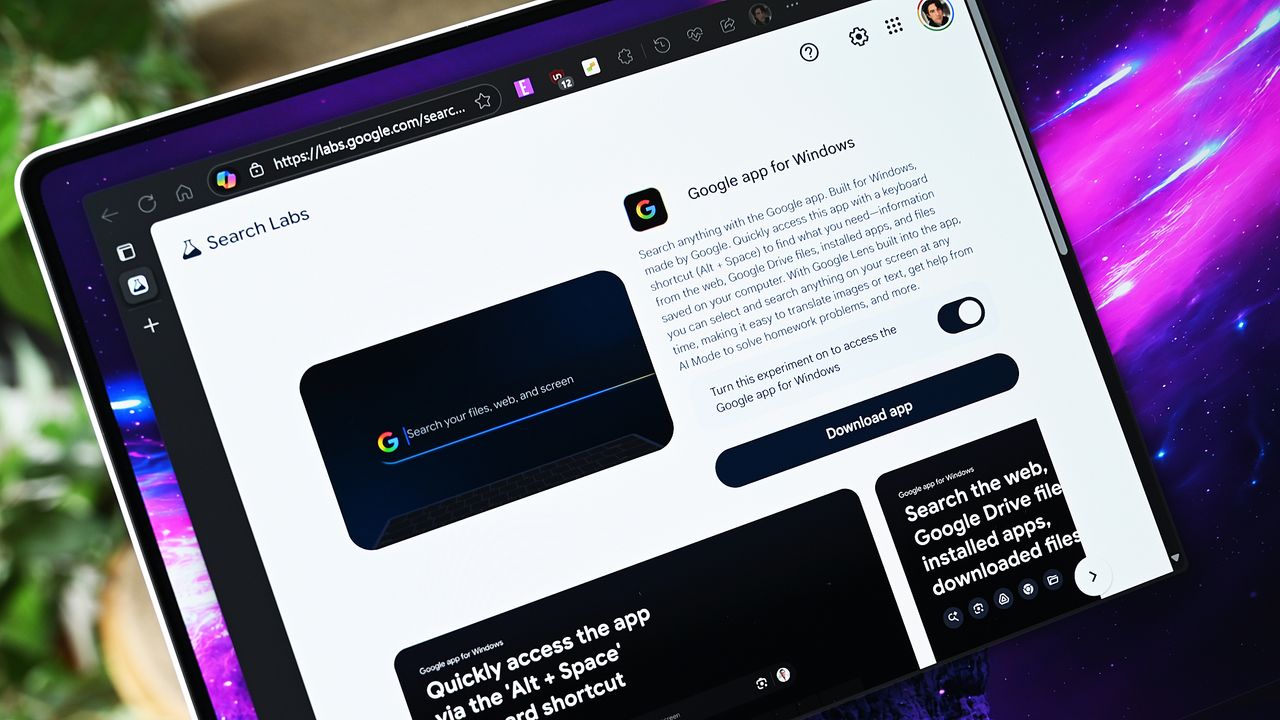
I was really surprised to find out Google released a new app for Windows today when I started work.
It’s now 2025, and Google has released an official app for Windows PCs, letting users access some of its main services.
From the Google blog:
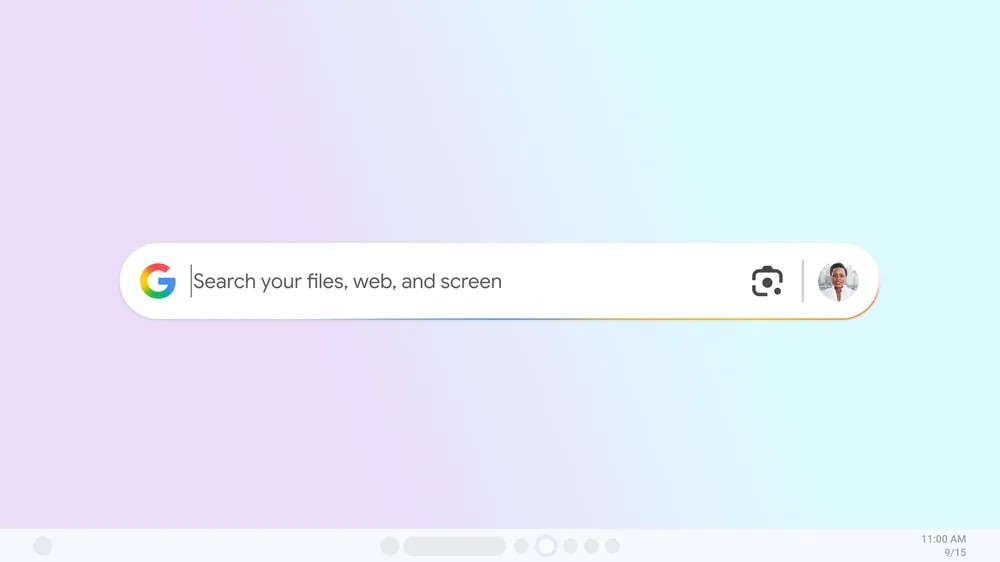
You can now search for information quickly and easily without leaving what you’re doing. Just press Alt + Space to instantly search your computer, apps, Google Drive, and the web-all without switching windows or interrupting your work, whether you’re writing or gaming.
Google Lens is now built in, so you can easily search for anything you see on your screen. This lets you translate images or text, get help with schoolwork, and much more. Plus, AI Mode provides more detailed answers, and you can continue your research with related questions and useful links.
The main drawback is that, like many Google releases, it’s initially limited to users in the United States. Unfortunately, that means I can’t test it right now, and you might not be able to either.
It seems similar to PowerToys Run, but not as advanced as the newer Command Palette. If you heavily use Google services, being able to quickly find your Google Drive files is a great benefit. It likely accesses those files through the web, so you don’t need the Google Drive app installed on your computer.
The Google Lens integration is particularly exciting. As a longtime Android user, I’ve found Lens incredibly useful on my phone for years, and I can easily see how it would fit into my daily work. It’s always been good at identifying objects, and now it’s even more powerful with the latest AI technology.
I’m not sure this would convince me to switch from using Command Palette, though. It already lets you search the web, local files, and applications. Plus, it’s open-source and can be customized with plugins.
The Command Palette can seem a little overwhelming at first, and I understand that. Sometimes, simplicity is better. Someone familiar with Chromebooks might actually find Google’s interface more user-friendly.
As an analyst, I’m really interested in checking out this new feature, but unfortunately, I don’t have access yet. If you’re in the US, though, you can test it out yourself by visiting the Google Search Labs page. I’d love to hear your thoughts on it – feel free to share what you think in the comments!
Read More
- All 13 Smash Bros. Characters in the Super Mario Galaxy Movie
- Why is Tech Jacket gender-swapped in Invincible season 4 and who voices her?
- Sydney Sweeney’s The Housemaid 2 Sets Streaming Release Date
- Highly Anticipated Strategy RPG Finally Sets Release Date (And It’s Soon)
- The Super Mario Galaxy Movie: 50 Easter Eggs, References & Major Cameos Explained
- TV legend Carol Kirkwood reveals the reasons why she decided to retire after 28 years with BBC
- Dune 3 Gets the Huge Update Fans Have Been Waiting For
- Welcome to Demon School! Iruma-kun season 4 release schedule: When are new episodes on Crunchyroll?
- Who Wants to Be a Millionaire? confirms contestant wins full £1 million prize pot on Jeremy Clarkson quiz
- Sesame Street Slams “Disgusting” Posts on Elmo’s Account After Hack
2025-09-17 00:16