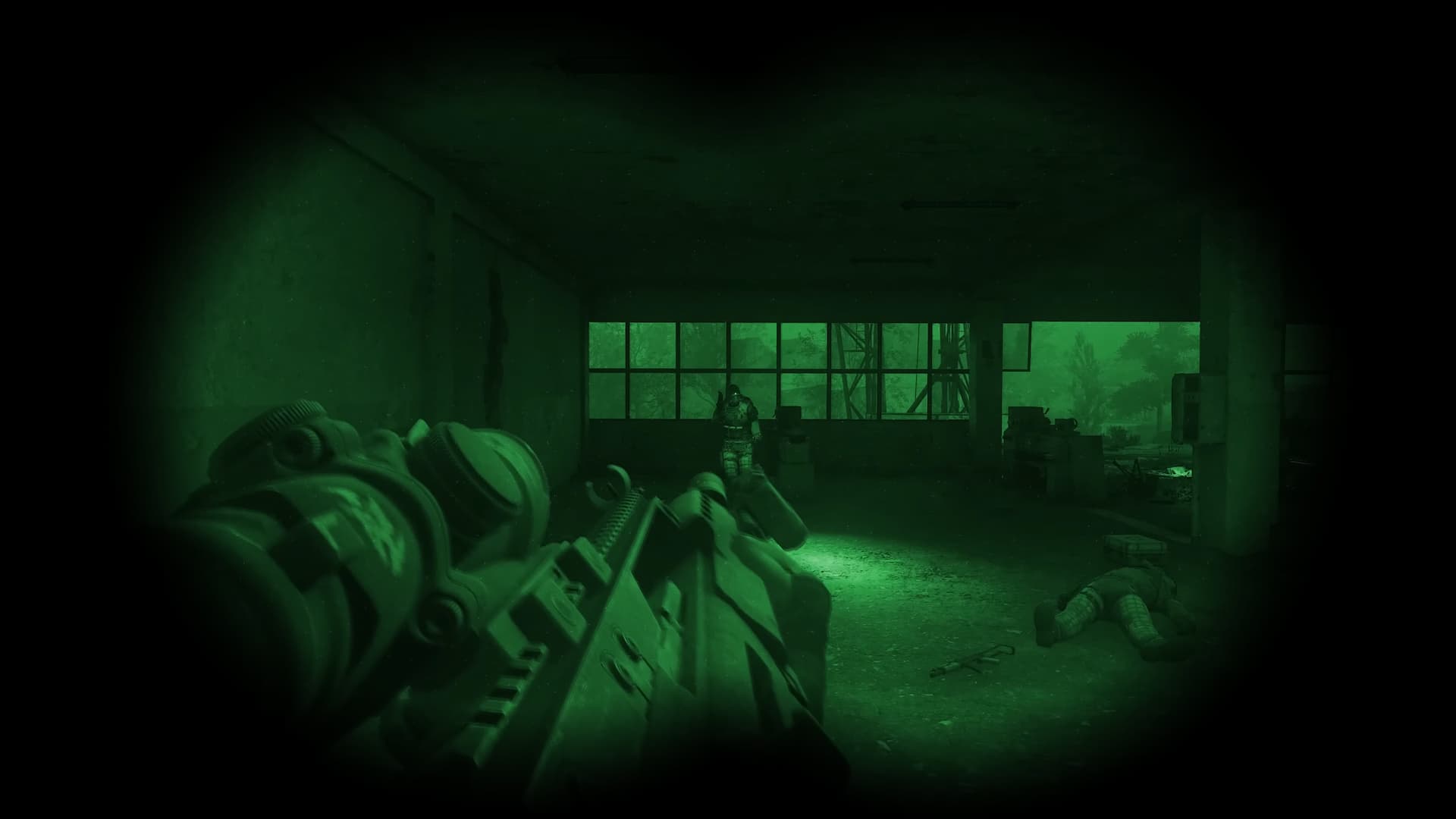
Stalker 2 players have been requesting a few key improvements, and the latest update delivers one of them. Update 1.6 adds night vision goggles and a new aiming feature. If you’ve found that using powerful scopes makes aiming at close range difficult, this update offers a partial solution.
How to offset aim in Stalker 2
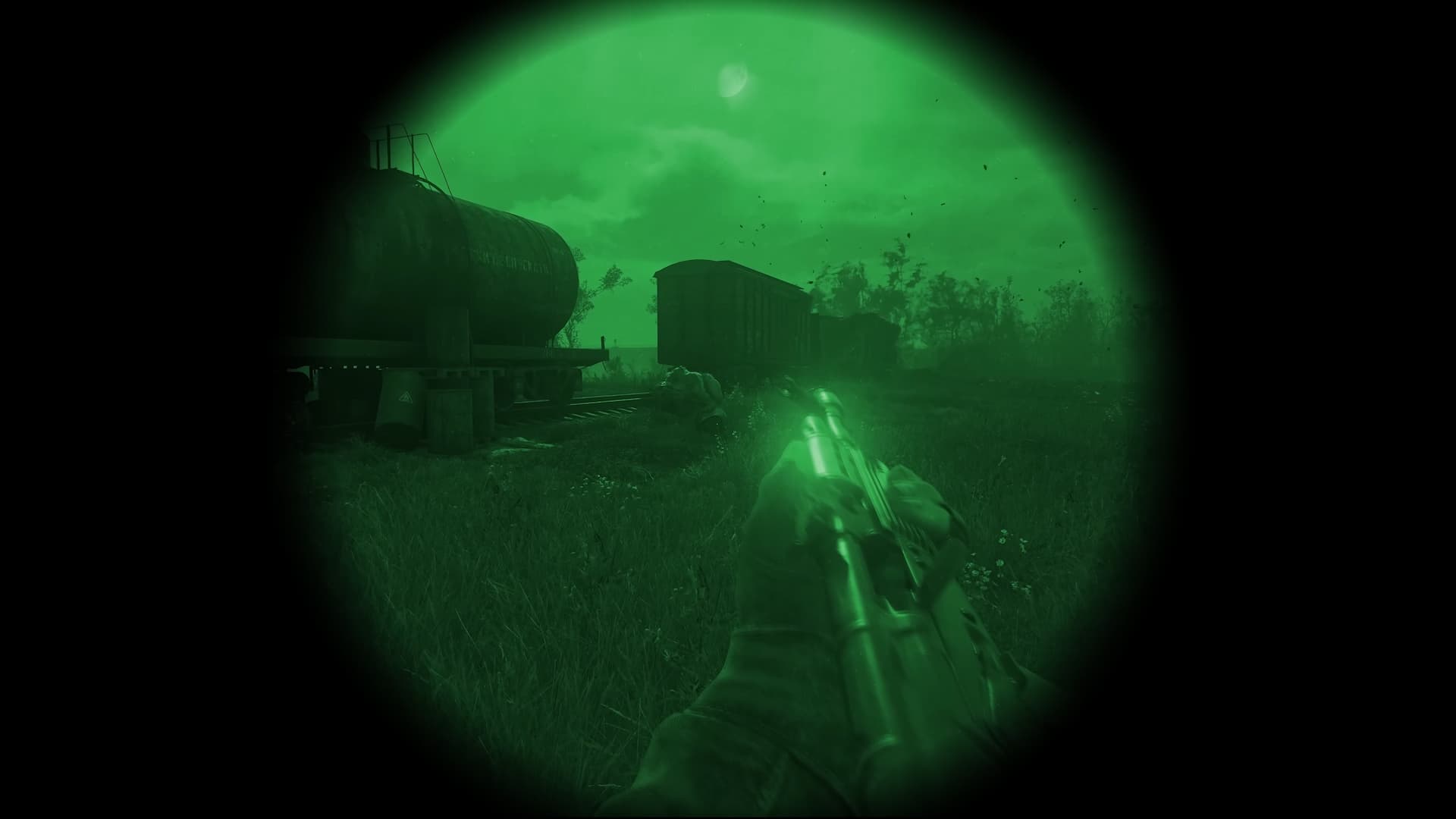
Many players are confused about how offset aiming works. Currently, you can only use it while wearing night vision goggles. To activate it, simply aim your weapon normally, then press the Alt key on keyboard or the PDA button on a controller. This will shift your weapon into the offset aiming position.
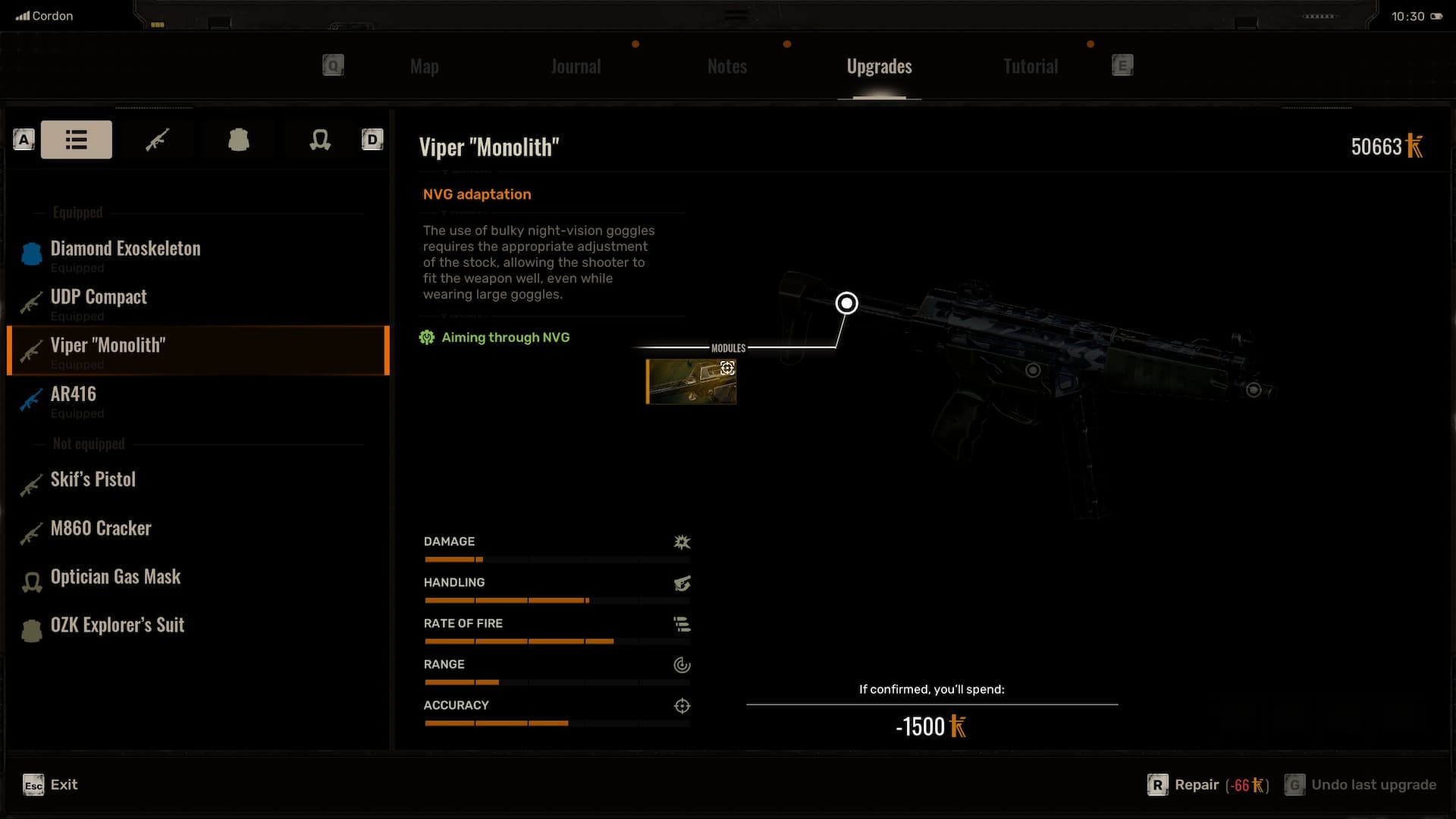
If you’re using night vision goggles with certain weapons that don’t have scopes, the game will automatically switch to offset aiming. There’s also an upgrade you can get from technicians called “NVG Adjustment” that lets you use iron sights normally with night vision on. It’s unclear why offset aiming only works with night vision, but it likely has to do with issues the developers encountered with how different sights function in the game.
Read More
- The Super Mario Galaxy Movie: 50 Easter Eggs, References & Major Cameos Explained
- All 13 Smash Bros. Characters in the Super Mario Galaxy Movie
- 10 Best Free Games on Steam in 2026, Ranked
- WTH?! Twitter Drops Fake Daredevil: Born Again Season 2 Spoilers as Character Return Confirmed
- Welcome to Demon School! Iruma-kun season 4 release schedule: When are new episodes on Crunchyroll?
- Dune 3 Gets the Huge Update Fans Have Been Waiting For
- Highly Anticipated Strategy RPG Finally Sets Release Date (And It’s Soon)
- Sydney Sweeney’s The Housemaid 2 Sets Streaming Release Date
- Why is Tech Jacket gender-swapped in Invincible season 4 and who voices her?
- Forza Horizon 6 ‘Prologue’ gameplay
2025-09-27 20:57