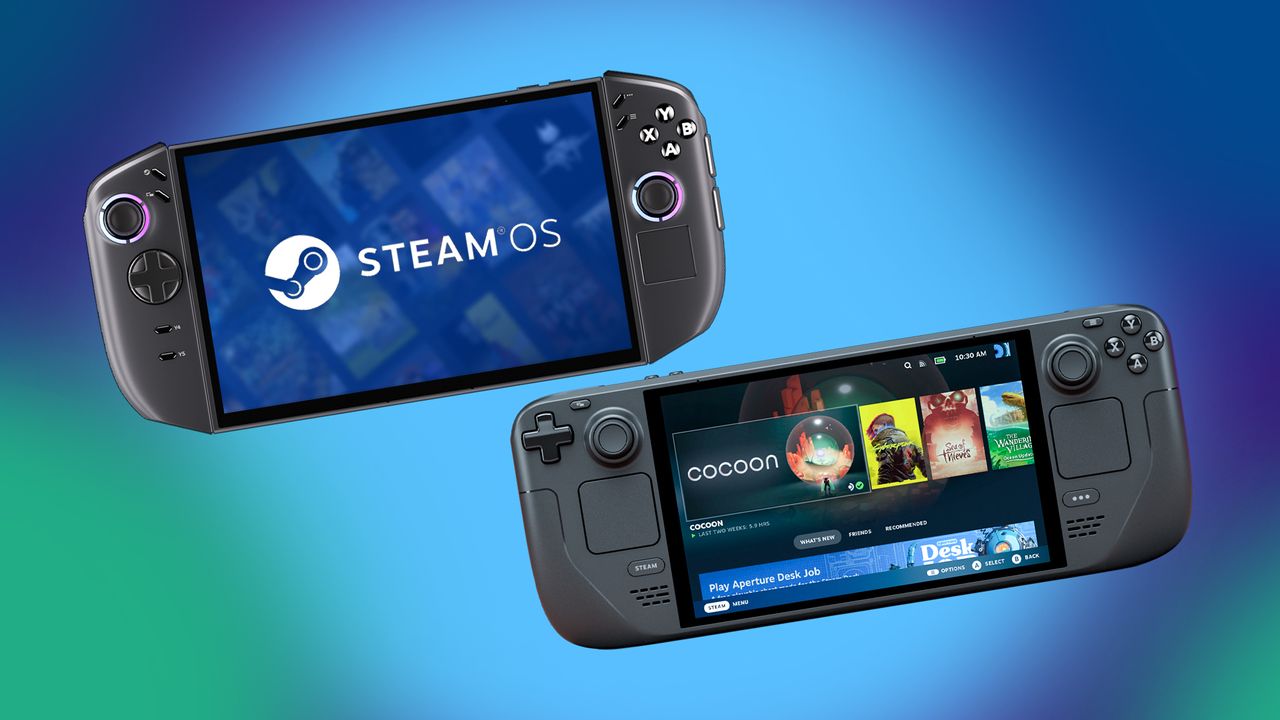
For years, the Steam Deck was the only handheld gaming PC running SteamOS. Then Lenovo released the Legion Go, also powered by SteamOS, offering a new option. Now, Lenovo is announcing an updated version of its handheld, the Legion Go 2, which will also run SteamOS.
When the Legion Go 2 becomes available, customers like me will be able to choose between two operating systems: Windows 11 or SteamOS. As a researcher, I think offering this choice is a smart move to appeal to a wider range of gamers.
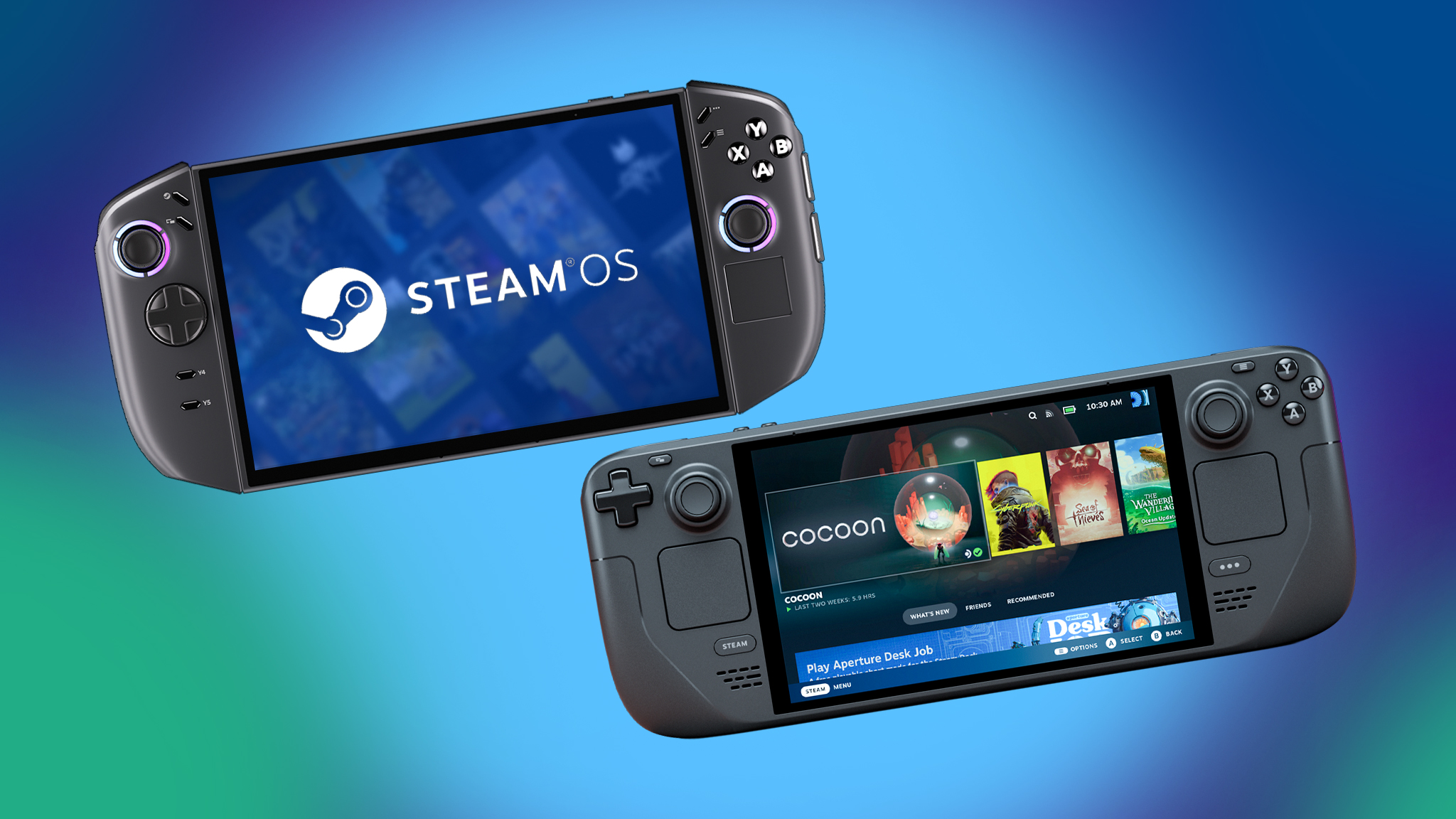
I wanted to see how the new Legion Go 2 (running SteamOS) compares to the Steam Deck, so I’ve put them head-to-head in several key areas based on their specifications.
TL:DR: Look for the TL;DR sections to get the highlights for each section.
Legion Go 2 (SteamOS) vs Steam Deck: Specs
| Legion Go 2 (SteamOS) | Steam Deck (OLED) | |
|---|---|---|
| Starting price | $1,199.00 | $549.00 | $649.00 |
| Release date | June 2026 | Nov. 16, 2023 |
| OS | SteamOS | SteamOS |
| Display | 8.8-inch 1920×1200 OLED touch | 7.4-inch 1280 x 800 OLED touch |
| Refresh rate / VRR | 144Hz / Yes | 90Hz / No |
| Processor | Up to AMD Ryzen Z2 Extreme 8c/16t 4nm | AMD Zen 2 CPU 4c/8t 6nm process |
| Graphics | Up to AMD APU RDNA 3.5 16c 4nm | AMD APU RDNA 2 8c 6nm process |
| Memory | Up to 32GB LPDDR5X | 16GB LPDDR5 6400MHz |
| Storage | Up to 2TB | 512GB, 1TB |
| Connectivity | Wi-Fi 6E and Bluetooth 5.3 | Wi-Fi 6E and Bluetooth 5.3 (OLED) |
| Ports | 2x USB4 Type-C (DisplayPort 1.4, Power Delivery 3.0), 1x microSD card reader (up to 2TB), 1x audio jack, | 1x USB-C 3.2 Gen 2 (DisplayPort 1.4, Power Delivery 3.0, 1x microSD card reader (up to 2TB), 1x audio jack |
| Fingerprint reader | Yes, but unsupported | No |
| Touchpad | Yes (one) | Yes (two) |
| Detachable controllers | Yes | No |
| Color | Black | Black |
| Dimensions | 295.6 x 136.7 x 42.25mm (11.64 x 5.38 x 1.66in) | 297.18 x 116.84 x 48.26mm (11.7 x 4.6 x 1.9 in) |
| Weight | 920g (2.2 lbs) | 639.56g (1.41 lbs) |
| Battery | 74Whr | 50Whr |
Simply put, the Legion Go 2 has much better technical specifications than the Steam Deck OLED. However, it’s considerably more expensive.
Back to the top ^
Legion Go 2 (SteamOS) vs Steam Deck: Price & value
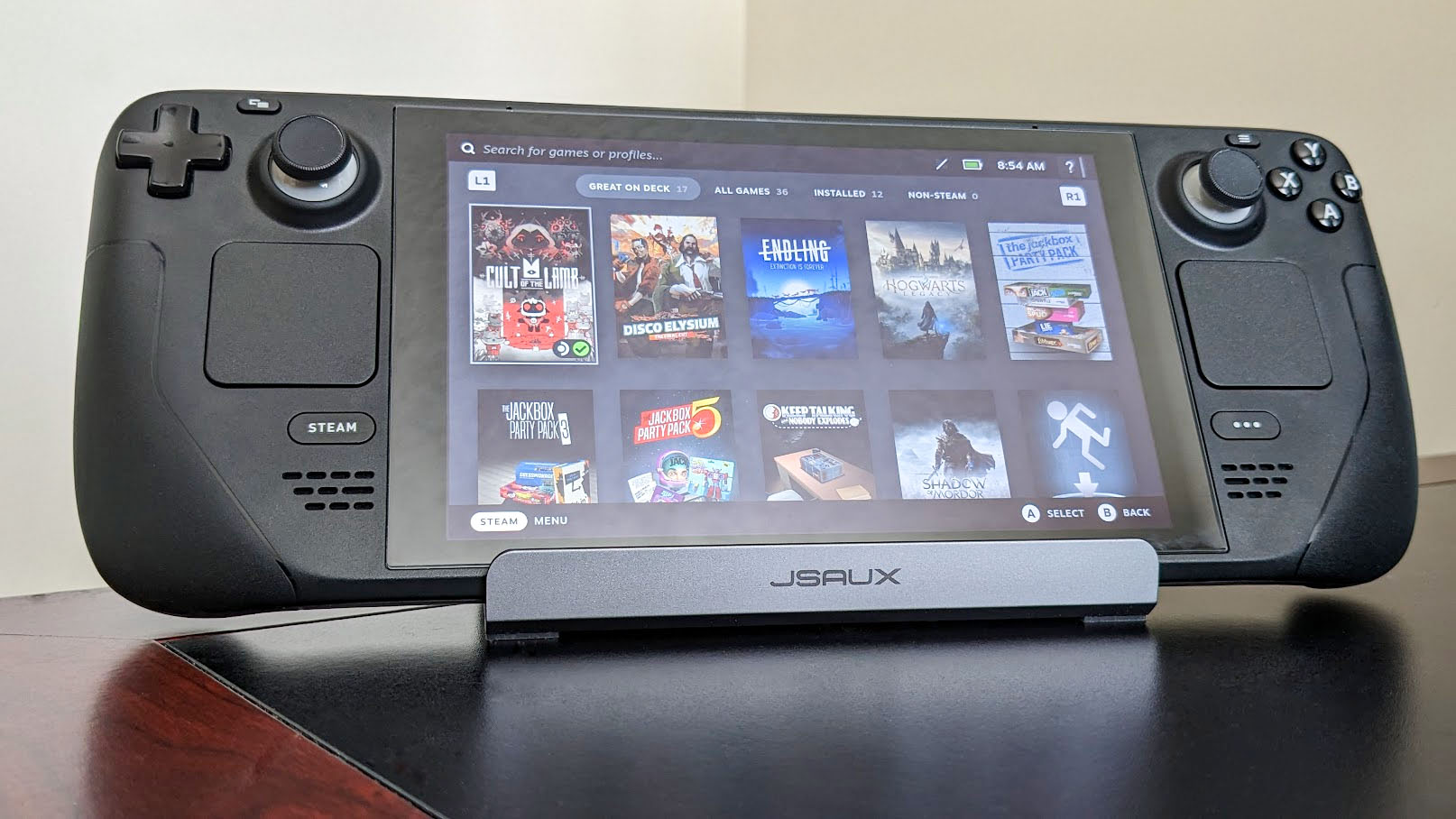
Valve recently stopped selling the Steam Deck LCD 256GB, following the earlier discontinuation of the 64GB version. This model was previously the most budget-friendly way to get a Steam Deck, starting at $399. However, even after removing this cheaper option, the newer Steam Deck OLED remains more affordable than the Legion Go 2, which also runs SteamOS.
The Steam Deck OLED is available with 512GB of storage for $549 or 1TB for $649, both from Steam. In comparison, the Legion Go 2 (SteamOS) starts at $1,199 – over twice the price of the base Steam Deck OLED model.
The Steam Deck OLED is available to buy now, but the Legion Go 2 (with SteamOS) won’t be released until June 2026. So, if you want the new SteamOS handheld, you’ll have to wait quite a while.
Simply put, the Steam Deck OLED offers the best value for your money. While the Legion Go 2 has more features, it’s significantly more expensive – the Steam Deck OLED costs less than half as much to start.
Back to the top ^
Legion Go 2 (SteamOS) vs Steam Deck: Performance
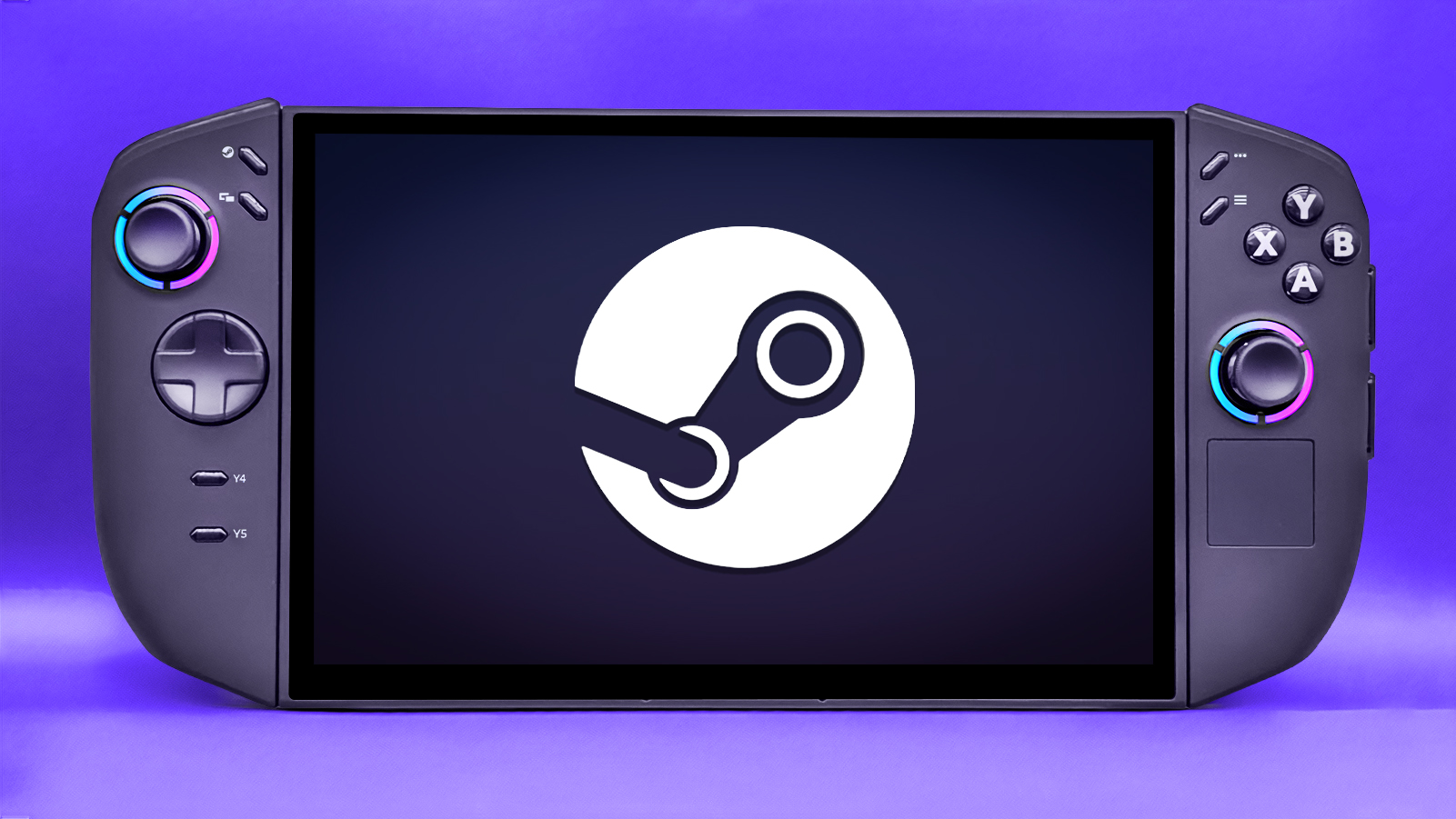
I’m planning to test the Legion Go 2’s performance (using SteamOS) as soon as I receive it and will share the results here. Until then, this information is based on the official specifications and my best estimates.
For those of you who prioritize how well a handheld plays games over how much it costs, let’s compare the Legion Go 2 (running SteamOS) to the Steam Deck OLED.
Getting good performance from a handheld device isn’t just about powerful components. It also depends on how well the hardware and software work together.
The Legion Go 2 (running SteamOS) boasts a significantly more powerful processor – an AMD system-on-a-chip that combines the CPU and graphics processing into one efficient unit, all while maintaining a compact size.
| Legion Go 2 (SteamOS) – AMD Ryzen Z2 Extreme | Steam Deck OLED – Custom AMD APU | |
| CPU Cores & Threads | 8 cores, 16 threads (Zen 5) | 4 cores, 8 threads (Zen 2) |
| Graphics | 16 GPU Cores (RDNA3.5) | 8 GPU Cores (RDNA 2) |
| TDP | 15-35W | 4-15W |
The Legion Go 2, running SteamOS, is powered by a Ryzen Z2 Extreme processor with eight cores and sixteen threads, built on the newest Zen 5 architecture. Its graphics are handled by an integrated GPU with sixteen cores, using the latest RDNA 3.5 technology.
Compared to other handhelds, the Steam Deck OLED has fewer processing cores and threads (4 cores, 8 threads) and a less powerful graphics processor with fewer cores (8). More cores and threads help a processor handle multiple tasks smoothly and improve gaming performance.
The Legion Go 2 offers up to twice the memory and storage of the Steam Deck OLED – it can have 32GB of RAM and a 2TB SSD compared to the Steam Deck OLED’s 16GB RAM and 1TB SSD. This means you can store more games and potentially experience faster loading and saving, as the system can access information more quickly.
Just one more key difference: the Legion Go 2 (running SteamOS) supports VRR, which the Steam Deck doesn’t. VRR makes games look smoother by reducing screen tearing, so the Legion Go 2 likely offers a clearer, more fluid gaming experience.
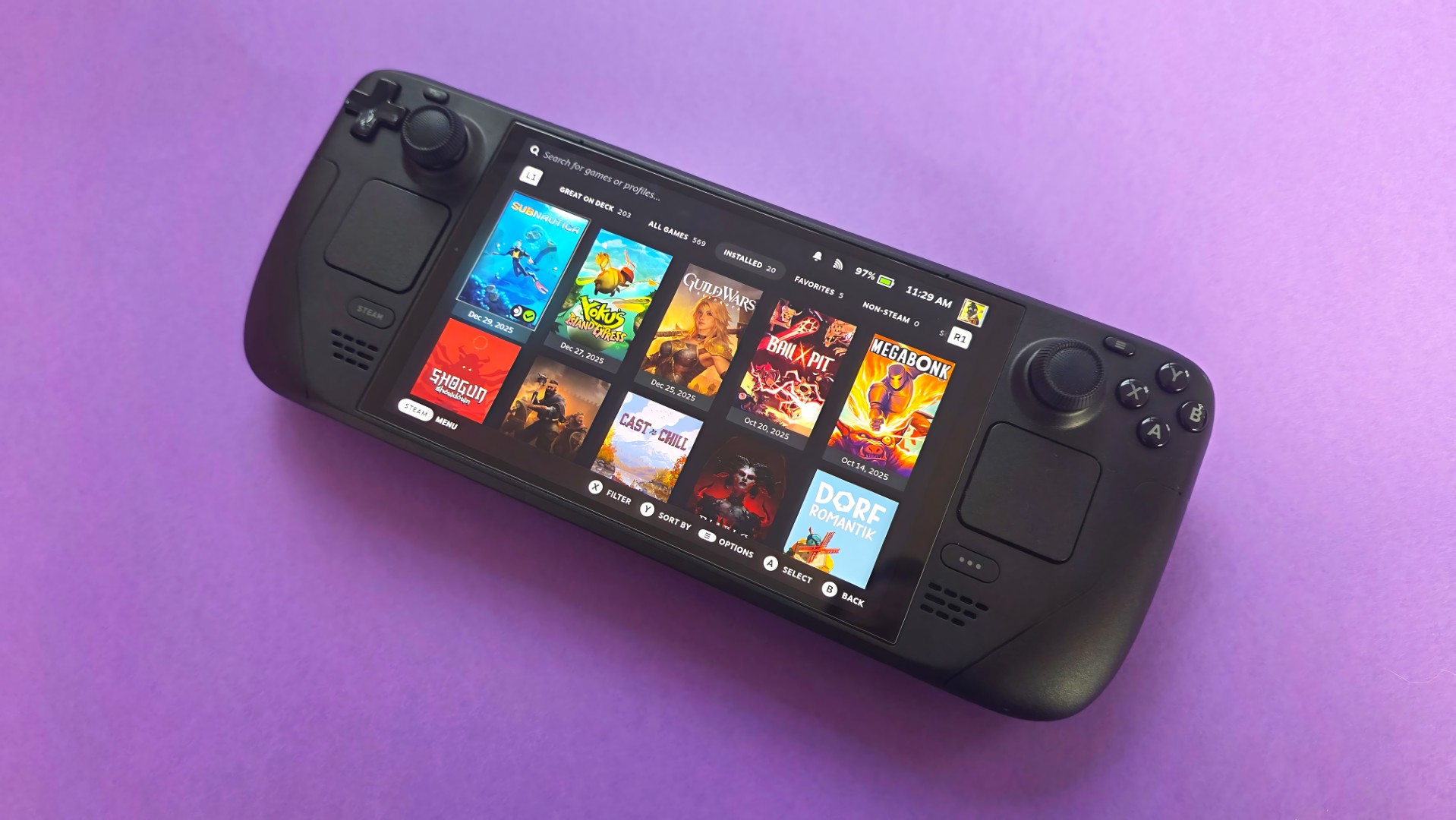
From my analysis, the Legion Go 2 with SteamOS appears capable of handling more demanding games than the Steam Deck. We’re talking about AAA titles that might struggle to run, or even launch, on the Steam Deck potentially being playable on the Legion Go 2, depending on the game’s specific requirements.
Ultimately, it remains to be seen how well the Legion Go 2 will work with SteamOS. However, I expect a significant performance boost compared to the Windows version, as SteamOS is much leaner and doesn’t have as many unnecessary programs running in the background.
Earlier tests revealed the Xbox Ally X ran games more smoothly using SteamOS than with its standard Windows 11 operating system. Therefore, it’s likely the Legion Go 2 will also perform better with SteamOS.
I think the Steam Deck will be simpler to upgrade than the Legion Go 2, even with the SteamOS version. When I opened up the Windows version of the Legion Go 2 for review, it was clear it wasn’t built for easy upgrades, and I expect the SteamOS model is the same.
In short, the Legion Go 2 is more powerful than the Steam Deck. Its AMD Ryzen Z2 Extreme processor, along with more memory and storage, allows it to run games the Steam Deck can’t handle.
Back to the top ^
Legion Go 2 (SteamOS) vs Steam Deck: Display
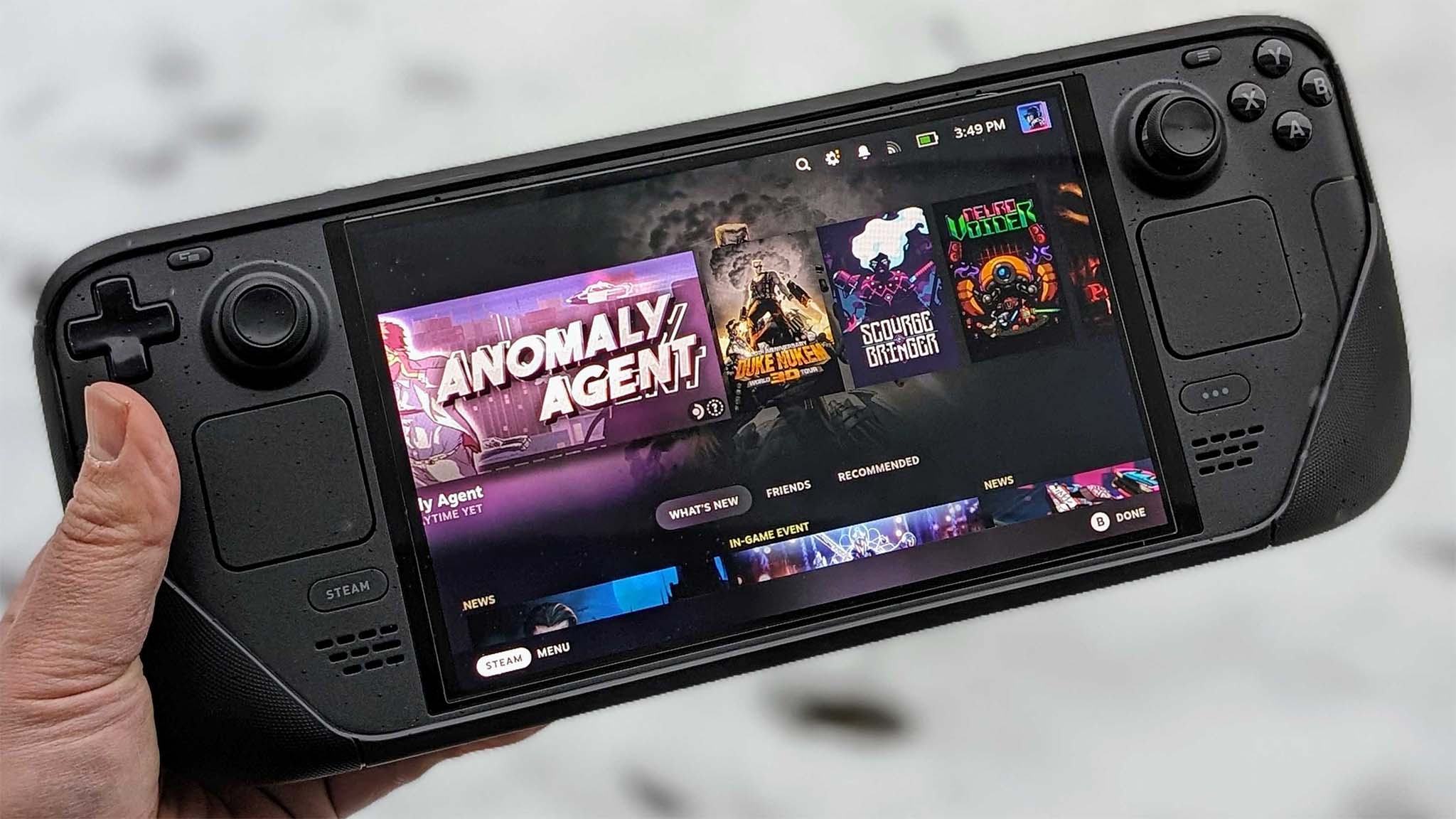
This is another area where the Legion Go 2 (SteamOS) absolutely dominates.
The Steam Deck OLED features a vibrant 7.4-inch OLED touchscreen. However, its resolution maxes out at 1280×800 and it has a 90Hz refresh rate, which isn’t as high as many modern handheld devices.
The Legion Go 2, running SteamOS, features a much larger 8.8-inch OLED screen. Compared to the Steam Deck OLED, the difference in screen size is significant, letting you see more detail while gaming.
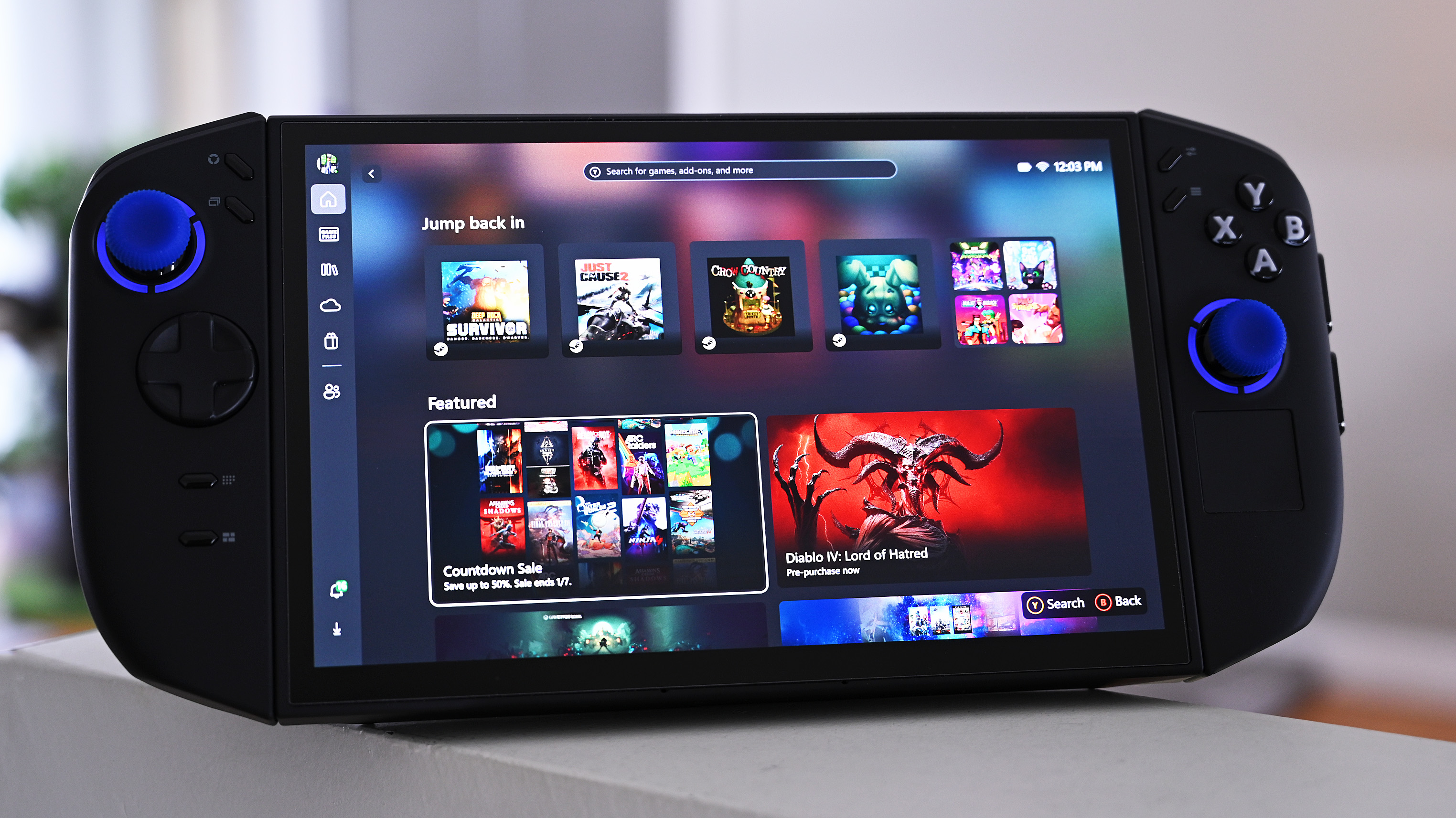
The Legion Go 2 (SteamOS) offers more vibrant and detailed colors with improved contrast. Its screen can display a sharper image at a resolution of up to 1920×1200, and with a fast 144Hz refresh rate and VRR support, motion appears smoother and blur is minimized.
As a handheld gaming fan, I have to say the Legion Go 2’s screen is incredible! It’s not just a step up from the Steam Deck’s – it’s honestly the best screen I’ve ever seen on a handheld device.
Simply put, the Legion Go 2’s OLED screen is clearly superior to the Steam Deck OLED’s. It offers a higher resolution, faster refresh rate, wider color range, larger size, and includes Variable Refresh Rate (VRR) technology.
Back to the top ^
Legion Go 2 (SteamOS) vs Steam Deck: Controls and ports
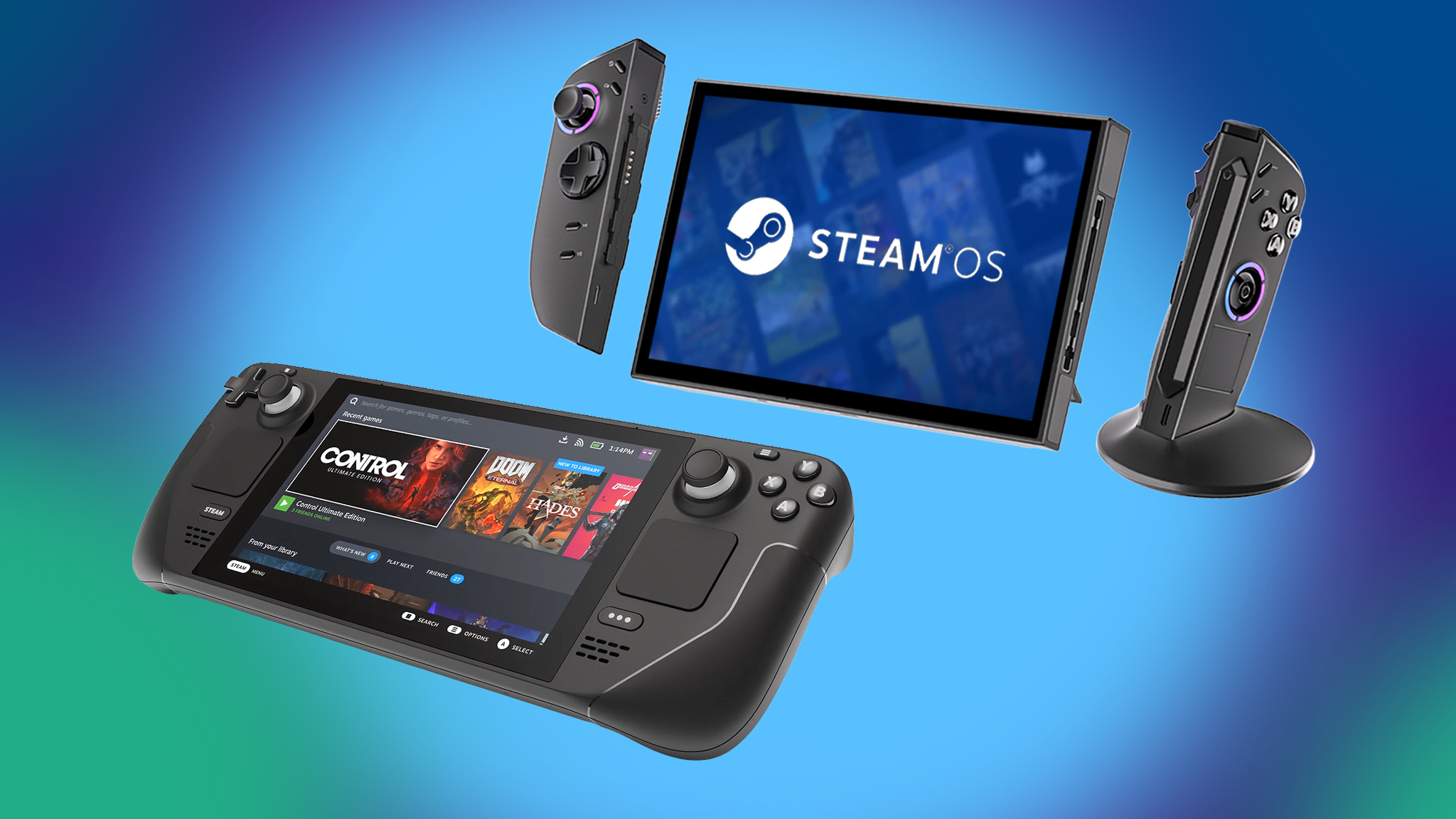
Controls and ports are where the Steam Deck and Legion Go 2 really show their physical differences.
Both controllers share a similar design: joysticks on the sides, ABXY buttons on the right, a D-pad on the left, shoulder bumpers and triggers, four extra buttons on the back, and the usual system and game controls.
Most of these controls work identically. The SteamOS version of the Legion Go 2 even uses the same button symbols as the Steam Deck OLED, so users shouldn’t have any trouble figuring them out.
Now for the differences.
One key difference between the Legion Go 2 and the Steam Deck is their joystick technology. The Legion Go 2 uses Hall Effect joysticks and triggers that are positioned slightly off-center, which eliminates stick drift. The Steam Deck, on the other hand, uses traditional analog joysticks that are more prone to developing stick drift over time.
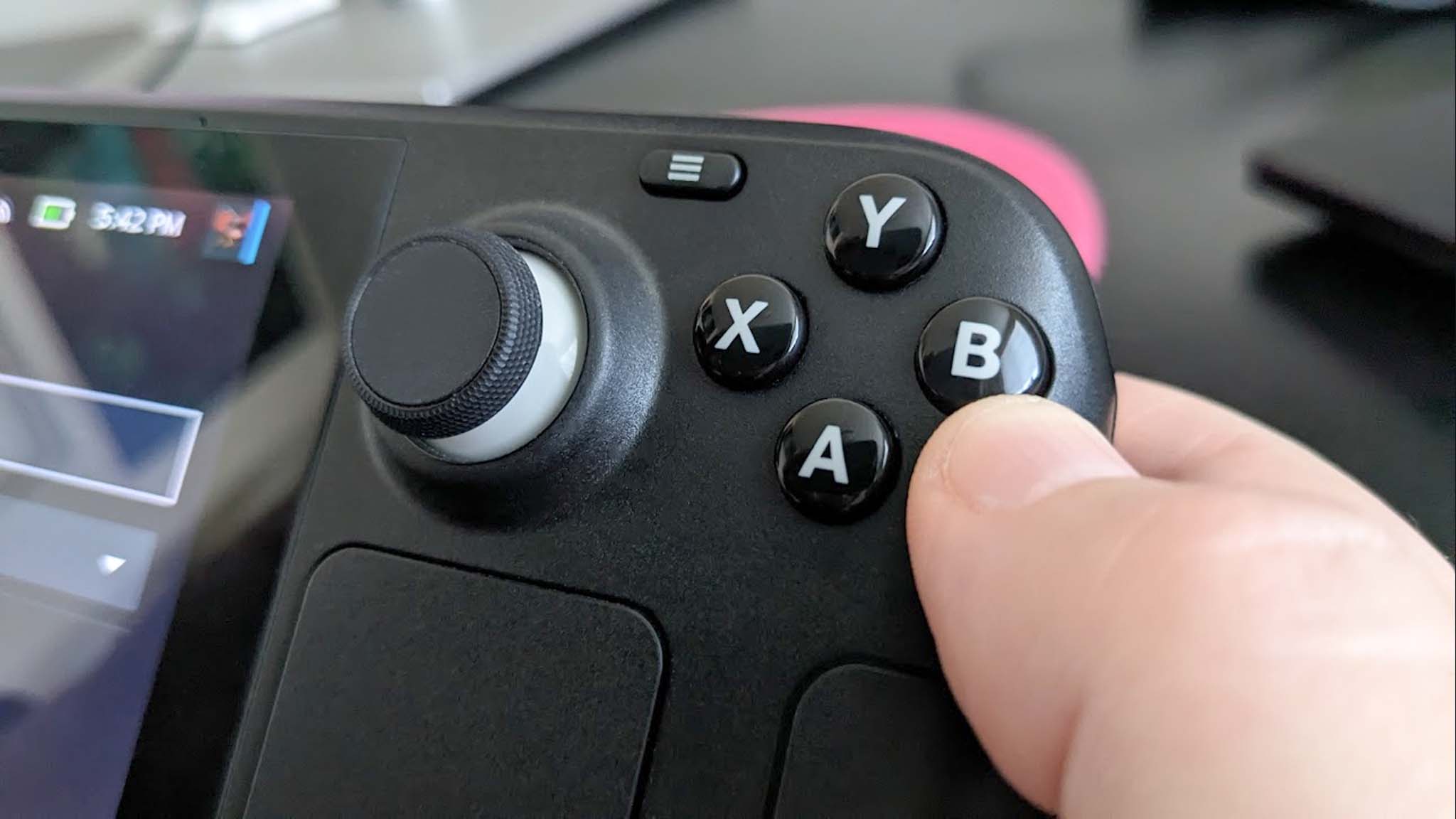
The Steam Deck OLED has touchpads under both joysticks, but the Legion Go 2 (with SteamOS) only has one, and it’s a bit smaller, located under the right joystick. While most users tend to only use the right touchpad, if you think you might want a second one, it’s worth keeping in mind.
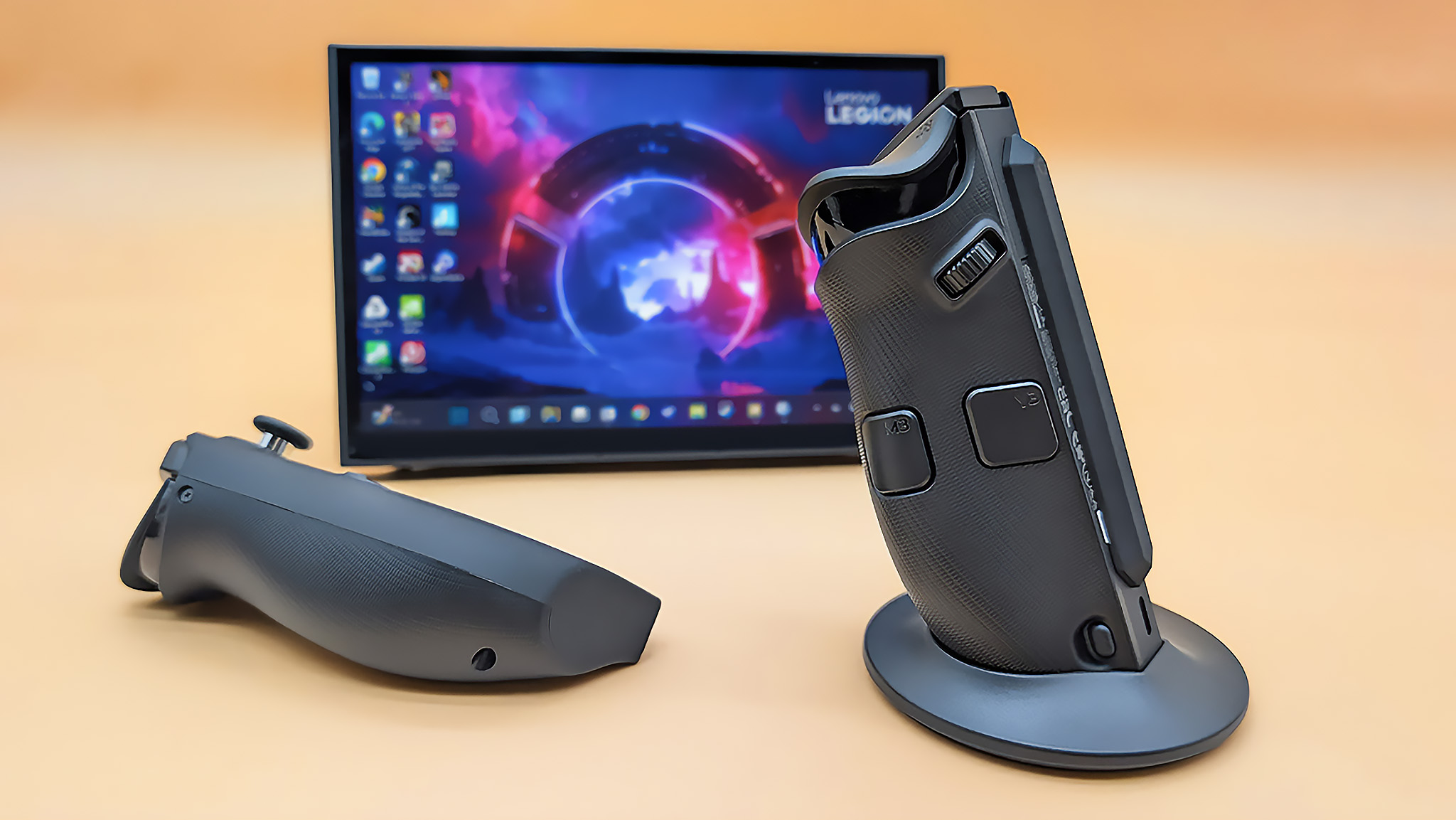
The main difference in how you control these handheld devices is that the Legion Go 2 has detachable controllers – called Legion TrueStrike controllers – similar to the Nintendo Switch. They easily pop off with the press of a button. Because the Legion Go 2 also has a kickstand, you can use the controllers separately while the screen stands on its own on a table.
But wait, there’s more; another feature the Steam Deck doesn’t offer.
The Legion Go 2’s right controller includes a special switch for first-person shooter games and a magnetic stand. When you activate the switch and place the controller in the stand, it functions like a mouse, allowing for precise movement on surfaces – perfect for navigating game menus or playing FPS games.
The Legion Go 2’s controllers each have their own USB-C ports, allowing you to charge them individually. Alternatively, you can charge the controllers simply by connecting them to the Legion Go 2 while it’s plugged in and charging.
The Legion Go 2 has a power button that can also scan fingerprints, but this feature doesn’t work with SteamOS. SteamOS doesn’t support fingerprint logins, making the scanner unusable on the device. This is also why the Steam Deck doesn’t include a fingerprint reader.
What about ports?
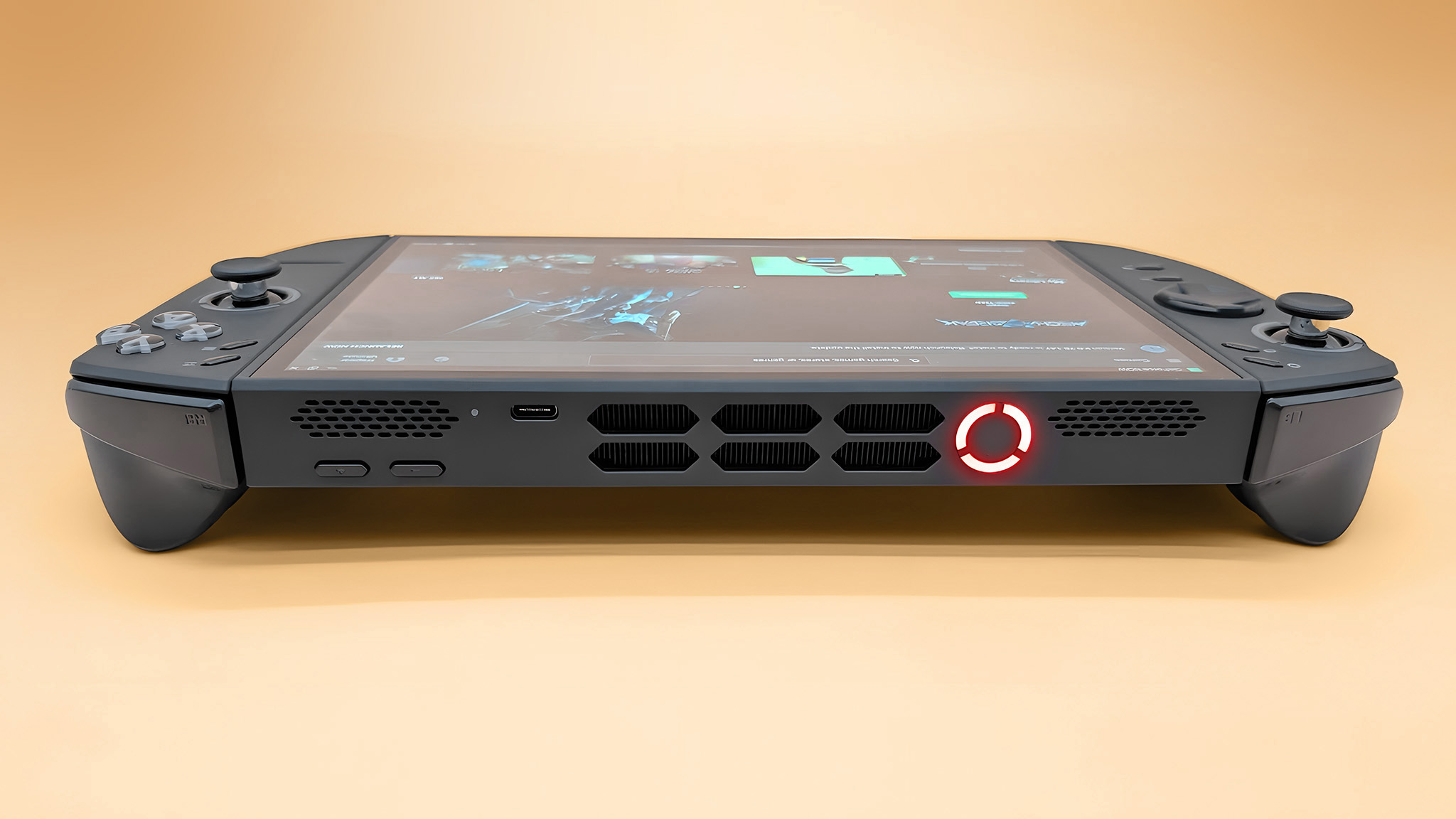
The Steam Deck OLED keeps things simple with its ports, offering everything essential. You’ll find one USB-C 3.2 Gen 2 port, a microSD card reader, and a headphone jack.
I’ve also noticed the Legion Go 2 includes a standard audio jack and a microSD card reader. What really stands out, though, are its two USB4 Type-C ports. They’re significantly faster – more than double the speed – and can handle higher resolutions. Having two ports is a nice touch, too; you can charge the device with one and still have a port free for accessories.
Both the Steam Deck and Legion Go 2 can connect to TVs or monitors using a docking station thanks to their USB-C ports that support DisplayPort. However, the Steam Deck only requires a 45W docking station, while the Legion Go 2 needs one that provides 65W or more to function properly.
In short, the Legion Go 2 wins in the controls category. While there are several differences between the devices, the Legion Go 2 offers a better experience thanks to its Hall Effect joysticks, detachable controllers, dedicated FPS mode, and dual USB4 ports – all of which make it more versatile and user-friendly.
Back to the top ^
Legion Go 2 (SteamOS) vs Steam Deck: Software and games
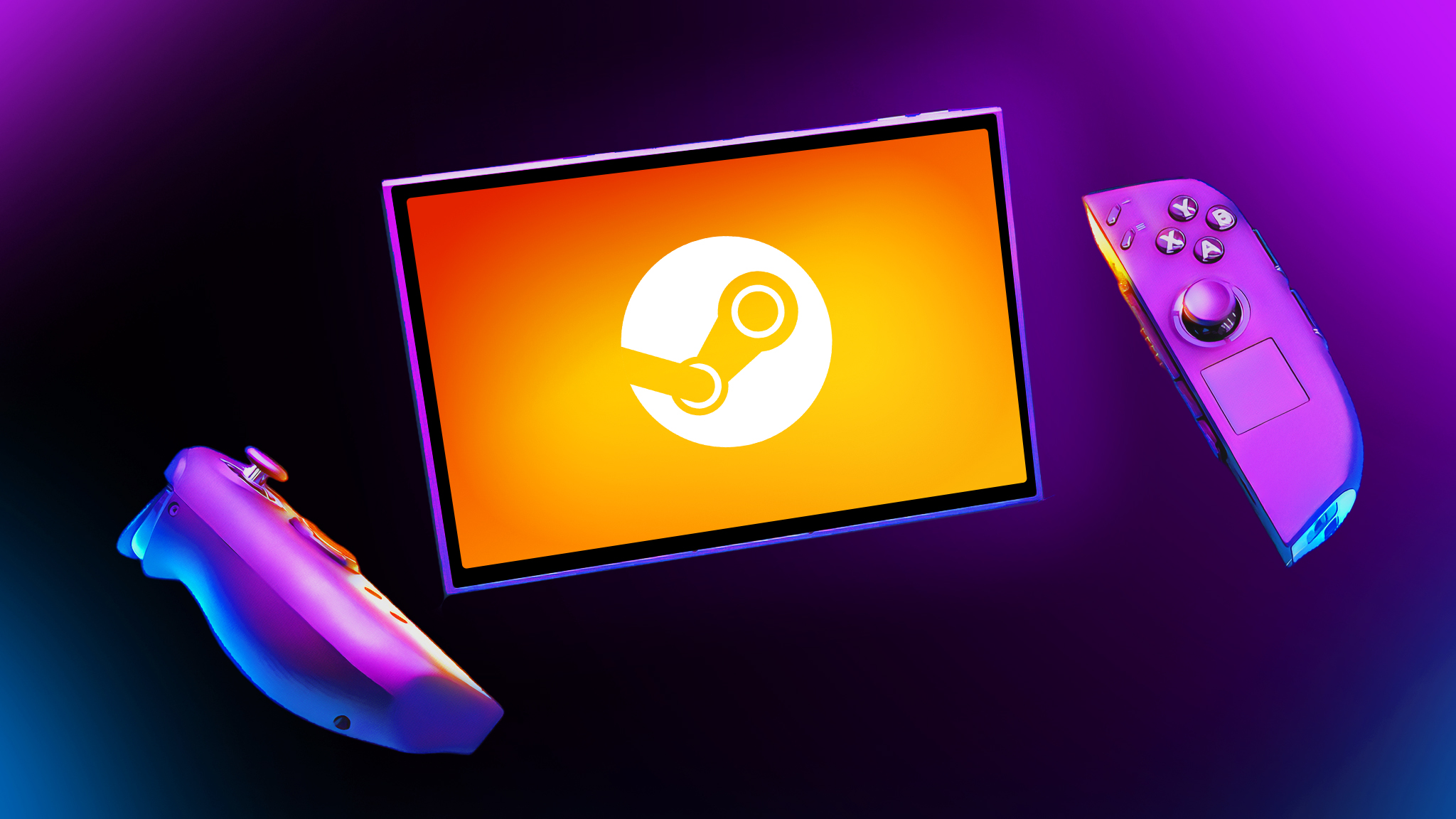
Since both the Legion Go 2 and the Steam Deck use the same Linux-based SteamOS operating system, their menus and how you interact with them are essentially identical. There isn’t a lot to explain beyond that.
These devices primarily connect to your Steam game collection when you first set them up. However, with a few add-ons and programs, you can also use other gaming platforms like Epic Games and Battle.net.
If this sounds useful, I have a guide explaining how to install Decky Loader on Steam Deck and other SteamOS handhelds.
The Legion Go 2, equipped with the Z2 Extreme chip, will be able to play a wider range of demanding, high-end games compared to the Steam Deck OLED, thanks to its more powerful components.
In short, the Legion Go 2 is the better choice for gaming. While both it and the Steam Deck OLED use the same operating system, the Legion Go 2 has more power, allowing it to run a wider range of demanding, high-end games.
Back to the top ^
Legion Go 2 (SteamOS) vs Steam Deck: Battery life
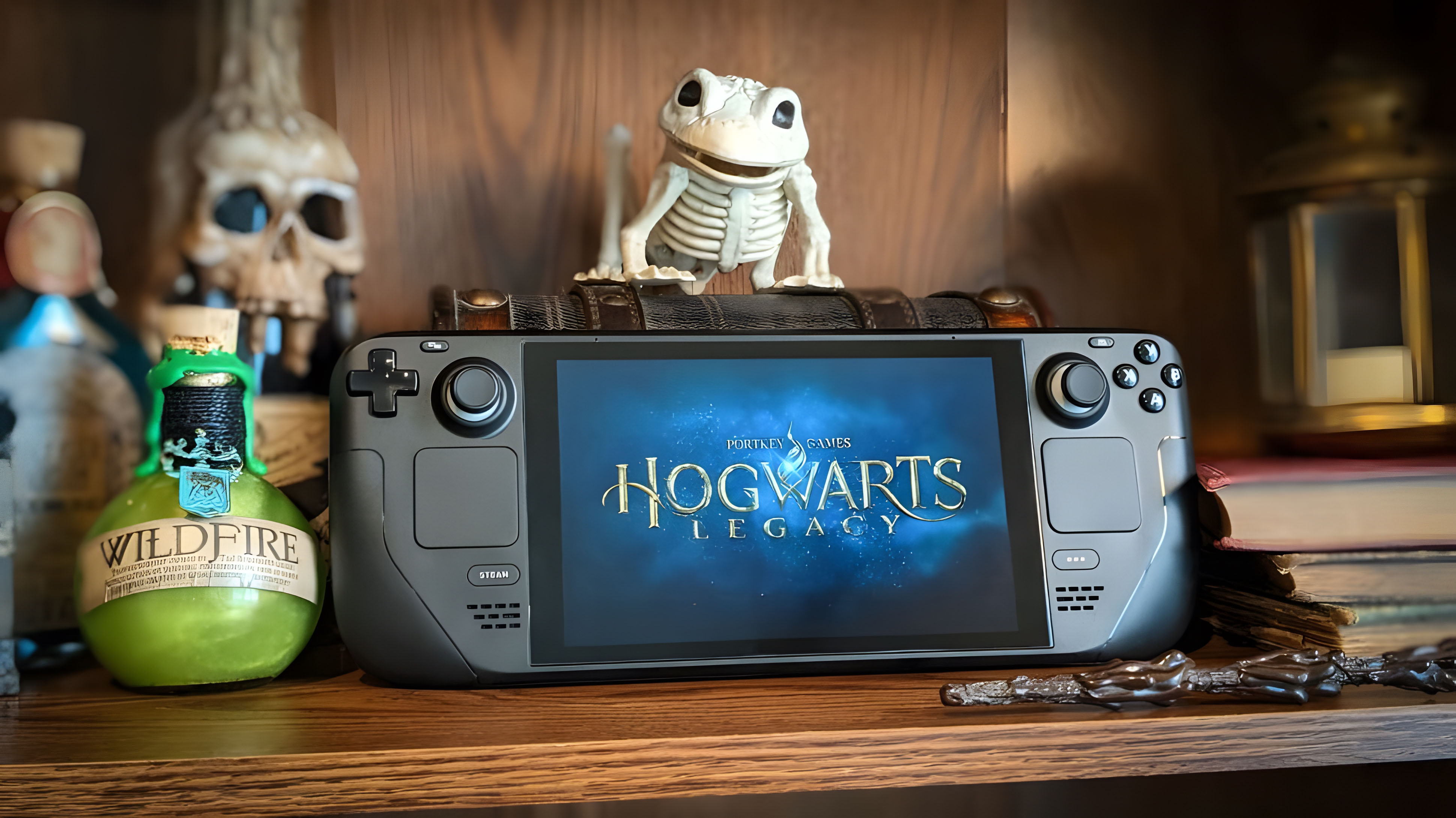
Although the Steam Deck OLED has a smaller battery capacity (50Whr) compared to the Legion Go 2 (SteamOS) (74Whr), it likely won’t have significantly shorter battery life. Initial specs can be misleading, and real-world performance often differs.
Devices with more powerful components, such as the Legion Go 2, tend to use battery power more quickly. Because of this, the Steam Deck OLED likely offers a longer battery life.
The Steam Deck OLED usually gets between 3 and 12 hours of playtime, depending on your settings. I can’t say how long the Legion Go 2 (running SteamOS) will last until I’ve tested its battery life myself.
Based on past tests, the Legion Go 2 with Windows typically gets between 1.5 and 5 hours of battery life. Since SteamOS is more efficient than Windows 11, I anticipate the SteamOS version of the Legion Go 2 will last longer, though the difference likely won’t be huge.
Simply put, the Steam Deck generally has better battery life than the Legion Go 2 because it’s designed to use power more efficiently.
Back to the top ^
Legion Go 2 (SteamOS) vs Steam Deck: Grip ergonomics and comfort
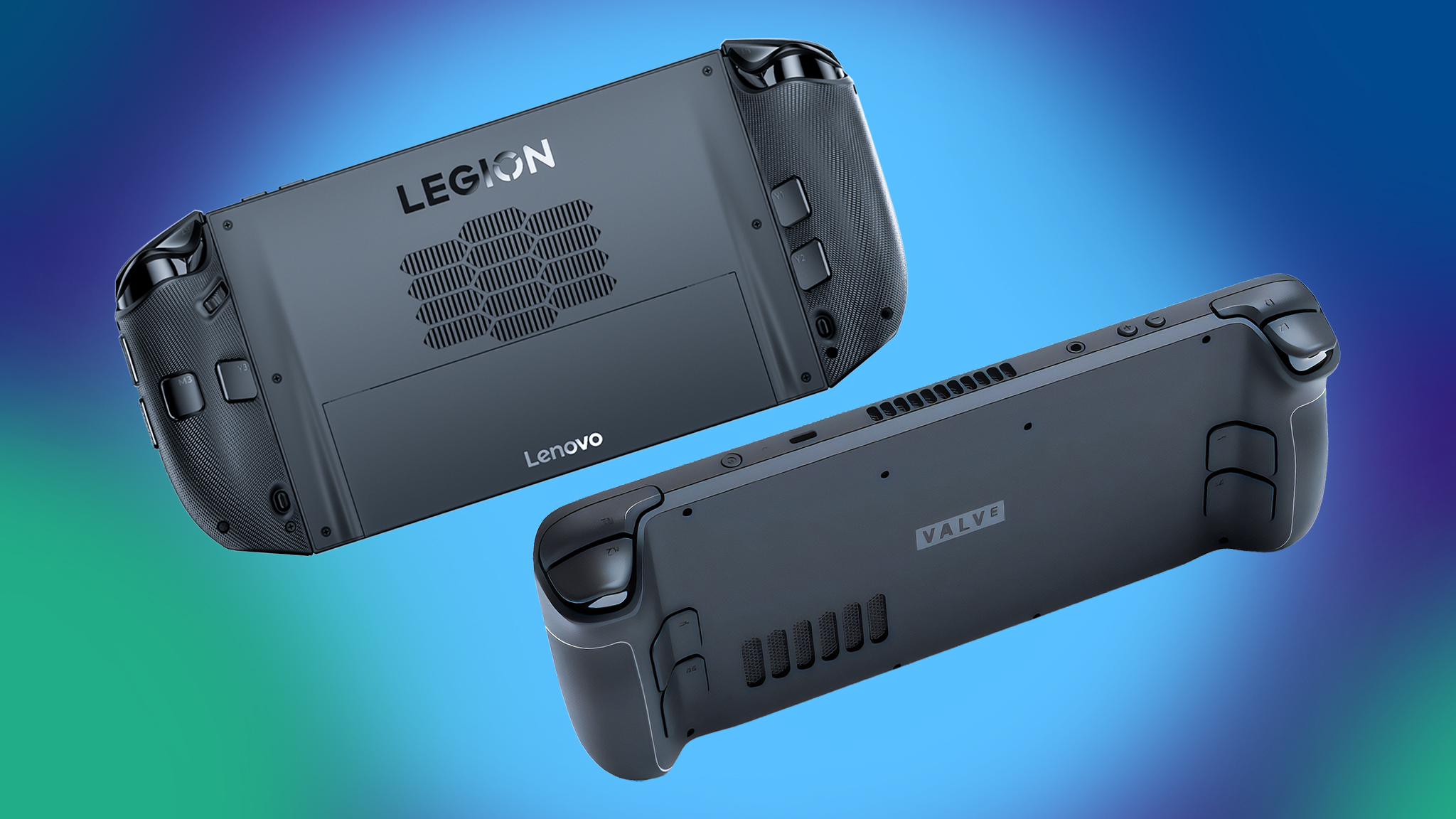
People are discussing how comfortable the Steam Deck OLED is to hold. While many enjoy it, the Legion Go 2 is generally considered more comfortable in terms of its shape. However, the Steam Deck OLED is lighter, which some users may prefer.
The Steam Deck OLED is lighter and a bit smaller, weighing 1.41 pounds and measuring 11.7 x 4.6 x 1.9 inches. In comparison, the Legion Go 2 (SteamOS) is considerably heavier at 2.2 pounds and measures 11.64 x 5.38 x 1.66 inches.
As a researcher testing the Legion Go 2, one thing that immediately stood out to me was the comfort. Unlike devices like the Steam Deck OLED where you’re holding the entire weight, the Legion Go 2’s detachable controllers are a game changer. They only weigh about 0.46 pounds, which significantly reduces hand strain during longer gaming sessions. It’s a much more comfortable experience, as you don’t *have* to hold the full weight of the console.
While the Steam Deck is lighter, the Lenovo Legion Go 2 is more comfortable to hold. Its better design and removable controllers put less strain on your wrists.
Back to the top ^
Legion Go 2 (SteamOS) vs Steam Deck: Comparison chart
| Category | Winner |
|---|---|
| Price | Steam Deck OLED is more budget friendly. |
| Performance | Legion Go 2 offers more power and can play more AAA games. |
| Display | Legion Go 2’s OLED has a better color range, higher resolution, higher refresh rate, and supports VRR. |
| Controls & ports | Legion Go 2 offers two USB4 ports and detachable controllers with additional features. |
| Software & games | Legion Go 2 has the same OS, but has the internals to play more games. |
| Battery life | Steam Deck OLED likely offers a longer battery life. |
| Grip | Legion Go 2 has a better ergonomic shape and the detachable controllers reduce wrist strain. |
| Best overall | Legion Go 2 is definitely more expensive, but it has a better OLED display and can play more games, even if that battery probably doesn’t last as long. |
Back to the top ^
Legion Go 2 (SteamOS) vs Steam Deck: Which should I buy?
I’ve thoroughly tested both handheld devices, and now it’s time to pick a winner. However, both are actually quite good! Ultimately, the best choice depends on what kind of gaming experience you’re looking for.
As a researcher testing handheld gaming devices, I’ve found that if you’re really aiming to play the newest, most demanding AAA titles on the go, the Legion Go 2 running SteamOS is the best choice. However, it’s important to remember that not every game is optimized for handhelds, so you’ll need to verify the game’s system requirements individually to ensure compatibility.
If you’d prefer a bigger screen for clearer details, or if you find handhelds uncomfortable to hold for long periods, I also suggest checking out the Legion Go 2 (SteamOS). It’s designed to be more comfortable to use.
The Legion Go 2 is certainly a more powerful handheld, but it’s not necessarily the right choice for everyone’s gaming needs.
Even though it’s been out for a while and isn’t the most powerful handheld on the market, the Steam Deck OLED is still the best option for gamers looking for an affordable device. You can play tons of games on it, and there’s a helpful community ready to offer advice and support.
Before buying either the Steam Deck OLED or the Legion Go, consider how you plan to use it. Think about the kinds of games you enjoy, your budget, and any must-have features. Then, pick the handheld that best fits your needs.
Back to the top ^
Read More
- What Song Is In The New Supergirl Trailer (& What It Means For The DC Movie)
- Gold Rate Forecast
- One of Hulu’s Best New Shows Lands on Disney+ Ahead of Season 2
- Eurogamer Gives ARC Raiders 2/5 Over AI Voices, Dropping Metacritic Score from 94 to 84
- Beyond Paradise confirms character exit – with potentially damaging consequences
- Unpacking the Controversy Around Amy Griffin’s Memoir The Tell
- MMOs Usually Take Up Too Much Time, But One Returning Classic Could Change That
- After Stranger Things’ Conformity Gate Crashed Netflix, Here’s What The Ending SHOULD Have Been
- Crypto Treasures Rise from the Ashes: DATs Flip the Script in 2026
- Task & Mare Of Easttown’s Crime Thriller Universe: Revolutionizing the Genre
2026-01-07 17:51