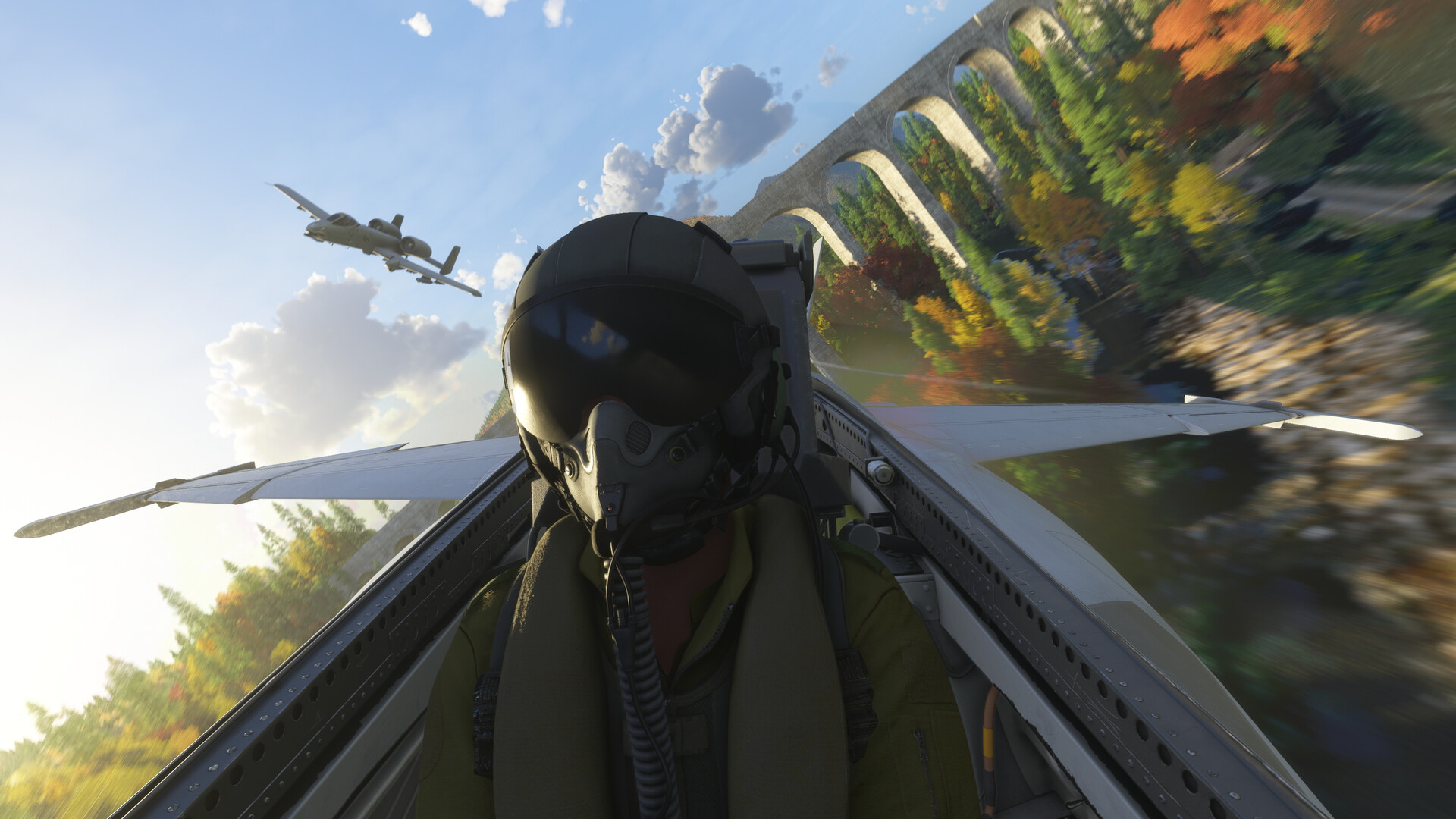
Microsoft Flight Simulator 2024 is incredibly detailed, boasting realistic weather, aircraft handling, and a stunningly accurate world. However, it can be overwhelming for new players, feeling like a complex challenge right away. Experienced players coming from the PC version will also need to adapt, as they’ll have to learn new controls and menus. Fortunately, once you get the hang of it, the PS5 version offers the same expansive and enjoyable flying experience PC players have loved for years.
These fifteen tips will help you become a better pilot on your PS5, whether you’re just learning the basics or striving for a realistic flight experience.
Start with “All Assists” On If You’re New
Microsoft Flight Simulator 2024 makes it easy for new pilots on PS5 with a variety of helpful features, including a setting that turns on all the assistance options. This doesn’t just simplify flying; it allows beginners to focus on the core skills like controlling the plane’s angle, engine power, speed, and how everything works together. Think of these assists as training wheels – they’ll keep you flying steadily until you feel comfortable turning them off and taking full control.
Assistance Can Be Tuned for Realism, Too
Whether you’re a seasoned pilot switching from PC or just want the most realistic flight simulation possible, Microsoft Flight Simulator 2024 lets you customize almost everything. You can disable assistance features like yoke sensitivity, automatic fuel mixing, and even visual aids or flight planning tools. The PS5 version is designed for detailed control, offering a range of settings that let you gradually increase the realism to your liking. So, if you want an authentic experience but don’t want to risk damaging your plane, you can adjust the settings to find the perfect balance – it just takes a little time to set up.
Fix the Hypersensitive Cursor
This adjustment significantly improves your experience. Since you’ll be interacting with the cockpit a lot, the on-screen cursor acts like your mouse. The default sensitivity is far too high, though. To fix this, go to Settings, then Accessibility, then Effects and Animations, and finally Cursor Settings. There, you can adjust the Cursor Acceleration and Max Speed until everything feels smooth and controlled. This one change makes navigating menus and using the cockpit controls much easier.
Transcribe the Tutorials, If Needed
One of the best parts of Microsoft Flight Simulator 2024 on PS5 is how the lessons are structured, though it does throw a lot of information at you quickly. Don’t be afraid to pause the game and write down important button combinations for things like accessing menus or performing key actions. You don’t need to memorize everything about starting up or taxiing – the game will guide you – but taking notes on commands like changing camera views or using the cockpit display will save you time and prevent frustrating mistakes, such as accidentally shutting off your engine while flying.
Again, If You’re New, Spend Your Early Hours in Cockpit View
While external cameras are fun for looking around, learning to fly is best done from inside the cockpit. Paying attention to the instruments – like airspeed, altitude, and engine speed – helps you understand how the plane behaves. Though you can see most of this information on the screen even with external views, new pilots often overreact when relying on those views. Flying by sight, using the instruments, can be tricky at first, like trying to find something in the dark. Focusing on the cockpit view early on will build the instincts you need to make smooth adjustments, land safely, and generally become a better pilot.
The In-Flight Toolbar Can Be Customised
The In-Flight Toolbar offers helpful features like a weather display, quick access to the primary flight display, camera controls, and ATC communications. You can tailor it to your needs using the settings button, adding or removing panels as desired. This is especially useful on PlayStation 5, where using a controller isn’t quite as accurate as a mouse. A customized toolbar makes flying smoother with fewer interruptions, less frustration, and a more fluid experience.
Finetune Your DualSense
The DualSense controller works better than expected for flight simulations, but you might need to adjust its settings to get it just right. Like with mouse control, if the controller feels too sensitive or unresponsive, you can customize things like how quickly the thumbsticks react, how the triggers respond, and even the sensitivity of the touchpad. These adjustments primarily affect how comfortable the controller feels to use. If you find yourself constantly oversteering or making sudden corrections, smoothing out the sensitivity curves can help the plane feel more stable and predictable.
Dial In The Gyro Settings
As a flight sim fan, I was really curious about the DualSense controller’s motion controls – the gyro – in MSFS 2024 on PS5. It definitely takes some getting used to, making you feel like you’re actually holding a yoke! But the great thing is, the game lets you tweak everything – sensitivity, how the controller feels at rest, and dead zones – so you can really personalize it. Honestly, it only takes a few minutes to find settings that feel perfect. Don’t dismiss the gyro controls until you’ve given them a proper try with custom settings; for a lot of us, it makes the experience so much more immersive and natural.
Alternate Between Missions and Career Certifications
The game encourages progress through certifications that require in-game currency, which you earn by completing missions. This system provides structure to the Career Mode: certifications unlock new specializations and overall improvement, while missions test your abilities. Switching between earning certifications and tackling missions keeps things interesting. There are enough missions to keep you playing for a very long time, even if you don’t focus on leveling up. Certifications teach you new skills, and missions help you refine them.
Use Free Flight Mode for Structured Practice

Free Flight offers more than just scenic views. It’s a safe and adjustable practice area where pilots can refine takeoff and landing skills, practice flight patterns, and get comfortable with different planes. You can also customize your session by starting from a parked position, the runway, or already in the air, making your training time as effective as possible.
Complete Every Stage of a Job for Maximum Credits
After your first few missions, you’ll discover you can skip parts of the flight process like pre-flight checks, taxiing, and long flights. But be aware that skipping these steps will reduce your earnings. If you’re trying to earn credits quickly for new planes or licenses, it’s best to complete every step of the flight, even if it takes more time – sometimes taxiing feels endless! – because your reward will be higher. Plus, fully completing missions helps you build good flying habits and a strong understanding of procedures.
Use Custom Views for Cockpit Awareness
While flying, quickly pressing L1 along with a direction on the D-pad instantly brings up helpful views like cockpit instruments, throttle positions, and GPS. You can also check the runway and outside the window before landing. These custom views save you from constantly adjusting the camera manually. Plus, some important information, such as engine speed, isn’t shown on the standard heads-up display, making these quick views essential for staying aware of your surroundings.
Master Trim Adjustments as Early as Possible
Trim is the most important setting for smooth, stable flight. It works by counteracting the aircraft’s natural tendency to pitch up or down, so you don’t have to constantly hold the joystick. Without trim, you’ll find yourself applying constant pressure to the joystick throughout the entire flight. Once you learn how to use it, you’ll realize you’ve been fighting the controls unnecessarily – flying will become much easier and more relaxing, letting you enjoy the view. Mastering trim is the single biggest improvement you can make to your flight experience.
Choose the Right Specialisations if You Want to Earn Money Fast
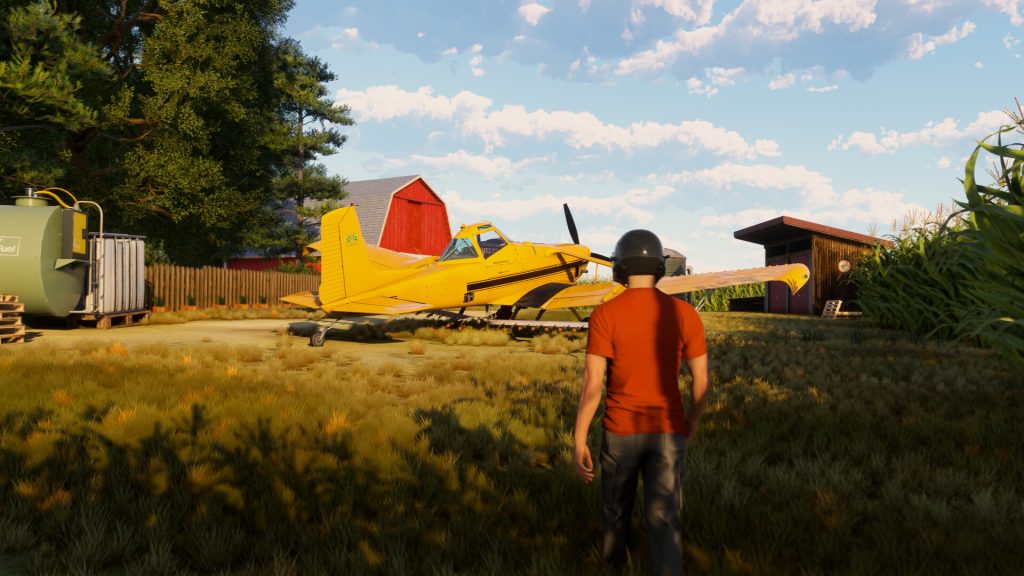
If you want to earn credits quickly, focus on VIP and cargo missions. These pay the most. Although rescue missions, firefighting, and even tourism can be more fun, transporting people and goods is the best way to make money.
Check the Marketplace for Free Content
The Marketplace offers upgrades you can buy, but PlayStation 5 players will also get several free city and world updates originally created by Microsoft. These updates add more detail to the landscape – like new landmarks and improved terrain – and unlock extra things to do. It’s not just about getting content for free; these additions significantly improve the overall game experience.
Read More
- Dune 3 Gets the Huge Update Fans Have Been Waiting For
- Looks Like SEGA Is Reheating PS5, PS4 Fan Favourite Sonic Frontiers in Definitive Edition
- Pluribus Star Rhea Seehorn Weighs In On That First Kiss
- Gold Rate Forecast
- Kelly Osbourne Slams “Disgusting” Comments on Her Appearance
- Action Comics #1096 is Fun Jumping-On Point for Superman Fans (Review)
- 10 Steamiest Erotic Thriller Movies of the 21st Century
- Arknights: Endfield – Everything You Need to Know Before You Jump In
- Tomodachi Life: Living the Dream ‘Welcome Version’ demo now available
- Antiferromagnetic Oscillators: Unlocking Stable Spin Dynamics
2025-12-04 17:15