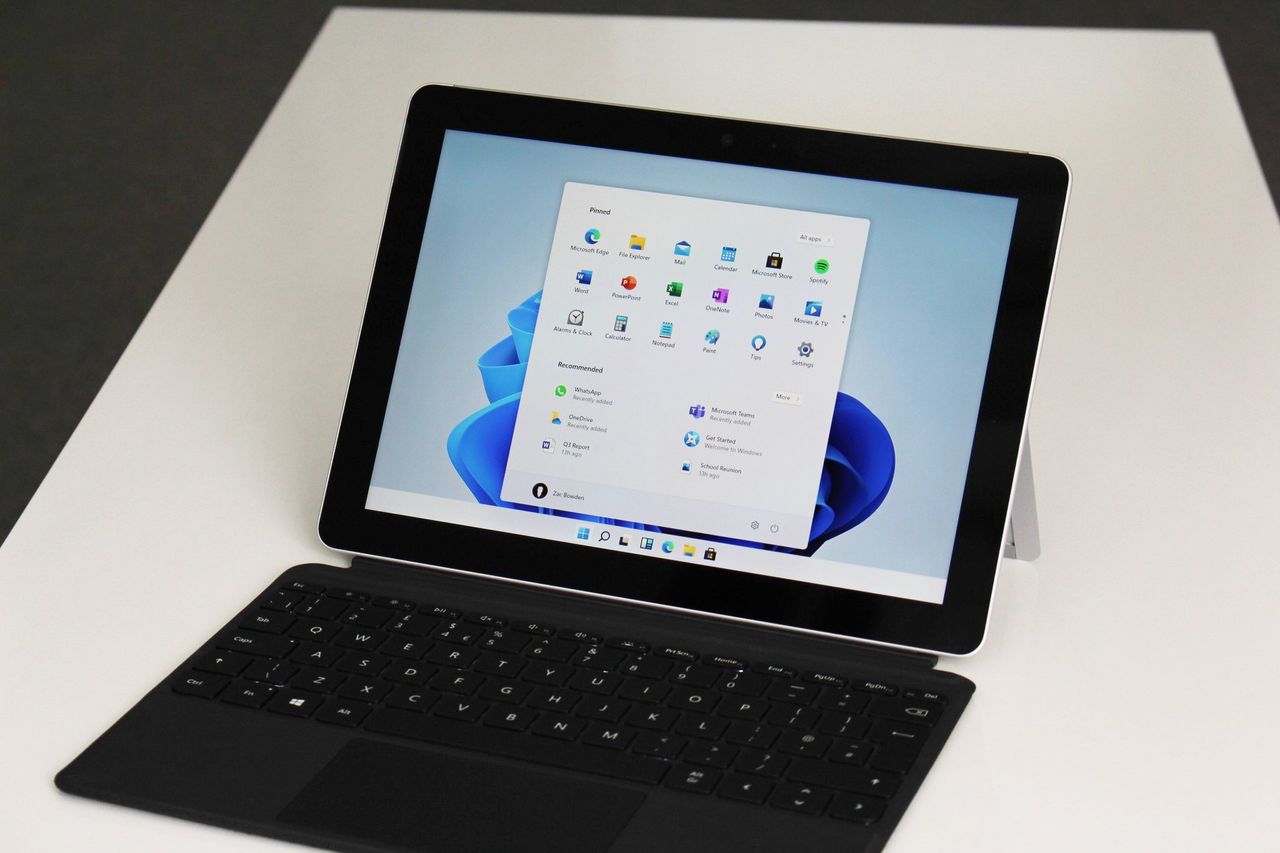
Microsoft is cautioning users about new AI features coming to Windows 11. In a recent announcement, the company advises enabling these features only if you’re aware of the potential security risks, and confirms they will be disabled by default to protect users.
Microsoft has been hinting for some time that Windows 11 would become more proactive and helpful, a change that many users haven’t been thrilled about. Now, those plans are starting to come to fruition, with the first features designed to act as a personal assistant now available in Windows 11.
Microsoft says this feature can only be turned on by a device administrator, and once activated, it applies to everyone who uses the device – including other administrators and regular users. When enabled, Windows will create separate user accounts for each AI assistant, giving them access to your personal files.
When using the agent workspace, agents can only access a limited part of your user profile folder (located at C:\Users\username). If an agent needs to work with your files, Windows will allow access to your Documents, Downloads, Desktop, Videos, Pictures, and Music folders, but only if this feature is turned on.
Microsoft recently explained how AI will work on Windows 11. They’re introducing a new system where AI apps can act on your behalf to complete tasks. These AI assistants will run in a secure, separate area on your computer, but still be able to access your apps and files.
So, the company is letting us know that while these AI features are really cool, they aren’t perfect and come with some potential dangers. They’re specifically worried about something called “cross-prompt injection,” which basically means someone could sneak harmful code into things like images or documents. This could trick the AI into doing things it shouldn’t, like stealing data or even installing viruses. It’s a bit scary, but they want us to be aware of it.
To ensure responsible AI use, the company has established guidelines for how AI-powered features will work on Windows. These features will always be transparent – meaning users can see what the AI is doing – and require human approval before taking any action. The AI will also keep a detailed record of its activities, and Windows will independently verify these records for security and accountability.
Windows 11 is now getting early preview versions with new AI features for people in the Windows Insider program. While no apps currently take advantage of these features, Microsoft has announced that Copilot will be able to use them soon, and other AI apps are expected to add support in the future.
The era of Windows as an agentic OS is here, whether we like it or not.
Read More
- What Song Is In The New Supergirl Trailer (& What It Means For The DC Movie)
- Dune 3 Gets the Huge Update Fans Have Been Waiting For
- The OG Resident Evil 1, 2 and 3 Are Now Available on Steam With a Heavy Discount (and DRM)
- The Monsterverse’s Shocking New Time Travel Story – Monarch: Legacy Of Monsters Season 2, Episode 6 Explained
- Tainted Grail: The Fall of Avalon – Merlin’s Tomb DLC Adds a New End-Game Dungeon for Free
- Jinger Duggar Explains Why Jeremy Vuolo Upgraded Her Wedding Band
- Robinhood’s Tokenized Stock Fiasco: A Tale of Tokens and Tussles
- Crypto Chaos: 6 Events This Week That Could Send Bitcoin and XRP into a Tailspin!
- This One Stranger Things Theory Explains a 9-Year-Old Season 1 Mystery, Sets Up the Finale, & is the Key to Future Spinoffs
- 5 Best Superman-Centric Crossover Events
2025-11-18 14:09