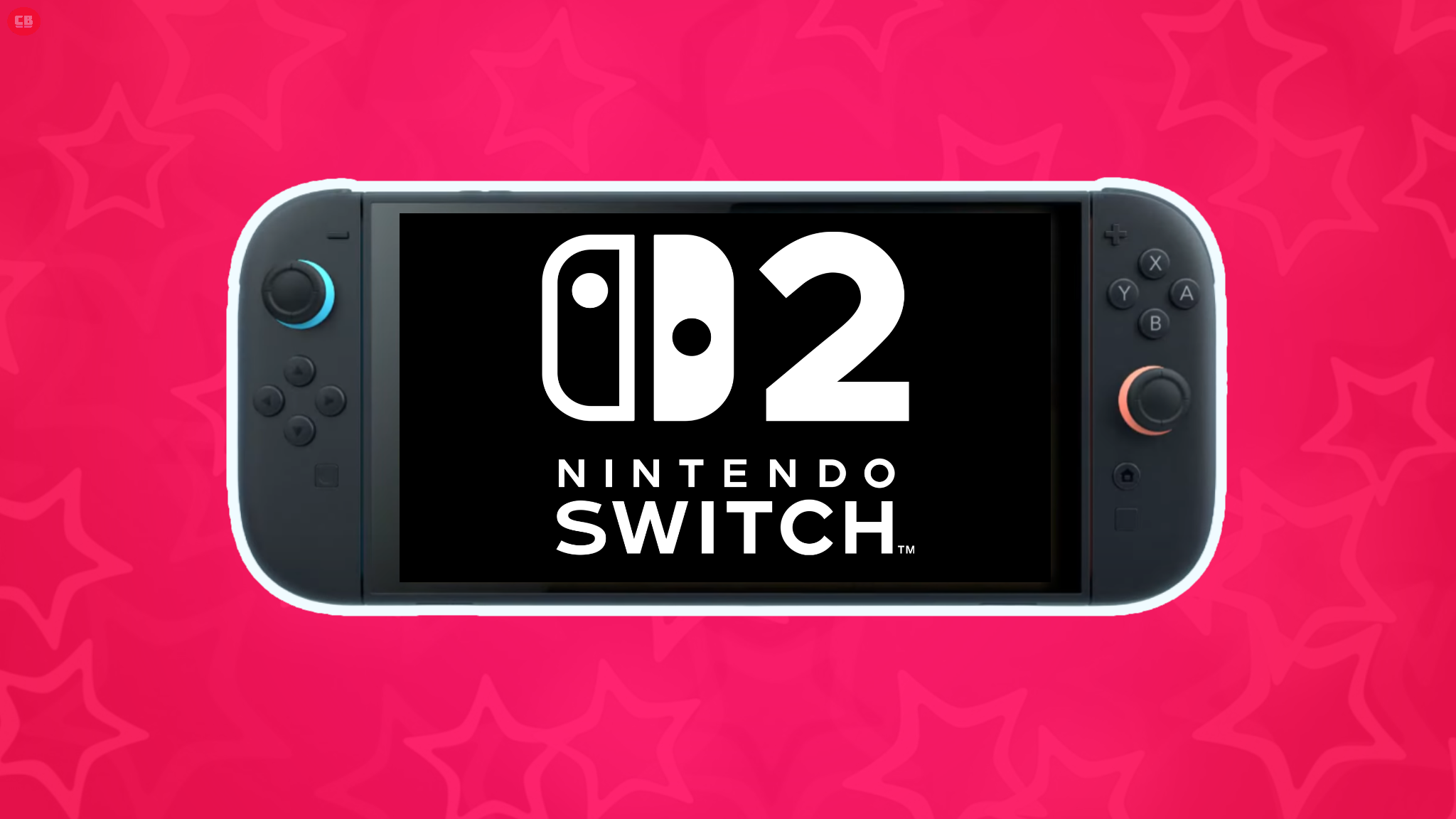
Nintendo just launched a big update for the Switch 2 that significantly improves how older Switch games play in handheld mode. Games generally look and run smoother when played on a TV with the Switch 2 docked. While the Switch 2 already offered great handheld gaming, the visual quality noticeably decreased when playing on the go. This new update aims to address that issue and enhance the portable experience.
Nintendo Switch 2 has received a new update to firmware version 22.0.0, bringing several improvements to the system. The most notable addition is “Handheld Boost Mode,” which can be enabled in the settings. This allows original Switch games to run at a higher performance level – similar to when they’re played on a TV – even while the console is in handheld mode. While this feature doesn’t apply to games designed for the new Switch 2 console, it significantly enhances the backward compatibility experience.
Beyond the significant new features of the Switch 2, Nintendo has also improved several smaller aspects of the console, like Friend Lists, GameChat, and accessibility options. Overall, this is one of the most substantial Switch 2 updates since the system launched, demonstrating Nintendo’s continued commitment to improving the hardware.
You can find a complete list of changes and improvements in the latest Nintendo Switch update below.
Nintendo Switch 2 Update 22.0.0 Patch Notes
- Changed the on-screen text and animations when you load a virtual game card in the HOME Menu.
- Added the ability to save notes about friends on your Friend List. The note content is not displayed to friends.
- Added the ability to see and edit these notes from the Nintendo Switch App. The app must be on version 3.3.0 or higher to use this feature.
- The following features were added to support GameChat:
- Added the ability to invite friends to GameChat rooms you’re participating in. Some friends may not be able to be invited, such as supervised accounts.
- Friends that haven’t finished GameChat initial setup can now be invited to GameChat. Some friends may not be able to be invited, such as supervised accounts or those who haven’t used a Nintendo Switch 2.
- It may take a while for this change to be reflected after updating your console to system version 22.0.0.
- Improvements were made to the quality of the game screen shared in a GameChat when expanded.
- Added the ability to rewind 10 seconds/advance 10 seconds with the ZL and ZR Buttons when watching a full screen video in News or Nintendo eShop.
- Added the option to add the following data to “Automatic Uploads” from Album.
- Clip Video, Video saved as a screenshot, and screenshot with added text.
- Added Portuguese (Portugal) and Russian to “GameChat Voice ⇔ Speech to Text” languages in Accessibility.
- Text-to-Speech, under Accessibility, can now read the text in Album and during first-time setup.
- Please see Nintendo Switch 2 First-Time Setup and Connection for instructions on how to turn text-to-speech on in the first-time setup.
- Added the ability to see the breakdown of storage capacity by data type for the system memory and microSD Express card.
- Added the ability to perform an audio test when “Linear PCM 5.1 Surround” is selected for TV Sound in Audio.
- Changed the “Hong Kong/Taiwan/South Korea” region to “Hong Kong/Taiwan/South Korea/South East Asia” in Device.
- Added “Handheld Mode Boost” to Nintendo Switch Software Handling in System.
- Handheld Mode Boost will cause compatible Switch software to run as if in TV Mode, so certain functionality may be affected. Please see the on-device description for more details.
- The following features were added to Airplane Mode:
- When Airplane Mode is activated, the previously set preferences for Bluetooth, Wi-Fi, or NFC while in Airplane Mode will be saved and applied.
- Added the ability to individually enable or disable Bluetooth, Wi-Fi, or NFC during Airplane Mode from the Quick Settings.
- Added the ability to see a notification in the Nintendo Switch Parental Controls smart device application when the Parental Controls PIN is input successfully on the console. This can also be set up to be a push notification to your smart device.
- The app must be on version 2.4.0 or higher to use this functionality.
- General system stability improvements to enhance the user’s experience.
Read More
- What Song Is In The New Supergirl Trailer (& What It Means For The DC Movie)
- Highly Anticipated Strategy RPG Finally Sets Release Date (And It’s Soon)
- TV legend Carol Kirkwood reveals the reasons why she decided to retire after 28 years with BBC
- Dune 3 Gets the Huge Update Fans Have Been Waiting For
- Why is Tech Jacket gender-swapped in Invincible season 4 and who voices her?
- The Super Mario Galaxy Movie: 50 Easter Eggs, References & Major Cameos Explained
- Alan Ritchson’s Reacher Future Looks Hopeful Thanks To Amazon’s 10/10 Action Thriller Series
- Maul – Shadow Lord Order 66 Survivor Officially Introduces A New Alien Species To Star Wars Canon
- Sydney Sweeney’s The Housemaid 2 Sets Streaming Release Date
- Crimson Desert is a “Cynical Amalgamation of Borrowed Mechanics,” Says Larian’s Publishing Director
2026-03-17 17:17