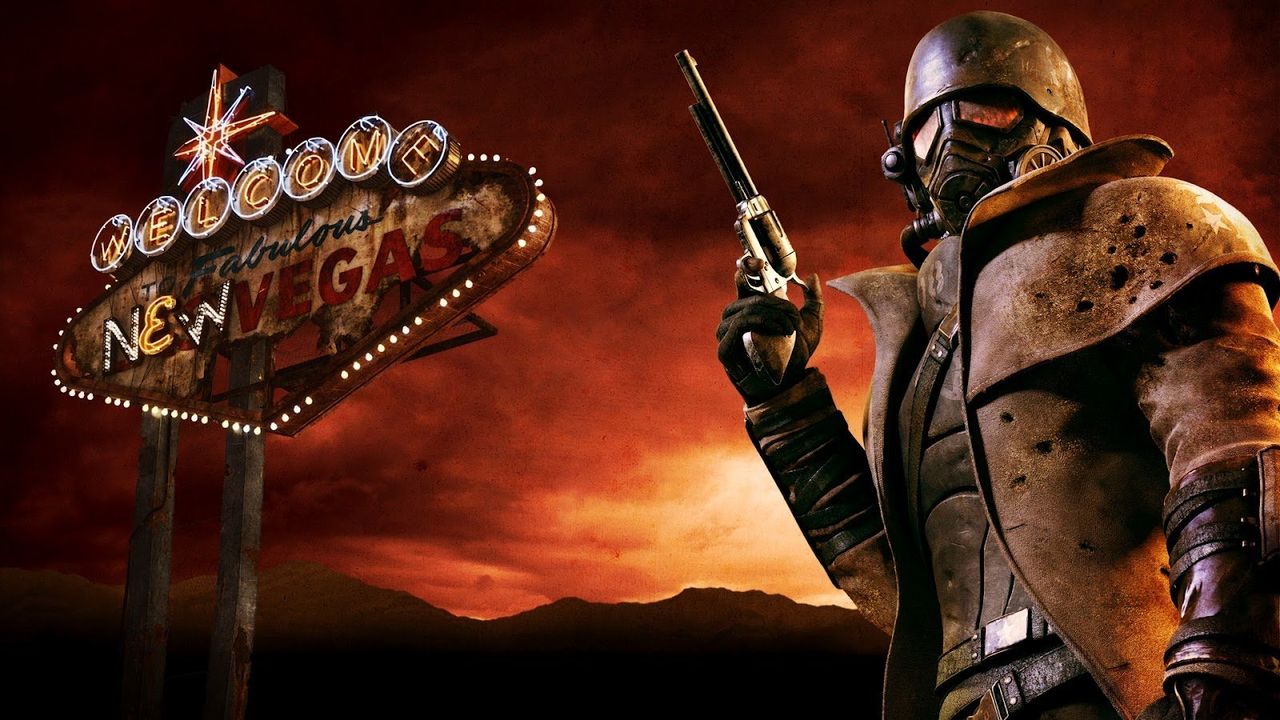
The second season of Amazon’s Fallout TV show is currently being released weekly, and it’s already breaking records on Rotten Tomatoes. The show’s popularity is boosting interest in the original Fallout video games, bringing them back into the spotlight.
The game *Fallout: New Vegas* is especially connected to the events of Season 2. Like much of the season, it’s set in the ruined landscape of Las Vegas and the Mojave Desert. Although it takes place 15 years before the show’s timeline, many of its characters and groups play important roles in the TV series.
If you’re enjoying the new show, playing (or revisiting) New Vegas is a great idea. It will give you a much better understanding of the show’s setting and the problems the characters face. Plus, many people – including me – consider it the best Fallout game ever made. Fans love how much freedom it gives you and its complex, detailed RPG mechanics, which still hold up incredibly well even after 15 years.
Obsidian’s 2010 Fallout: New Vegas is a fantastic game, but it definitely has flaws, particularly with its technical performance. The PC version is well-known for its bugs and glitches, and players often experience crashes and stuttering. Even simply switching between windows while playing in fullscreen can cause the game to freeze up.
For years, players have tried to fix these issues using mods, but many of those mods are old and can now cause more problems than they solve. It’s been difficult to figure out which mods are actually helpful—that is, until the Viva New Vegas modding guide came out.

If you’re playing Fallout: New Vegas on PC in 2026, using Viva New Vegas is highly recommended. This community-created guide walks you through setting up modding tools, like Mod Organizer 2, and then suggests essential mods to improve the game’s stability and how to install them.
This guide explains everything clearly and simply, using helpful icons and images to highlight important details. Plus, you can quickly find the information you need by clicking on any section title in the menu.
Although guides aren’t always reliable, most New Vegas players agree that Viva New Vegas is the best resource for fixing performance problems caused by mods. Whether you plan to heavily modify the game or simply want to play it smoothly without any glitches, Viva New Vegas is the essential starting point.
The guide also includes a “VNV Extended” section with recommendations for mods that create a “Vanilla+” experience. These mods let you enjoy New Vegas with its original feel, but add modern improvements like sprinting, better graphics, and other quality-of-life features.
If you’d rather not install mods by hand, the guide also includes instructions on using the Wabbajack tool to automatically install the VNV Extended modlist. This is a faster option, but learning to use Mod Organizer 2 by following the manual instructions is recommended if you think you might add more mods later.
The simplest way to get New Vegas working smoothly on today’s computers is by following the Viva New Vegas instructions, and I plan to always use this modlist from now on. Plus, the game’s Ultimate Edition is currently on sale for just $7.09 at Loaded, and Xbox players can enjoy it through Xbox Game Pass.
Read More
- Gold Rate Forecast
- Kelly Osbourne Slams “Disgusting” Comments on Her Appearance
- Dune 3 Gets the Huge Update Fans Have Been Waiting For
- ’90s Cartoon Reboot & TMNT Connection!
- Guardians of the Globe Members We Want to See in Invincible Season 4
- Hideo Kojima Says He Was Never Told About The Matrix Creators Wanting Him to Make a Game
- Lies of P Has Sold More Than 4 Million Copies
- Iris Kendall Steps Out With TJ Palma After Pepe Garcia-Gonzalez Split
- 5 Things Netflix’s One Piece Changed for the Better (& 5 for Worse)
- Silent Hill f review: This terrifying horror deserves an A+
2026-01-07 00:09