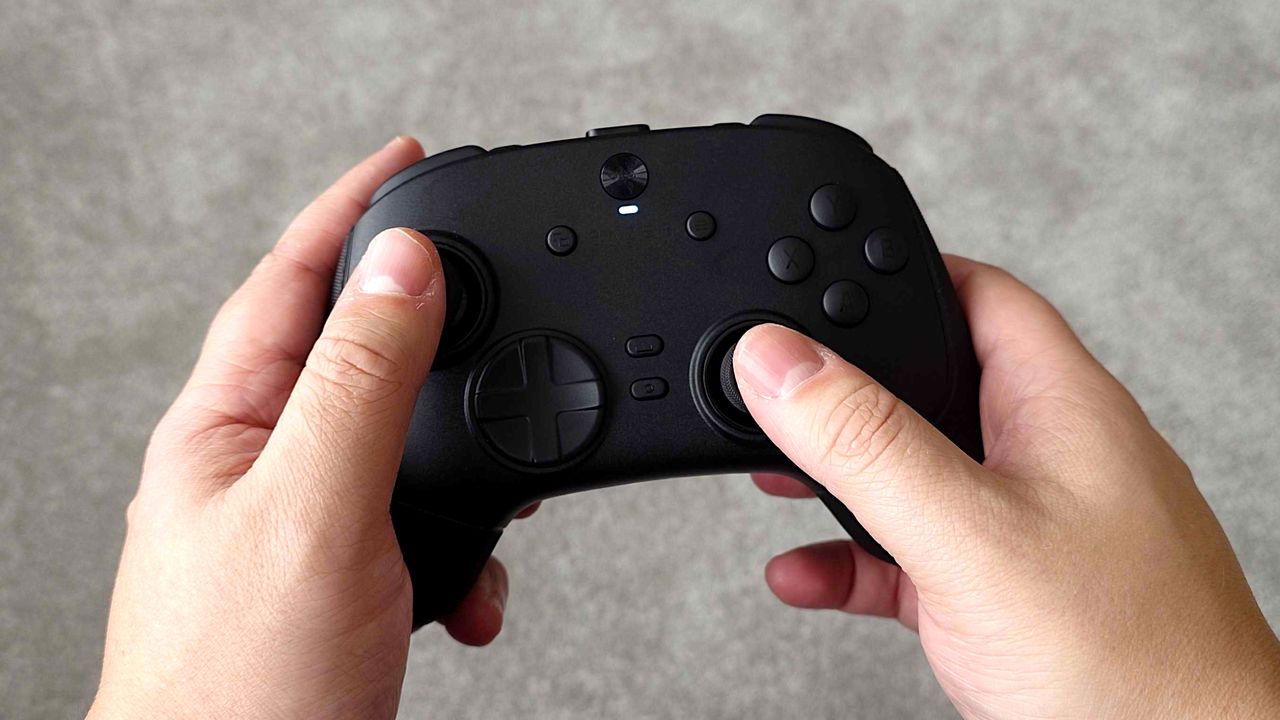
Even though I’ve been using a really high-end Razer Wolverine V3 Pro PC controller – one of the fastest you can get without customizing it – I’ve been having some issues while playing Call of Duty: Black Ops 7. Something just hasn’t felt right.
I was incredibly impressed with the Razer Wolverine V3 Pro 8K PC when I reviewed it. I also had a chance to test it while playing Black Ops 6, before the release of Black Ops 7.
Okay, so I’ve been messing around with my Razer controller, and if yours is a fast one and feels a bit unresponsive sometimes, here’s a quick tip: definitely check your deadzone settings in Razer Synapse 4. It can make a huge difference!
The problem: Feeling sluggish in fast-paced competitive environments
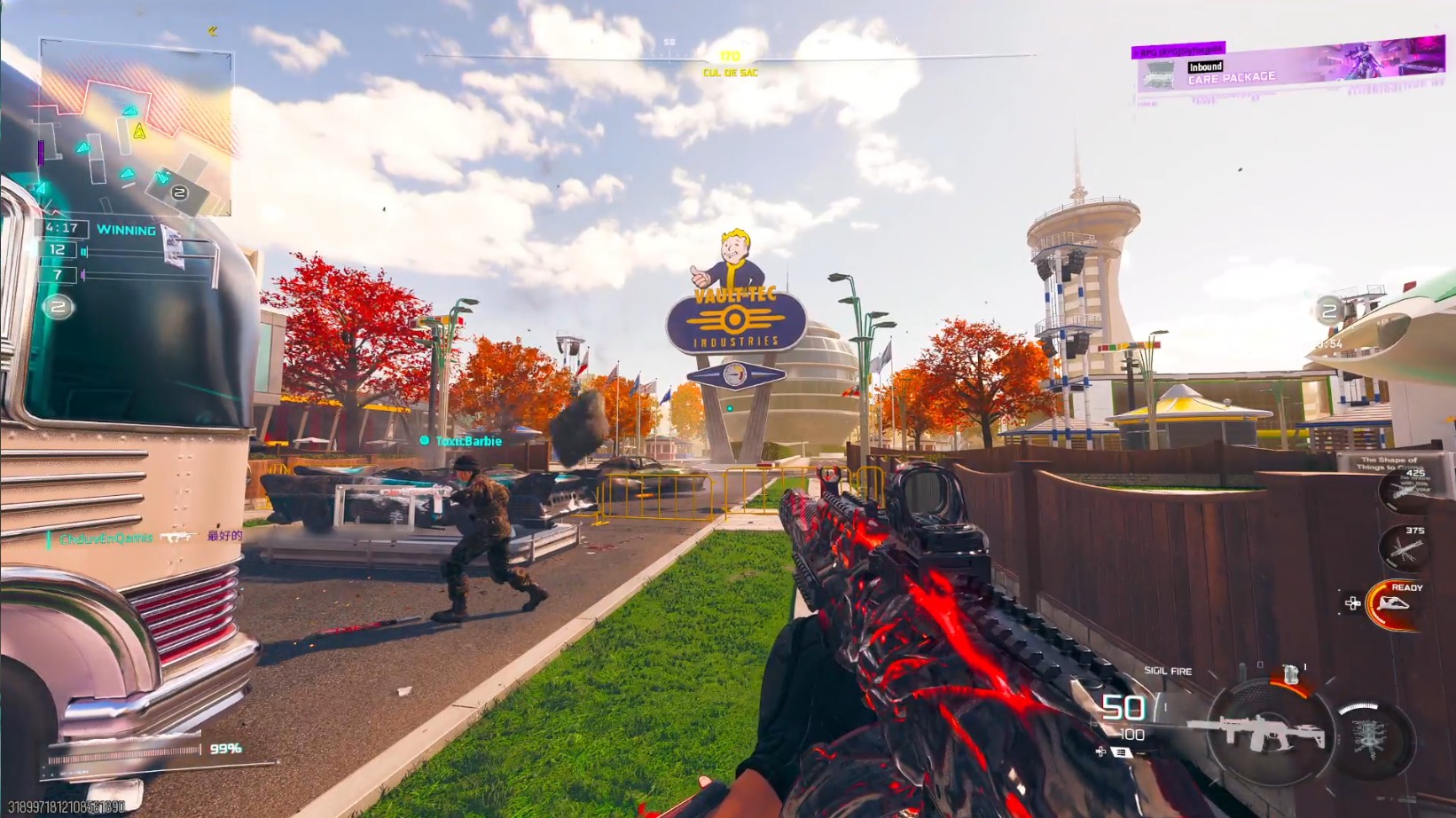
Let me be clear: any shortcomings in my gameplay aren’t the controller’s fault! I’ve mostly been focused on Multiplayer, and for the past week, that’s meant grinding out Mastery Camos and completing my Calling Card by shooting bots in Warzone Casual, or playing the PvE modes.
When the Fallout event brought multiplayer back, I immediately noticed something was off. Everything felt a bit slow and clunky – gunfights and moving around just weren’t as responsive as they should be. Even though I was really focused, it felt like I couldn’t react fast enough, or aim and move with the necessary speed.
I tried adjusting all the settings within the game itself, but when that didn’t work, I looked for solutions online and then checked the Razer Synapse 4 software.
The solution: Turn off Razer’s double deadzone prevention
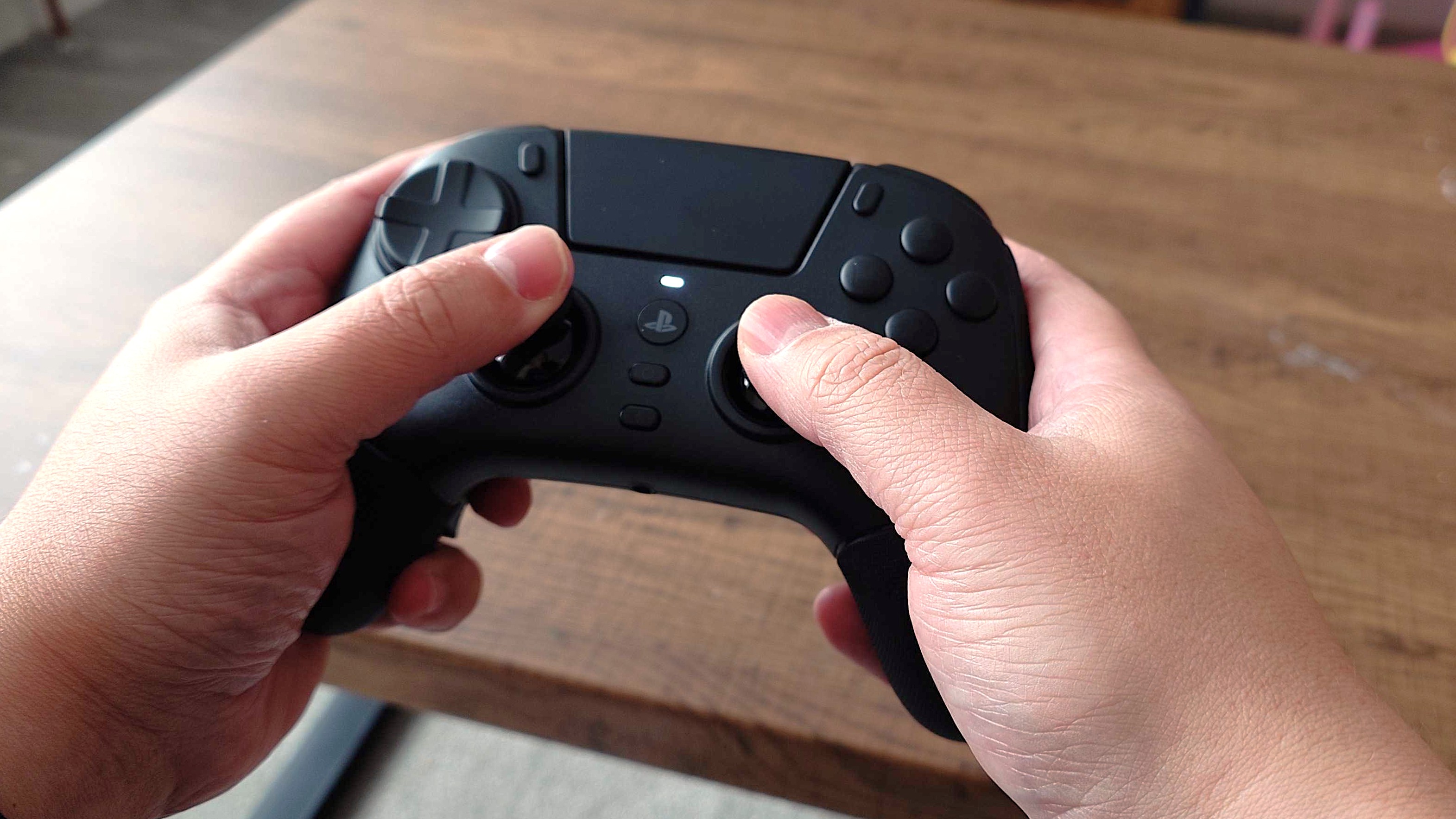
Razer’s software promises to prevent conflicts between your controller’s deadzone settings and those within the game, which seems like a helpful feature.
However, players have noticed that enabling the double deadzone feature in Synapse 4 actually appears to increase input lag.
From what I’ve seen, this usually works. I disabled the feature, adjusted the deadzones to their lowest and highest settings, and then tested it in the game.
Right from the start, things felt significantly improved. While I’m not quite at a professional level for the Call of Duty League yet, I immediately noticed a real difference – my movements and aiming felt much smoother and more precise.
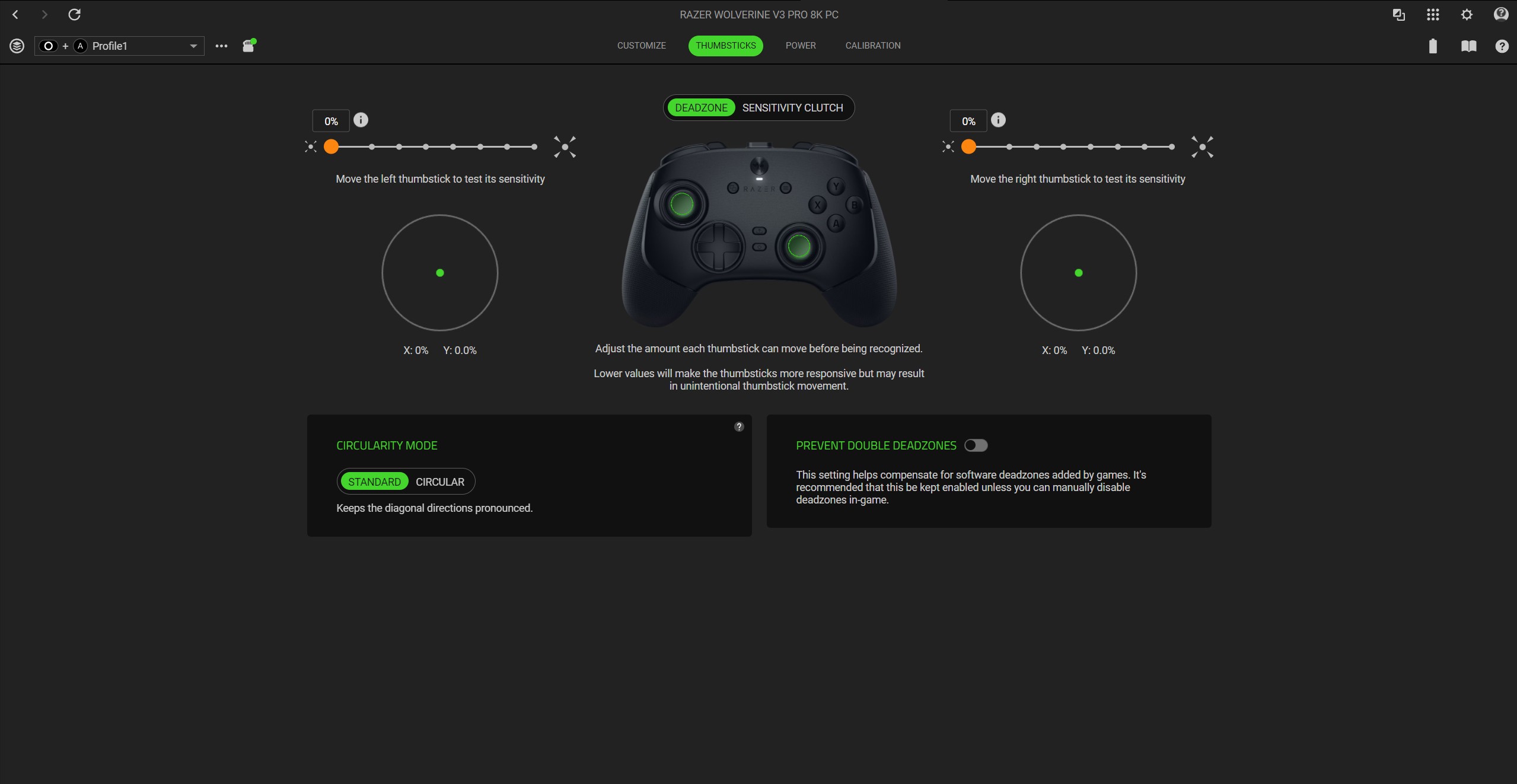
Synapse lets you eliminate deadzones, but you might see a warning about accidental inputs and it being for experienced players. Don’t worry, it’s perfectly safe to use!
The goal is to adjust your deadzones within the game itself—I’m talking about Black Ops 7, specifically. While controllers with TMR thumbsticks generally don’t suffer from stick drift, you can use deadzones to fine-tune your control and get rid of any unwanted movements, and you should configure those settings inside the game.
It’s understandable that this could cause some unexpected problems. Razer likely didn’t intend for this to happen, but the software constantly checking for controller conflicts is running processes in the background. You might not notice it with a standard controller, but with a high-speed one that polls 8,000 times per second, the impact is definitely noticeable.
Other things to check
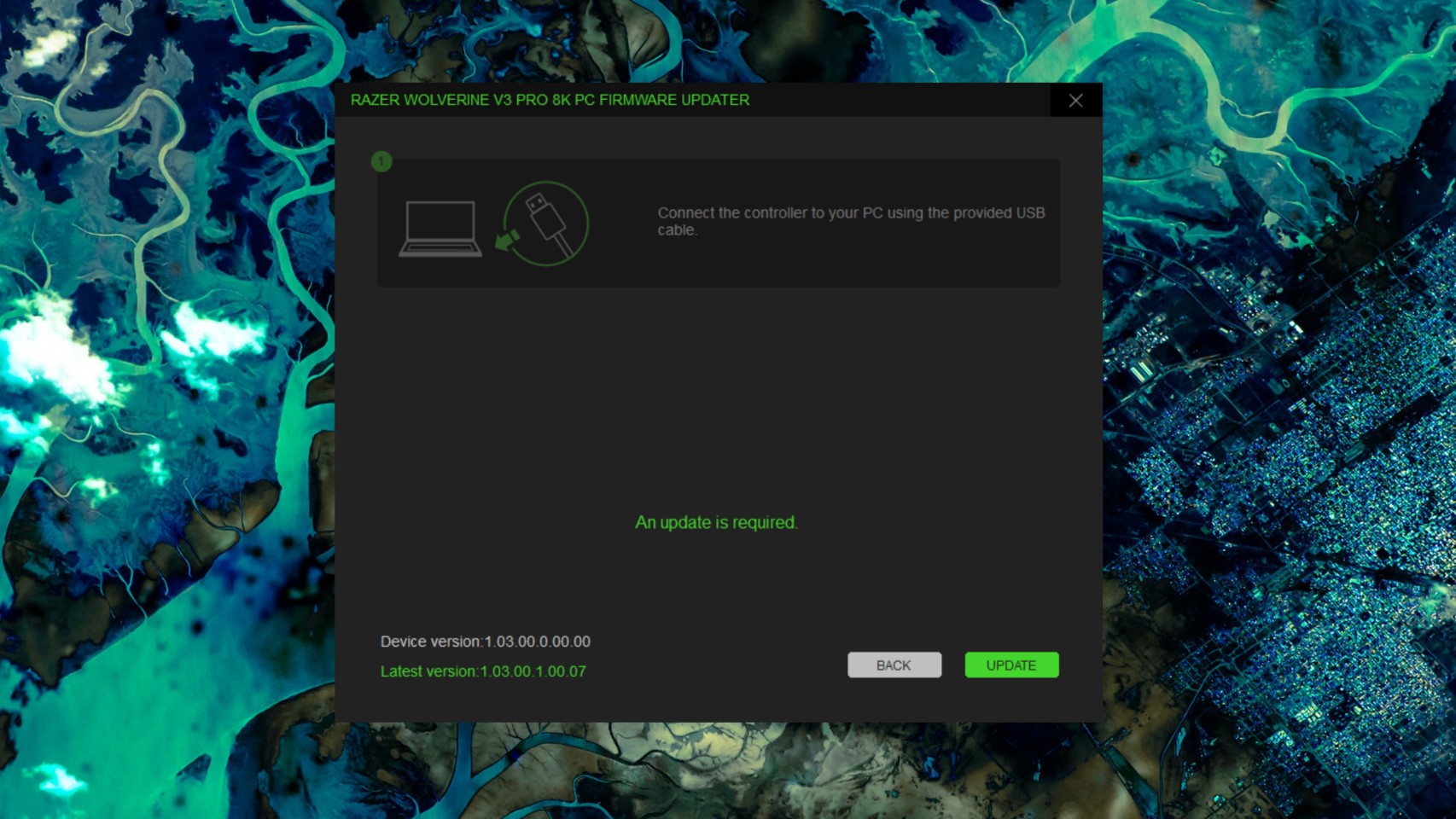
If you’re having trouble with this controller, or one with similar customizations, there are a few other things you should check.
First, make sure your computer is powerful enough to handle a polling rate of 8,000 Hz. This high level of communication puts extra stress on your processor. Check your computer’s performance using Task Manager – if it’s working too hard, you might need to lower the polling rate in your controller’s settings. However, most modern processors should be able to handle it without issue.
It’s also important to make sure your device has the latest firmware. I actually found I was using an older version during this process, but it didn’t solve my specific problem. Keep in mind that Razer doesn’t update firmware through its Synapse software; you’ll need to find and install the updates separately.
I’m feeling fully recovered and ready to go. While new software features can be great, they sometimes create more problems than they solve.
If you know any other ways to get the most out of your controller when gaming on a PC, please share them in the comments!
Read More
- The Super Mario Galaxy Movie: 50 Easter Eggs, References & Major Cameos Explained
- 10 Best Free Games on Steam in 2026, Ranked
- Surprise Isekai Anime Confirms Season 2 With New Crunchyroll Streaming Release
- ‘Project Hail Mary’: The Biggest Differences From the Book, Explained
- Why is Tech Jacket gender-swapped in Invincible season 4 and who voices her?
- Welcome to Demon School! Iruma-kun season 4 release schedule: When are new episodes on Crunchyroll?
- Starfield (PS5) Review – A Successful Cross-Console Voyage
- Preview: Sword Art Online Returns to PS5 as a Darker Open World Action RPG This Summer
- Sydney Sweeney’s The Housemaid 2 Sets Streaming Release Date
- Frieren: Beyond Journey’s End Gets a New Release After Season 2 Finale
2026-01-18 23:23