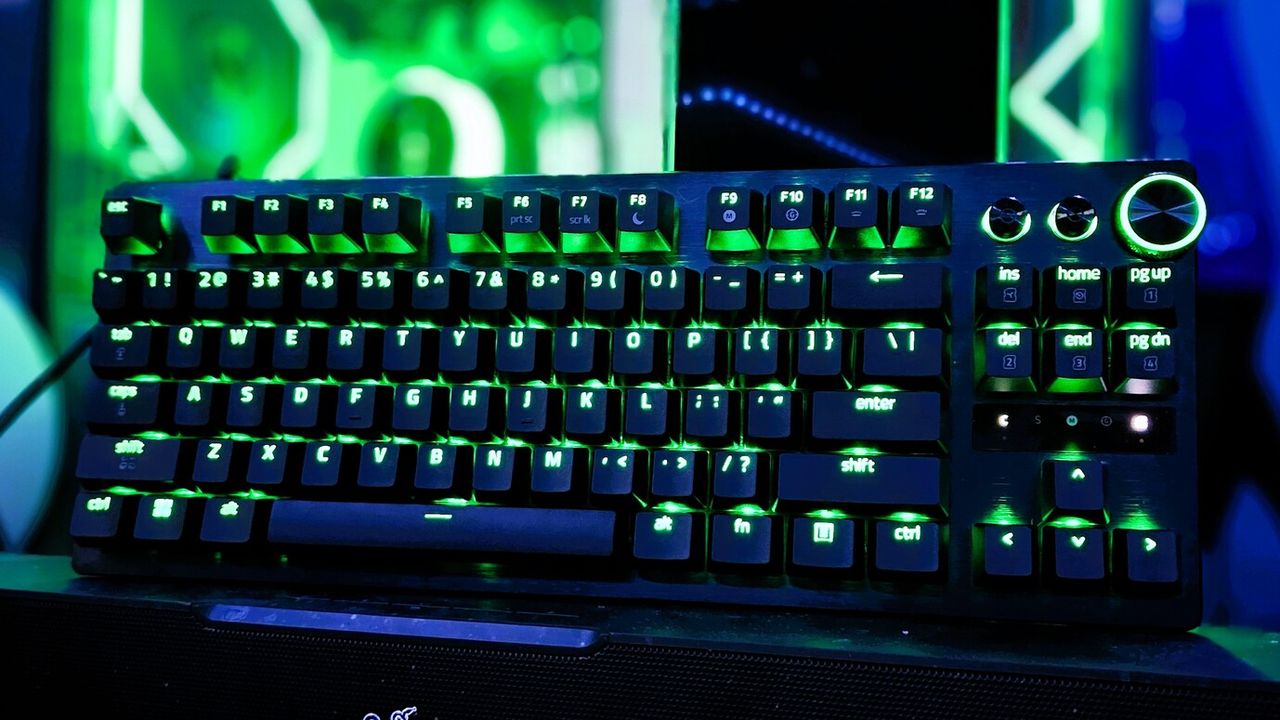
If you’ve been frustrated with Razer Synapse using a lot of your computer’s power, there’s good news! Razer has released a beta version of Synapse Web, a simpler, less demanding program for basic settings adjustments.
Razer recently updated its software with Synapse 4. This new version is 30% faster and uses less of your computer’s power than the previous version, Synapse 3. However, it still runs constantly in the background, which isn’t perfect.
People often describe Synapse 4 as resource-intensive. Loading it every time your computer starts or just to tweak a few keyboard settings feels like using a powerful tool for simple tasks.
As a PC gamer, I’m always trying to optimize performance, and that usually means keeping background processes to a minimum. While Razer Synapse 4 is definitely handy, I’ve found it can sometimes actually *hurt* performance, which is frustrating.
Synapse Web is designed to be a lightweight alternative to the full Synapse app, letting you adjust your device settings without slowing down your computer. Razer emphasizes that it includes all the essential features you need.
- Instant access: Configure supported devices on the fly with a browser. Ideal for LANs, esports tournaments, or switching between shared systems.
- Simplified controls: Adjust key settings and Chroma RGB Quick Effects through a clean, fast, focused UI.
- On‑board profiles: View, edit, and save profiles directly to device memory for consistent settings anywhere.
Synapse Web works with browsers like Google Chrome, Microsoft Edge, and Opera. Unfortunately, Razer hasn’t said it will support Firefox, meaning Firefox users will need a different browser to access Synapse Web.
Razer’s Huntsman V3 keyboards will be the first to integrate with Synapse Web. It’s a great place to begin, especially since our review of the Huntsman V3 Pro 8KHz gave it an almost perfect rating.
Other keyboards in the series have also been well-received, including the Razer Huntsman V3 Pro TKL, which Tom’s Hardware reviewers particularly liked.
I’ve found that Synapse Web works best alongside the main Synapse 4 program. Think of it as a simpler, more streamlined way to use Synapse when you can’t access the full version – it’s really handy in those situations.
For features like syncing RGB lighting across multiple devices and creating custom settings for individual games, you’ll still need to use Synapse 4.
Synapse Web is currently in its testing phase (beta), so you might encounter some glitches or problems. It also needs a screen resolution of at least 1280×720 to function. Though most gamers using Razer Synapse probably have larger screens, this requirement means you won’t be able to use Synapse Web if you’re viewing a split screen on a 1920×1080 display.
Read More
- Looks Like SEGA Is Reheating PS5, PS4 Fan Favourite Sonic Frontiers in Definitive Edition
- Dune 3 Gets the Huge Update Fans Have Been Waiting For
- Gold Rate Forecast
- Pluribus Star Rhea Seehorn Weighs In On That First Kiss
- Kelly Osbourne Slams “Disgusting” Comments on Her Appearance
- Tomodachi Life: Living the Dream ‘Welcome Version’ demo now available
- Arknights: Endfield – Everything You Need to Know Before You Jump In
- Antiferromagnetic Oscillators: Unlocking Stable Spin Dynamics
- Alien & Predator Shared Universe Explained: All Crossovers, Connections, Canon & Secret 3rd Sci-Fi Franchise
- 10 DC Villains That Can Solo Entire Teams
2026-01-28 02:39