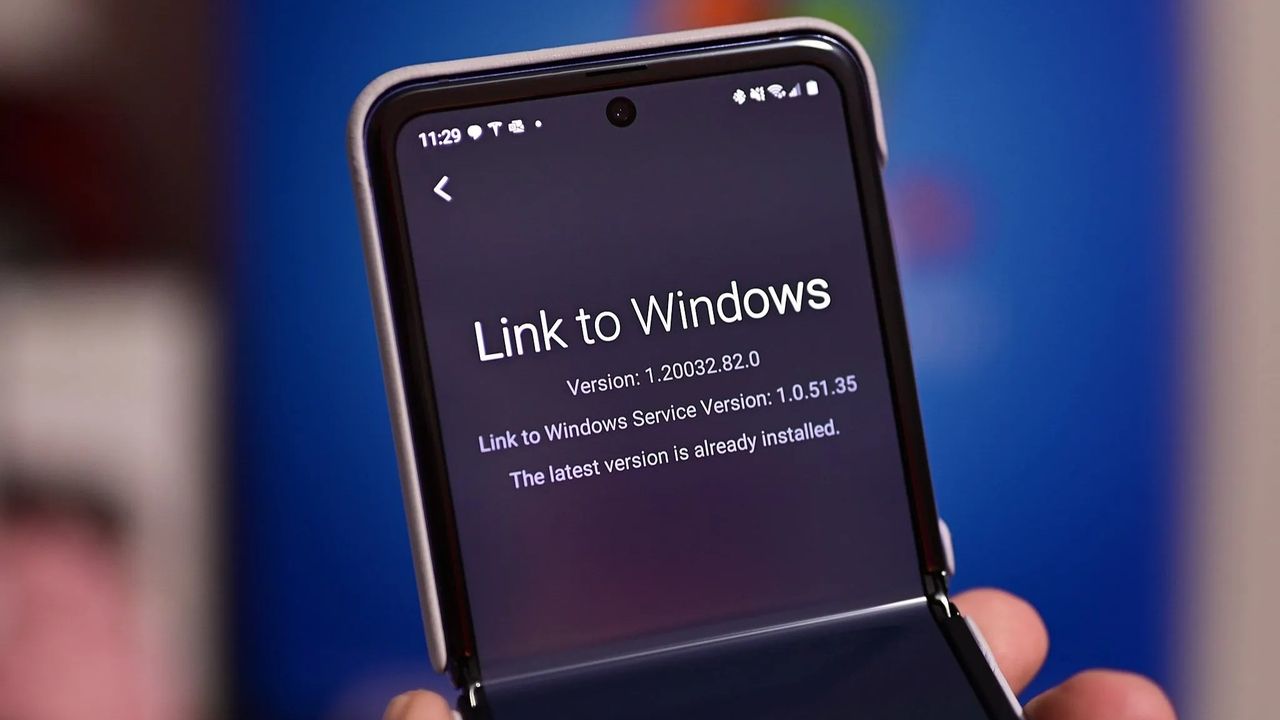
- Link to Windows added new ways to connect your Android phone and PC.
- Link to Windows now supports locking a PC remotely.
- The app has also gained a “Recent Activity” section.
- You can now send files from your PC to your phone.
It’s now simpler to manage your Windows 11 computer using your Android phone. The latest update to the Link to Windows app lets you lock your PC from your phone, and it also features a redesigned, more user-friendly interface.
The update originally launched in July, but wasn’t available to all users initially. Now, it seems to be reaching more people. Windows Latest noticed the new feature within the Link to Windows app after installing the update released on December 8, 2025.
The Link to Windows app lets you lock your computer from another device. However, you can’t use Link to Windows to unlock it.
This is a helpful feature because it lets you lock your computer if you accidentally leave it unlocked when you’re in a public space. Windows 11 also includes a convenient ‘dynamic lock’ option that I suggest for anyone who frequently walks away from their computer where others can see it.
The Lock PC feature and a redesigned interface were introduced in version 1.25071.165 of the app. A recent update released on December 8th brought the version number to 1.25102.140.0.
This app update includes a fresh new look and a “Recent Activity” section. You’ll find a history of your latest file transfers, shared photos, and even any text you’ve copied – all in one place.
This screen now includes a feature allowing you to share files between your phone and PC, going both ways. Before, you could only share files from your computer to your phone.
Microsoft’s Phone Link (also known as Link to Windows) has been a standout feature for Android users over the past ten years, offering a seamless connection between your phone and computer.
You can connect to Windows from iPhones and iPads, but to get the most seamless experience between your phone and computer, you’ll need an Android phone. Some features are also only available on certain devices.
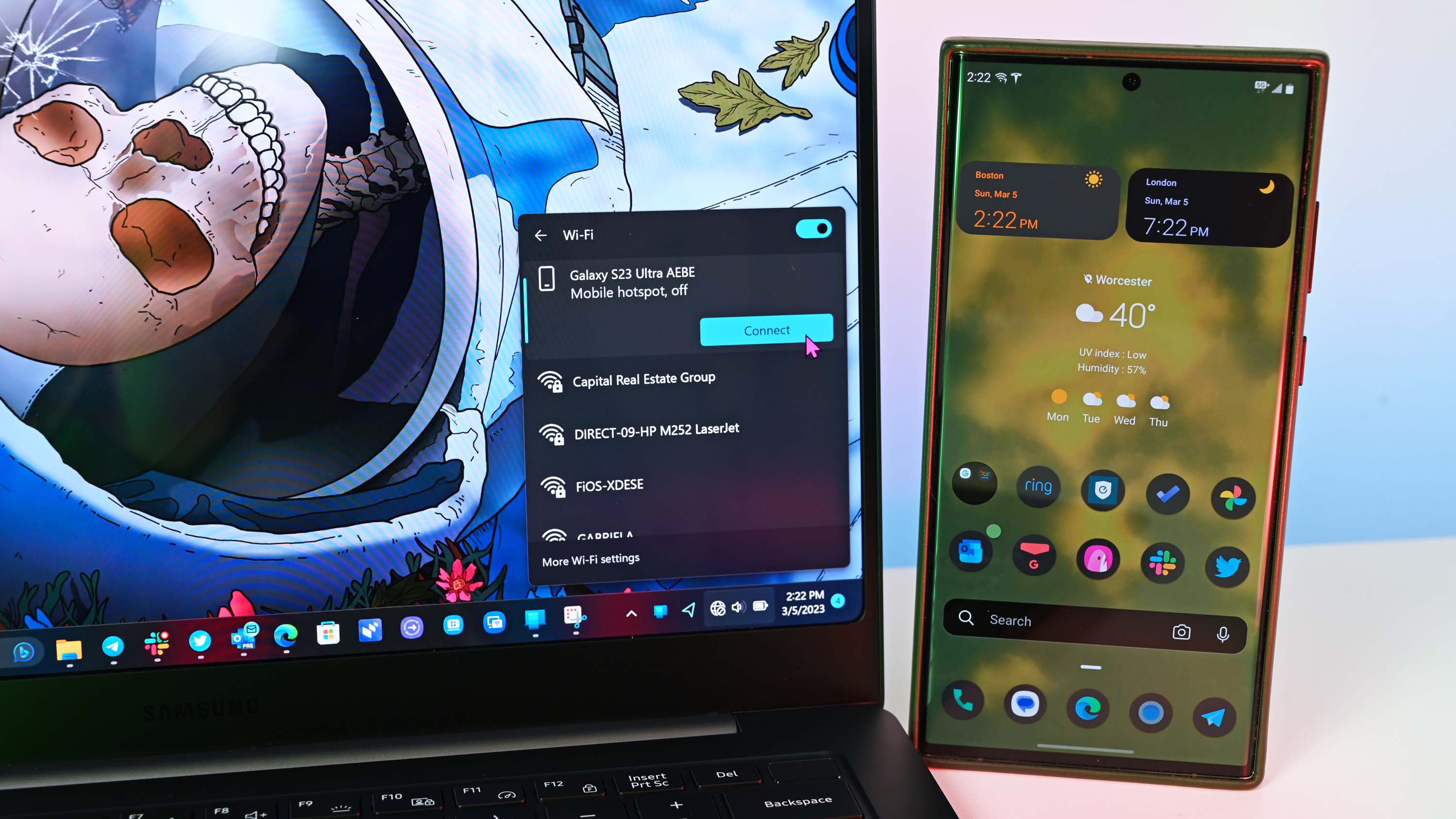
If you have a compatible Samsung laptop, Windows 11 lets you easily share your phone’s mobile data with your computer using a simple menu.
The latest update to the Link to Windows app on the Google Play Store doesn’t have a list of what’s changed. While some of the new features might have been added earlier, it’s still worth pointing them out.
Read More
- What Song Is In The New Supergirl Trailer (& What It Means For The DC Movie)
- Man vs. Baby’s AI-Enhanced Baby Is Still Partly Human, Confirms Netflix Director
- Two Nintendo Switch Games Permanently Delisted From the eShop
- Spider-Man 4 Rumor Roundup Reveals Sadie Sink’s Role With Power Change & More
- The Most Iconic Kids Show of All Time Just Brought Brand New Episodes to Netflix
- Marathon is Taking Aim at Bubble Shields, Knives, Snipers and More in Upcoming Balance Patches
- The Quantum Observer: How Reality Takes Shape
- Demon Slayer Star Reacts to Infinity Castle Movie Return for Surprising Role
- Harry Potter Season 2 Gets a Positive Update as Delayed Release Confirmed
- Crypto Treasures Rise from the Ashes: DATs Flip the Script in 2026
2025-12-19 01:17