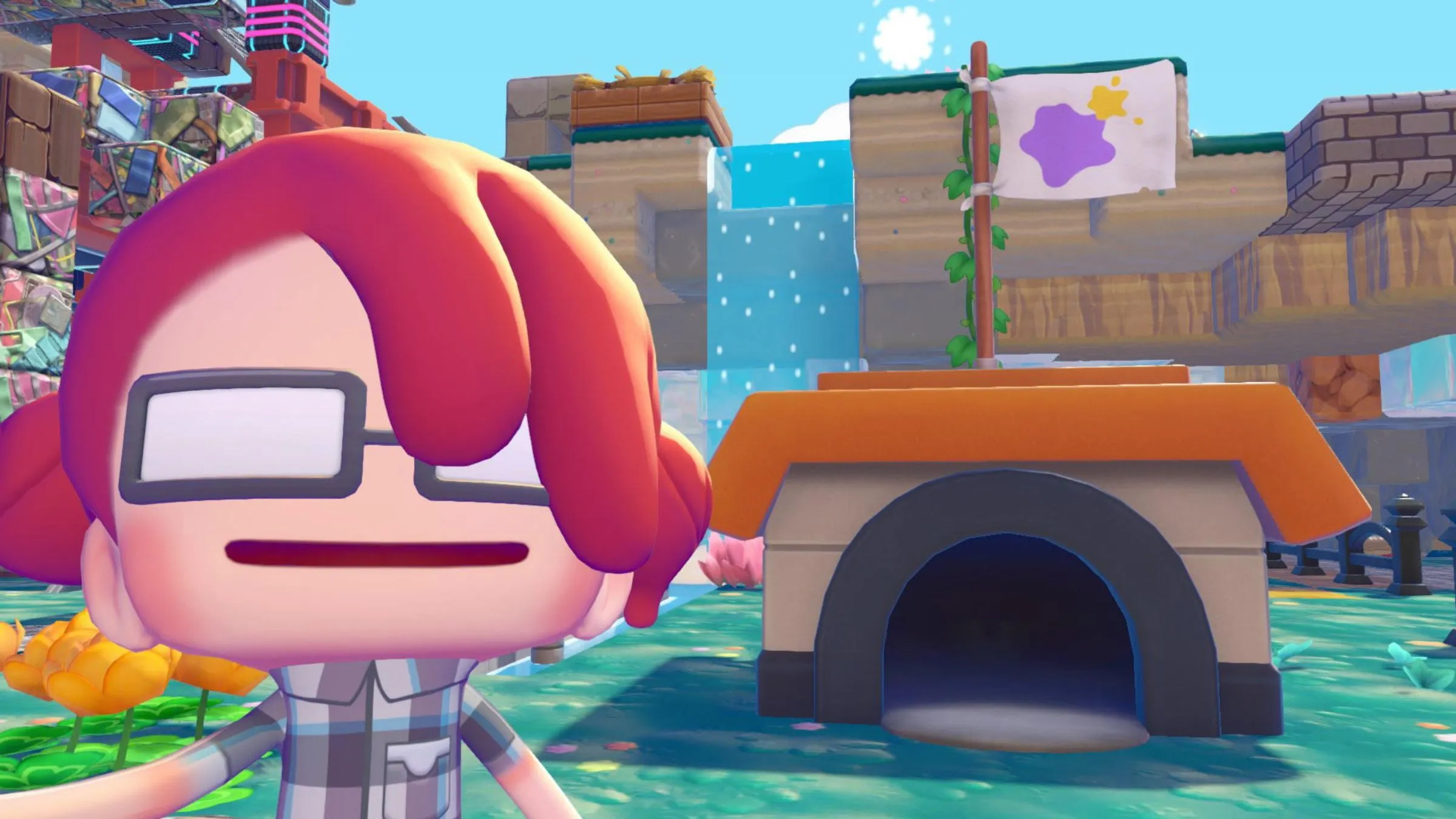
The first-ever Pokémon life simulation game, Pokémon Pokopia, is finally here! Early reviews, including mine, suggest it’s a strong contender for the coziest game of the year. Whether you’ve been a Pokémon fan for years or you’re interested because it’s similar to Animal Crossing, Pokopia offers a fresh experience. Professor Tangrowth will give you some initial guidance, but with so much to do, the game can feel a bit daunting. Having already spent a lot of time playing, I’m here to offer some help!
The core idea of Pokemon Pokopia is pretty simple: you work to rebuild Pokemon habitats and bring the creatures back to the world, as Professor Tangrowth explains. You’ll learn new abilities as Ditto to help with this. Throughout the game, both Pokemon and the computer at the old Pokemon Center will ask for your help. While the concept is easy to grasp, the game is massive and can feel overwhelming at first. So, here are some tips to get you started on your Pokemon Pokopia adventure.
7) Experiment to Discover New Habitats
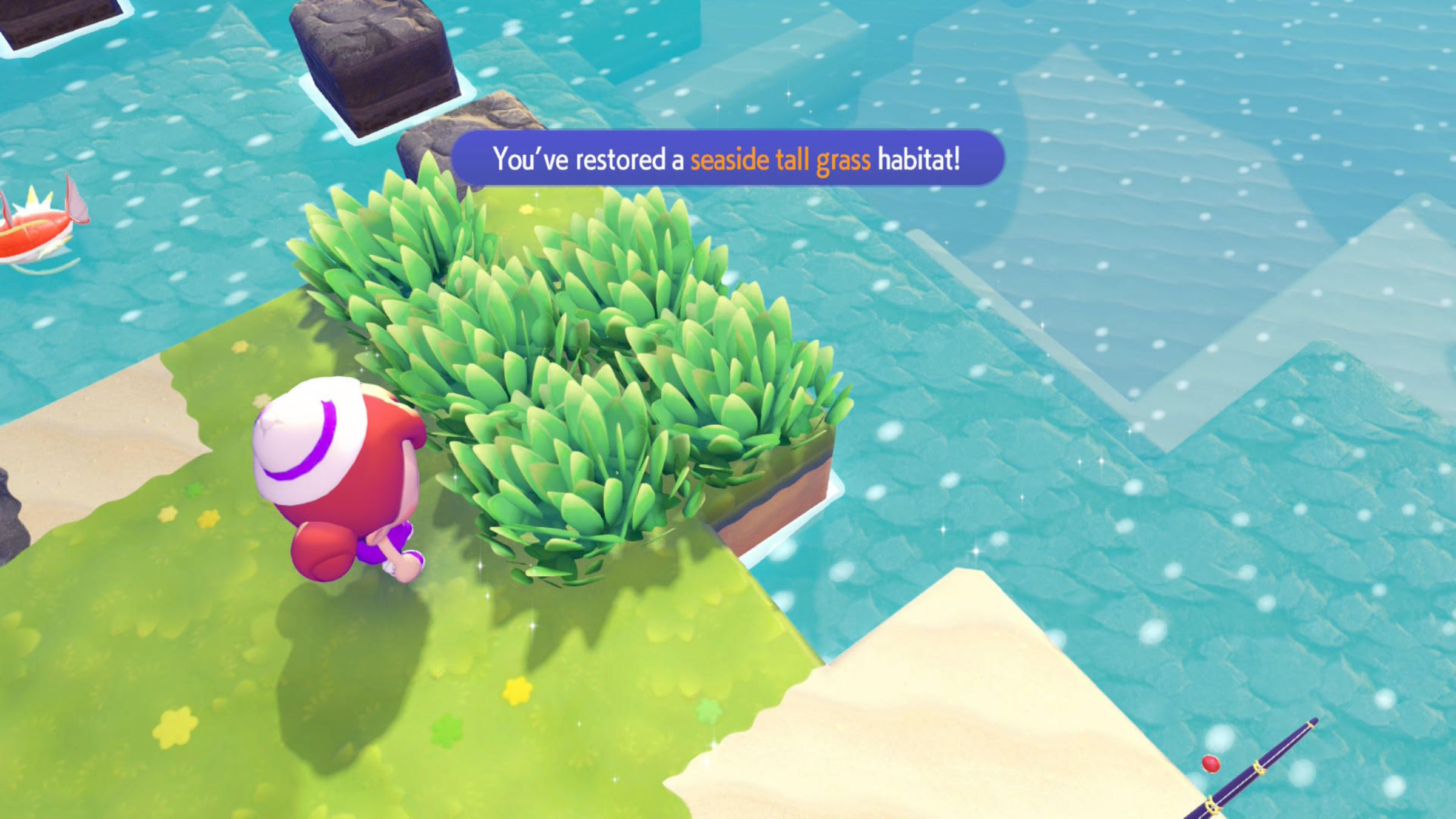
I’m really getting into Pokopia, and I’ve figured out the best way to level up and meet all the cute Poke Pals! It’s all about restoring their habitats. Keep an eye out for glowing spots – they’re clues about which habitat needs some love. Sometimes, Pokemon will even ask you to help a friend find a buddy! You can check all the hints you’ve gathered in the Habitat Dex on the main menu. Plus, these Pokemon aren’t just cute; they teach you new skills, boost the environment level, and the more you meet, the better! So I’m trying to befriend everyone I can.
Besides following tips, experimenting with your skills is a great way to progress. Try using landscaping to replant grass and, once you unlock Drilbur’s Rototiller ability, move flowers to different areas. You might even discover new habitats this way, which lets you encounter even more Pokémon! Remember that multiple Pokémon are usually attracted to each habitat. You can track your discoveries using the Habitat Dex – a green Poke Ball icon means you’ve found all the Pokémon for that habitat, while a grey icon indicates there are still some left to find.
6) When In Doubt, Complete Pokemon Requests and Improve Their Comfort Levels
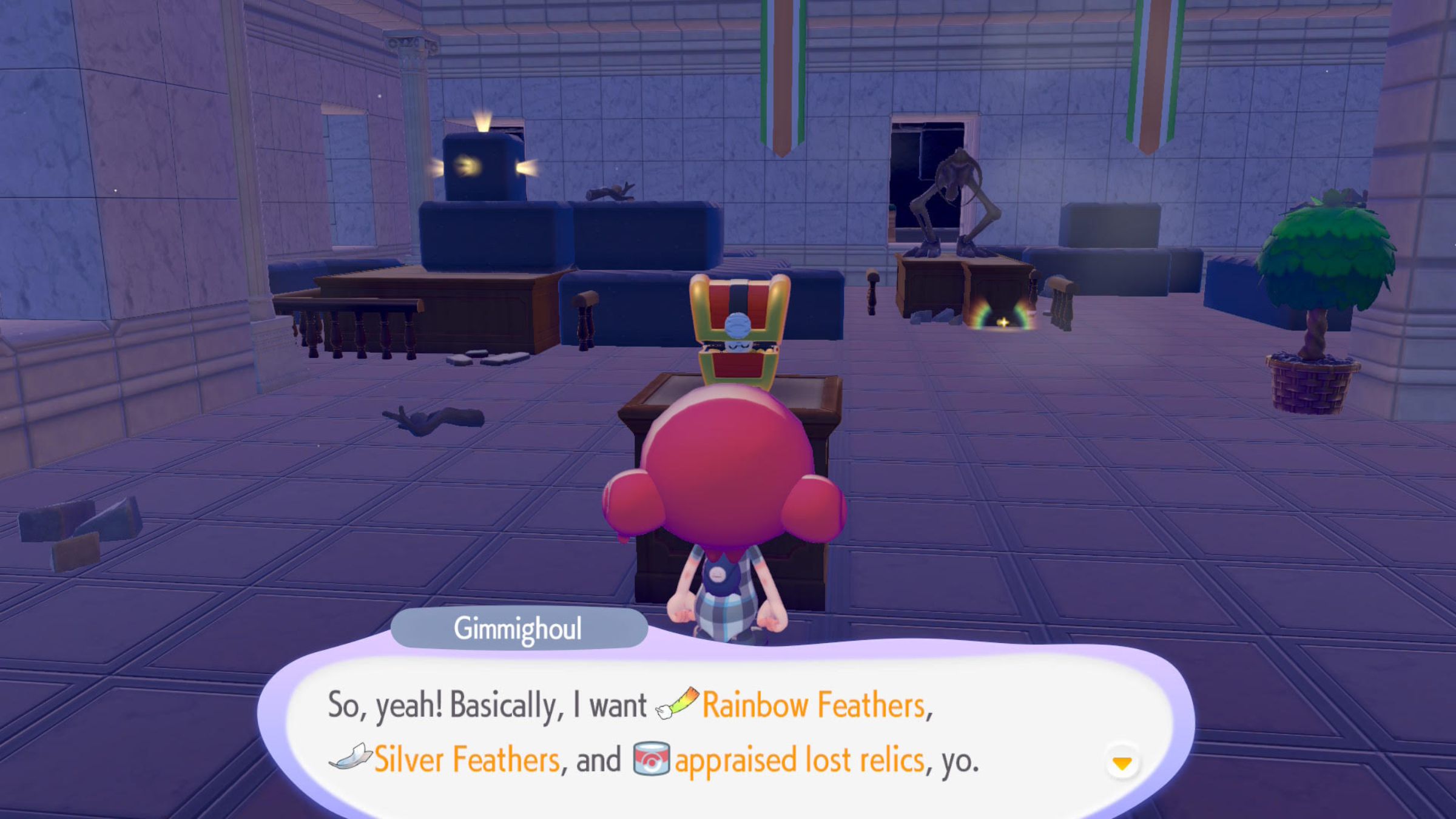
Pokopia is usually good at guiding you on what to do next. You can always ask Professor Tangrowth for help, but your Pokemon friends are also a great resource! Helping them with their requests or checking how they’re feeling can help you fix up the environment. If you ask a Pokemon how comfortable they are, they’ll give you a clue about what items they need for their home. And completing their requests will make them happier, which further improves the environment.
As you work on restoring the environment and fulfilling Pokémon Requests, you’ll start receiving bigger, more significant ones. These Requests are key to progressing the story and become available when your environment reaches a certain level or after you’ve discovered specific Pokémon in each area. If you’re unsure what to do next, focusing on completing Requests and keeping your Pokémon comfortable is the best way to move forward.
5) How to Improve Skills Like Water Gun and Leafage
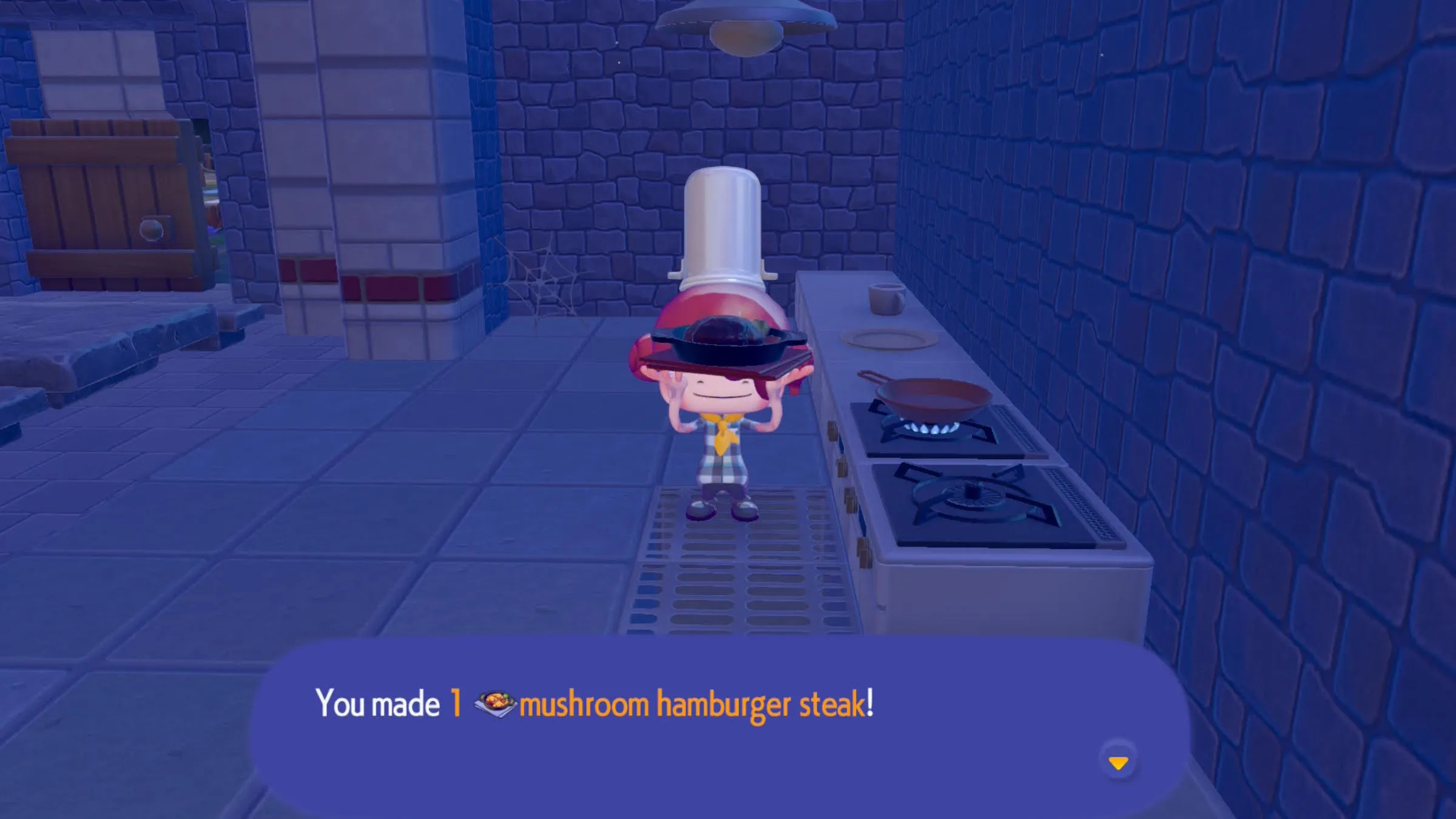
It can get frustrating to only water a few tiles at a time, and I wondered if things would speed up as I played. Good news: you can improve your abilities in Pokemon Pokopia! Once you unlock cooking, you can make meals that temporarily boost Ditto’s moves. This means you’ll be able to restore more tiles with Water Gun, pull up more grass with Leafage, and generally be more efficient.
Okay, so this game isn’t going to reveal everything at once, and that’s okay! It took me around 10 hours of playing before I even unlocked cooking, which happens when you get to the third area. You’ll need to level up your Trainer Rank a bit to get there. Don’t worry though, fixing up the different areas does get easier as you go. Just take it slow, enjoy the journey, and trust that things will click!
4) How to Increase Your Backpack Size in Pokemon Pokopia
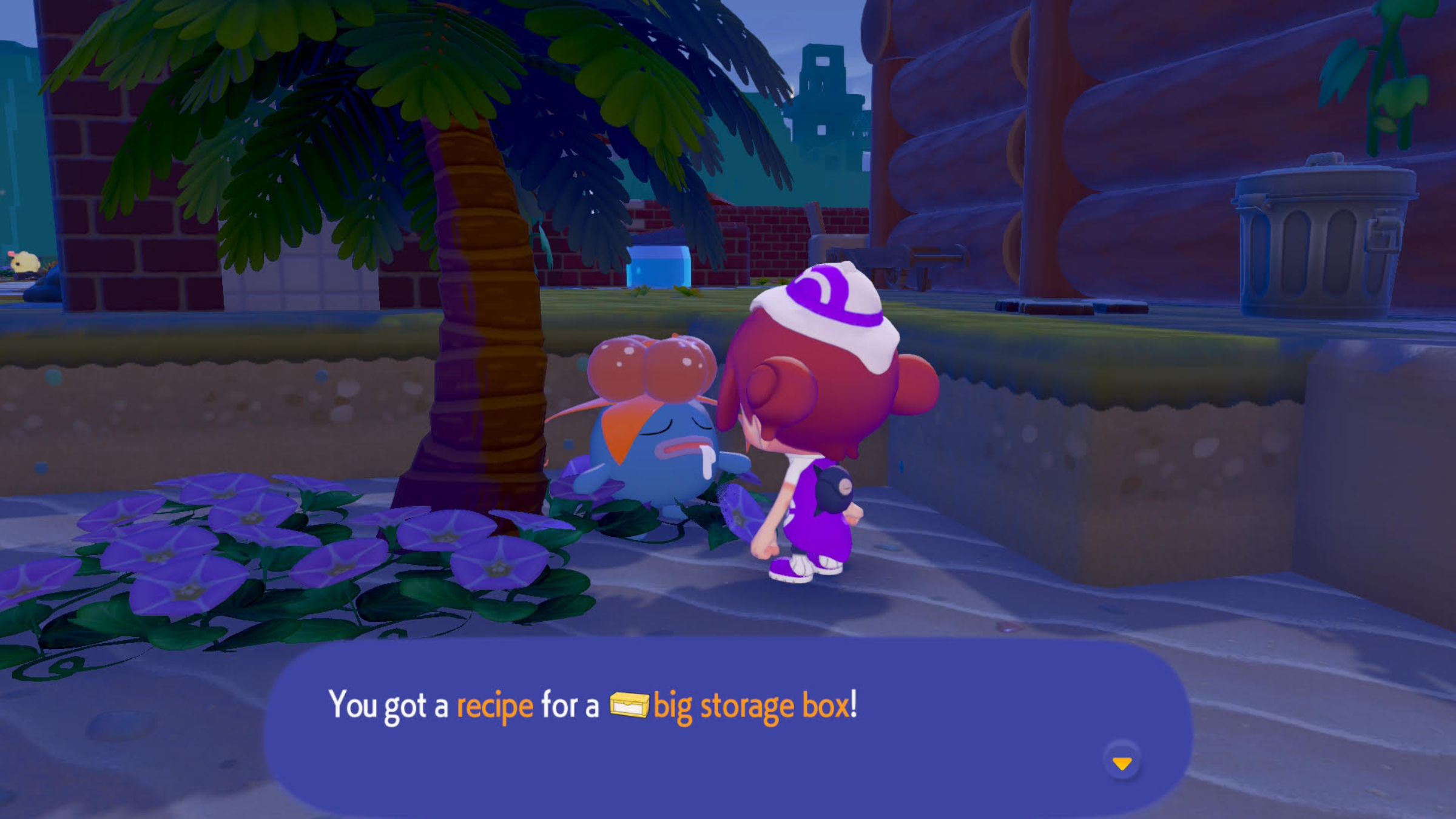
Okay, so in Pokemon Scarlet and Violet, like in most games where you collect a ton of stuff, I immediately started wondering how to expand my bag. Luckily, Ditto can actually carry more items as I progress! It turns out every Pokemon Center in each new area lets you buy a bag upgrade using Life Coins. Basically, you gotta keep playing the story to get more space, because you can only upgrade once per Pokemon Center. It’s a little annoying, but at least it’s possible!
If you find your inventory is always full, you can create storage boxes to keep extra items. Placing a storage box near your workbench allows you to easily grab materials from it while crafting. This is a great way to store things like wood and stone, freeing up space in your backpack.
3) How to Unlock New Crafting Recipes
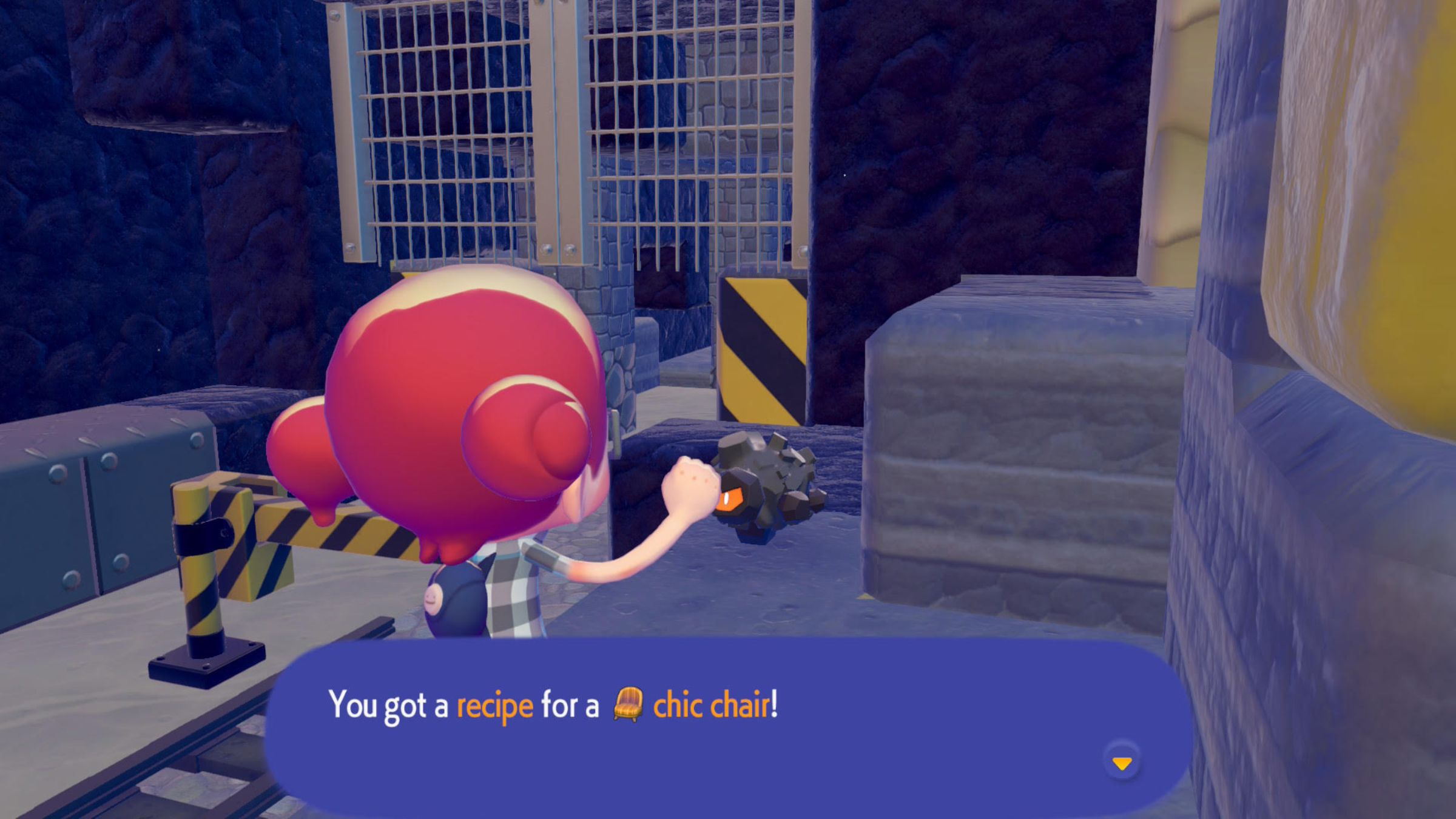
At the beginning of the game, you’ll have limited crafting recipes. To help improve the town and make Pokémon happier, you’ll need to unlock more. You can find new recipes in a few ways: look for sparkling spots in the water, break glowing rocks, or talk to Pokémon. Discovering new materials can also give Ditto ideas for recipes. So, be sure to interact with Pokémon and investigate any glowing objects you see to expand your crafting options!
You’ll discover some recipes as you play through the story, and others are available for purchase at the Pokémon Center PC. Make sure to collect Life Coins and regularly check for new recipes whenever you level up the environment. This will allow you to unlock recipes for blocks that fit different areas, plus other helpful items.
2) Build a House Early In Each New Area So You Can Fast Travel
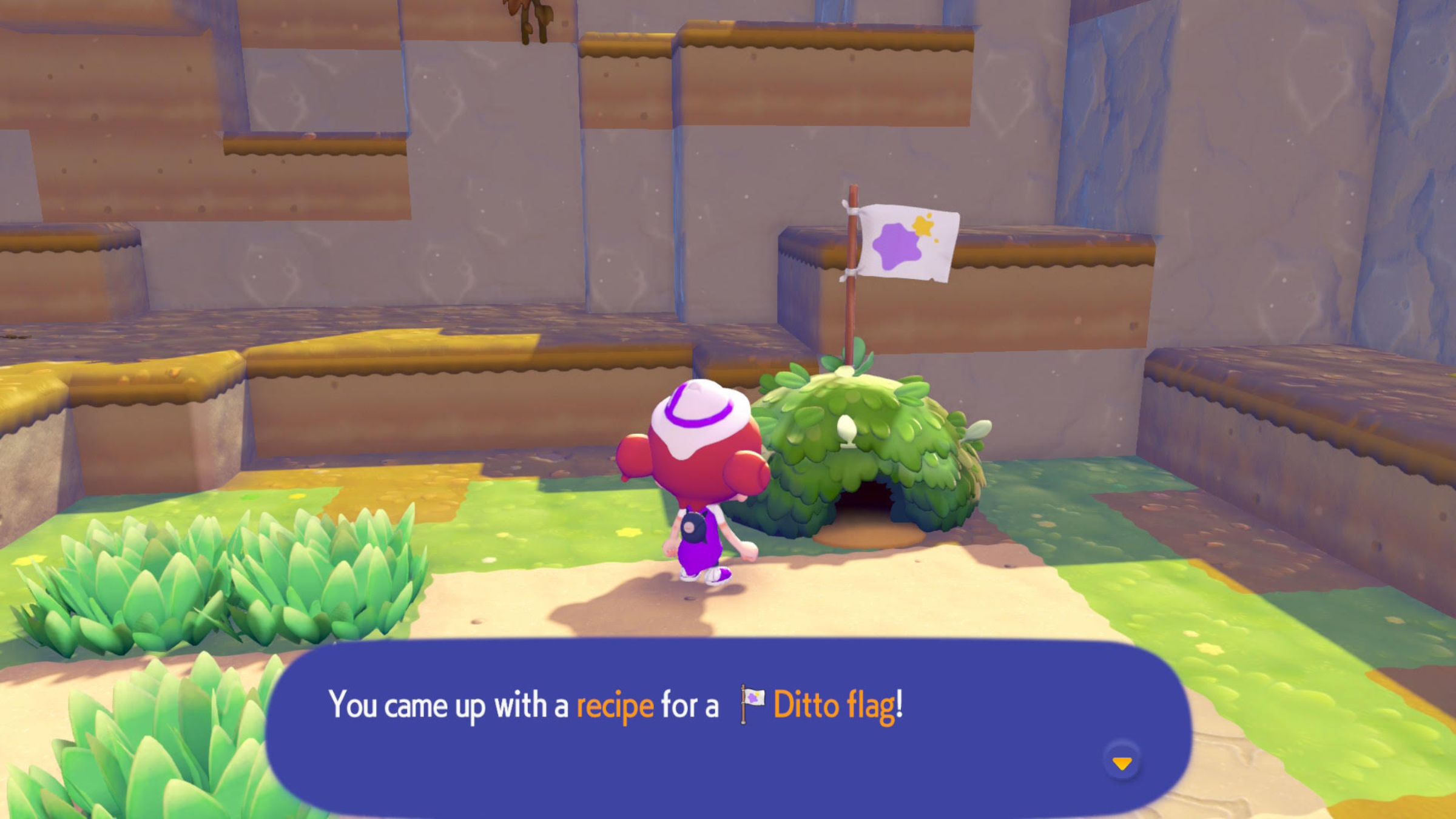
As you progress in Pokemon Pokopia and unlock new areas, the world expands considerably. The game features fast travel – you can ‘Return Home’ from the main menu – but it requires setting up a home base in each different environment. The game will walk you through building one in the Withered Wastelands, but after that, in areas like Bleak Beach, you’ll need to build and claim a home base yourself to use the fast travel feature.
I recommend beginning with the pre-made “Hut” kits you find in each new area. They’re usually inexpensive and build quickly. Purchasing a hut in each environment will make it fit the surroundings and use materials readily available there. After building, craft a Ditto Flag and place it near your hut to mark it as your home base. This will allow you to quickly travel back to that area whenever you need to.
1) Go At Your Own Pace
The best way to have fun with Pokemon Pokopia is to play at your own pace. It’s easy to get caught up in wanting to fix everything immediately, but the game is meant to be savored. Exploring is a big part of the experience, and you’ll be rewarded with hidden items, secrets, fun Pokemon references, useful tools, and even new Pokemon to befriend. Don’t rush – take the time to wander, break rocks, and check every corner!
The story in Pokopia is captivating, and the game offers lots of extra things to do and achieve. Take your time exploring and rebuilding each area before moving on – you’ll be glad you did, as I’m still discovering new surprises after playing for many hours! There’s no rush to finish the main story or build the perfect town. The most enjoyable part is actually making friends with the Pokémon you meet along the way.
Have you started playing Pokemon Pokopia yet? Share your thoughts and join the discussion in the ComicBook Forum!
https://comicbook.com/gaming/review/pokemon-pokopia-review-the-best-pokemon-game-in-years/embed/#
Read More
- Gold Rate Forecast
- Looks Like SEGA Is Reheating PS5, PS4 Fan Favourite Sonic Frontiers in Definitive Edition
- Pluribus Star Rhea Seehorn Weighs In On That First Kiss
- Arknights: Endfield – Everything You Need to Know Before You Jump In
- Dune 3 Gets the Huge Update Fans Have Been Waiting For
- 10 Steamiest Erotic Thriller Movies of the 21st Century
- Antiferromagnetic Oscillators: Unlocking Stable Spin Dynamics
- 22 actors who were almost James Bond – and why they missed out on playing 007
- 5 Weakest Akatsuki Members in Naruto, Ranked
- Action Comics #1096 is Fun Jumping-On Point for Superman Fans (Review)
2026-03-05 19:22