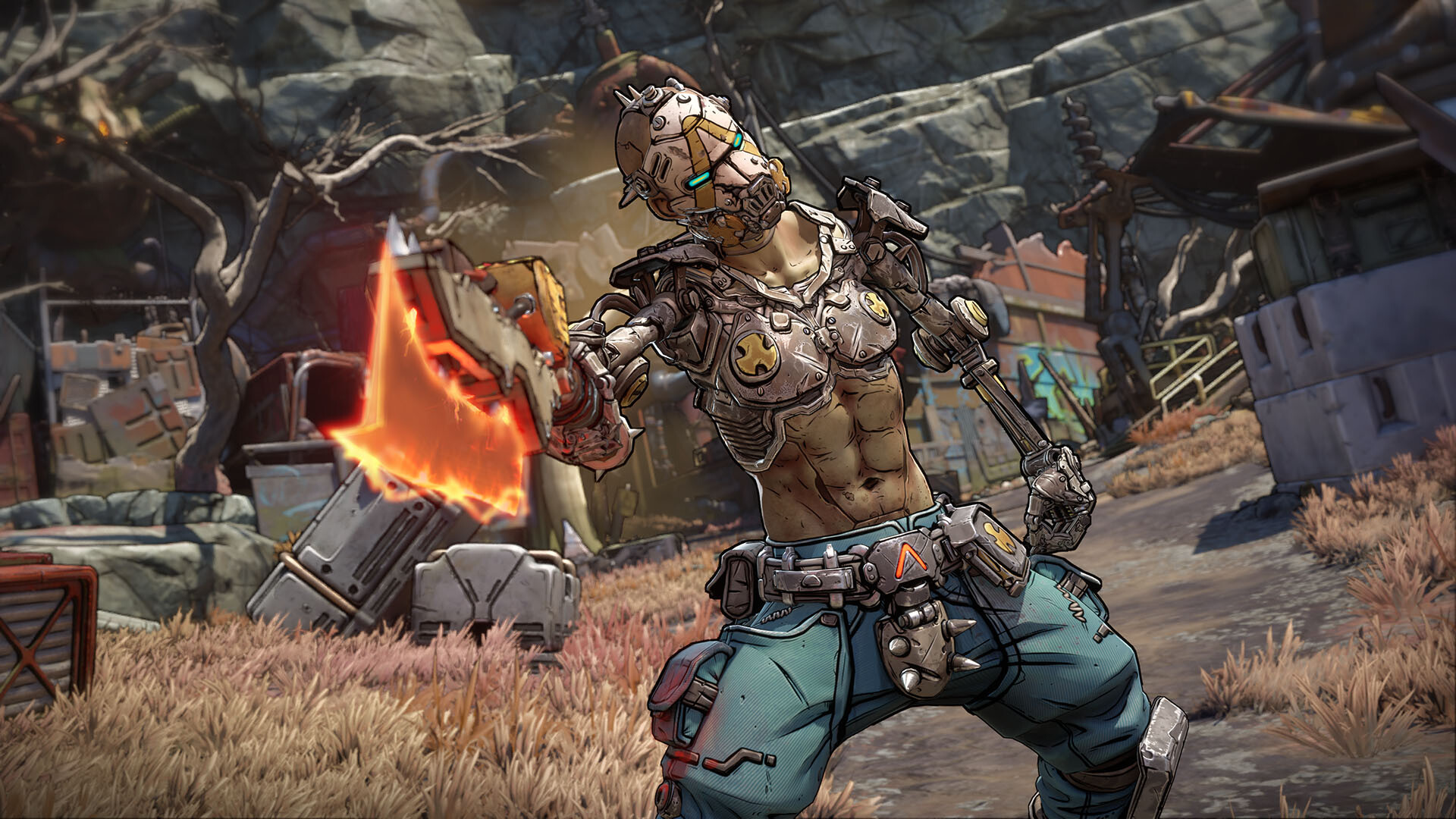
After some PC players reported technical problems with *Borderlands 4*, Gearbox CEO Randy Pitchford advised them on social media to request a refund if they weren’t having a good experience. His comment came after a fan pointed out that the latest *Borderlands* game suffers from performance issues and relies too heavily on features like DLSS and frame generation to achieve smooth gameplay.
Pitchford explained the problems with Borderlands 4 by comparing it to putting a powerful Ferrari engine into a monster truck. He pointed out that even with the upgraded engine, the truck wouldn’t be any faster because it wasn’t built to handle that kind of power.
Pitchford explained that players are free to play the game as they choose. However, if they’re dissatisfied, they should request a refund through Steam. He used a car analogy: just like you wouldn’t put a high-performance engine in the wrong vehicle and expect it to perform as intended, the game is designed in a specific way. He offered to help players improve their experience if they shared their system specifications.
Randy Pitchford also stated that *Borderlands 4* is designed to play smoothly at 30 FPS and look fantastic at 60 FPS. He explained that the PC version will include customization options, allowing players to adjust visual quality to achieve their preferred frame rate. He also highlighted the importance of DLSS technology in ensuring good performance on PC.
We understand you’re not thrilled with the suggestion to use DLSS, but it’s the best way to improve performance. If you’re unhappy with the frame rate even with the tools we’ve provided, you might consider playing a different game. We designed this game to be enjoyable at 30fps, and even better at 60fps. We’ve given you plenty of options to adjust settings and find a balance between frame rate, resolution, and graphics quality that suits your preferences. We’re happy to help you fine-tune your experience – just let us know if you’d like some assistance.
This post is one of many recently shared by Pitchford on social media, where he suggested players are asking for too much performance from the upcoming *Borderlands 4*. He also discussed ways to improve frame rates, such as adjusting settings and lowering resolution. He highlighted DLSS as a good fit for the game, reasoning that because it’s not a competitive shooter, slight input lag from the technology shouldn’t be a major issue.
Feel free to play the game however you like. If you’re not enjoying it, you can request a refund through Steam. Your comparison to a vehicle is helpful, but it’s like putting a high-performance engine in the wrong type of vehicle – it won’t work as expected. If you can explain exactly what you’re hoping for, I…
— Randy Pitchford (@DuvalMagic) September 16, 2025
We’ve created a large, exciting looter shooter campaign game. It’s highly efficient, meaning the software runs smoothly and doesn’t waste processing power on unnecessary tasks.
— Randy Pitchford (@DuvalMagic) September 15, 2025
Definitely use DLSS – it works really well with this game and was designed to support it. Since this isn’t a fast-paced competitive shooter, you won’t miss out on anything by enabling it. Plus, I’ve heard – and my own testing confirms – that it doesn’t add any noticeable input lag.
— Randy Pitchford (@DuvalMagic) September 15, 2025
Read More
- Everything You Need To Know About Nikki Baxter In Stranger Things’ Animated Spinoff
- Welcome to Demon School! Iruma-kun season 4 release schedule: When are new episodes on Crunchyroll?
- ‘The Bride!’ Review: Jessie Buckley Breathes Life into a Monstrous Mess
- Miranda Kerr Shares “Quick” Procedure She Got Before Met Gala 2026
- Taylor Sheridan’s Gritty 5-Part Crime Show Reveals New Final Season Villain
- The Boys Season 5, Episode 5 Ending Explained: Why Homelander Does THAT
- After 11 Years, Black Clover Officially Ends With Final Release (& Crowns a New Wizard King)
- Anna Wintour Reacts to Rumors She Approves All Met Gala Looks
- From season 4 release schedule: When is episode 2 out on MGM+?
- Out of Nowhere, 4-Year-Old King of Fighters 15 Gets Surprise 2026 Patch
2025-09-17 14:42