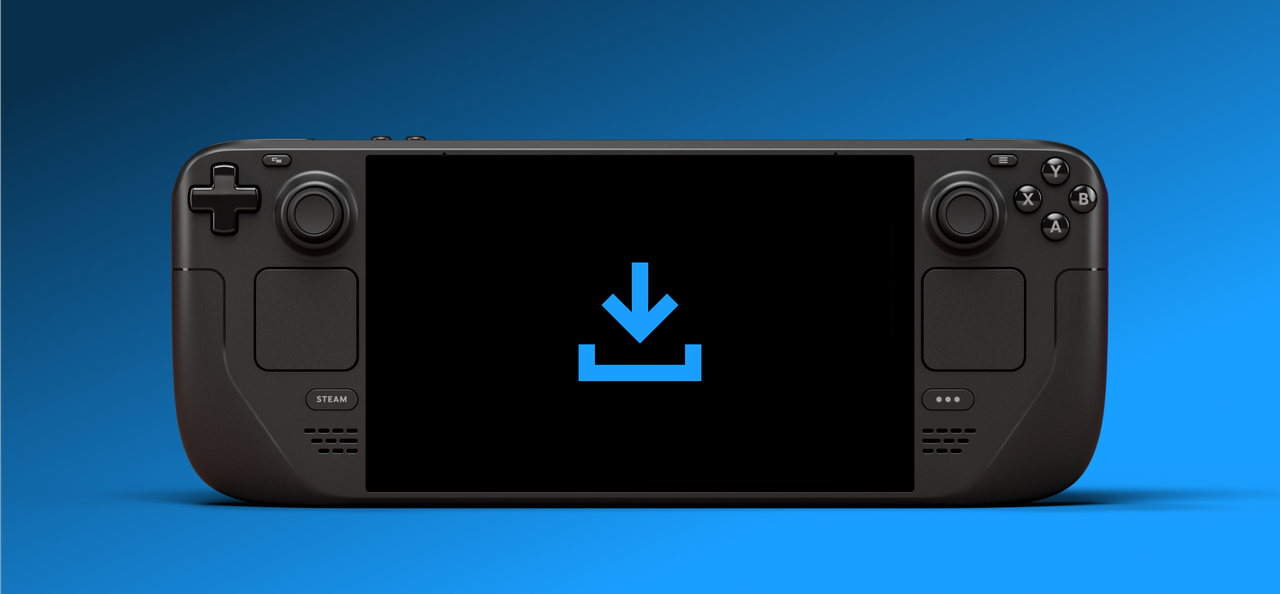
Steam Deck users can now download games and updates even when the screen is off, thanks to a new beta update from Valve. This feature helps save power. It automatically works when the Steam Deck is plugged in, and you can also enable it for battery power in the device’s settings under the Power menu.
If the Steam Deck is left inactive while a download is in progress, it will automatically activate a feature to conserve power. If the battery level drops below 20%, the device will go into full sleep mode, even if the download hasn’t finished.
This feature is currently being tested with Steam Deck users on the Beta and Preview programs, and will soon be available to everyone. It’s a helpful improvement that gives the Steam Deck an edge over the Xbox Ally X, particularly when it comes to downloading games in the background and managing battery life.
Why it gives Steam Deck an edge over the Xbox Ally
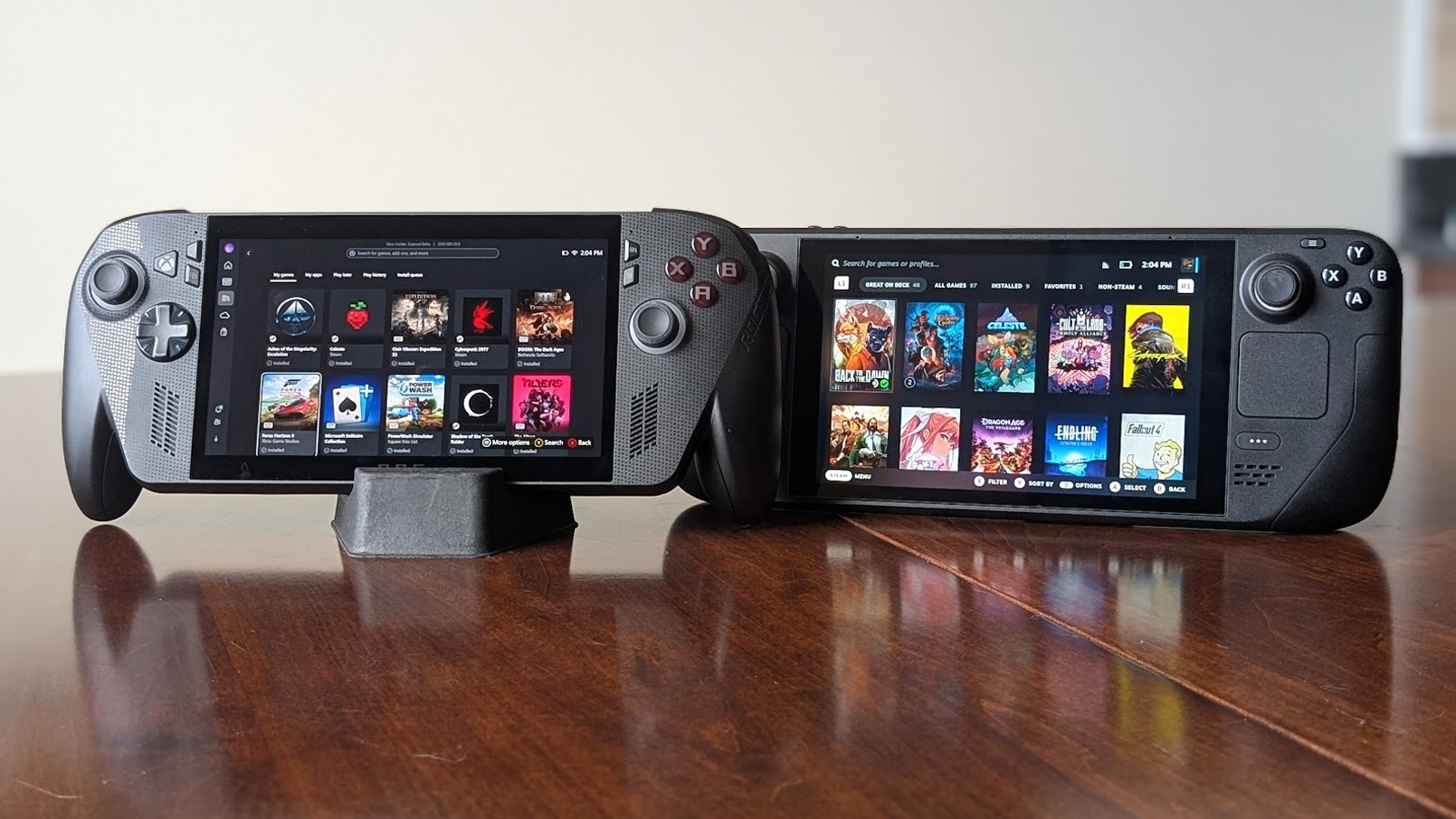
It’s always been frustrating that I can’t easily download files on my ROG Ally with the screen turned off, and I suspect other owners of Xbox Ally or similar Windows handhelds feel the same way. While Windows lets you set the display to off while keeping apps running, it’s a clunky process and doesn’t work very smoothly.
The Steam Deck now has a new feature that lets you download games in a low-power mode even when the screen is off. This is especially useful for large downloads that you want to run overnight, particularly if your internet isn’t very fast. It’s a minor addition, but it significantly improves the overall experience of using the handheld device.
While something is downloading, the Deck will quickly light up to show you how it’s going, then dim again. It’s a simple and straightforward way to display progress, similar to how older consoles worked.
This update demonstrates Valve’s commitment to improving the Steam Deck specifically for on-the-go gaming, instead of simply shrinking down the desktop Steam experience. SteamOS is becoming more user-friendly with helpful features, particularly for those who travel with their Deck or install large games frequently.
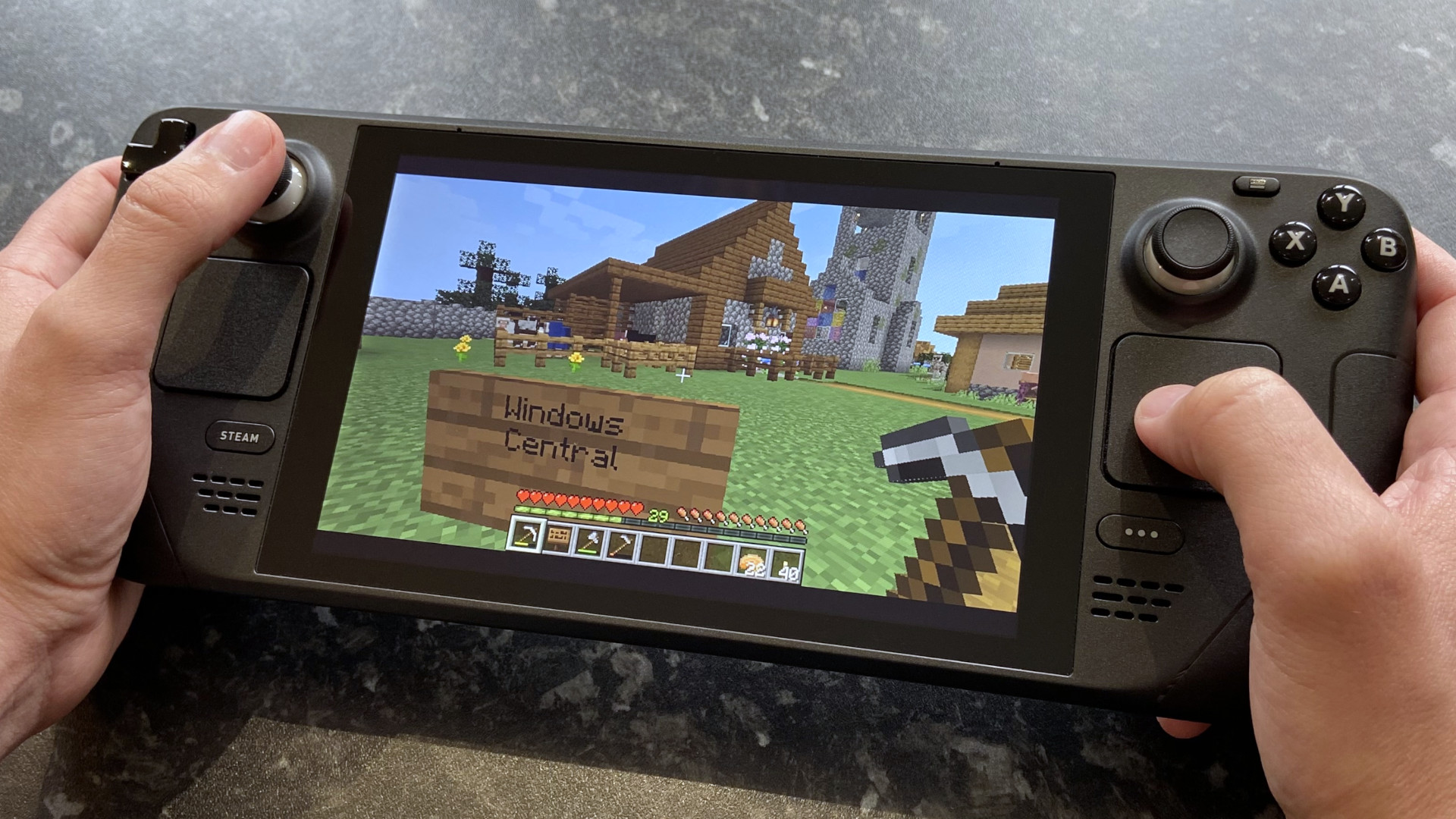
If Valve continues to add helpful features like these, the Steam Deck will stay a great choice for people choosing between a handheld gaming device with its own operating system and a more versatile Windows-based machine.
If Microsoft continues to improve the Xbox handheld and make Windows easier to use like a console on the go, it could be a major breakthrough. We’re already seeing positive steps, and I hope we’ll eventually have a Windows handheld experience that’s as user-friendly and refined as SteamOS.
FAQ
What is the new display-off download mode on Steam Deck?
This feature allows your Steam Deck to continue downloading games and updates even while the screen is off, which helps conserve battery life. It’s similar to standby mode on a traditional game console, letting downloads finish automatically in the background.
How do I enable the new download mode on Steam Deck?
The Deck automatically turns on when you plug it in. To use it on battery power, go to Settings > Power and turn the feature on. You can also activate it by pressing the power button while something is downloading and selecting to keep the screen off.
Does this work on the stable channel yet?
It’s not available just yet. Right now, you can find it in the Beta and Preview versions, and it will be released to everyone on the standard SteamOS version once we’ve finished testing.
Will the Steam Deck stop downloading if the battery gets low?
If you’re using the Steam Deck on battery power, it will automatically go into sleep mode when the battery reaches 20% to prevent it from completely dying.
Can the Xbox Ally or other Windows handhelds do this?
It’s not quite as simple. While you can turn off the screen on Windows while apps continue to run, it doesn’t feel as fluid or work as well for handheld use compared to the Deck’s new feature.
Read More
- Adam Levine Looks So Different After Shaving His Beard Off
- After AI Controversy, Major Crunchyroll Anime Unveils Exciting Update
- Trails in the Sky 2nd Chapter launches September 17
- How Could We Forget About SOL Shogunate, the PS5 Action RPG About Samurai on the Moon?
- Bitcoin’s Rollercoaster: Will the Crypto Crown Its Lost Roving Glory?
- Xbox Game Pass Users “Blown Away” by New Exclusive Game
- Dialoop coming to Switch on June 17
- New Reveal Proves Windrose Isn’t The Only Promising Pirate Game Coming Out In 2026
- EA Game Free With PlayStation Plus For Only 72 Hours
- Japan’s No. 1 Spring 2026 Anime Is the True Successor to an All-Time Great
2025-11-05 16:20