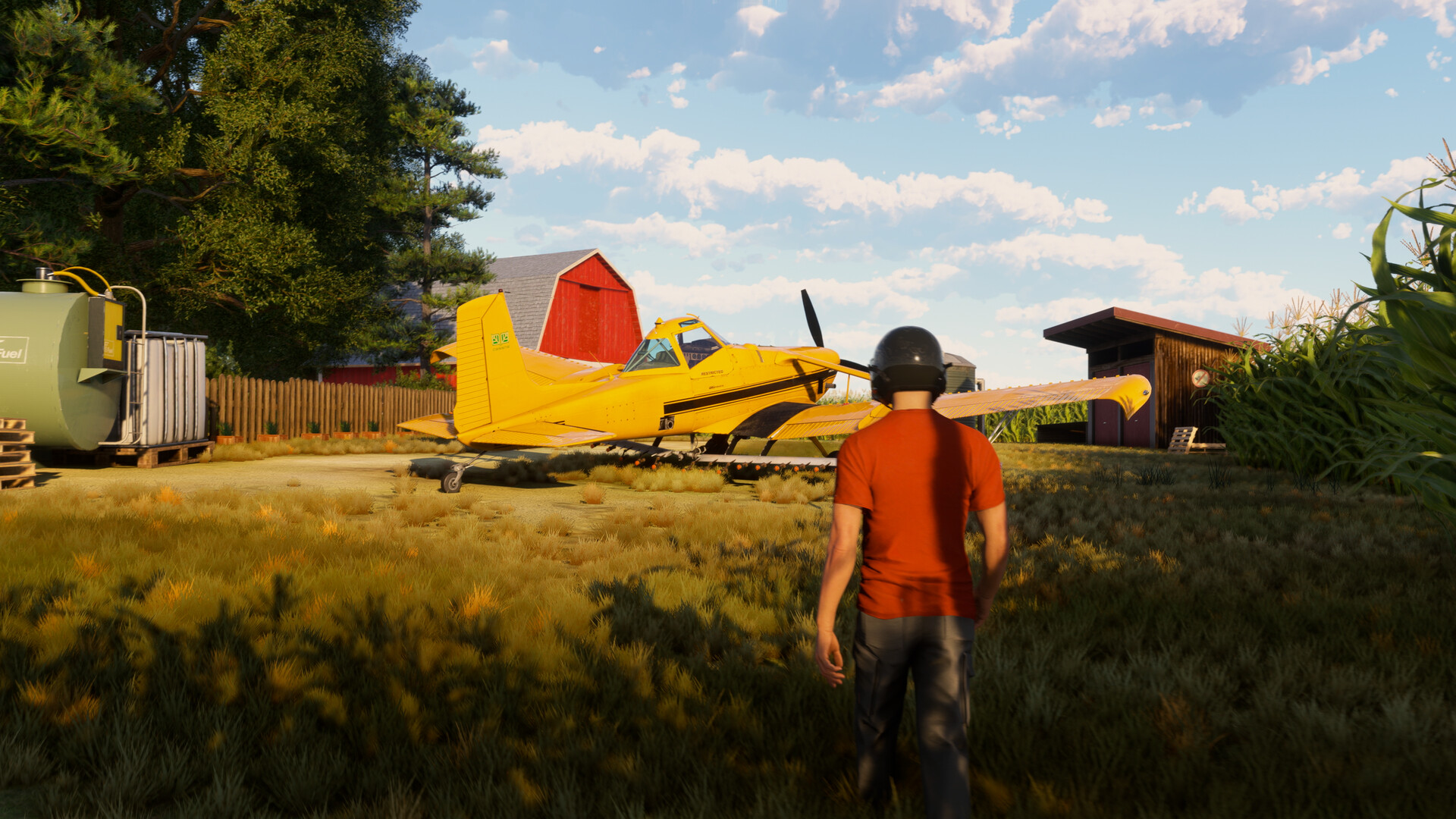
Before 2021, Microsoft Flight Simulator was mostly seen as a complex, impressive technical achievement for dedicated simulation fans on consoles. But when it launched on Xbox, a wider audience discovered how enjoyable it could be. Now, a year after the release of the 2024 edition, MSFS is expanding to PlayStation 5, bringing its detailed and realistic flying experience to a new group of players.
Even though Xbox pioneered the idea of playing flight simulators from your couch, Microsoft Flight Simulator on PlayStation still feels different. It’s a detailed and realistic simulation designed for dedicated flight controls and multiple screens, not a typical living room setup. As I started my first flight using the DualSense controller, I wondered if the experience of flying could truly come across on a TV screen, if a controller could provide a genuine feeling of being in the air, and if my living room could even briefly feel like a cockpit.
“Starting your career, you’ll choose which of the game’s regional airports to use as headquarters.”
Initially, the experience felt quite new and different. But as the plane took off and the ground fell away, the realistic way Microsoft Flight Simulator works became surprisingly powerful. I realized the game isn’t really about studying maps or learning every detail of the controls—it’s about the simple joy of looking at the world from above.
When you begin the game, you get to pick a regional airport as your home base. I chose a small airfield near Gotemba, Japan, because I loved the idea of having Mt. Fuji as a beautiful backdrop. Soon after, I started getting missions, and my first one sent me to Tokyo to give tourists aerial tours of the area. There was an optional route that flew over Koganei, and I took it right away. A friend of mine lives somewhere in that city – I don’t know exactly where, and I’ve never been – but I was curious to see if I could spot their house from above.
As the plane climbed, I hoped the feeling of being above it all would motivate me to finally learn how the cockpit controls worked – they were still confusing to me. When I returned to base, I was faced with a lot of paperwork and certifications, which felt daunting as someone who just flew for fun.
Becoming a skilled pilot isn’t about reckless individualism, so I focused on further training. Microsoft Flight Simulator 2024 had already provided a solid introduction using the Cessna 172 Skyhawk, guiding me through pre-flight procedures and teaching essential skills like controlling speed, managing the plane’s angle, turning, and following established flight paths. Before even flying to Koganai, I was confident in taking off and landing.

Once I learned to fly the plane smoothly and stay on course, everything felt amazing.
Now that I’ve passed the latest certification, I can legally start getting paid to transport passengers. The training covered important skills like balancing the aircraft (trim), maintaining a steady altitude without constantly using the controls, monitoring engine performance, and navigating using landmarks.
I’d already spotted a few minor issues with how the game played, which I’ll address later, but during the training lessons, I found it difficult to manage the engine speed. The problem stemmed from a lack of information on the main screen. While the display inside the cockpit showed engine RPM, the standard on-screen display didn’t. To maintain the correct speed of 1,700 RPM as my instructor asked, I had to focus on a small number in the top-left corner of the cockpit view. It was too small to easily read from a normal viewing position without changing the camera, making it harder to learn and pointing out a potential accessibility issue.
I stopped looking ahead to check the engine’s power, which caused me to immediately lose altitude. To compensate, I began relying on the sound of the engine, hoping to develop a feel for it – though I suspected the game wasn’t designed for that. The problem was, I could only clearly hear the engine when it was running at full speed, something I’ll explain more about later.
Despite the challenges, I had a breakthrough moment. Once I got good enough to fly smoothly and stay on course, I really started to enjoy the experience. Flying over Arizona became peaceful, allowing me to appreciate the game’s beautiful landscapes and lighting. As I flew my plane towards Sedona, the sunset filled the cockpit, and the canyons below shimmered with sparkling light.
I’ve flown over incredible places – through rain in German forests, above the bright blue Great Barrier Reef, and near the Pyramids as the sun set. I even searched for wolves in Spain at dawn. Each flight was visually stunning. Now, after overcoming my initial struggles with flying, the dream of going anywhere has truly come true, and I can experience the world from above.
Regarding whether the feeling of flying can truly be experienced on a TV – I believe it can. The game looks surprisingly good considering it streams details from the internet, though you’ll notice textures sometimes loading slowly and distant objects appearing blurry. It takes some time to get comfortable with the controls, especially with the initial loading times on the standard PlayStation 5. However, once you’re in the air, Microsoft Flight Simulator 2024 is captivating, going beyond just technical accuracy.
Let’s move on to the next question: Can the DualSense controller realistically simulate the feeling of being airborne? To properly address this, I need to discuss some of the issues I mentioned before.
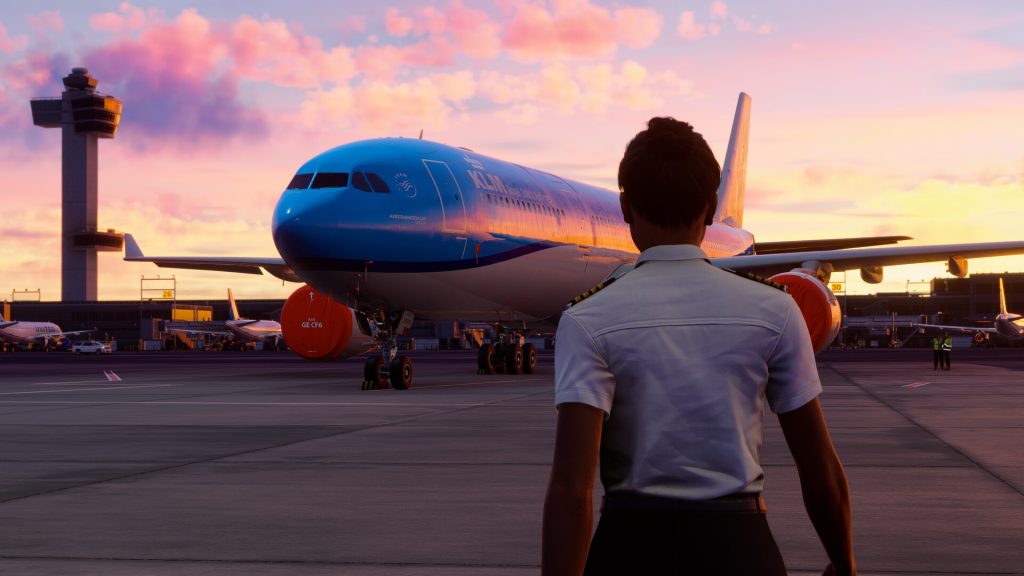
While 3D audio technology is available, it’s not widely used. A common issue is that it often creates an unbalanced sound experience that’s more noticeable when listening with headphones than through a TV’s built-in speakers.
I’ve never actually flown a real plane, but I think the delicate control needed for smooth flight is really well captured in MSFS 2024. It’s all about making tiny adjustments with the joystick and gently using the controls – being careful not to overreact and constantly fine-tuning things like the roll angle and engine speed. As I strive for perfect piloting, managing these systems has become just as important as enjoying the views. However, the game doesn’t fully utilize the DualSense controller’s features, which makes the experience of trying to fly flawlessly feel a little disconnected.
Haptic feedback tries to simulate the feeling of the runway surface, and you really notice it when you taxi onto grass or gravel. However, once you’re flying, it’s almost completely absent – you only feel small bumps when the flaps or landing gear move, which can feel strange. While you can feel some rudder control through the triggers, it’s not very strong and isn’t often needed unless your aircraft tends to drift. Helicopters do use the triggers for steering, but the resistance is much lighter.
The game does a good job of delivering air traffic control instructions directly through the DualSense controller’s speakers, and cockpit alerts are shown using the controller’s light bar. 3D audio is present, but not fully utilized. However, using headphones reveals some imbalances in the audio mix that aren’t as noticeable when playing through the TV speakers.
When flying at a steady speed, the engine sound fades to almost nothing, but the passengers’ calm, robotic chatter becomes surprisingly loud. While you can adjust the sound levels, there’s no way to make the engine noise more prominent. This, combined with a lack of realistic physical feedback, means you never really feel like you’re flying. Whether the weather is smooth or turbulent, there’s no corresponding sensation in the controls. MSFS 24 excels at graphics, but it misses the mark when it comes to creating a truly immersive, physical experience.
Some might say using a controller isn’t the ideal way to play a flight simulator. While the DualSense controller lacks the physical feedback of a joystick, that feeling could be added with an actual flight stick peripheral. Currently, only the Thrustmaster T.Flight HOTAS 4 works with PlayStation, and it’s likely most PS5 players don’t have one. Because of this, Microsoft Flight Simulator 2024 on PS5 needs to take better advantage of the DualSense’s features to create a more immersive experience. It’s still playable, but not fully utilizing the controller’s potential holds the game back.
I’ve encountered several issues while playing. My plane once spawned slightly above the ground and crashed before the instructor could finish explaining things. During a snowy scene, strange shadows appeared around my character. The air traffic controllers often talked at the same time, making their instructions unintelligible. I also had a mission end unexpectedly with a crash. The most unsettling issue was a completely black screen appearing during my first flight – it lasted about a minute before the game resumed, and I’m not sure if it was intentional, but it really disrupted my experience.

While the car is moving at a steady speed, the engine noise fades to a quiet hum, but the passengers around me drone on and on with their unconcerned thoughts, which is incredibly irritating.
While Microsoft Flight Simulator 2024 on PS5 has some frustrating moments, they don’t ruin the overall experience. The game isn’t perfect – it can be confusing and a little unpolished – but it delivers the most realistic feeling of flight PlayStation users have ever had. The DualSense controller doesn’t fully capture the experience you’d get with a dedicated flight stick, and some text can be hard to read, but the stunning world, realistic weather, and growing sense of skill make MSFS 2024 completely captivating.
Microsoft Flight Simulator 2024 on PS5 is no longer just a fascinating tech demo. It’s a truly immersive experience that encourages all players, from beginners to experts, to become the best pilot they can be.
This game was reviewed on the PlayStation 5.
Read More
- What Song Is In The New Supergirl Trailer (& What It Means For The DC Movie)
- Why is Tech Jacket gender-swapped in Invincible season 4 and who voices her?
- TV legend Carol Kirkwood reveals the reasons why she decided to retire after 28 years with BBC
- Dune 3 Gets the Huge Update Fans Have Been Waiting For
- Highly Anticipated Strategy RPG Finally Sets Release Date (And It’s Soon)
- Grab These Resident Evil PSN Avatars for Free This Month
- Gold’s March Madness: Plumbing, Panic, and Polish Central Banks
- Whales, Channels, and the Inevitable Dance of Folly
- The War Film Harrison Ford Completely Disowned Finally Returns to Streaming – “A Terrible Experience”
- Steam Giving Away Two PC Games for Free for Next 72 Hours
2025-12-03 21:46