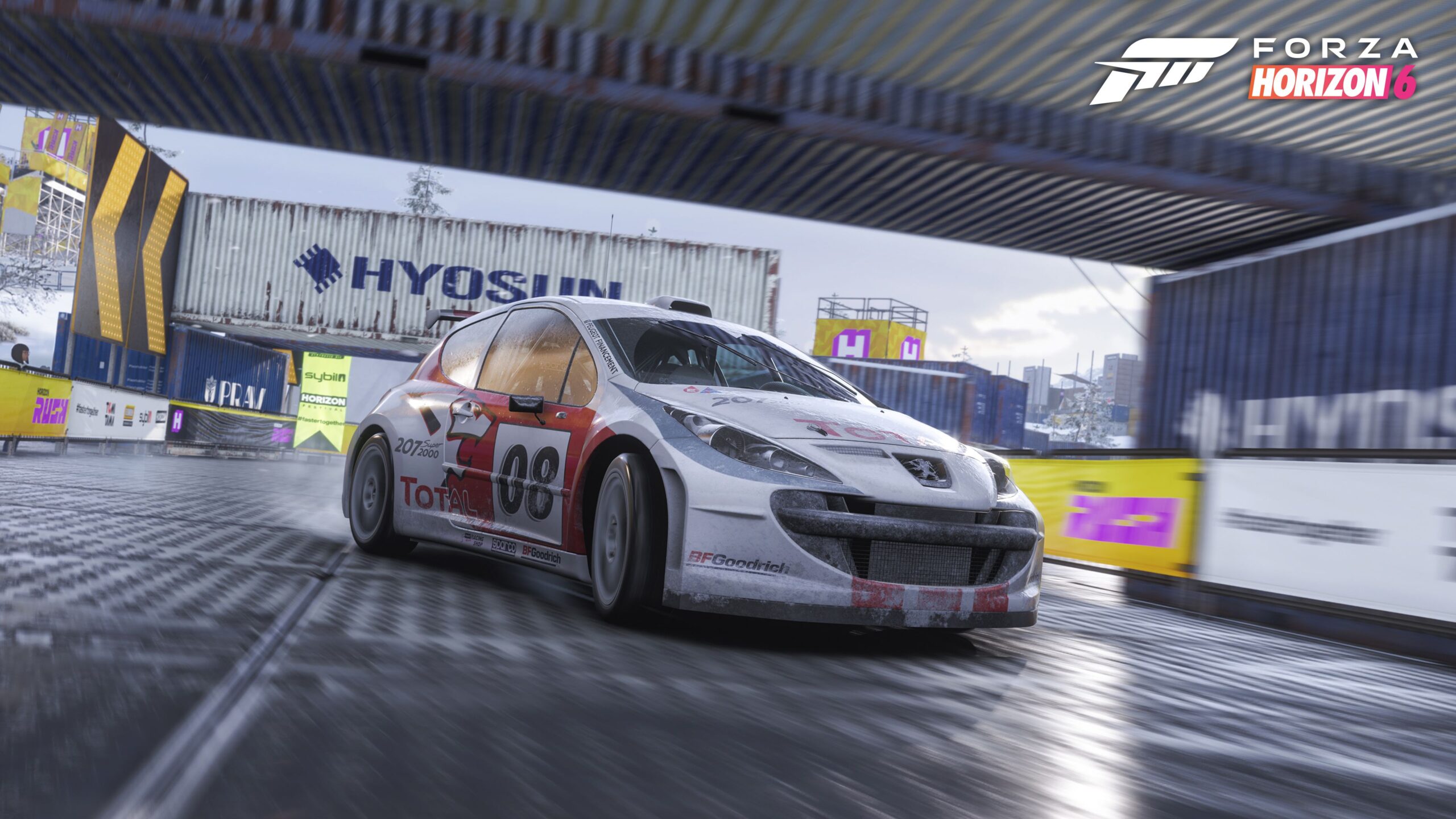
A persistent issue in the Forza Horizon series, including Forza Horizon 6, is the lack of a direct way to change the weather or time of day while playing. Luckily, existing methods still work, letting players adjust these settings, but only when not playing the story mode or regular free roam.
Build A Custom Route To Set Weather And Time In Forza Horizon 6
Start by going to the World Builder through Anna’s menu, and then choose ‘New Route’. You’ll be asked to select a car, but you can choose any one for now.
After that, EventLab will automatically open World Builder, asking you to place props. You can quickly bypass this step by pressing the button on your platform to exit World Builder.
Select ‘Yes’ in the dialog to Resume Route to continue creating your custom route.
In Route Creator mode, you usually add checkpoints and a finish line. However, for what you’re trying to do, you only need the finish line. So, drive to a spot well off the route – somewhere you’ll definitely avoid during the actual race. Once you’re there, press the button that opens the Options menu, then choose ‘Place Finish Line’.
Select ‘Yes’ in the dialog to Finish Route and continue onward.
Save your route by creating a new one. You can either give it a custom name or use the filename that’s automatically suggested – either way works!
Select ‘Create Event With This Route’ in the Route Creation Complete dialog.
As a huge fan, I love tweaking things to get the perfect racing experience! In the EventLab, you can really customize your races. First, I always turn the ‘Max Number Of Drivatars’ off. You can choose any season you like, but definitely set the ‘Weather/Time of Day Mode’ to ‘Custom’ – that’s how you get full control. With the weather, you can pick anything from totally clear skies to really cloudy conditions. And for the time of day, instead of being stuck with specific hours, you can choose a general time like ‘afternoon’ or ‘evening’. It makes a big difference!
Make sure to choose ‘Fixed’ for Time Progression instead of ‘Rolling’. Otherwise, the weather and time of day will change on their own and won’t stay as you’ve set them.
Go back and select ‘Validate’ in order to verify this custom route.
Choose a car to begin testing. You can then drive your chosen route with custom weather and time settings, just be sure to avoid the finish line you already set.
Feel free to change things up whenever you want! If you get tired of the current settings, you can easily adjust the weather and time to match how you’re feeling.
That covers everything you need to customize the time of day and weather in Forza Horizon 6.
Read More
- Best Controller Settings for ARC Raiders
- FRONT MISSION 3: Remake coming to PS5, Xbox Series, PS4, Xbox One, and PC on January 30, 2026
- Mark Zuckerberg & Wife Priscilla Chan Make Surprise Debut at Met Gala
- Meet the cast of Good Omens season 3: All the actors and characters
- Review: Final Fantasy Tactics: The Ivalice Chronicles (PS5) – Still the Benchmark for Turn-Based Tactics
- Nippon Sangoku Is The Best New Post-Apocalyptic Anime of Spring 2026
- 7 Great Marvel Villains Who Are Currently Dead
- Welcome to Demon School! Iruma-kun season 4 release schedule: When are new episodes on Crunchyroll?
- Wistoria: Wand and Sword Season 2 release schedule: When are new episodes out?
- The Boys Season 5 Officially Ends An Era For Jensen Ackles’ Soldier Boy
2026-05-18 16:18