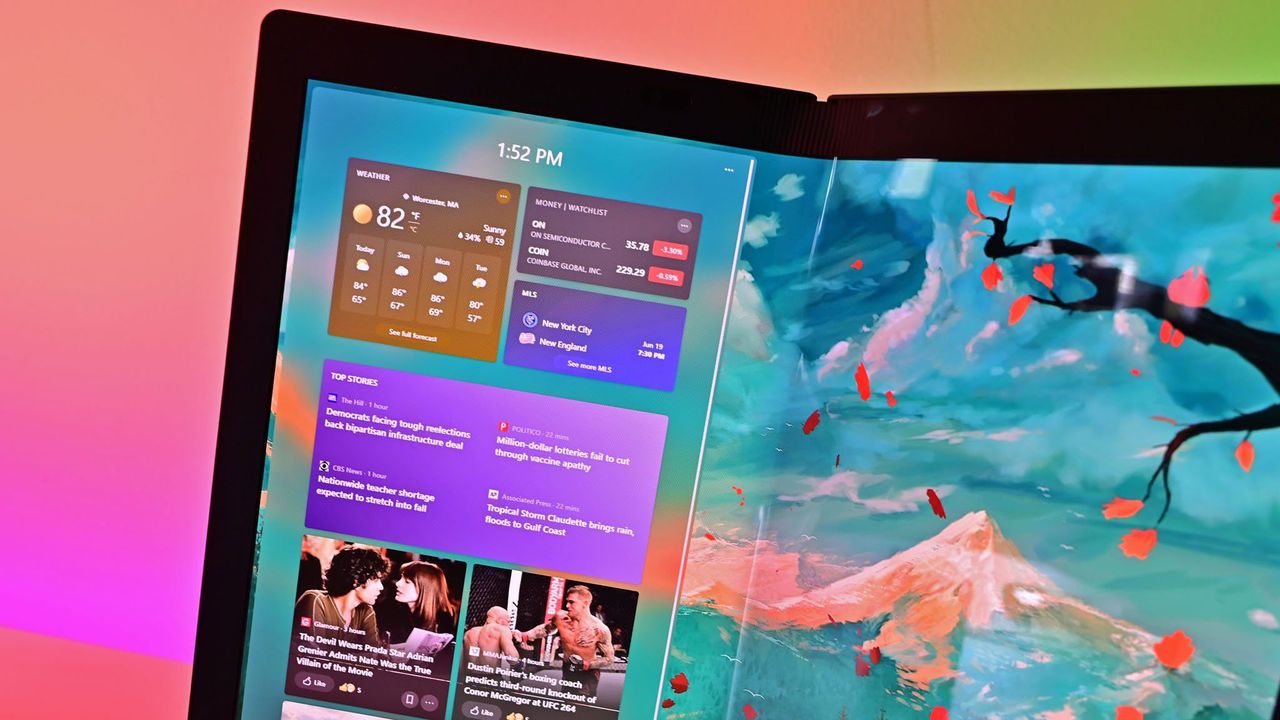
Apple has released a new sports widget for macOS, giving desktop users the same quick access to scores and information that iPhone and iPad users already enjoy. This feature is likely to make Windows 11 users envious.
Okay, so Apple’s new sports widget is cool, but honestly, it’s not the thing I’m really noticing. We Windows 11 users have *had* a sports widget for a while now! What really gets me is how Apple is really pushing widgets on macOS – it’s a big difference from Microsoft, who hasn’t given widgets much love on Windows, especially recently. It feels like Apple is finally doing something Microsoft should have been doing for years.
Microsoft introduced the widgets board with Windows 11 in 2022. Surprisingly, it wasn’t until late 2023 that they began testing a way to turn off the news feed inside it.
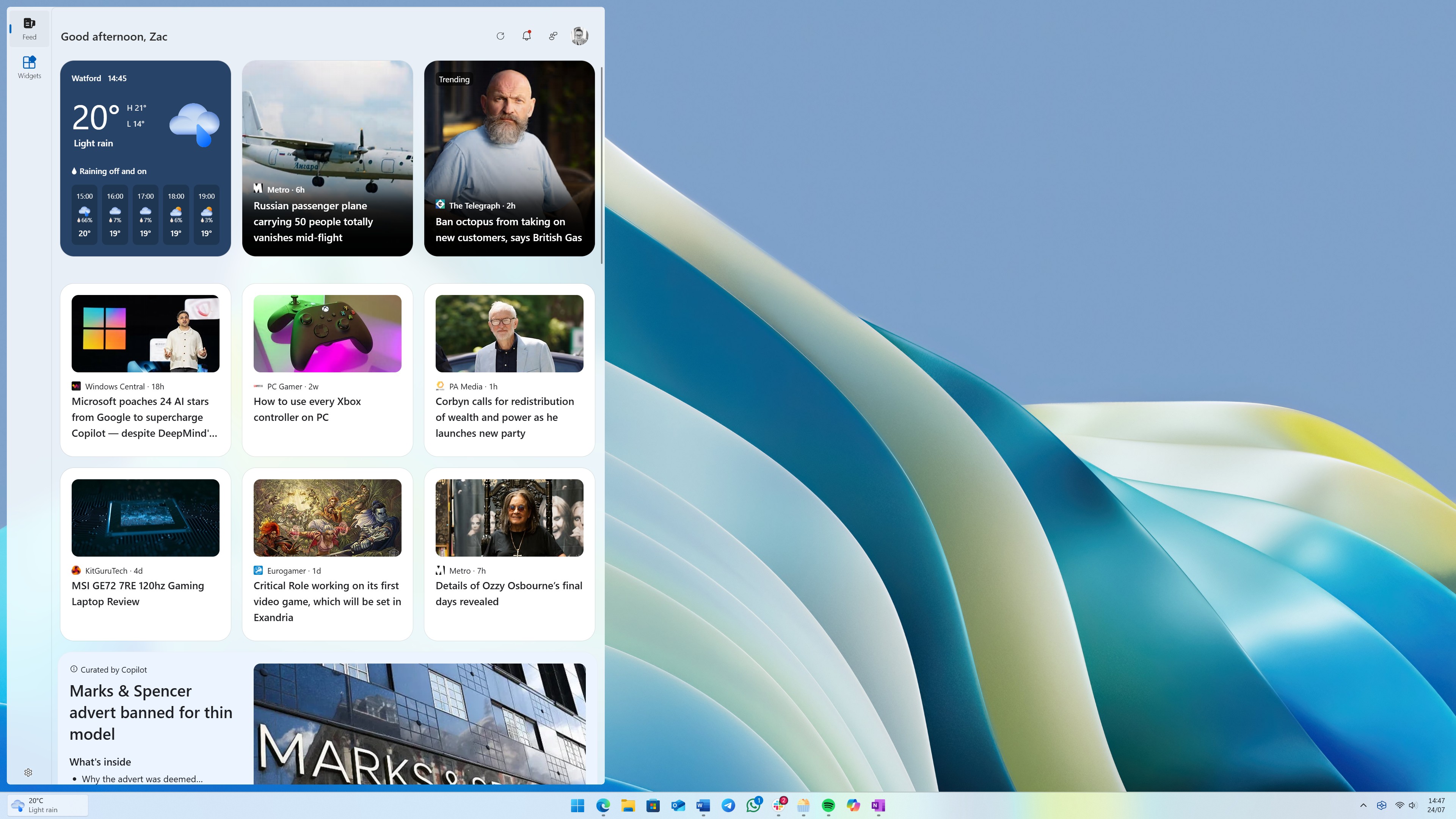
The widgets area doesn’t seem designed to help users with helpful tools; it mostly feels like an advertisement for MSN. For more than a year, it was impossible to access widgets without also being shown a news feed.
The biggest improvement to Widgets Board this year is a new news feed powered by AI, replacing the old one from MSN. It’s a great addition – Widgets Board users want both AI features and up-to-date news. However, getting to your widgets now takes one extra click.
Microsoft is still testing a new layout for the widgets panel, and they could decide to show widgets first instead of news. If the current test version becomes the final version, it would make more sense to call it the “News Board” since it doesn’t immediately display widgets. It’s strange to have a “Widgets Board” that doesn’t open with widgets!
A new app gap
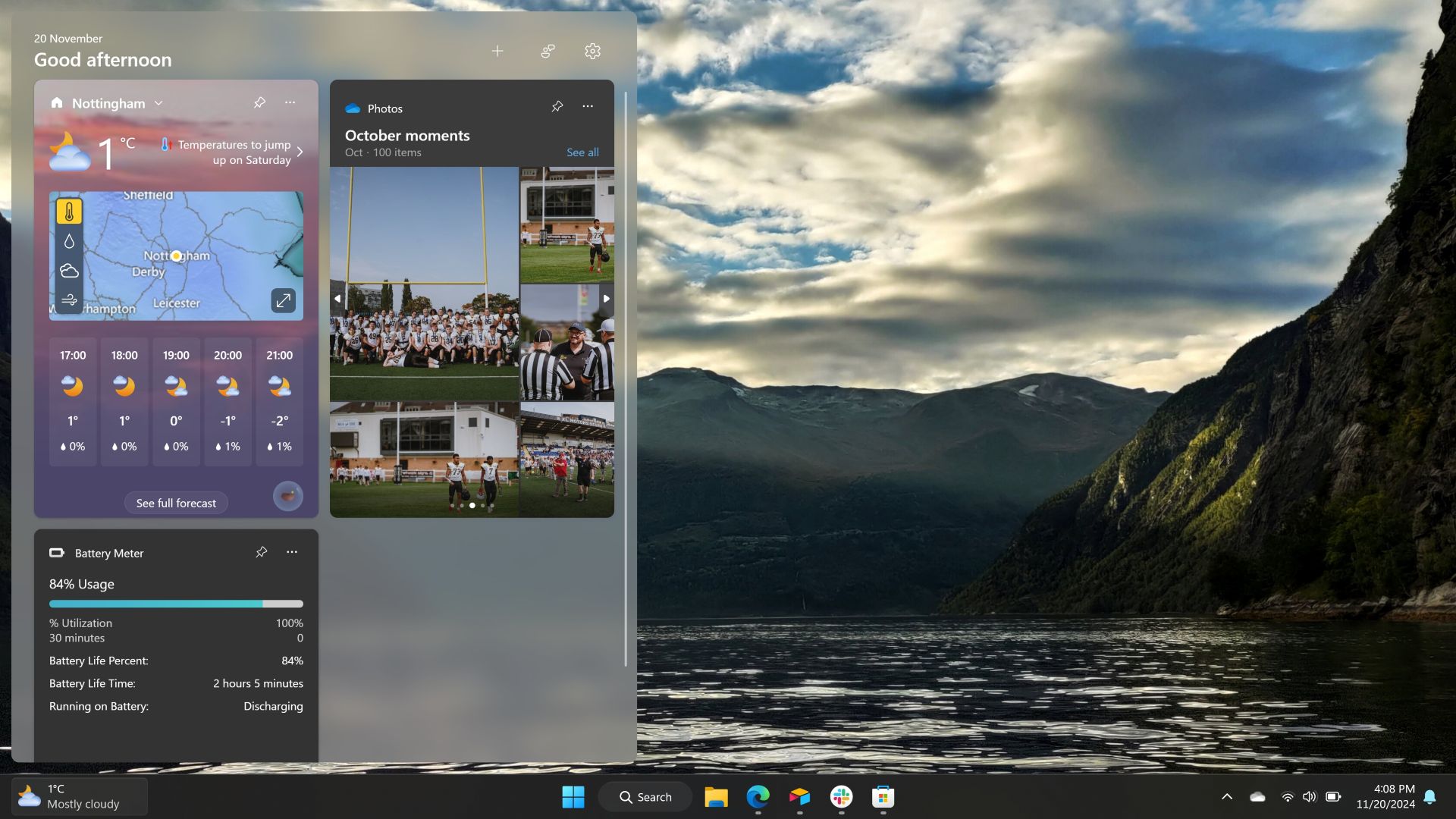
Those who’ve followed Windows for a while remember how few apps were available for Windows Phone. Windows 11 had a similar problem, but the Microsoft Store is now quite good-except for its widgets section. That part feels abandoned and nearly empty.
The Microsoft Store currently has 50 widgets available. However, a lot of these are quite specialized or simply different versions of widgets you can already find.
Even widgets from popular companies aren’t very good. For example, the Spotify widget only shows popular playlists – you can’t actually use it to control the Spotify app on your computer.
While a few good widgets are available, like a useful package tracker, the overall selection is disappointing. HowToiSolve has compiled a list of the 21 top widgets for macOS. In comparison, a similar list for Windows 11 would feature over 40% of all available widgets.
With so many clock and calendar widgets already available among the 50 options, I don’t think there are even 21 that are actually worth using.
Read More
- Everything You Need To Know About Nikki Baxter In Stranger Things’ Animated Spinoff
- Welcome to Demon School! Iruma-kun season 4 release schedule: When are new episodes on Crunchyroll?
- ‘The Bride!’ Review: Jessie Buckley Breathes Life into a Monstrous Mess
- Miranda Kerr Shares “Quick” Procedure She Got Before Met Gala 2026
- The Boys Season 5, Episode 5 Ending Explained: Why Homelander Does THAT
- Anna Wintour Reacts to Rumors She Approves All Met Gala Looks
- Taylor Sheridan’s Gritty 5-Part Crime Show Reveals New Final Season Villain
- USD JPY PREDICTION
- Why There’s No Ghosts Tonight (Nov 27) & When Season 5, Episode 7 Releases
- Mark Zuckerberg & Wife Priscilla Chan Make Surprise Debut at Met Gala
2025-09-17 15:09