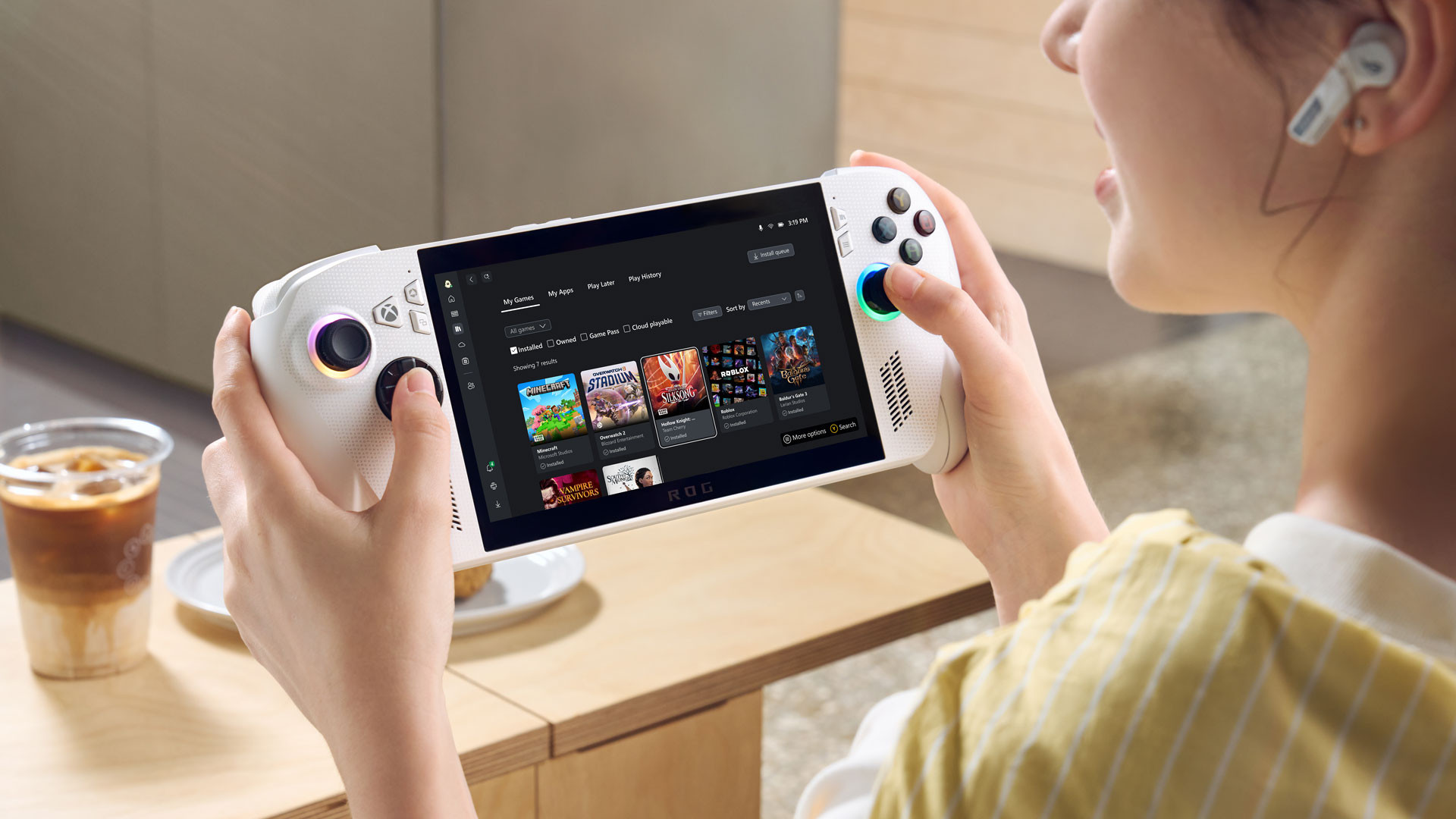
Microsoft and Asus recently unveiled additional information regarding the forthcoming ROG Xbox Ally and ROG Xbox Ally X portable gaming systems. A new video showcasing several game developers along with the design team behind these handheld devices has been released, shedding light on various aspects of the two systems. This includes the methodology used to identify games that are optimized for portable play.
In addition to these specifics, Microsoft has verified that the Asus ROG Xbox Allies and Xbox Allies X are set to be available globally in stores starting from October 16.
As a passionate gaming enthusiast, I believe it’s essential to ensure that games run smoothly on devices like the ROG Xbox Ally and Xbox Ally X, not just technically but also in terms of user experience. For games that require keyboard input, providing an on-screen keyboard option becomes crucial for optimizing them for handheld play. This feature is particularly useful during gameplay where text inputs are needed, such as when an RPG asks you to name your character.
Moreover, I strongly advocate for the consideration of various accessibility aspects. For instance, the size of the text in a game’s UI should be adjustable to cater to diverse visual needs. By implementing these features, we can make gaming more accessible and enjoyable for everyone.
The two handheld devices’ usability significantly benefits from a significant new feature: the Xbox Fullscreen Experience. This feature was jointly created by teams from Windows, Xbox, and Asus to make navigating Windows without a mouse and keyboard setup simpler and more intuitive. The Xbox Fullscreen Experience activates immediately upon unlocking an ROG Xbox Ally or Ally X. Developers claim that it only loads gaming-required processes, saving over 2 GB of memory for gaming.
The ROG Xbox Ally and Xbox Ally X, in addition to their other features, offer a unified library that allows smooth transitions between different launchers such as Steam and Battle.net. Furthermore, both devices come equipped with a variety of gaming functions, including the Xbox Game Bar, which can be quickly accessed by pressing the Xbox button on the device itself.
In addition to being a gaming hub, the Game Bar incorporates the Command Center, providing players with different power-related functionalities, such as turbo mode. By pressing and holding the Xbox button, you can access the task management window, enabling you to navigate between active windows or switch over to the standard Windows desktop environment.
Read More
- FRONT MISSION 3: Remake coming to PS5, Xbox Series, PS4, Xbox One, and PC on January 30, 2026
- Best Controller Settings for ARC Raiders
- Mark Zuckerberg & Wife Priscilla Chan Make Surprise Debut at Met Gala
- Meet the cast of Good Omens season 3: All the actors and characters
- 7 Great Marvel Villains Who Are Currently Dead
- ‘The Boys’: 6 Characters Most Likely To Die in Season 5
- Welcome to Demon School! Iruma-kun season 4 release schedule: When are new episodes on Crunchyroll?
- Wistoria: Wand and Sword Season 2 release schedule: When are new episodes out?
- The Boys Season 5 Officially Ends An Era For Jensen Ackles’ Soldier Boy
- AVAX PREDICTION. AVAX cryptocurrency
2025-08-20 16:41