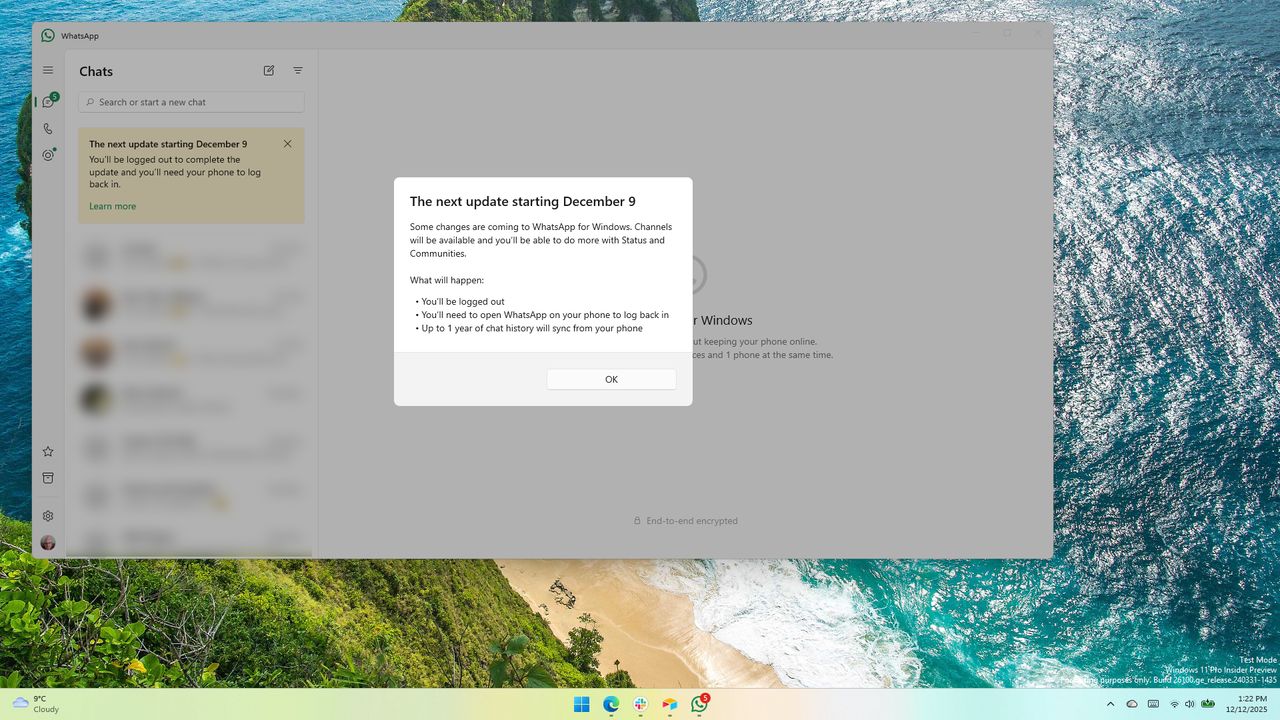
Earlier this year, WhatsApp replaced its traditional Windows app with a version that essentially runs like a website. This new version uses a lot of computer memory and isn’t as fast or reliable as the older app.
By switching to a web-based design, WhatsApp’s developers can use one set of code for all versions of the app. This should, ideally, mean everyone gets the latest features and a consistently improved experience.
The updated WhatsApp uses a bit more memory, but it also includes improvements over the original app. Specifically, the Status and Community features are more developed and detailed when using WhatsApp on a computer.
Since RAM is expensive right now, I’d rather use an app that doesn’t use much computer power. However, getting new features quickly might be worth using more RAM.
I was really hoping to use the new Group Member Tags and Text Stickers WhatsApp added, but it turns out they’re only available on the mobile app right now, which was a letdown.
Here’s what’s new in WhatsApp, at least on the mobile side of things:
- Member tags: We all wear different hats, and sometimes you want to give that more context in a group chat. Now you can give yourself a tag that tells the group what your role is, and can be customized for each group you’re in. So you can be “Anna’s Dad” in one group, and “Goalkeeper” in another.
- Text stickers: For the messages you want to really stand out, you can now turn any word into a sticker by typing your text into Sticker Search. You can also add newly created stickers directly to your sticker packs instead of having to send them in a chat first.
- Event reminders: Now when you create and send an event in your group chat you can set custom early reminders for your invitees. This helps everyone remember to commute to the party you’re hosting or hop on the call at the right time, depending on the event type.
I’m part of a lot of group chats – honestly, probably too many. Besides the ones with my family, I’m also in several chats dedicated to the American football teams I follow.
I switch between different roles in chats – sometimes I act as the head coach, other times as an assistant, and occasionally just as a former player joining in for fun. I think the ability to tag members would be really useful for me.
It seems the new features released on WhatsApp for phones haven’t yet been added to the desktop app. This isn’t a case of the Windows app being intentionally overlooked.
If you add a tag to someone on your phone, that tag will show up in group chats when you view them on WhatsApp Desktop or Web. Currently, you can only *see* these tags on desktop – you can’t add them from there.
As a researcher, I’ve found that WhatsApp’s text sticker functionality isn’t yet available on the desktop app. Currently, you can only use them on the mobile versions.
I’m hoping WhatsApp adds some missing features soon. It’s currently using a lot of my computer’s memory – over 400MB – and I’d expect a program that uses that much to have a full range of capabilities.

Read More
- What Song Is In The New Supergirl Trailer (& What It Means For The DC Movie)
- TV legend Carol Kirkwood reveals the reasons why she decided to retire after 28 years with BBC
- Dune 3 Gets the Huge Update Fans Have Been Waiting For
- Palworld! More Than Just Pals ‘Special Video’, characters detailed
- Darwin’s Paradox! drops Switch version for Switch 2, delayed to 2026
- Way of the Hunter 2 adds PS5, Xbox Series versions
- Avengers: Doomsday Release Date Change Being Discussed – Report
- Jaleco Sports: Bases Loaded II announced for PS5, Switch; now available
- Digimon Is Getting a New RPG in 2026 (And You Probably Missed It)
- Kanye West’s Wife Bianca Censori Details New Marriage Milestone
2026-01-13 23:39