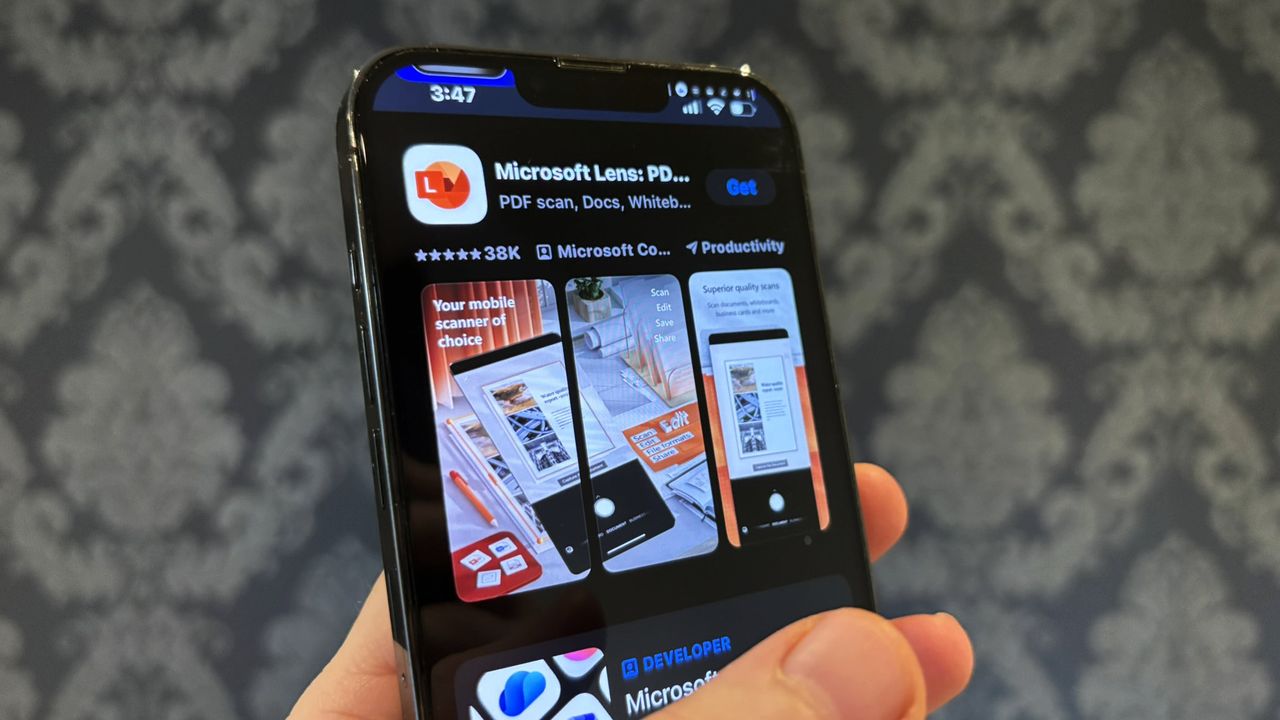
Microsoft is discontinuing another one of its apps – Microsoft Lens. It will join previously retired projects like Windows 10, the Windows Subsystem for Android, and the older Mail & Calendar app, effectively being removed from service.
Microsoft Lens is a mobile app for iOS and Android that turns your phone into a pocket-sized PDF scanner. You can use it to easily scan documents and whiteboards by simply taking a photo. It used to be called Office Lens, but was renamed in 2021.
You can save pictures taken with Microsoft Lens as PDFs, Word documents, PowerPoint presentations, or Excel spreadsheets. These files can be stored on your device or in your OneDrive or OneNote accounts.
Office Lens was a standout feature of the old Windows Phone, and it’s disappointing to see it discontinued. I particularly remember using it during my university days and impressing my friends with how well it worked.
But alas, nothing lasts forever.
I’m seeing that Microsoft is planning to retire the Lens app for both iOS and Android. According to their support documentation, the app will stop being available for download on January 9, 2026, and they’ll officially end support on February 9, 2026.
You’ll be able to scan documents within the app until March 9, 2026. After that date, creating new scans won’t be possible, but you can still view any scans you’ve already made as long as the app stays on your device.
We’ve reported on Microsoft Lens being taken down from app stores before. It’s a bit surprising that Microsoft stopped updating the Windows version of Office Lens back in 2021, but continued supporting the app on iPhones and Android devices for a while longer.
Okay, so if you’re looking for something to replace what’s going away, Microsoft is pushing OneDrive. It *can* scan documents and even whiteboards, which is cool, but the downside is it doesn’t let you save those files directly to your phone – everything stays in the cloud.
It’s surprisingly missing from the list of options, even though the Microsoft 365 Copilot app can scan documents.
You can scan files directly within the OneDrive app by tapping the + button in the bottom right corner. If you’re using Microsoft 365 Copilot, go to the ‘Create’ tab and choose ‘Scan’ to do the same thing.
Microsoft Lens has been discontinued for some time, giving users a chance to adjust. Microsoft first announced this change back in August.
Document scanning apps have become very popular on both Apple and Android devices, ever since early apps like those from Windows Phone and Office Lens first appeared. For instance, the “Scanner App: Genius Scan” has received 1.3 million ratings on iOS and currently has a 4.9-star rating. It’s also available for Android users.

Read More
- Best Controller Settings for ARC Raiders
- FRONT MISSION 3: Remake coming to PS5, Xbox Series, PS4, Xbox One, and PC on January 30, 2026
- Mark Zuckerberg & Wife Priscilla Chan Make Surprise Debut at Met Gala
- Meet the cast of Good Omens season 3: All the actors and characters
- Review: Final Fantasy Tactics: The Ivalice Chronicles (PS5) – Still the Benchmark for Turn-Based Tactics
- Nippon Sangoku Is The Best New Post-Apocalyptic Anime of Spring 2026
- 7 Great Marvel Villains Who Are Currently Dead
- Welcome to Demon School! Iruma-kun season 4 release schedule: When are new episodes on Crunchyroll?
- Wistoria: Wand and Sword Season 2 release schedule: When are new episodes out?
- The Boys Season 5 Officially Ends An Era For Jensen Ackles’ Soldier Boy
2026-01-13 01:10