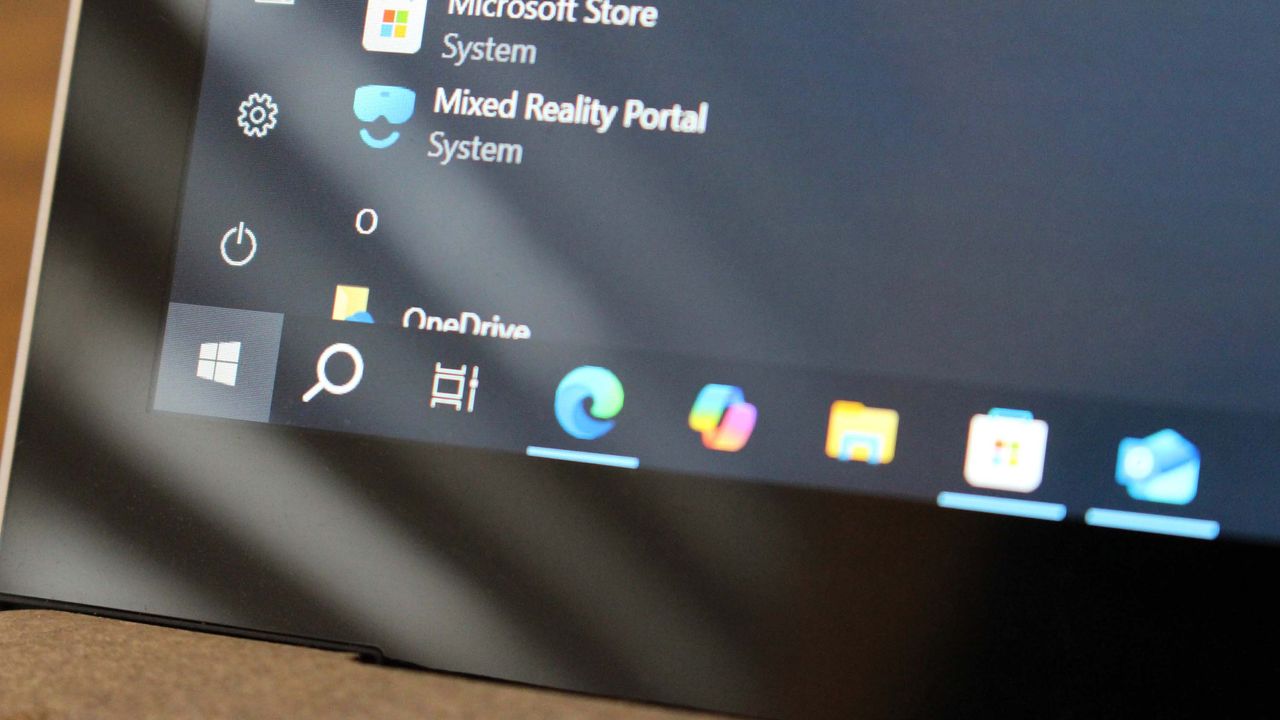
Microsoft announced yesterday that it will provide free extended security updates for Windows 10 users in the European Economic Area (EEA). They’ve removed a previous requirement that would have forced users to connect their computer settings to Microsoft’s cloud service to receive these important security updates.
I’ve noticed the company has updated the rules for getting free Extended Security Updates (ESU) in the EEA. It seems they’re dropping the requirement to sync your PC settings to the cloud. Instead, they now ask that you sign in with your Microsoft account at least every 60 days. If you don’t, you could lose access to those important security updates on your computer.
According to the Windows 10 ESU FAQ, if you don’t sign in to your Microsoft Account for up to 60 days, you’ll lose access to Extended Security Updates and will need to sign in again to re-enroll your computer. Even though the ESU program is now free, you still need to use a Microsoft Account to register for continued updates.
Microsoft’s support site says that if you haven’t signed in with your Microsoft account for over 60 days, your computer will be removed from the Extended Security Update (ESU) program. You’ll need to sign in again with your Microsoft account to re-enroll.
Microsoft’s free Extended Security Update (ESU) program seems to be set up so you only get access if you use a Microsoft account. If you already sign in to Windows 10 with a Microsoft account, you’re all set. But if you prefer using a local account, this will likely be an inconvenience.
If your computer is removed from the Extended Security Updates (ESU) program, you won’t be penalized. You can easily re-register it using a Microsoft account, and then disconnect your local account to get another 60 days of free security updates.
Microsoft prefers users to switch to Windows 11, but many computers running Windows 10 can’t be upgraded. These users will have to continue using Windows 10 for the time being. Microsoft will only offer extended support updates for Windows 10 for one year after its official end-of-life, meaning those still using it will no longer receive updates after October 2026.
If you’re using Windows 10 outside of Europe, the Extended Security Update (ESU) program works the same as before. You can get updates for free by signing in and syncing your settings to the cloud, or you can pay $30 or redeem 1,000 Microsoft Rewards points. Windows 10 will officially stop receiving updates on October 14, 2025.
Read More
- Gold Rate Forecast
- 10 Most Powerful Versions of Superman, Ranked
- GBP CNY PREDICTION
- 10 Best Free Games on Steam in 2026, Ranked
- 007 First Light: Release Date, Story, Gameplay, Cast, Editions, and Platforms
- Superman’s 7 Best Power-Ups, Ranked
- Forza Horizon 6 Car List So Far: Confirmed Highlights, Cover Cars, DLC, and Rewards
- 10 Greatest Manga Endings of All Time
- DOGE PREDICTION. DOGE cryptocurrency
- BONK/USD
2025-09-26 03:39