I’m writing this review live from my flight to PAX East 2026 – it’s my first PAX event in three years! I’m really excited, but I need to stay focused so I can write about everything happening there.
So, I’m back to working on the things I was assigned, and that means I’m finally getting around to reviewing the RayNeo Air 4 Pro. Let’s dive in!
Here’s the scene: I’m comfortably settled in a window seat, wearing a big hoodie and a hat, with my earbuds in. I’ve got my laptop on the tray table, and thankfully, there’s a charger for my phone. But the most interesting part? My laptop is connected to a pair of RayNeo Air 4 Pro glasses – a wearable display that’s adding a whole new dimension to my experience.
Honestly, I think what I just said must have sounded pretty wild. I could feel the stares from the guy next to me and even the flight attendant bringing around the coffee cups. It was enough to make me grin – I caught them looking out of the corner of my eye!
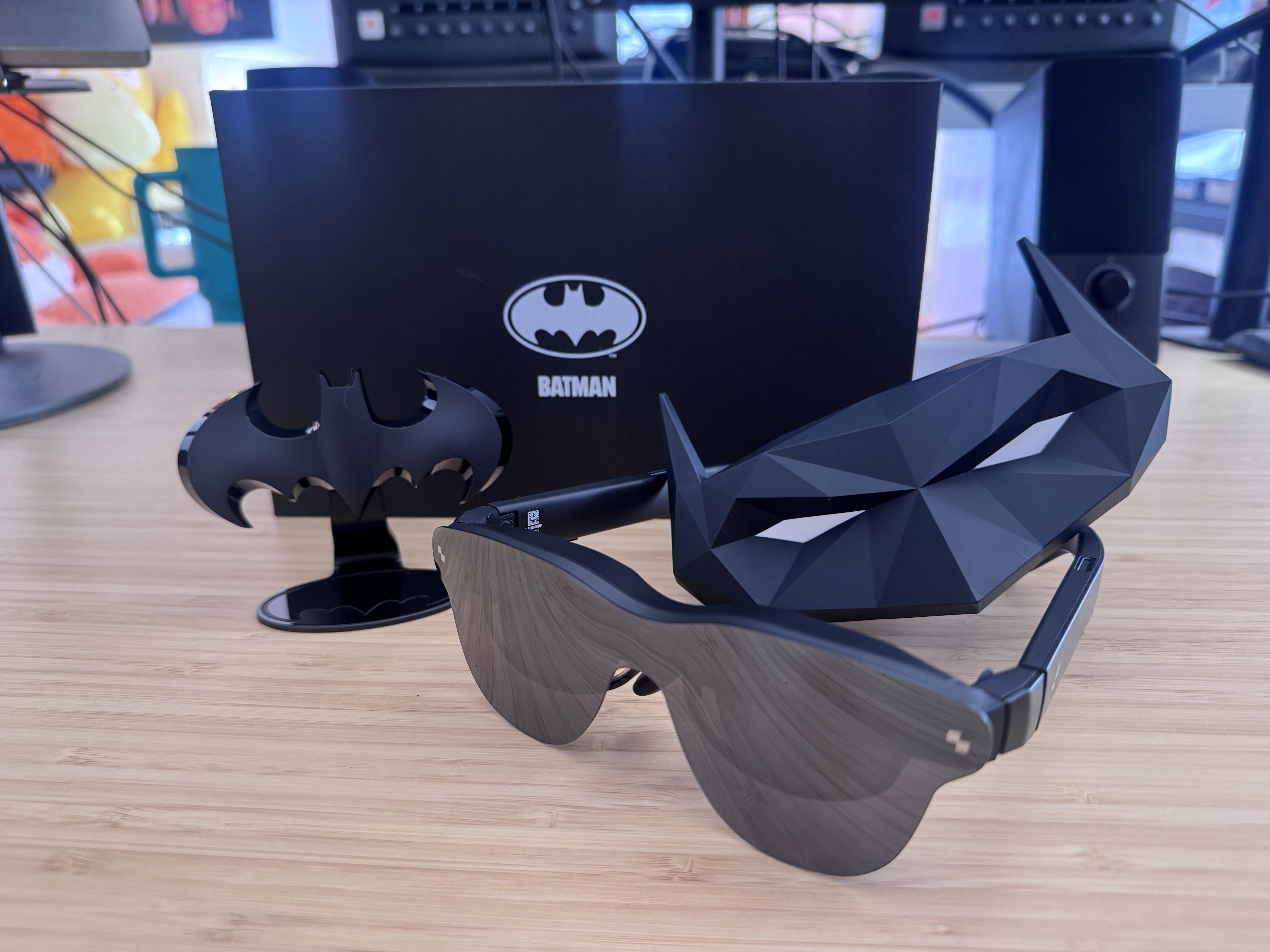
I can’t magically write this review, so here I am, feeling a bit like a tech-savvy movie character – maybe even Batman, since I’m testing the special Batman Edition of these glasses! A really useful feature is being able to use the RayNeo Air 4 Pro as a portable second screen, especially when I’m traveling, like on a plane.
The RayNeo Air 4 Pro is enjoyable, but best used in short bursts. It’s still too early to say if digital wearables will truly catch on, as the technology is still new. However, with improvements happening constantly in virtual and augmented reality tech, the RayNeo Air 4 Pro is definitely a leader in this emerging field.
TL;DR — My Quick Verdict
The Air 4 Pro is a great option if you’re looking for an affordable, large-screen device for entertainment like gaming or watching videos. However, it’s not ideal for heavy work or advanced augmented reality. What really stands out is the excellent HDR10 display quality, especially for its price of $299 – you won’t find many competitors that match it. It’s best suited for enjoying media, and it may not be comfortable to wear for extended periods.
SHOP RAYNEO AIR 4 PRO NOW | $299 AT AMAZON
Performance & Real-World Experience
It takes more than a short test to get a feel for the RayNeo Air 4 Pro. I spent a lot of time with it – not just on a flight, but also at home watching videos, doing some work, and playing games. If you’re someone who travels, enjoys gaming, or loves watching media, here’s what you can expect from this device.
What Works
Honestly, what immediately won me over was how easy it is to use. You just plug it in with USB-C and the display comes right up! No complicated apps to download, no endless settings to mess with, and definitely no frustrating moments where you’re second-guessing yourself during setup. For something you wear, that simplicity is a huge win in my opinion.
The screen’s HDR10 technology delivers stunning contrast and deeper blacks, making movies and shows look much more immersive than on a typical laptop. Plus, the AI upscaling intelligently enhances even older content, bringing a noticeable improvement to visuals. I was surprised by how much better even familiar shows like Bob’s Burgers looked—more vibrant and alive. The same was true for the movie F1, which was really enjoyable to watch, especially with the excellent sound quality.
I hadn’t experienced Bang & Olufsen audio before trying these glasses, but the sound quality is surprisingly excellent for a wearable device. The open-ear design is a big plus – it lets you stay aware of what’s happening around you, which is perfect for gaming or just being aware of your surroundings. Plus, the different sound modes let you customize the audio to fit any situation. It’s quiet enough to enjoy privately without disturbing others, which is especially useful in tight spaces like airplanes.
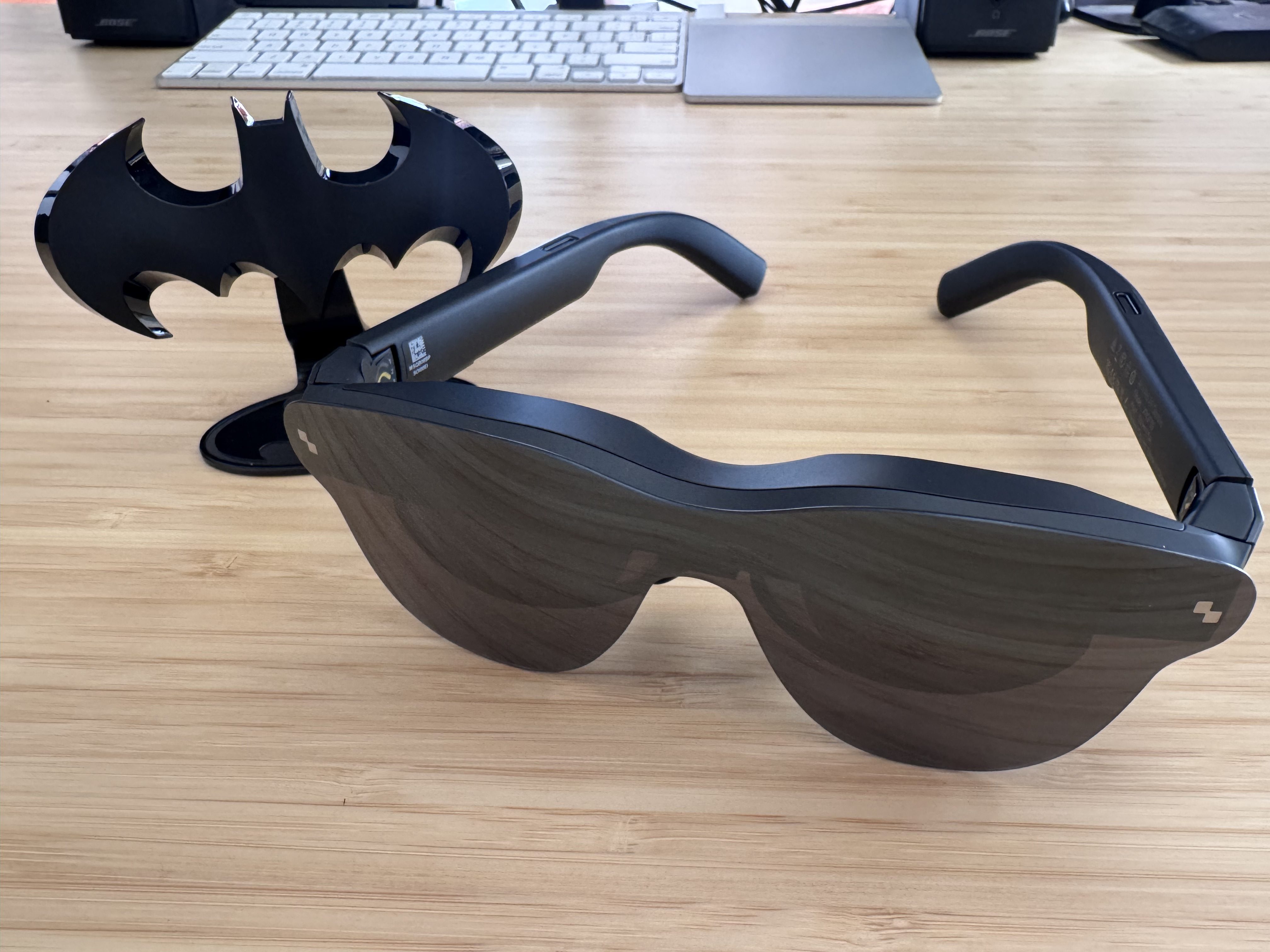
These headphones are remarkably comfortable – at just 76 grams, they feel lightweight and won’t weigh you down. The advanced dimming technology isn’t just a technical detail; after about an hour of use, you’ll notice your eyes feel much less strained compared to looking at a laptop screen for the same amount of time. It’s a subtle but significant benefit.
What Surprised Me
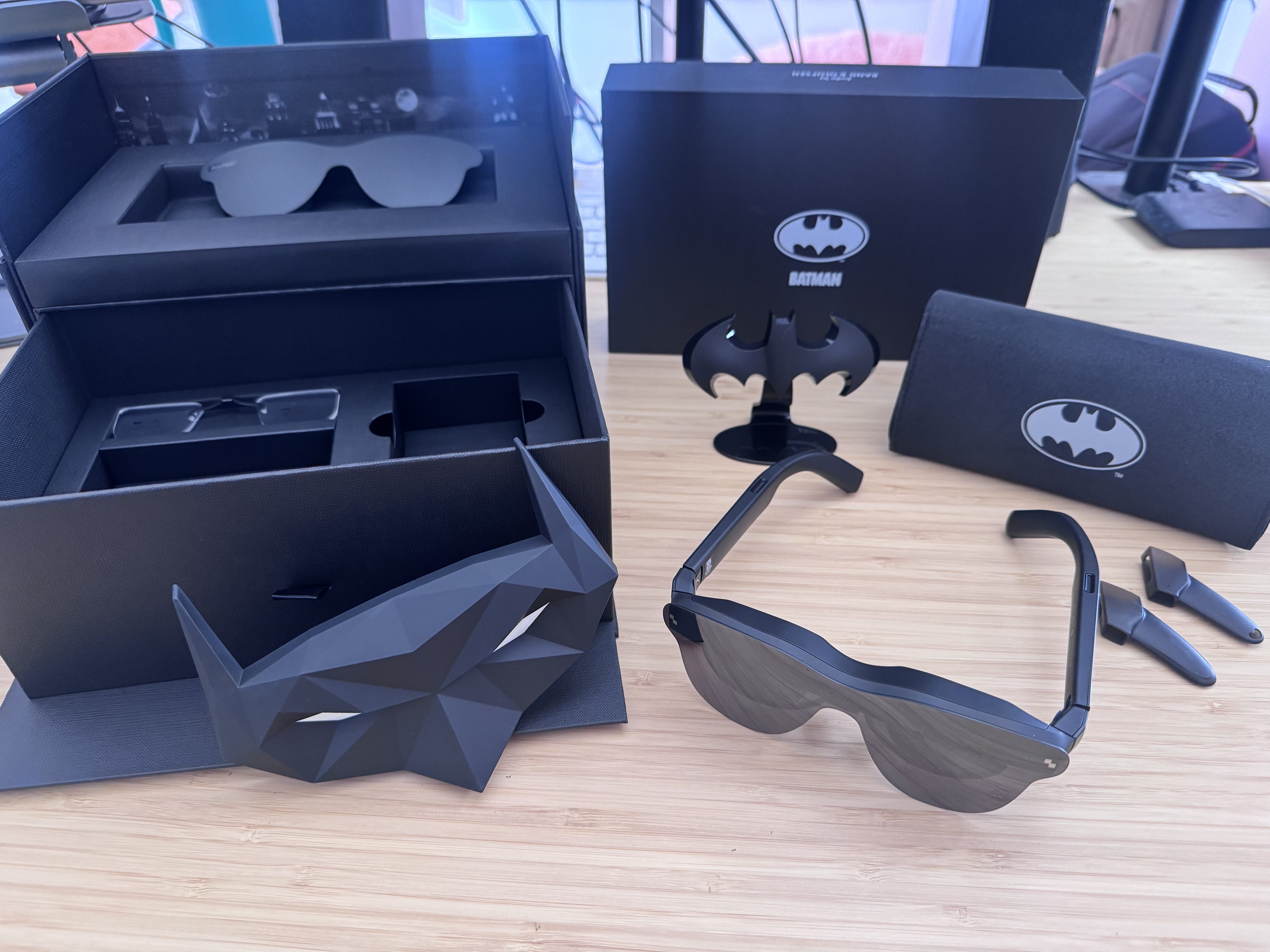
The glasses felt a bit tight on my head at first, even uncomfortably so. I initially thought this might be a problem, but I realized it was intentional. That secure fit is actually what holds the display steady and ensures a smooth, reliable experience.
The most surprising part was actually watching videos. It’s a lot more comfortable to watch on what feels like a big screen while reclining in a small airplane seat, compared to bending over my laptop. I was able to sit back and look straight ahead, which was a welcome relief for my neck.
The AI-powered 3D conversion is a nice addition, creating a more immersive and enjoyable experience. While not essential, it definitely enhances how you view content.
What Doesn’t Quite Hit the Mark
These glasses block enough of your face that iPhone’s Face ID won’t work. While it’s not a big deal for everyone, it’s good to be aware of this limitation before you buy them, as it might be a deciding factor for some users.
The lenses subtly show what’s on your screen, which could be a minor privacy issue when you’re in public. If you’re watching something personal in a crowded place, like on a plane, keep in mind that the person next to you might be able to see it.
It’s easier to be productive in short bursts rather than long stretches. It took me a while to get used to switching my focus between the virtual screen and my laptop, and that discomfort never completely went away. If you frequently need to look back and forth between different screens, these glasses might not be the best solution.
I also really enjoy gaming! When I play favorites like Fortnite, Call of Duty, and Rocket League, it feels very immersive. However, I started to feel a little tired after around 30 minutes. It wasn’t motion sickness, but I’ve found I prefer to use the glasses for gaming in shorter sessions.
RayNeo Air 4 Pro at a Glance
This device is ideal for people who travel, enjoy gaming, or stream media and want a large, personal screen while on the move.
| Pros | Cons |
| HDR10 display is a first in the category at this price | Face ID incompatibility on iPhone |
| Plug-and-play simplicity, minimal setup | Lenses reflect screen content, limiting public privacy |
| Bang & Olufsen audio outperforms expectations | Productivity use requires eye adjustment |
| Doubles as a capable extended laptop display |
What Actually Matters When Buying Wearable Display Glasses
Before buying anything in this type of device, it’s important to understand the difference between wearable displays and true augmented reality (AR) glasses. The Air 4 Pro is a wearable display – it simply projects a screen in front of your eyes. It doesn’t create interactive, digital objects that appear in the real world. If you’re hoping for an experience like the heads-up display in Iron Man or a game like Pokémon Go, you’ll need a different – and usually more expensive – type of AR glasses.
What makes the Air 4 Pro stand out? It offers HDR10, a feature you won’t find on similar glasses like the XREAL 1S or VITURE Luma. While not yet common, HDR10 improves picture quality, especially in content with vibrant colors and dramatic lighting. For $299, the Air 4 Pro delivers a noticeably better visual experience in this regard than its competitors.
Before you buy, it’s good to know about USB-C DisplayPort compatibility. The Air 4 Pro connects with USB-C, which should work directly with most laptops and Android devices. If you have an older device or an iPhone, you might need an adapter, so it’s best to check compatibility with your setup beforehand. I tested it with my Mac laptop and iPhone 15 Pro Max, and it worked perfectly.
This technology is rapidly evolving, with new devices becoming lighter, clearer, and more powerful – though likely at a higher price. Offering a device with a leading-edge display for $299 is a smart move for those eager to experience the future of personal displays without spending a fortune.
The Final Frame
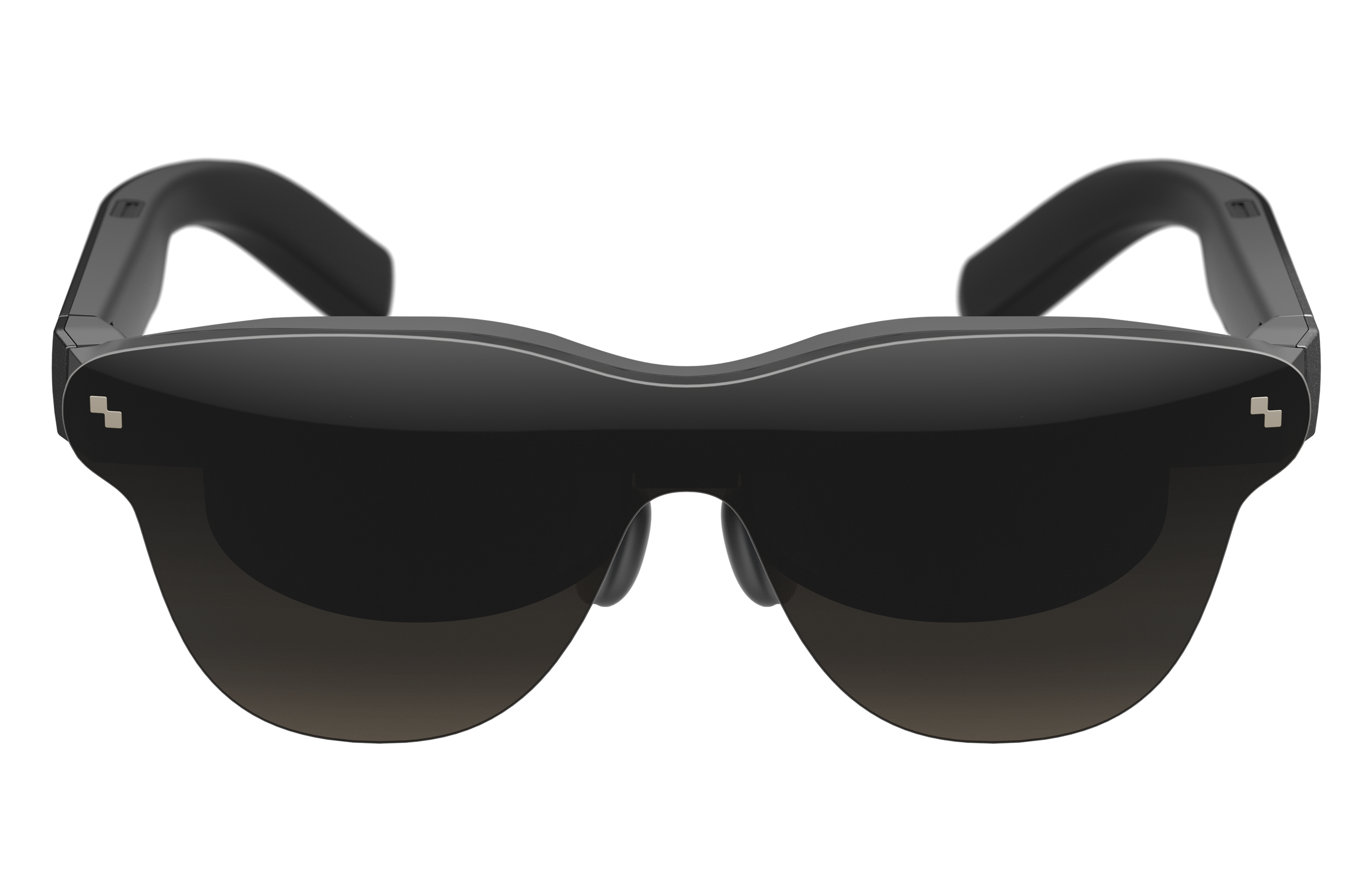
Okay, so I’ve been checking out a lot of AR glasses, and the RayNeo Air 4 Pro is seriously impressive for the price. At $299, it’s way cheaper than most of the competition, but the display quality is actually better. Let’s be real, it’s not going to replace my monitor for work, but if you’re looking for something to make long flights way more enjoyable – think a private cinema – or just want a huge screen for binging Netflix, these are perfect. Honestly, if you’re curious about where this whole personal display tech is going, I’d definitely recommend giving these a try.
I’m still not totally convinced about wearable displays in general, but the Air 4 Pro is seriously changing my mind. It’s making me think they might actually be ready for prime time sooner than I expected!
ComicBook received a test unit of the RayNeo Air 4 Pro for this review. You can purchase it now on Amazon.
Read More
- Gold Rate Forecast
- Looks Like SEGA Is Reheating PS5, PS4 Fan Favourite Sonic Frontiers in Definitive Edition
- Pluribus Star Rhea Seehorn Weighs In On That First Kiss
- Arknights: Endfield – Everything You Need to Know Before You Jump In
- Dune 3 Gets the Huge Update Fans Have Been Waiting For
- 10 Steamiest Erotic Thriller Movies of the 21st Century
- Antiferromagnetic Oscillators: Unlocking Stable Spin Dynamics
- 22 actors who were almost James Bond – and why they missed out on playing 007
- 5 Weakest Akatsuki Members in Naruto, Ranked
- Action Comics #1096 is Fun Jumping-On Point for Superman Fans (Review)
2026-03-27 18:44