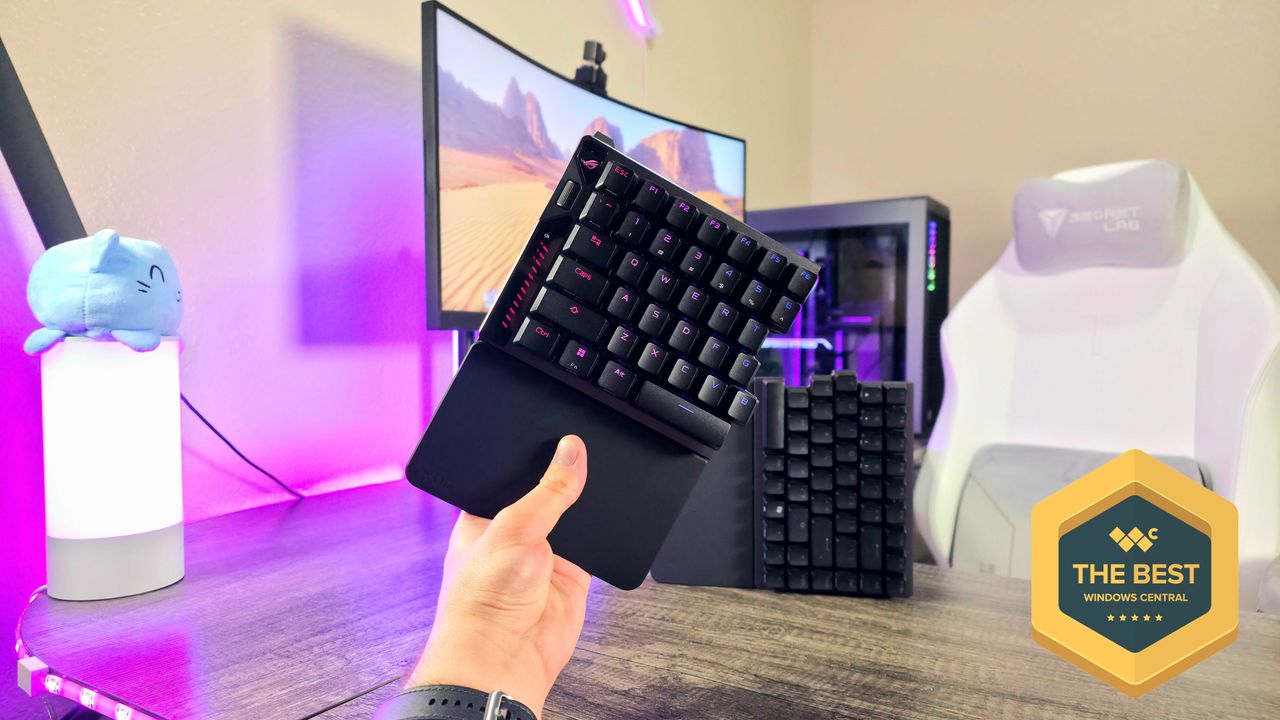
I recently tested a $300 ASUS keyboard and, while I enjoyed it, the price made it hard to recommend. Now, I’m looking at an even pricier ASUS keyboard. Will the same issue arise again?
The ASUS ROG Falcata is a really unique keyboard – I’ve rarely seen a design quite like its split layout, and it’s packed with impressive features. However, it comes with a hefty price tag of $420, making it one of the most expensive keyboards I’ve reviewed.
I have to admit, the Falcata has impressed me. While it’s not a keyboard most people will buy, its unique design and incredible performance will definitely appeal to some. The ROG Falcata is truly different from any other keyboard I’ve tested – in both good and bad ways.
ASUS provided us with a sample unit for this review. However, they didn’t have any influence on the content, and hadn’t seen it before it was published.
My first split keyboard experience
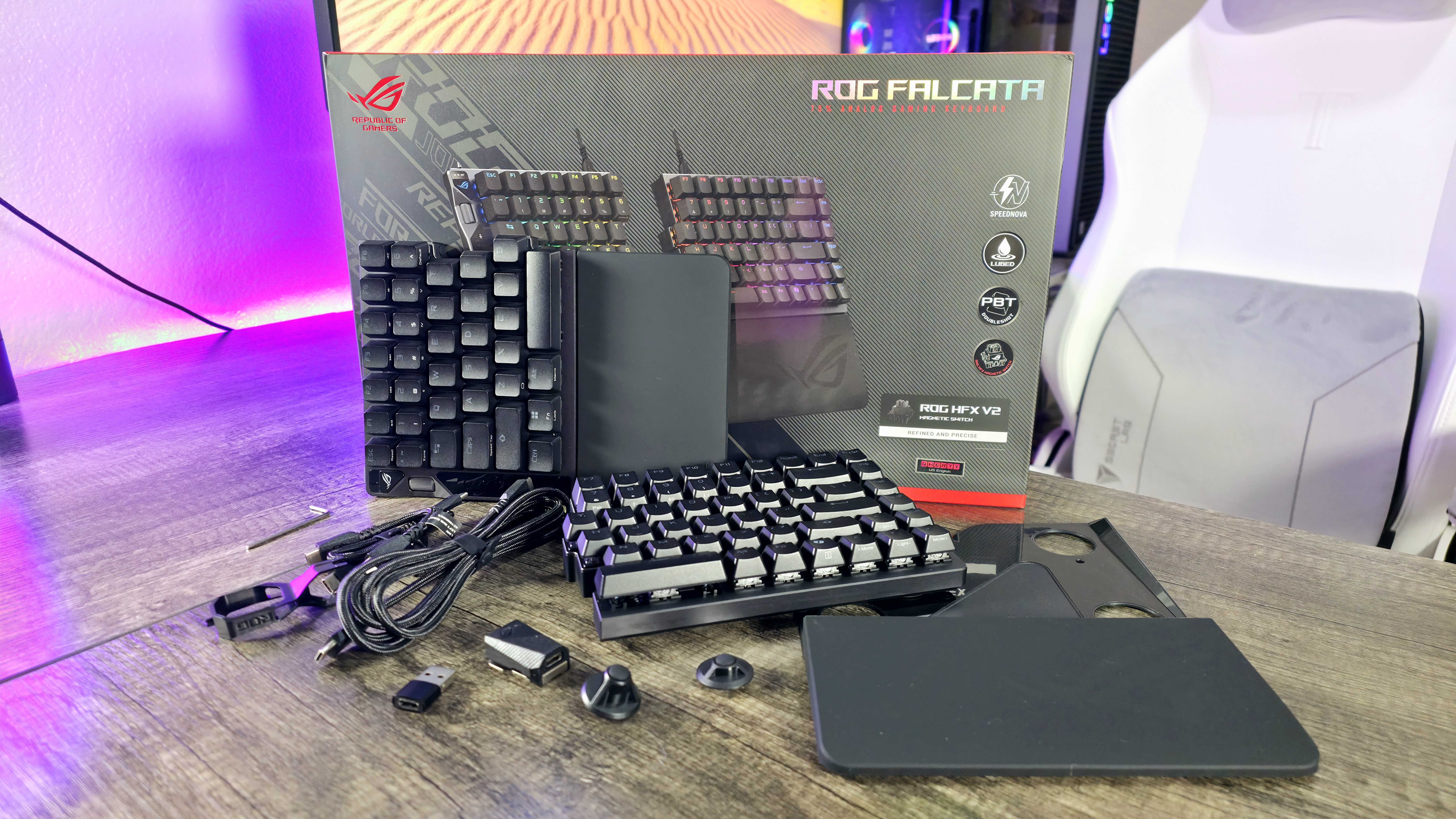

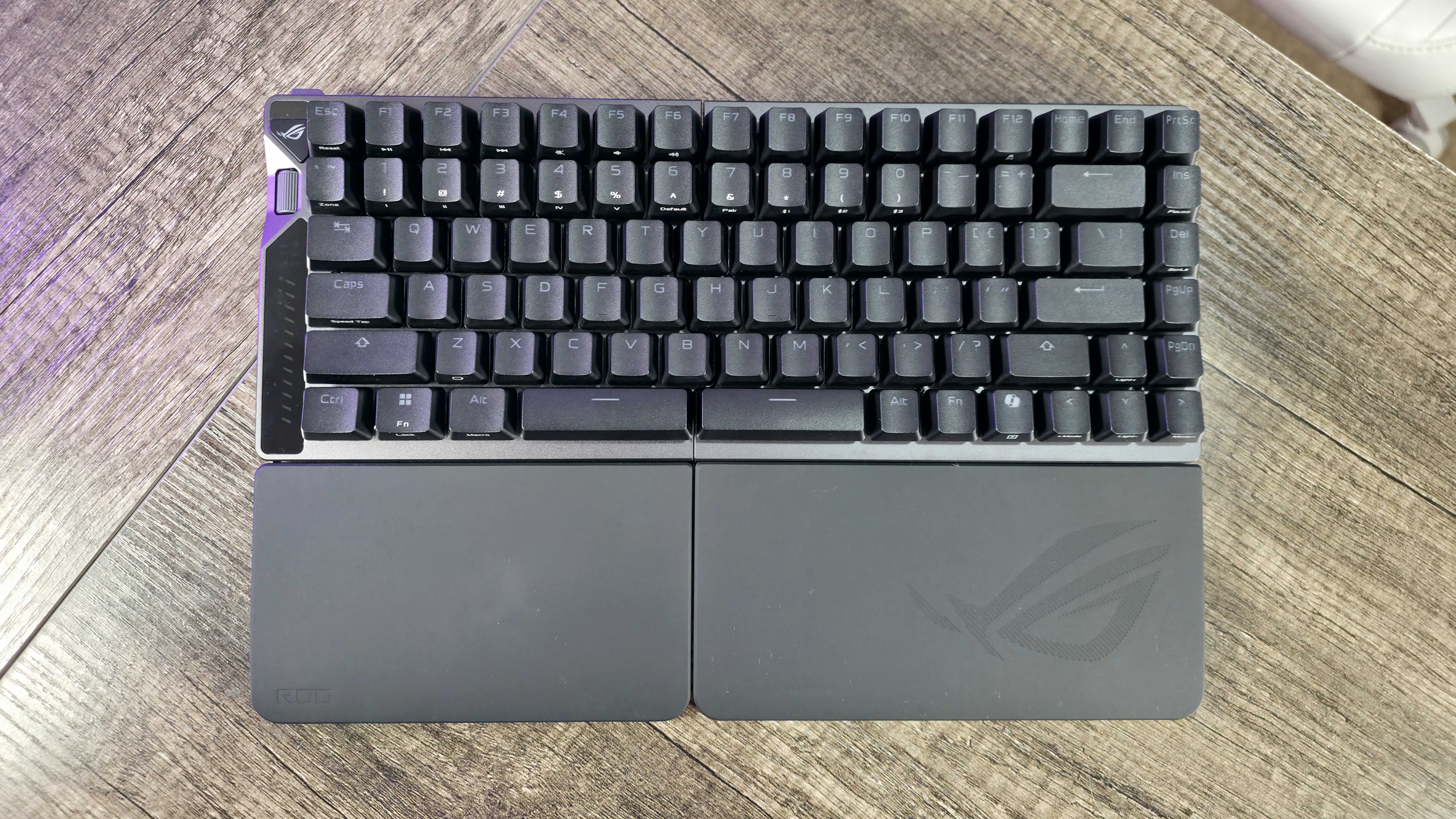
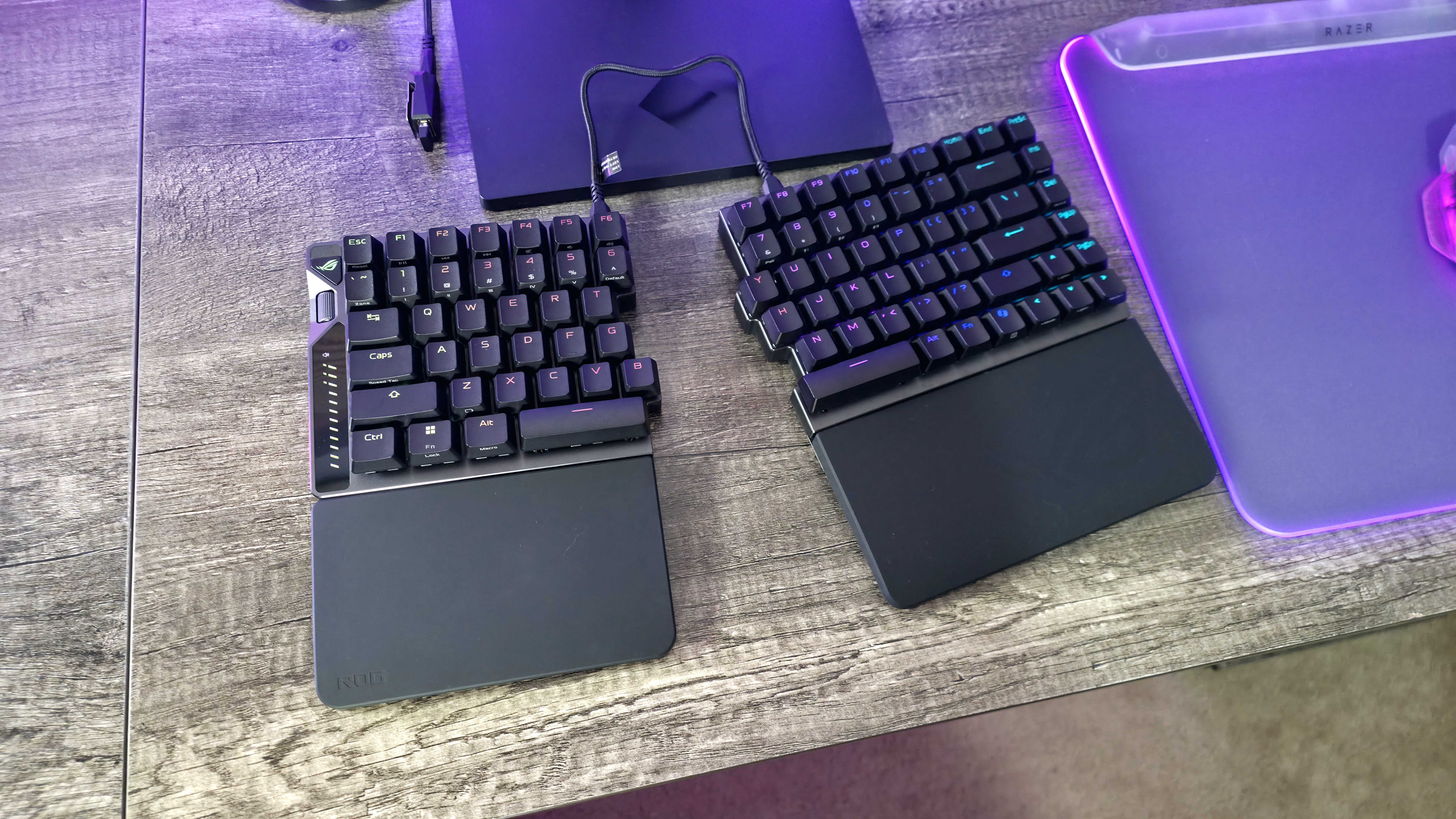
Split keyboards have been around for a while as a way to improve ergonomics – many people find they’re more comfortable than traditional keyboards. The design lets you position each side of the keyboard to better match the natural angle of your hands, which can make typing and gaming more comfortable for extended use.
It definitely takes a while to get comfortable with an ergonomic keyboard, especially a split one, but the advantages are worth it. The ROG Falcata feels more natural than typical keyboards, but this ASUS keyboard really takes that comfort to the next level, even compared to other split designs.
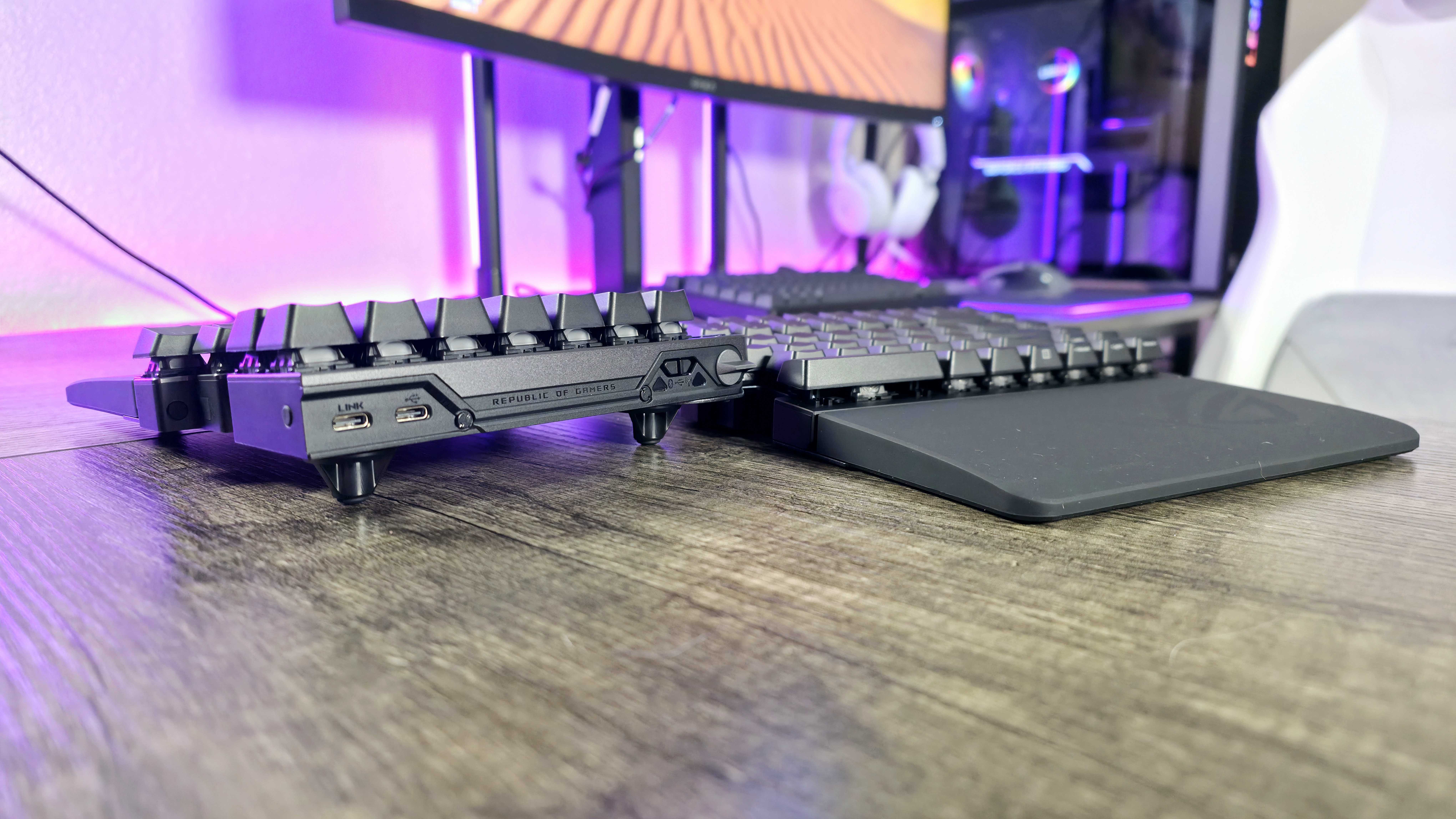
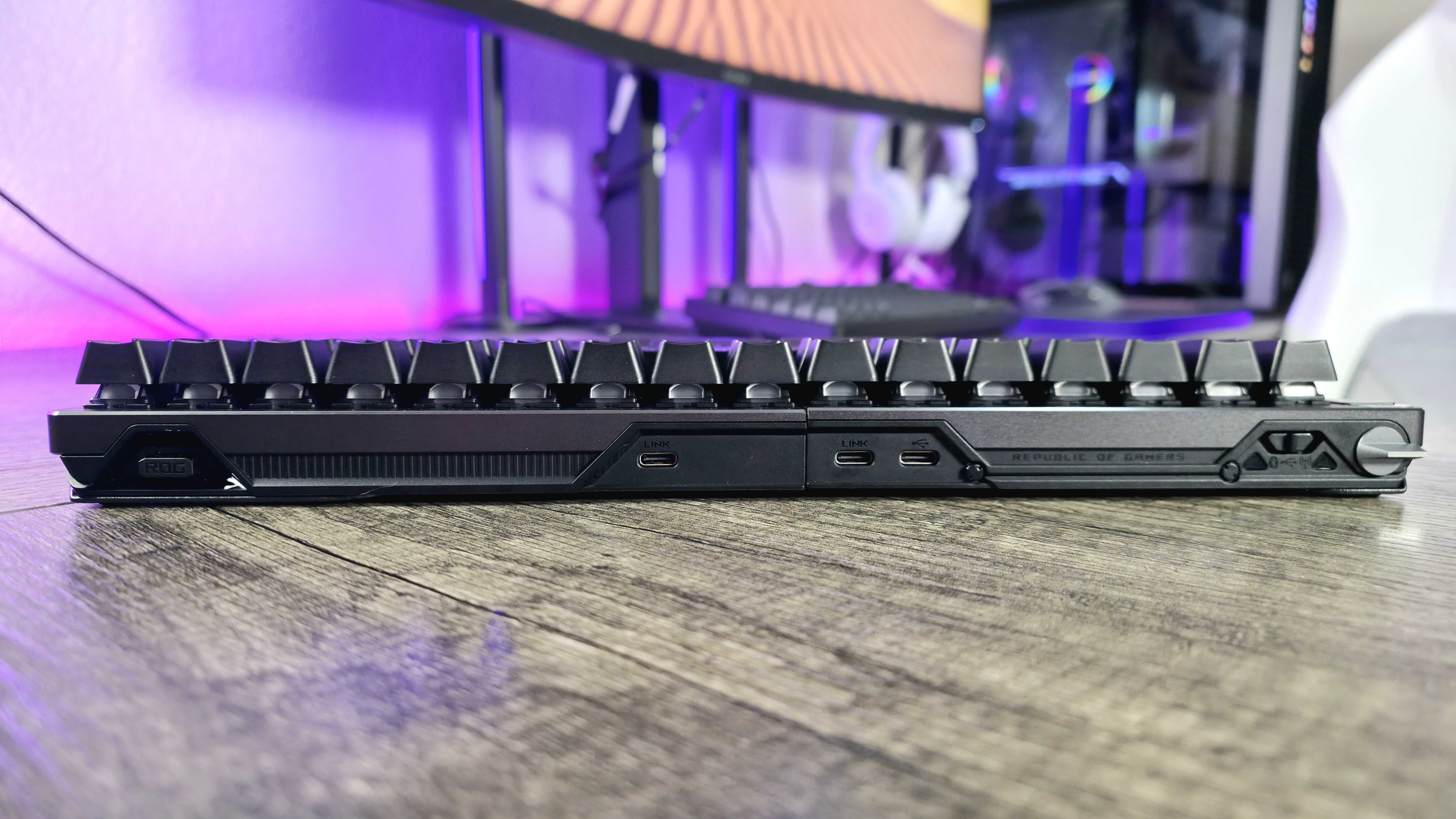
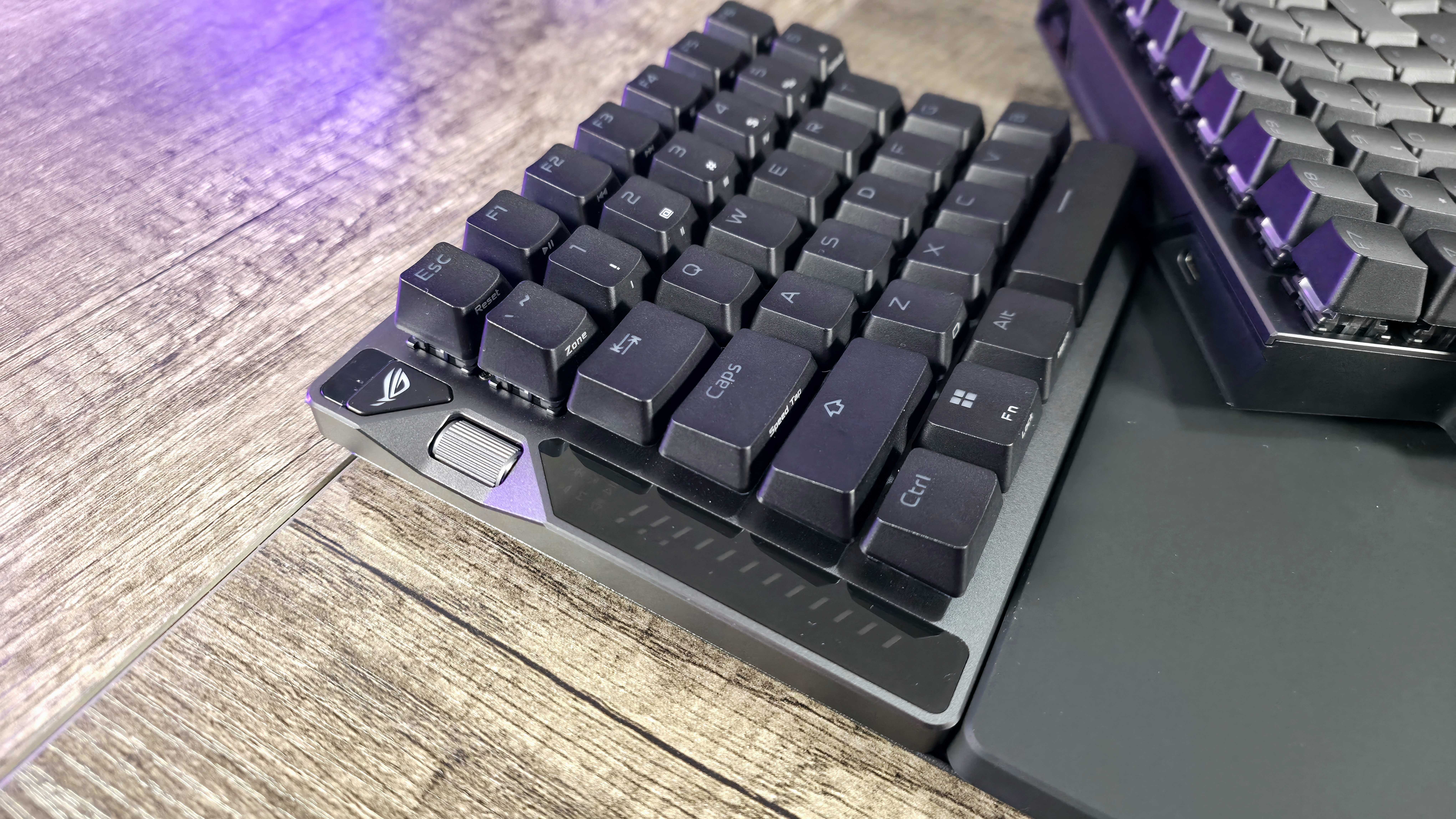
The Falcata keyboard keeps all its essential parts on the left side, letting you use just that side for gaming with your WASD keys and shortcuts – making for a smaller setup. When you need the full keyboard, you connect the two halves with a USB-C cable. The connection design is a little unusual, but it functions effectively.
Ergonomic and split keyboards are usually designed for getting more work done, but even the best ones often sacrifice how well they perform in games. The ROG Falcata is different – it delivers exceptional performance for both gaming and typing, and it’s packed with features. There are simply too many to list them all here.
Looking for a highly adjustable magnetic switch with top-of-the-line features? This device delivers! It boasts a blazing-fast 8,000Hz polling rate in both wired and wireless modes, plus seamless Bluetooth connectivity for multiple devices. Enjoy vibrant per-key RGB lighting, customizable shortcuts, and even a detachable silicone wrist rest for added comfort.
The ASUS ROG Falcata is a top-of-the-line wireless gaming keyboard that excels in both design and performance. ASUS clearly invested a lot of effort into creating a practical and well-thought-out 75% layout.
Brilliant, but far too expensive for most
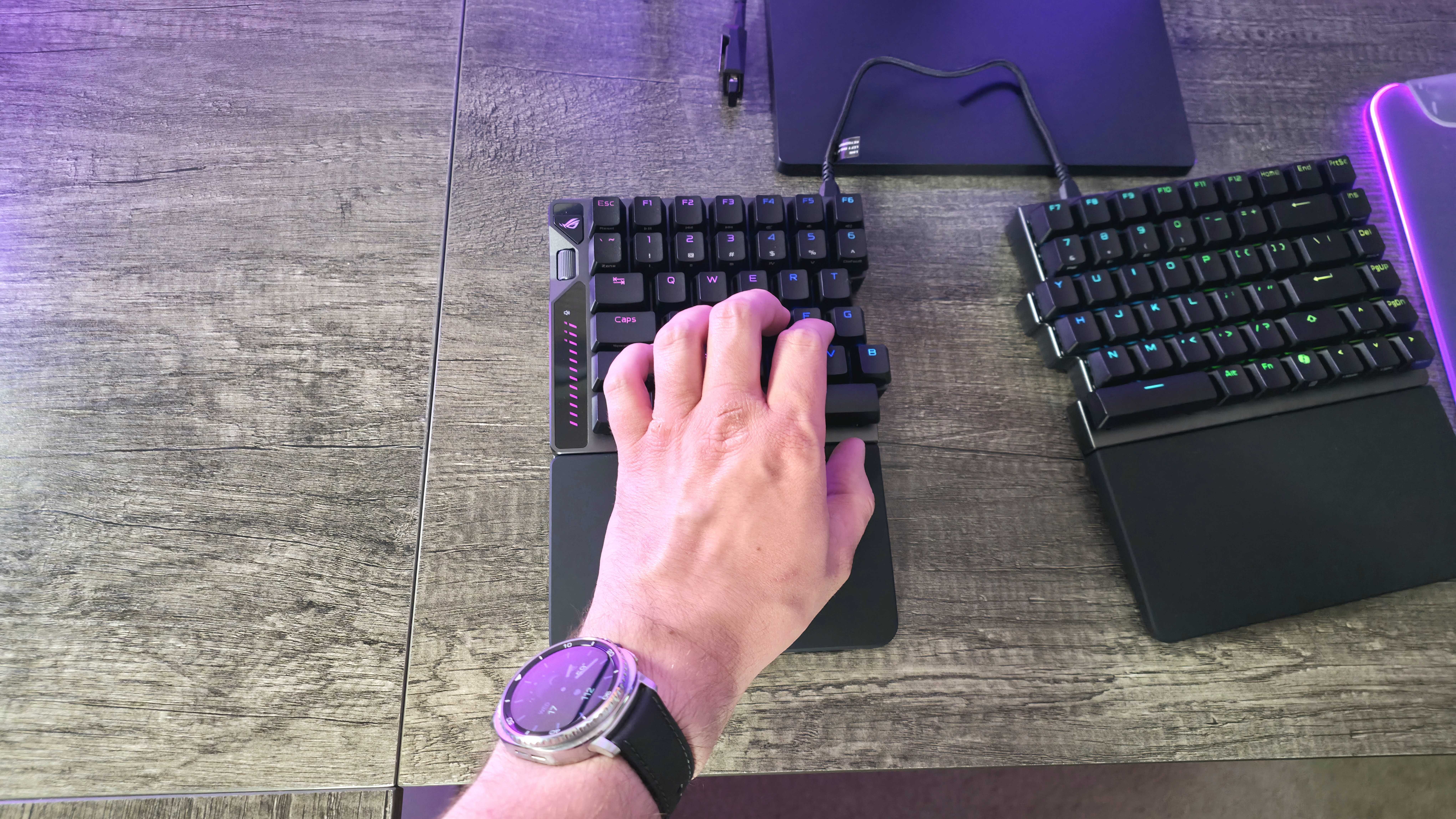
I was intrigued by the ROG Falcata and the idea of a split keyboard, but it really needs to excel in every way to be worth the cost. It performs wonderfully, as I’ve said, and it’s also just a pleasure to type on.
The ASUS ROG Falcata’s keys feel great – they’re quick to respond and very accurate. Plus, the keyboard’s soundproofing is excellent, creating a warm and satisfying typing experience that rivals some of the best keyboards available. ASUS really did a fantastic job with the sound design.
The ROG Falcata feels incredibly well-made, and it comes with a generous set of included accessories, adding to its overall worth. Everything about it feels premium and befitting of a high-end product – there’s nothing that feels cheap or poorly made.
However, there are a few strange design choices. The wrist rests are attached to large metal pieces and require screwing in, making them difficult to remove. Also, instead of a standard kickstand for adjusting the viewing angle, it includes some unusual, ball-shaped feet. Overall, the design feels unnecessarily clunky.
Honestly, I’m really happy with this keyboard. The battery life is fantastic, especially considering it’s wireless, has RGB lighting, and is built for performance. I also found the ASUS Gear Link software surprisingly easy to use – it’s web-based, which is cool, and lets you customize pretty much everything. The multi-function wheel and button take a little getting used to, but once you figure out all the modes, they’re incredibly useful.
I still never forgot that the ROG Falcata retails for $420, though.
ROG Falcata review: My final thoughts
✅You should buy this if …
- You want an ergonomic keyboard with serious gaming performance.
- You see value in being able to just use the left side of your keyboard.
- You want a truly luxurious, feature-packed gaming keyboard.
❌You should not buy this if …
- You understandably have no interest in spending so much on a keyboard.
- You’re not interested in an ergonomic, split keyboard design.
I previously pointed out that the ASUS ROG Azoth X was pricey at $300 and had some unusual features, but it was still a standard keyboard. The ROG Falcata is almost 50% more expensive, but it includes a unique feature you won’t find on almost any other keyboard.
This keyboard is among the best I’ve ever tested – it excels in features, performance, and how comfortable it is to type on. What really sets it apart is its split design, which is unusual for keyboards used in PC gaming, making it incredibly adaptable.
The ASUS ROG Falcata is a fantastic keyboard, but it’s not for everyone. Its high price and unique features make it a very specific choice. Still, it’s great that a keyboard like this exists for those who truly want it! You can find the ASUS ROG Falcata at BestBuy.com for $419.99.
Read More
- The Super Mario Galaxy Movie: 50 Easter Eggs, References & Major Cameos Explained
- 10 Best Free Games on Steam in 2026, Ranked
- Surprise Isekai Anime Confirms Season 2 With New Crunchyroll Streaming Release
- ‘Project Hail Mary’: The Biggest Differences From the Book, Explained
- Skate 4 – Manny Go Round Goals Guide | All of the Above Sequence
- Starfield (PS5) Review – A Successful Cross-Console Voyage
- Preview: Sword Art Online Returns to PS5 as a Darker Open World Action RPG This Summer
- Sydney Sweeney’s The Housemaid 2 Sets Streaming Release Date
- Why is Tech Jacket gender-swapped in Invincible season 4 and who voices her?
- Coronation Street airs horrifying discovery for Summer Spellman about villainous Theo in early ITVX release
2025-12-29 17:10