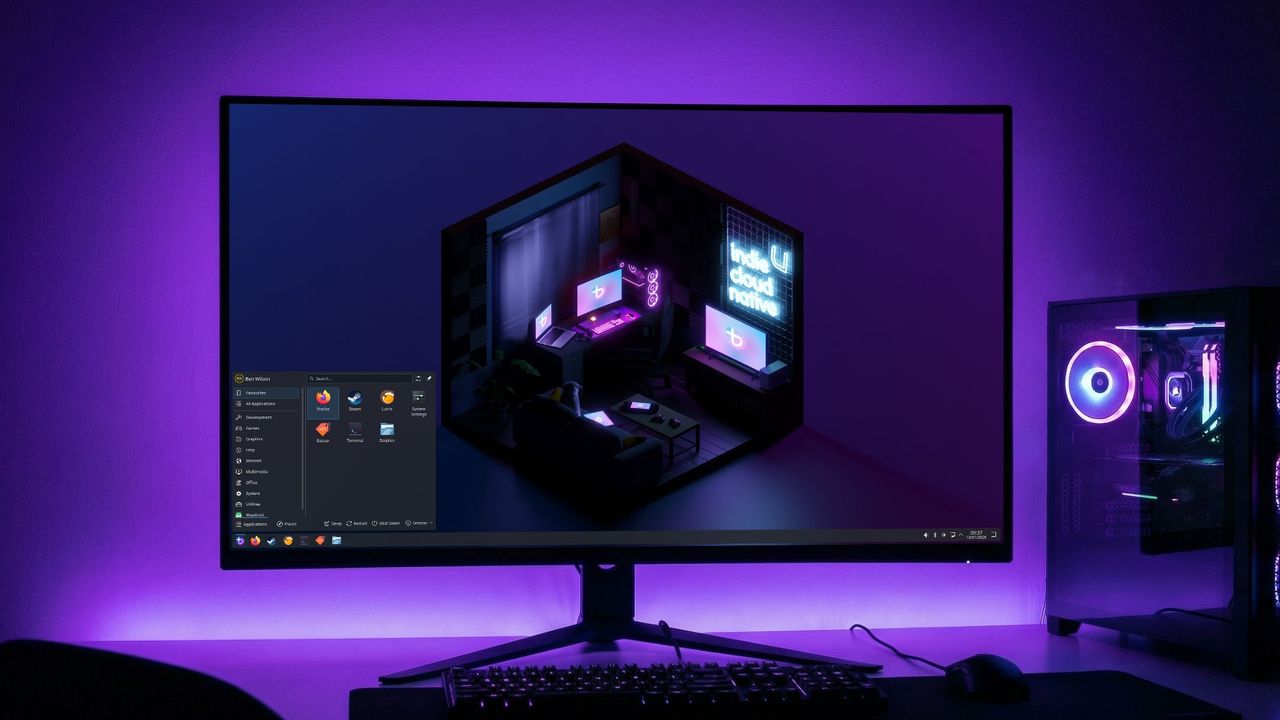
For years, Windows was the obvious choice for PC gaming. Linux rarely entered the conversation. But that’s changing now, largely thanks to Valve’s Steam Deck. It uses SteamOS, a Linux-based system, along with Proton, which lets many Windows games run on Linux. This combination has really shaken things up and made Linux a viable option for gamers.
Simply put, Bazzite is a version of Linux. It’s built on Fedora, an open-source platform, unlike SteamOS which uses Arch. If you’re not familiar with these terms – and many people aren’t, especially if you’ve mainly used Windows – that’s perfectly understandable; it can all sound like technical gibberish.
Both Linux and Windows have their advantages and disadvantages, and I’ll break down what those are. When it comes to PC gaming, they’re actually quite comparable, especially if you’re familiar with the Steam Deck or Steam’s Big Picture Mode. I’ve been using both Windows 11 and Fedora KDE Linux on my computer for some time, but I’m really starting to consider switching to Bazzite.
Is Bazzite better than Windows?
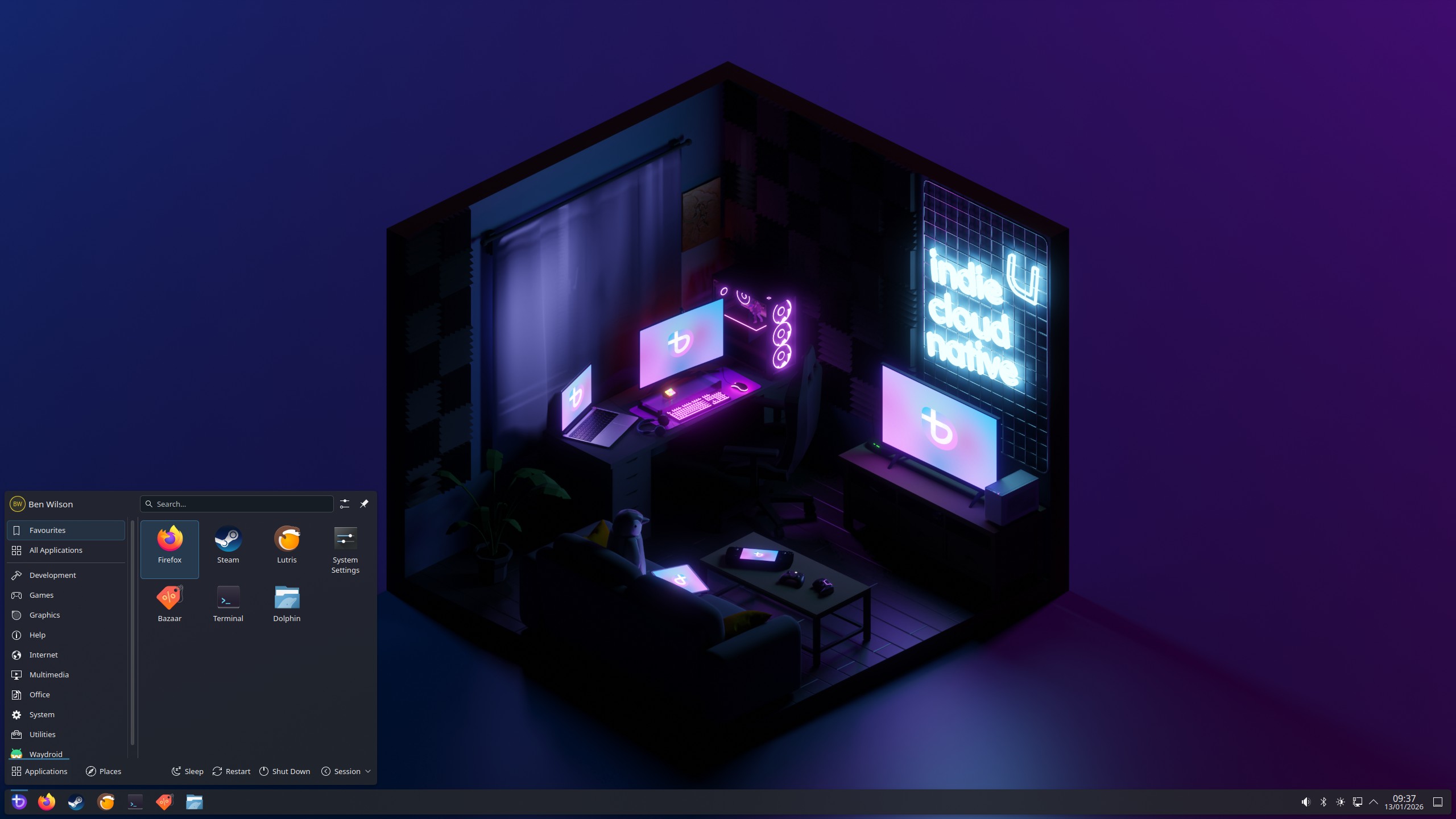
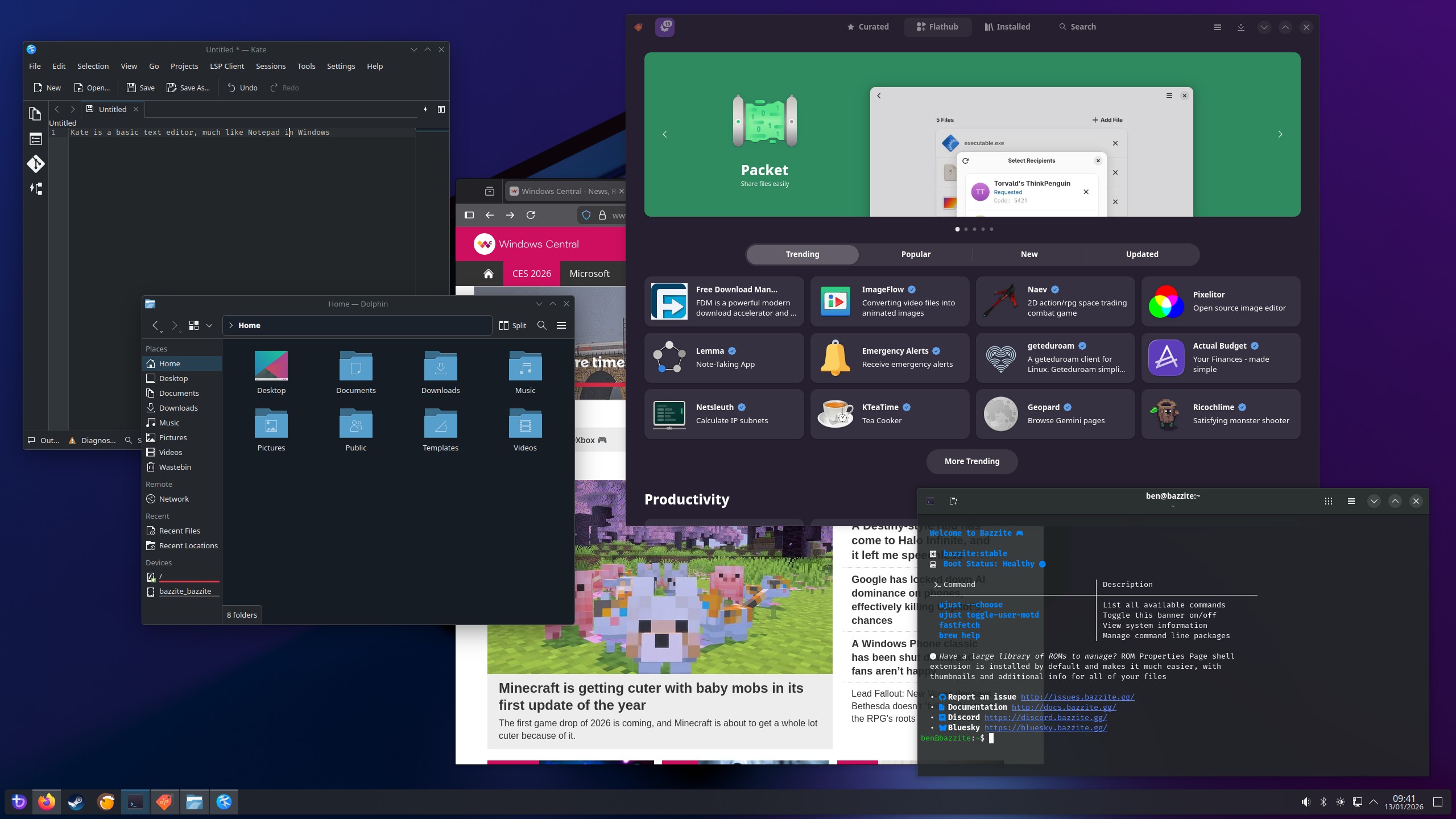
Choosing the KDE desktop environment with Bazzite will give you a user interface that feels similar to what you’re used to. However, whether Bazzite (Linux) is a better fit for you than Windows depends on what you like to do, especially the games and software you prefer. Some programs will work just like they do on Windows 10 or 11, but others might need a little extra setup if they weren’t originally designed for Linux.
Certain games use anti-cheat software that requires deep system access and isn’t compatible with Linux, meaning it won’t function correctly on Bazzite.
Essentially, running Windows applications on this system relies on a compatibility layer – often Proton through Steam, especially for games – but it can also work with other software. For instance, you can add non-Steam games to your library within the pre-installed Steam app in Bazzite, and it should launch them using the latest version of Proton.
However, certain games use anti-cheat software that doesn’t work with Linux, and therefore won’t function on Bazzite. Popular examples include Fortnite, Battlefield 6, Valorant, and Call of Duty. You can find out if a specific game will work by checking websites like “Are We Anti-Cheat Yet?”, which detail the anti-cheat methods each game uses.
Bazzite is immutable — what does that mean?
An immutable operating system is designed to be unchangeable, protecting its core files from user modifications. While this isn’t ideal for everyone – especially those who like to customize their computers extensively – it’s very helpful for beginners, as it prevents accidental system damage. Bazzite is an operating system built with gamers in mind, offering easy access to platforms like Steam, GOG, and the Epic Games Store through Lutris.
On Bazzite, apps are isolated in containers, keeping them separate from the core operating system. This means the main system is protected from changes, while your personal files – like documents, photos, and videos – can be saved and edited just like on Windows.
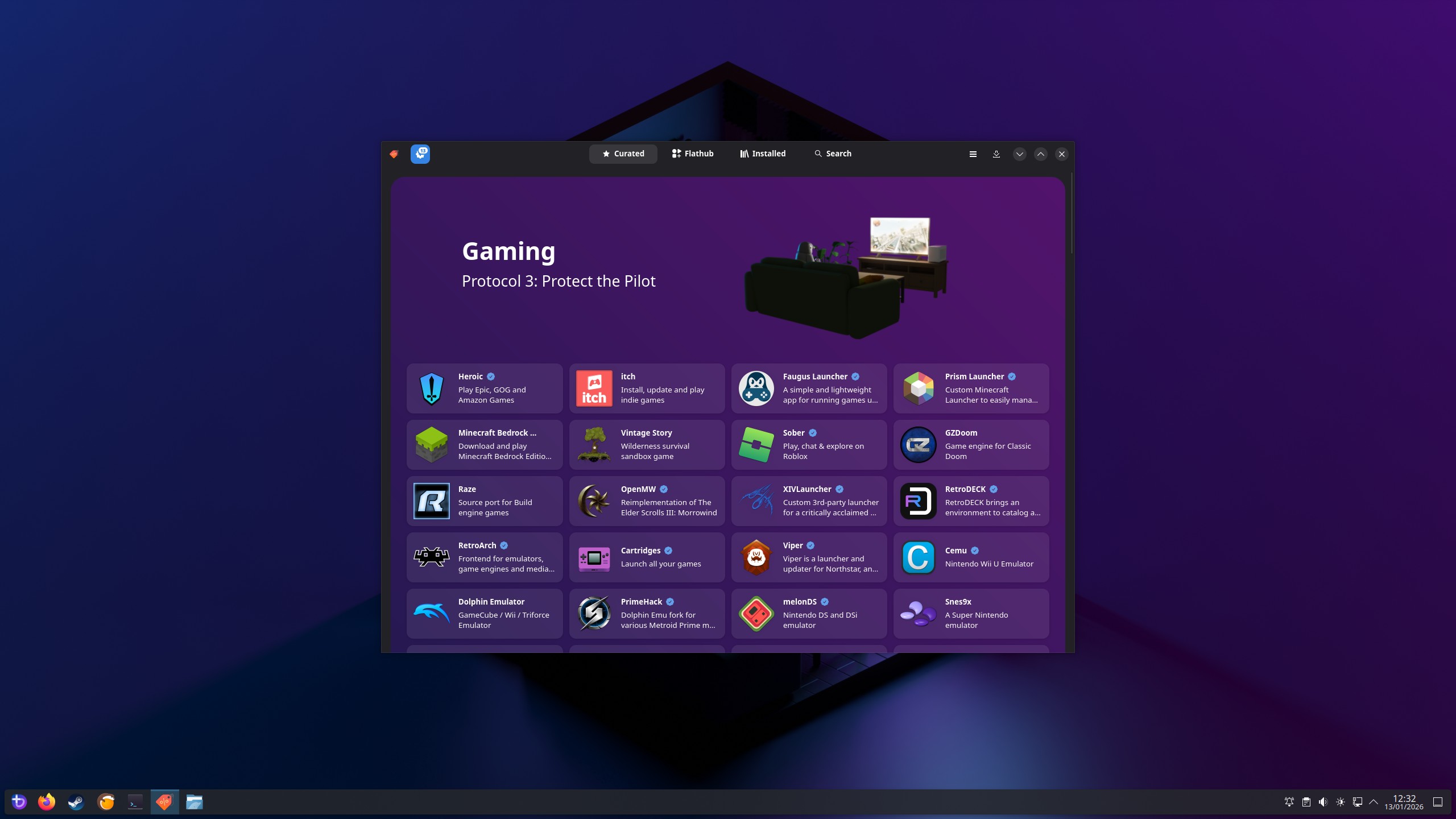
Bazzite includes a built-in app store called ‘Bazaar,’ similar to the Microsoft Store. It features a collection of pre-packaged apps, including popular game launchers like Heroic and emulators like RetroArch. If you can’t find what you need, you can still install it using Distrobox through the Kontainer app.
Is Bazzite good for gaming?
Even with this basic overview, many questions remain for Windows users – and I had quite a few myself. Essentially, Bazzite is great for gaming because it streamlines your PC by getting rid of bloatware and focusing on what gamers need, like Steam and other game launchers, which offer built-in compatibility features.
Bazzite simplifies things for most users, but Linux still takes some time to learn.
While Bazzite is a promising operating system, it’s probably not ready to completely replace Windows 11 just yet. The fact that it doesn’t support many popular PC games is a significant drawback for some, and although Bazzite simplifies things, Linux still has a bit of a learning curve for most users.
For gamers new to Linux, the way programs are installed can be confusing. Windows uses simple .exe files, while Linux relies on different package managers depending on the specific system. Also, getting Windows games to run on Linux with Proton sometimes requires trying out several versions – including community-made ones – which can be frustrating for those who just want to play.

Even though there are other good options like CachyOS, this is the best gaming-focused Linux distribution I’ve tried as someone who’s used Windows for years. It provides a similar experience to Fedora KDE, and for now, I don’t feel the need to switch to anything else.
Windows 11 is still the most popular choice for gamers, but Linux is rapidly gaining ground. While it’s unlikely Linux will become the dominant desktop operating system anytime soon, projects like Bazzite are helping to close the gap. This is especially true as support for older Windows 10 PCs ends, while Linux continues to work on a wide range of hardware.
Read More
- The Super Mario Galaxy Movie: 50 Easter Eggs, References & Major Cameos Explained
- Surprise Isekai Anime Confirms Season 2 With New Crunchyroll Streaming Release
- ‘Project Hail Mary’: The Biggest Differences From the Book, Explained
- 10 Best Free Games on Steam in 2026, Ranked
- All 7 New Supes In The Boys Season 5 & Their Powers Explained
- Frieren: Beyond Journey’s End Gets a New Release After Season 2 Finale
- Skate 4 – Manny Go Round Goals Guide | All of the Above Sequence
- Silver Rate Forecast
- Starfield (PS5) Review – A Successful Cross-Console Voyage
- Preview: Sword Art Online Returns to PS5 as a Darker Open World Action RPG This Summer
2026-01-19 19:40