
Responding to requests from its users, YouTube has launched a new yearly recap feature. As 2025 comes to a close, many platforms like Spotify, Apple Music, and Amazon Music offer users a look back at their listening and viewing habits. While these services have long provided this feature, YouTube now offers its own personalized recaps highlighting your favorite content.
YouTube Recap is launching at a perfect moment, as more people are watching online videos than ever before. In October 2025, Americans spent nearly 46% of their TV time streaming, and YouTube accounted for over 12% of that – surpassing both Netflix and Disney+ combined, according to Nielsen. This is thanks to the incredible range of content available on YouTube, offering something for every viewer, and YouTube Recap will highlight that diverse content.
YouTube Has Introduced YouTube Recap
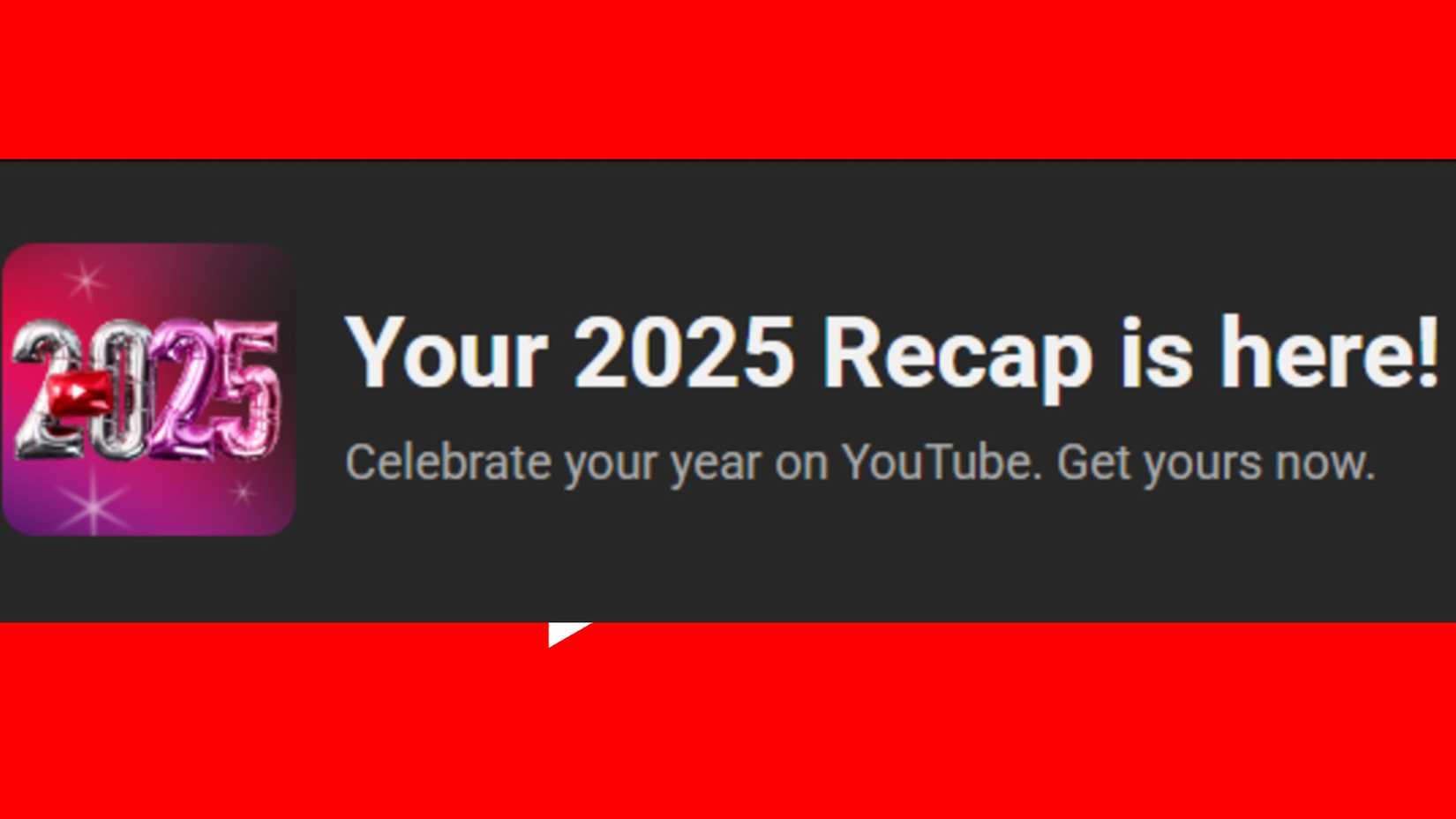
YouTube launched its year-end Recap feature on December 2nd, 2025, and it’s available through the end of the year. Recap creates a personalized summary of each user’s viewing activity, showing their favorite channels, main interests, and how their viewing habits evolved throughout 2025. This information is presented as 12 individual cards.
YouTube Recap also offers a fun personality summary based on the videos you watch. It assigns you a “personality card” like Connector, Sunshiner, or Wonder Seeker. YouTube says the rarest types are Philosopher and Dreamer. You can find your card directly on YouTube.
How To View Your YouTube Recap
You can find your YouTube Recap by logging in on your phone or computer. On the YouTube app, tap the “You” tab – it’s usually at the bottom right. You should see a Recap banner there. Tap it to see your 12 personalized recap cards and review your year in 2025!
You can find your personalized YouTube Recap on your computer by going to youtube.com/recap. Once you open it, a slideshow will automatically start, showing you which channels you watched the most and how your viewing habits compare to other fans of those creators.
Not everyone has access to YouTube Recap. It’s currently unavailable in certain regions and languages. Also, YouTube Recap isn’t offered to children’s accounts or users who are under the age of consent in their country. You can find a complete list of restrictions on the Google Support page here.
How To Share Your YouTube Recap
YouTube lets you easily share your personalized year-end recap with others. Just use the share button at the bottom of your recap card. You can then choose to share directly on social media, send it as a text message, or copy a link to share however you like.
You can download your YouTube Recap cards to your computer or phone by clicking the save button at the bottom left of the screen. Be sure to do this before January 1, 2026, as the Recap feature will be discontinued after that date. Saving your card or viewing history lets you compare your 2025 summary with next year’s, if YouTube continues to offer the feature.
How To View & Share Your YouTube Music Recap

If you’ve listened for 10 hours or more, you’ll also get a personalized YouTube Music Recap. You can find it in the app, and it will show you details about your listening – like your top artists, songs, and the genres and podcasts you enjoy most.
You can find your YouTube Music Recap in the “You” section of the mobile app, just like the regular YouTube Recap. To share a summary of your year in music, tap the “Share” button at the bottom of each card. You can then send it through social media, text message, or a link. You can also save your Recap, but keep in mind that this feature will disappear after December 31st, 2025, and isn’t guaranteed for all users.
Read More
- 10 Movies That Were Banned in Different Countries For Random Reasons
- Tekken 8 Fans Furious as Tifa Tipped for Street Fighter 6 Instead
- Welcome to Demon School! Iruma-kun season 4 release schedule: When are new episodes on Crunchyroll?
- Gold Rate Forecast
- Nintendo Switch 2 Reportedly Getting Remake of One of the Best PS3 and Xbox 360 Games
- Michael Jackson Biopic’s Record-Breaking Debut Unseats 2026’s Biggest Box Office Hit On U.S. Chart
- See Kaia Gerber & Lewis Pullman’s Vanity Fair Oscars Party Date Night
- Is Bitcoin Really Going to $1,000,000? You Won’t Believe the Predictions!
- All 61 Episodes 90s Cult Classic Sci-Fi TV Show That Was Famously Canceled Twice Were Just Added to Tubi
- Michael Jackson’s Mom Katherine Poses With Colman Domingo in Rare Pic
2025-12-03 19:12