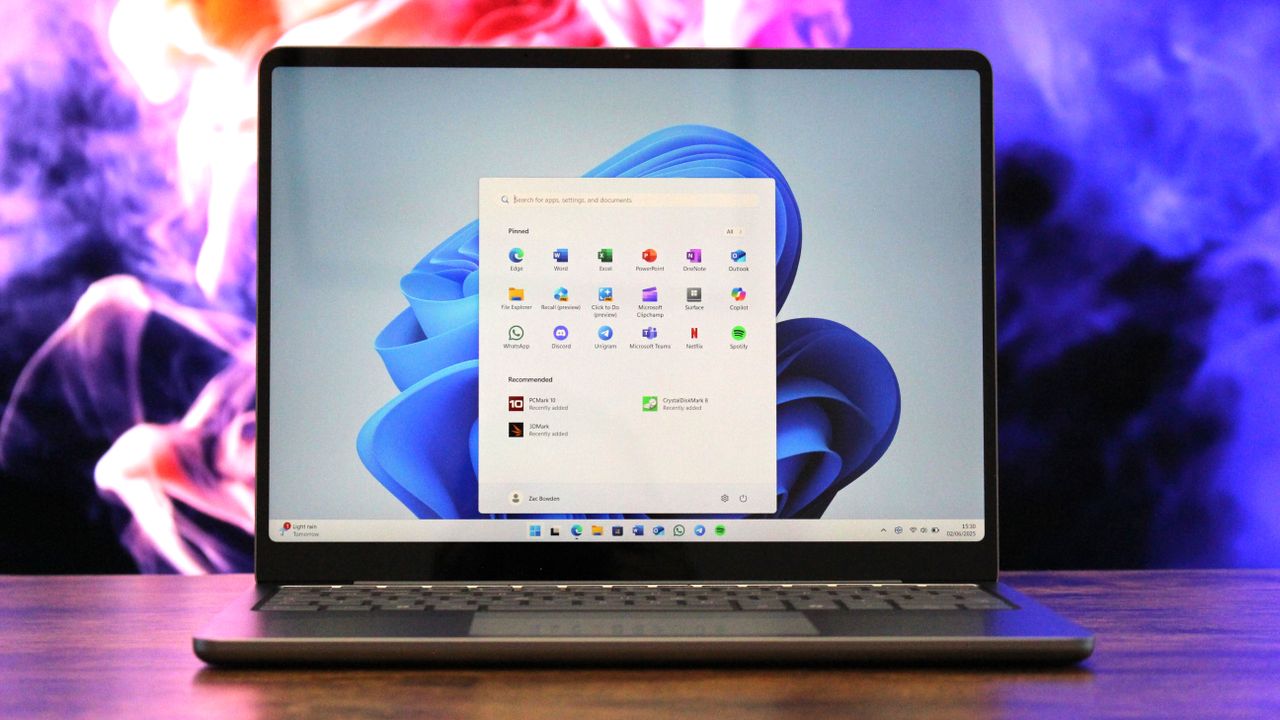
The past year has been really disappointing for Windows users. It’s the first time in a long time that it seems like Microsoft isn’t prioritizing the platform.
Microsoft stopped supporting Windows 10 in October, and this year presented a great opportunity to establish Windows 11 as its solid successor for millions of users. However, Microsoft largely focused on adding unfinished artificial intelligence features to Windows 11, which unfortunately led to a decline in overall quality and a consistent stream of new bugs and problems each month.
Microsoft’s actions regarding Windows this year have significantly damaged its reputation, reminding me of the issues surrounding Windows 8. Currently, there’s a strong negative reaction to Windows 11 – a level of dislike that’s even greater than what we saw at the beginning of 2025.
As a long-time Windows user, honestly, it’s gotten to the point where there are just *so* many issues with the platform. It’s hard to even know where to start listing them all! It feels like problem after problem these days.
AI obsession is hurting Windows
I’ve been watching the tech world this year, and AI is definitely the biggest story. Microsoft seems incredibly focused on making Windows 11 a leading platform for artificial intelligence, which is exciting, but it feels like they’re pushing this so hard that other important things, like making Windows more reliable and user-friendly, are getting overlooked.
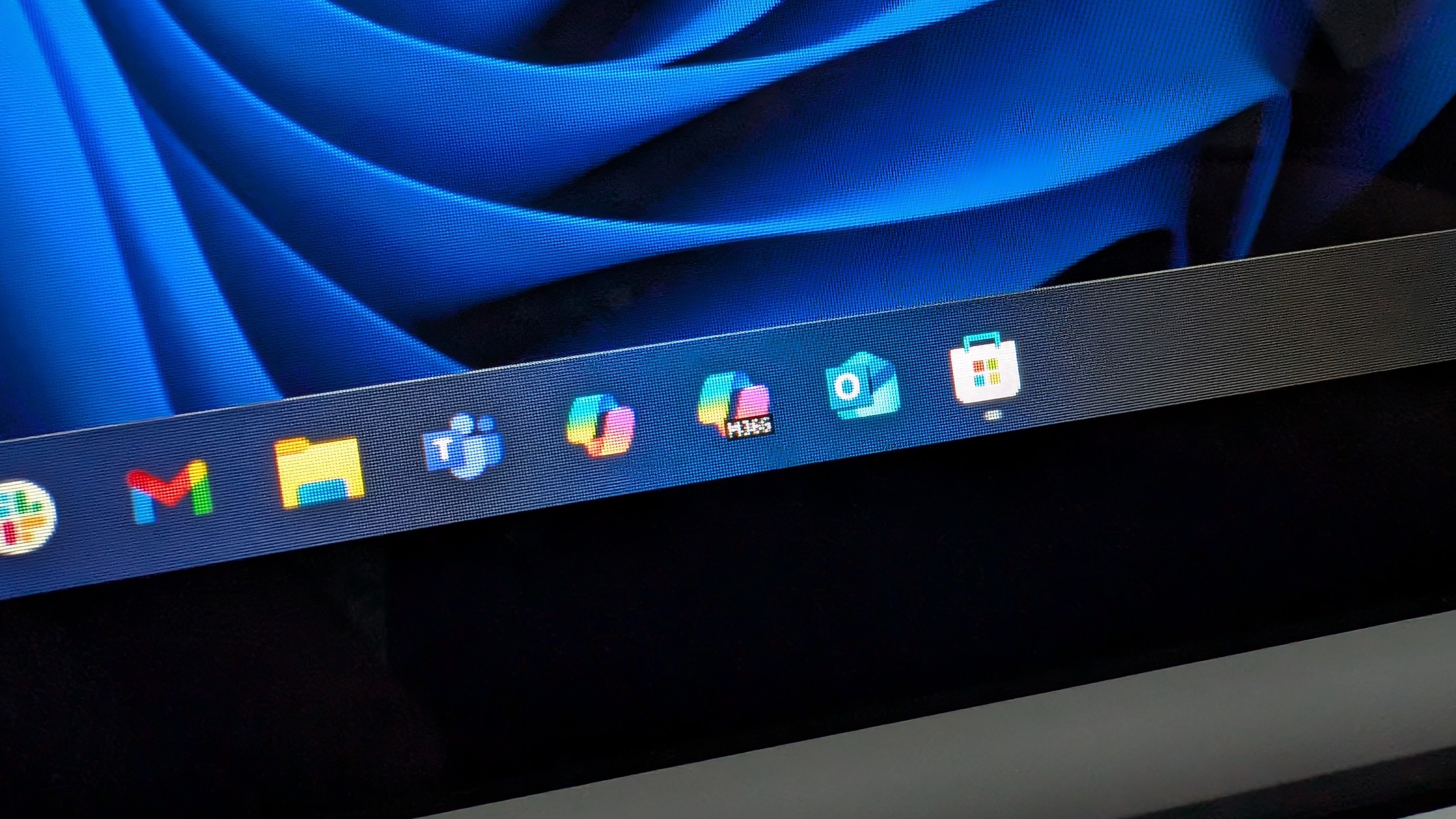
Copilot is now everywhere within Microsoft’s products, even appearing in places like Notepad – a feature most users didn’t request. Microsoft seems overly focused on integrating AI, almost as if they’re trying out every possible application to see what becomes popular.
Microsoft is quietly building more artificial intelligence into Windows 11. They’ve introduced a new system that lets AI developers create tools to automate tasks for you. While this sounds promising, a closer look reveals potential security risks and important warnings you should be aware of.
It’s surprising that a feature with such significant security risks was released to the public, but Microsoft appears unconcerned, given it’s an AI-powered tool. The fact that it’s enabled by default speaks volumes about the company’s priorities regarding this feature.
Many of the AI features revealed this year aren’t limited to Copilot+ PCs. However, these features generally need an internet connection and send your data to the cloud to work, raising additional privacy issues for Windows 11 users.
Last November, Pavan Davuluri, president of Windows, announced that Windows would be moving towards an “agentic OS” model. This announcement caused a significant negative reaction from users – one of the biggest I’ve seen all year. The post received so much criticism that comments had to be disabled, and Davuluri later published a statement clarifying that Windows would still focus on improvements beyond artificial intelligence.
It’s important to remember that AI can be really useful. I’ve always believed AI works best when you don’t even notice it’s there, so I’m puzzled by Microsoft’s focus on AI in Windows 11. It feels like they’re trying to make AI the main attraction, and that’s the wrong way to go. AI should enhance the experience, not *be* the reason people choose the platform.
Continuous Innovation? More like Continuous Irritation!
Currently, many users are frustrated with Microsoft’s approach to updating Windows 11. Their “Continuous Innovation” strategy prioritizes quickly releasing new features, and this rapid pace is causing problems for people.
Traditionally, new features for Windows were released with major operating system updates. Microsoft would typically roll out one large upgrade each year, completely overhauling the system and adding improvements. This approach gave the company ample time to thoroughly develop and test new features, ensuring they worked smoothly before being released to the public.
Microsoft now releases new features constantly, thanks to its focus on continuous improvement. They ship updates whenever they’re ready – often every month! This rapid pace means users are always seeing changes, with little time to adjust before the next update arrives.
As an analyst, I’ve been tracking Microsoft’s feature updates, and their Controlled Feature Rollout (CFR) system is a real challenge. It means that even if you install an update, you might not immediately see the new features. This makes it incredibly difficult to anticipate when a feature will actually be available to you, and therefore hard to plan for or prepare for it. It’s a significant obstacle to accurate prediction.
The redesigned Start menu in Windows 11 illustrates this well. While it started becoming available in October, Microsoft didn’t release it to everyone immediately after the update. Instead, it appeared for users at different times – sometimes days or weeks later – without any notification explaining the change.
Checking your update history won’t help you understand what changed, because the update with the new Start menu was actually installed weeks ago. You’re just now seeing the new features because Microsoft enabled them – a really confusing and frustrating decision.
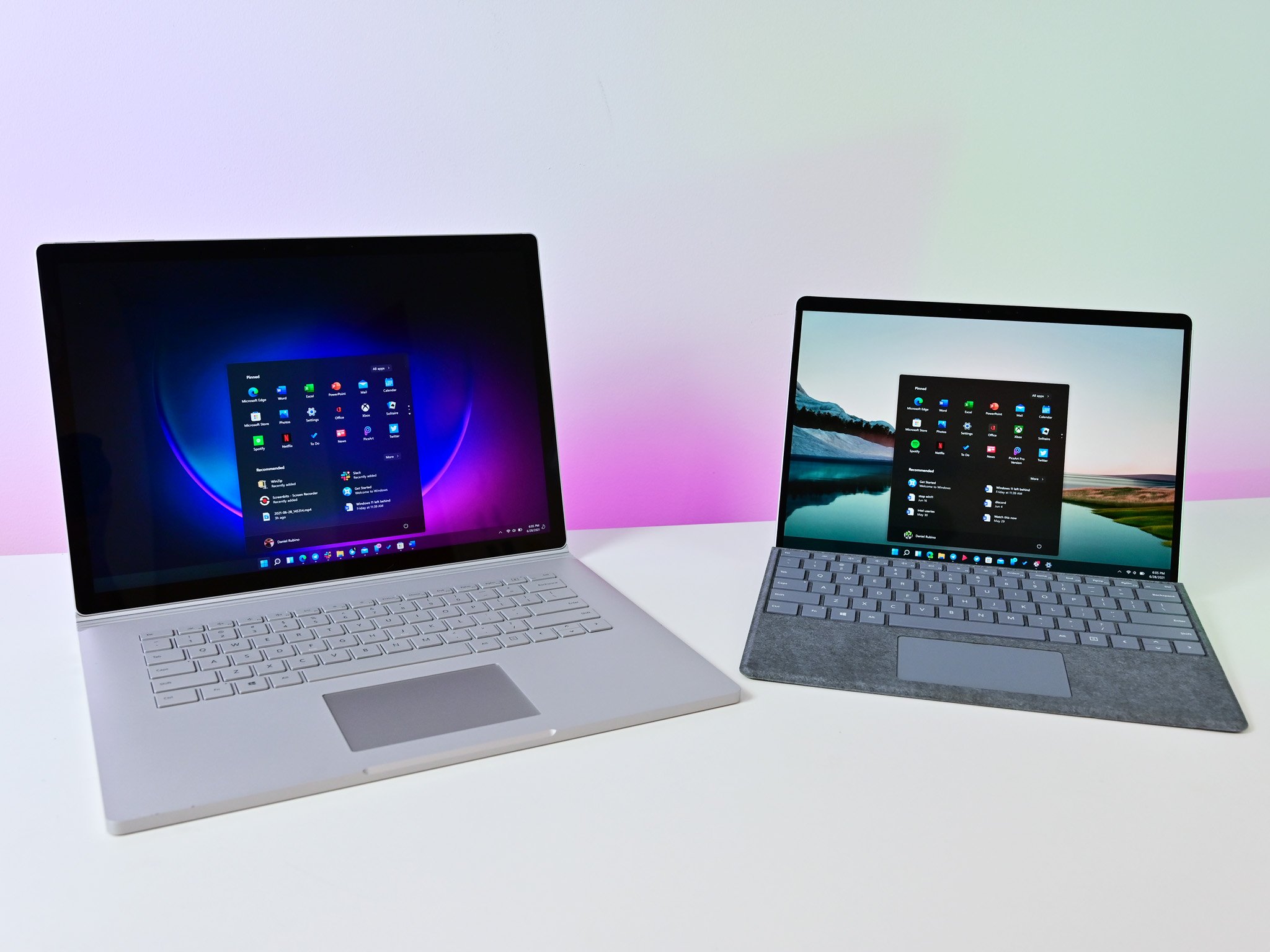
Because of the way Windows is updated now, every computer is unique. Even two PCs with the exact same version of Windows 11 can have different features enabled, which is confusing for many people. This complexity is probably also why Windows seems to have more problems than it used to – there are just too many things that can go wrong.
Continuous Innovation means Microsoft can automatically add new features to your computer, often through necessary monthly security updates. Because these security updates are crucial for staying safe online, it effectively gives Microsoft control over when you receive new features.
As a tech person, I have to say, it’s incredibly annoying when Microsoft just pushes new features or changes to your computer out of nowhere. It’s even worse when you can’t turn them off or revert back to how things were! It feels like they’re constantly rearranging things for the sake of it, and honestly, a lot of users are getting fed up with it.
Microsoft created a website to show users the progress of new Windows features, but it’s surprisingly difficult to use and understand. This highlights just how complex the current Windows update process has become.
Ultimately, this makes the yearly update unnecessary. The recent 25H2 version doesn’t offer anything new compared to 24H2, as Microsoft now releases updates for both simultaneously – they’re essentially the same. It’s unclear why Microsoft is doing this; continuing support for the existing 24H2 version would seem more logical.
A noticeable decline in quality
As a long-time Microsoft fan, I’ve noticed something a little concerning lately. While they’re pushing out new features faster than ever, it feels like the quality has slipped a bit in the last year or two. Honestly, a lot of the new stuff feels rushed – like it’s not quite finished – and sometimes even causes problems with things that *already* worked. It’s a trade-off, and right now it feels like speed is winning over polish.
It seems like every week brings news of a Microsoft Windows update causing new problems. The fixes for these issues usually arrive a few weeks to a month later. Microsoft rarely removes a problematic update, though it has done so on occasion.
It’s possible that Connected Flight Recorder (CFR) is contributing to the recent drop in Windows quality. Because the same version of Windows can behave inconsistently for seemingly random reasons, maintaining stability is becoming increasingly difficult with so many different factors influencing performance.
Windows 11 is now significantly more complicated than earlier versions. Microsoft frequently tests different features with users, but with the current system, it’s hard to be sure you’re getting a fully finished version of Windows 11, as features are rolled out gradually and unevenly.
Some users haven’t been able to try out new features before they’re released to everyone, and this is a major problem with the current system. For example, even though the updated Start menu is now available for all Windows 11 users, my test PC is still showing the older version.
The operating system doesn’t have a way to enable the new Start menu directly, so I can’t access it without using extra programs that essentially ‘fool’ the system into letting me try it out.
Controlled Feature Rollout (CFR) can seem like Microsoft’s way of protecting itself from releasing unfinished features. It lets them turn off problematic features remotely after launch, rather than fixing them beforehand.
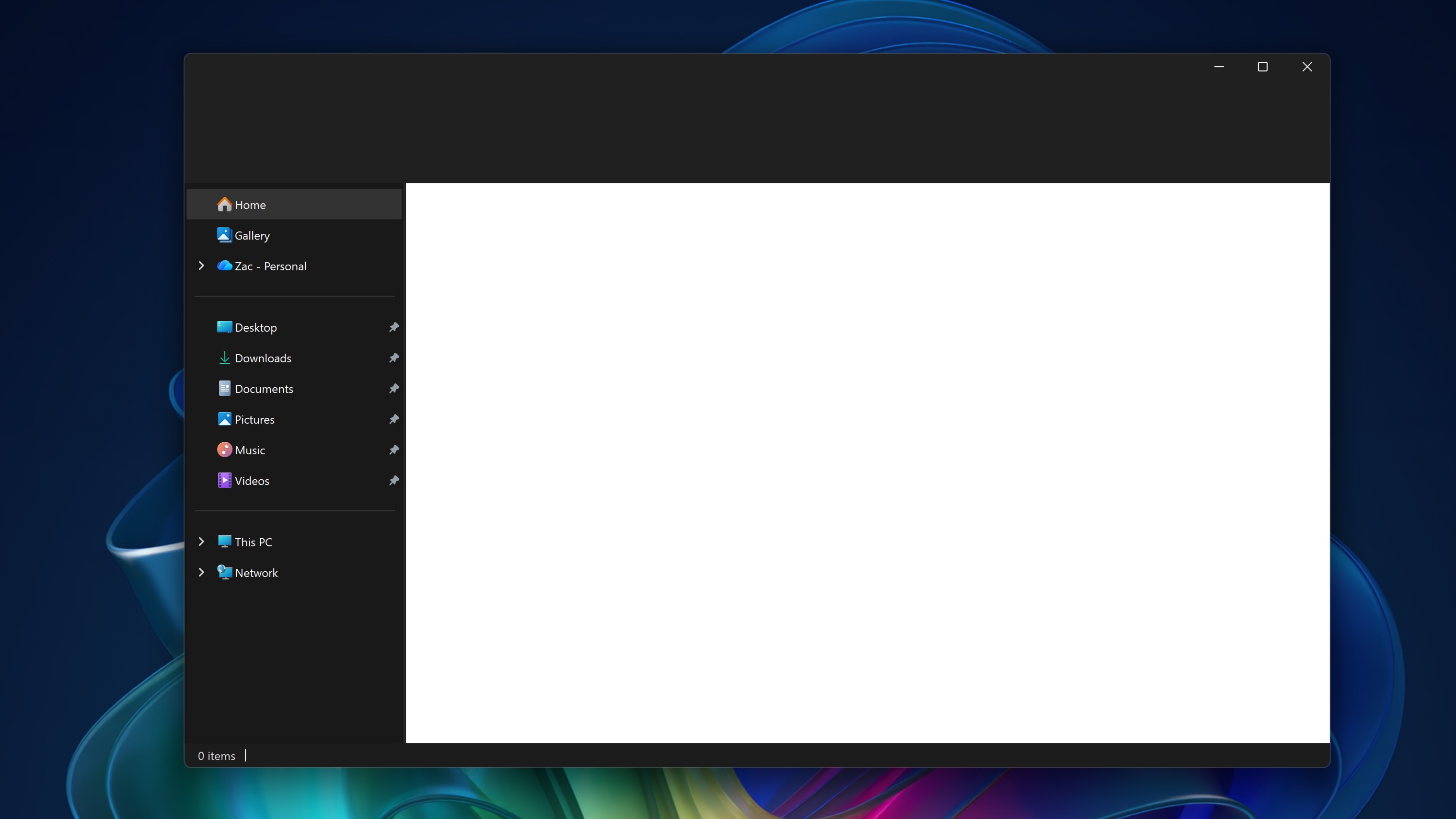
Windows 11 still struggles with consistency, which remains a key issue. While Microsoft has made efforts to improve how things look and feel across the system, noticeable inconsistencies remain, particularly in File Explorer. What’s most frustrating, though, is that even Microsoft’s own apps and core system elements don’t always use the same visual style.
Outlook comes pre-installed with Windows 11, but it’s easily the most frustrating email program I’ve ever used with an operating system. It’s slow to launch, often misses sending notifications, and uses a lot of computer memory while running. The Windows 11 version of Outlook simply isn’t well-designed or efficient.
I was really excited to hear Microsoft’s bringing back the agenda view to the Taskbar calendar – it’s a feature I’ve missed! But honestly, I’m a little disappointed to learn it’s built with web technologies instead of using the native Windows 11 interface. It just feels…off. It’s a pattern I’ve noticed with Microsoft lately, and it’s something I wish they’d address.
The competition is circling
Microsoft has been facing challenges lately, and its rivals have been taking advantage. Google, for example, has been developing Android-powered computers that are predicted to launch next year, offering a potential alternative to Windows, especially for more affordable computers.
For a long time, Windows has been a challenge to use on less powerful computers. Windows 11, in particular, demands a lot of resources and isn’t very efficient, making it difficult to run smoothly on older or cheaper devices. Because of this, many schools and businesses are now choosing Chrome OS or iPads instead.
I’m really impressed with how fast Chrome OS updates and resets itself. Updating Chrome OS is usually as simple and quick as restarting an app, often taking just a few seconds. In comparison, Windows 11 updates can take several minutes, or even hours, depending on their size.
Android-powered computers could finally give Windows some serious competition in the budget market. If major manufacturers like Lenovo, Dell, and HP start making these Android PCs, it will be difficult for Windows 11, as it is now, to stay competitive. Android is simply better suited for less powerful devices, and Windows needs a significant overhaul to even have a chance.
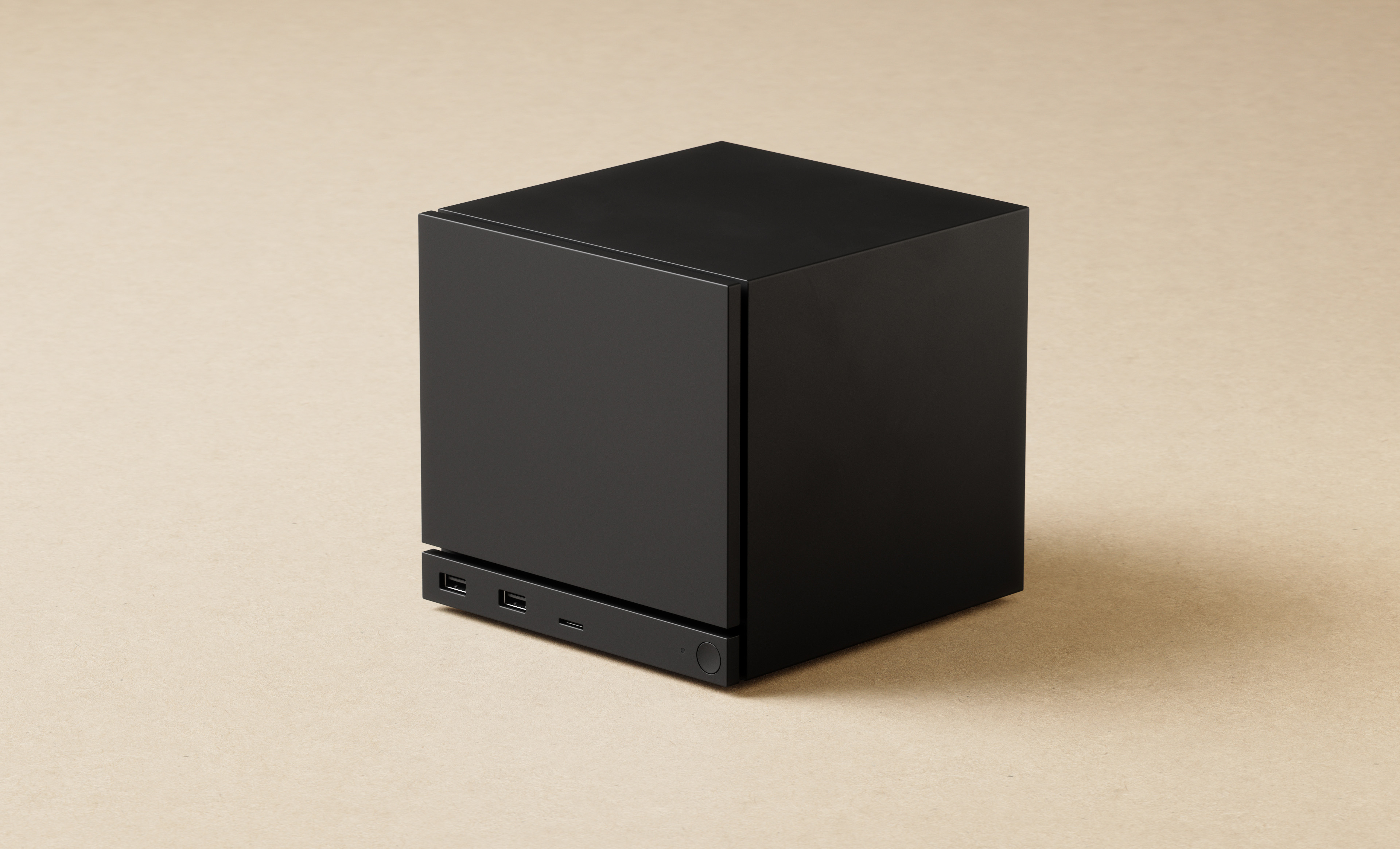
Google isn’t the only company challenging Microsoft’s dominance. Valve also wants a bigger piece of the PC gaming market, and they’ve been very open about it. This year, they’ve made it clear that they see SteamOS as the future of PC gaming and are actively encouraging Windows users to switch over.
Microsoft is facing a tough situation with Windows 11, as many users are unhappy and even considering switching away from it. Gamers are especially frustrated, and Valve’s Steam Machine provides a strong alternative. This new device is likely to significantly disrupt the PC gaming market currently dominated by Windows.
Apple continues to steadily gain ground on Windows with its Mac computers. Since introducing Apple Silicon chips, the Mac’s popularity has consistently increased, and its newest laptops are highly regarded. Currently, the main reasons someone might choose a Windows laptop over a Mac are if they specifically need a touchscreen, 5G connectivity, or simply prefer the MacOS operating system.
There’s talk that Apple is working on a more affordable MacBook, possibly releasing it next year. This could be bad news for Windows, as many people want a Mac but find them too costly. A new MacBook priced around $600 would be a very attractive option compared to Windows laptops at that price point.
It’s not all bad
I’m aiming for a balanced perspective in my article – while Windows certainly has its drawbacks, it’s important to acknowledge the positive developments Microsoft has made to the platform this year. I don’t want to present an entirely negative view.
The company is now prioritizing the little things that make a big difference in the Windows experience. They recognize that Windows 11 still has some gaps and are working to fix the most common complaints. For example, they’re finally making Dark Mode work consistently throughout the operating system – something many users, including myself, have wanted for years.
The company is bringing back popular features like subtle animations when you hover over app icons on the Taskbar, and a helpful Agenda view within the Taskbar’s Calendar pop-up (using web technology to power it). They’ve also added brand new features, such as a simple drag-and-drop tray for quickly sharing files.
The redesigned Start menu is a big step forward. It displays more icons, lets you hide unwanted ads and recently opened files, and can even show your full app list right on the main screen.
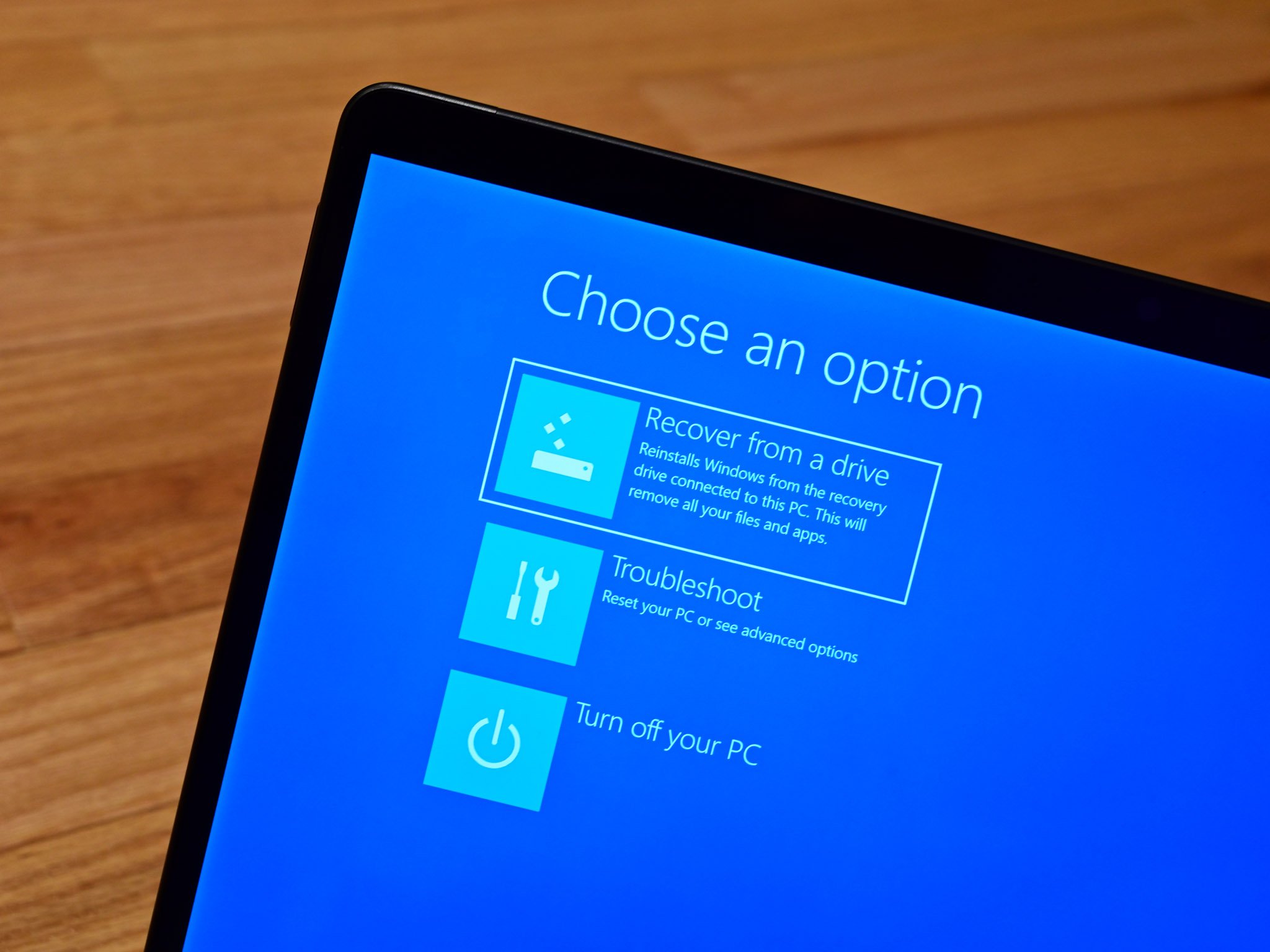
Microsoft has made the Windows Blue Screen of Death (BSOD) and recovery process much easier to use. Now, if a bad update or driver causes your system to crash, it’s simpler to get it back up and running. It’s also become more difficult to accidentally leave your PC unusable compared to last year.
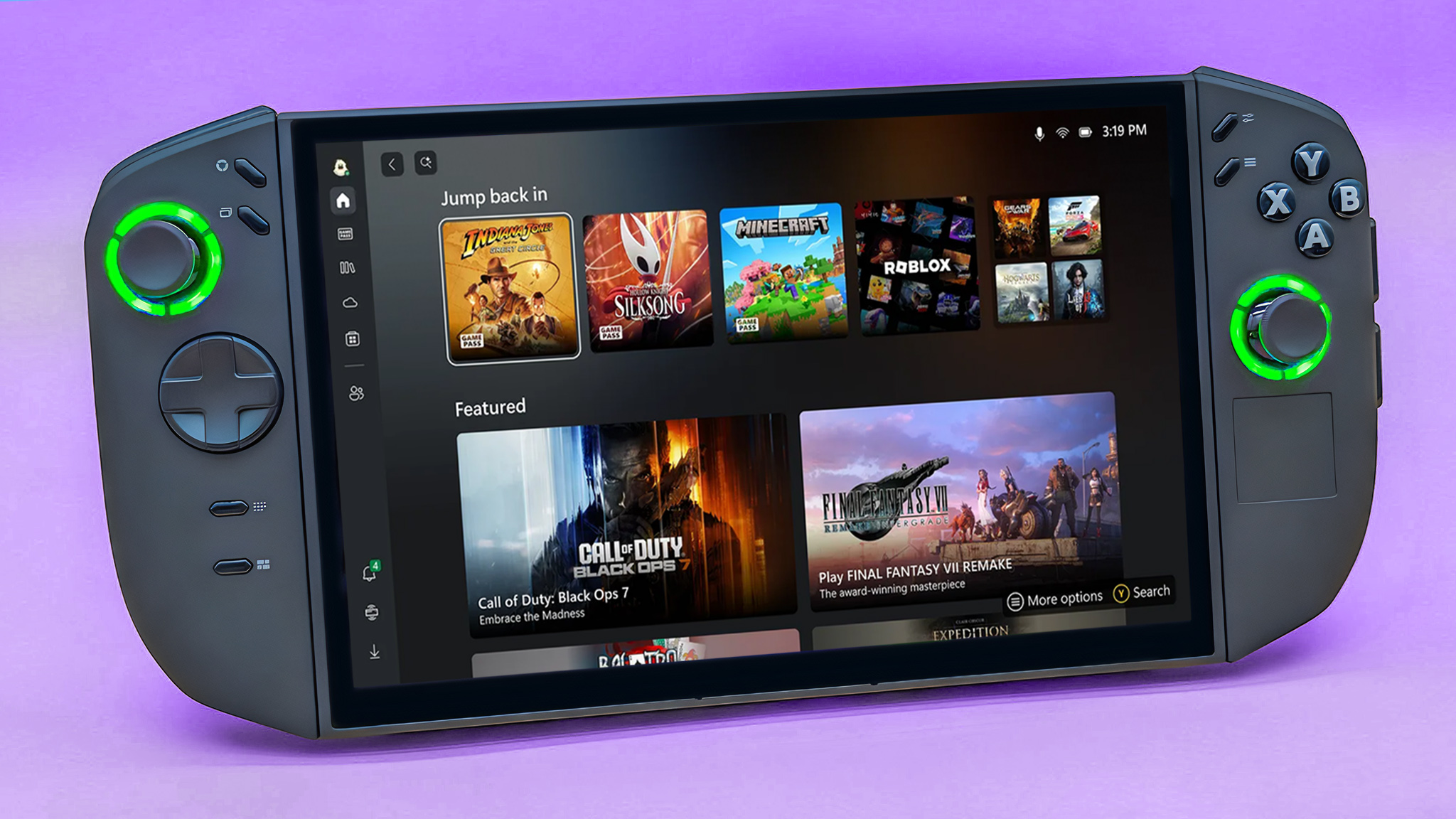
Windows 11 is now an even better experience for gamers. The Xbox app is becoming the central place to manage all your PC gaming, and can even let you use a controller to navigate the entire operating system instead of a mouse and keyboard. Microsoft plans to add even more improvements for gamers in the year ahead.
Windows 11 has its ups and downs this year. There are definitely some great features, but it’s a shame there aren’t more positives than negatives.
Something needs to change
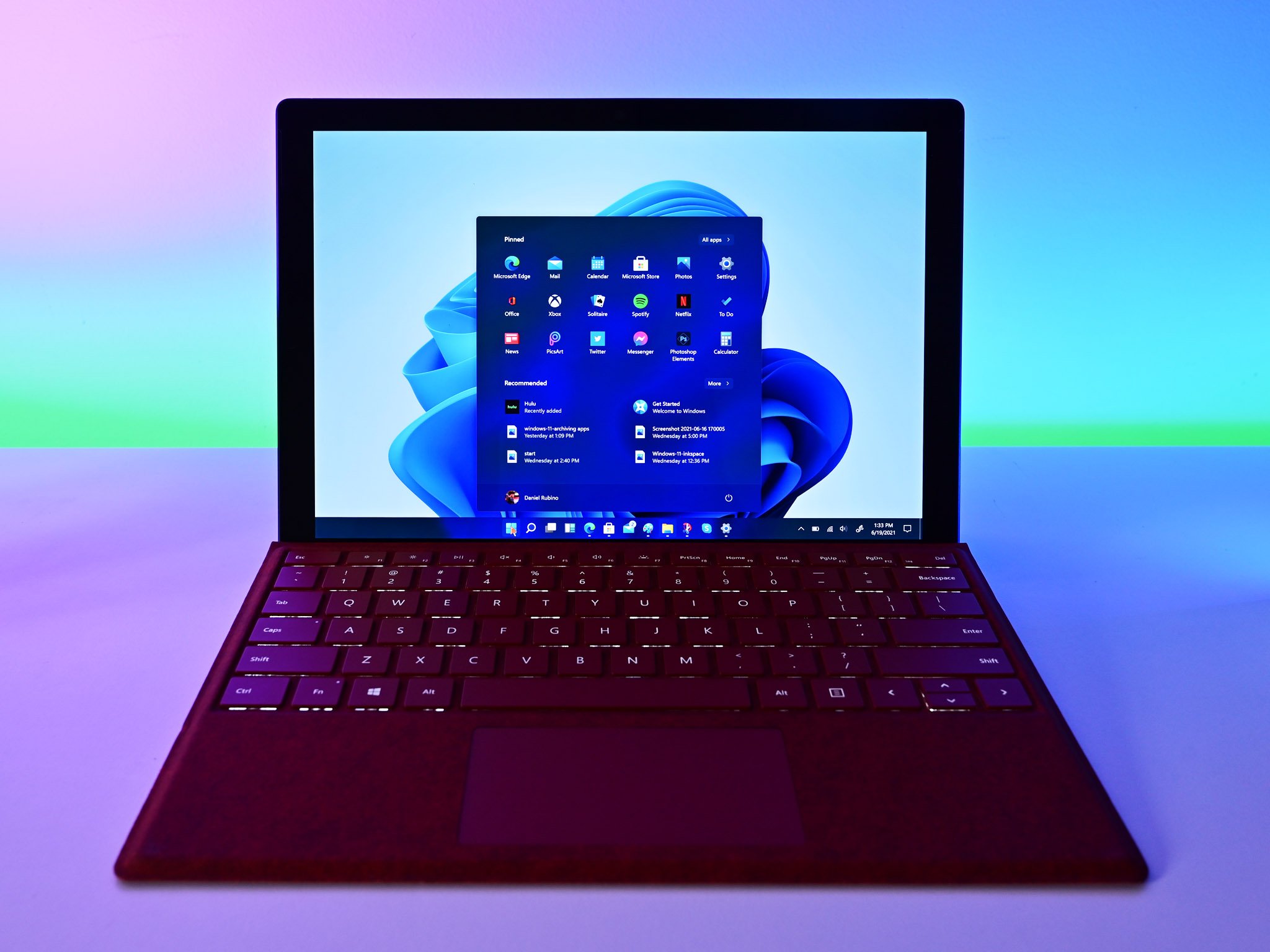
Honestly, it’s pretty obvious things need to shift with Windows 11. The general feeling out there is that people just aren’t happy with it, and Microsoft really needs to take notice and start making some improvements.
If I were making the decisions, my first step would be to stop the current strategy of constantly releasing new features every month. Users aren’t asking for it, and it would allow Microsoft to build and test updates more carefully.
I suggest releasing new features in smaller batches every three months, with major updates coinciding with the yearly version release. This means delivering quality improvements and smaller features quarterly, significant user experience changes annually, and continuing with monthly security updates.
Giving Microsoft more time to thoroughly test new features before releasing them should lead to a more stable and reliable system. I also propose removing the Controlled Feature Rollout system and making new features available to all users with each update.
I think Microsoft could benefit from a more subtle approach to AI. While it’s great that Windows 11 is AI-capable, I feel like they’re overdoing it by putting AI features everywhere. Honestly, an AI button in Notepad just feels unnecessary. To me, AI works best when it enhances things behind the scenes, rather than being constantly in your face.
Considering how people feel about Windows 11 right now, if I led the Windows team, I’d seriously consider launching Windows 12. It would be a chance to start over with a fresh design and improved experience. As long as Microsoft avoids heavily promoting it as an ‘AI operating system,’ releasing Windows 12 would likely be a positive move – especially if it’s offered as a free update and doesn’t require powerful new hardware.
Windows 12 shouldn’t ignore AI, but it also shouldn’t *rely* on it. AI is becoming increasingly important, and it would be great to see a completely new desktop experience designed around it. However, AI features should be something users can choose to use, and Windows 12 should still be a strong operating system even *without* them. AI should enhance Windows, not *be* Windows.

Read More
- Marvel Officially Confirms Deadpool’s Most Brutal Redesign
- The Boys Season 5, Episode 5 Ending Explained: Why Homelander Does THAT
- Invincible Creators Offer Promising Update on Season 5 Release Date
- Frieren: Beyond Journey’s End Gets a New Release After Season 2 Finale
- 10 Movies That Were Banned in Different Countries For Random Reasons
- After 11 Years, Black Clover Officially Ends With Final Release (& Crowns a New Wizard King)
- Gold Rate Forecast
- ‘You Can Play Your Purchased Games As Usual’: Sony Breaks Silence on PS5, PS4 Game Expiry DRM
- Gemma Arterton spy thriller Secret Service based on hit novel gets release date confirmed on ITV
- See King Charles & Queen Camilla’s Royal Looks for State Dinner
2025-12-30 19:43