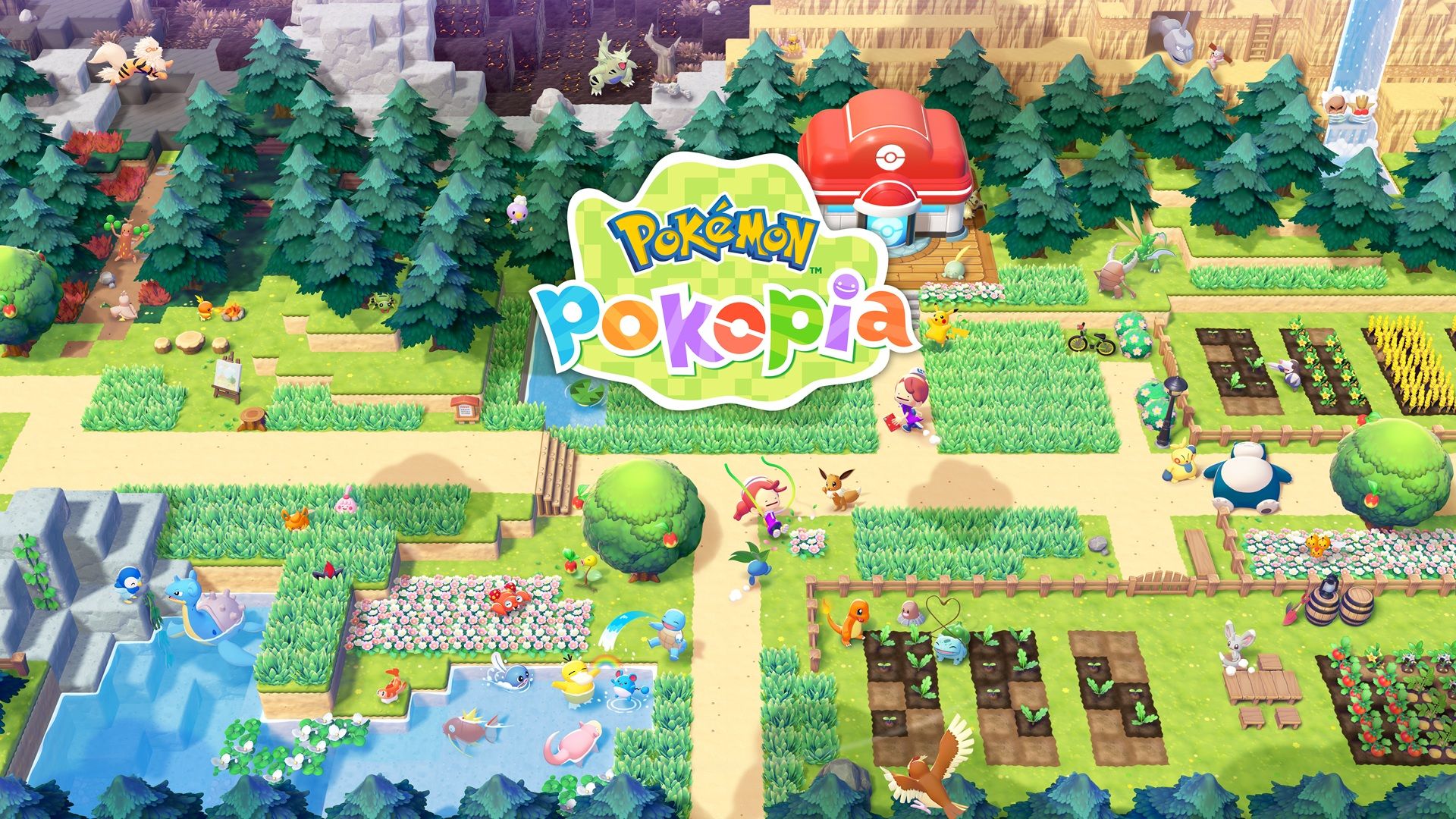
In Pokemon Pokopia, time plays a big role, influencing when certain Pokemon appear and how quickly buildings are finished. But players aren’t stuck waiting – they can adjust the date and time themselves to get things done faster or achieve specific outcomes.
This guide explains how to quickly progress through time in Pokemon Pokopia and why doing so is helpful for players who don’t want to wait.
How To Time Travel In Pokemon Pokopia
First, save your game to protect your progress. Then, go to the Home screen and open System Settings. You can leave the game running in the background without worry.
On the left side of the screen, scroll to the very bottom and click ‘System’. Then, on the right side, find and click ‘Date & Time’ – it’s located about halfway down the list.
Okay, so first things first, I turned off the ‘Synchronize Clock Using the Internet’ setting. That let me actually go in and change the date and time myself, which is what I needed to do.
On this screen, you can easily adjust the date and time – you can move it forward by a full day, or just a few minutes, whatever works best for you.
In Pokemon Pokopia, days start at 5 AM instead of midnight. If you want your game to follow this schedule, you’ll need to adjust the in-game time accordingly.
Back in the game, you will respawn at your house as the map reloads in the background.
Here are the various macro time slots in the game:
Morning: 6AM to 9AM
Day: 9AM to 5PM
Dusk: 5PM to 7PM
Night: 7PM to 6AM
Why Time Travel In Pokemon Pokopia
More than twelve Pokémon only appear at night, specifically between 7 PM and 6 AM. If you can adjust your device’s time to fall within those hours, you’ll be able to find these nocturnal Pokémon whenever you want. Some of these Pokémon include:
- Cacturne
- Clefable
- Clefairy
- Cleffa
- Crobat
- Duskull
- Golbat
- Honchkrow
- Hoothoot
- Misdreavus
- Murkrow
- Noctowl
- Oddish
- Umbreon
- Venomoth
- Venonat
- Zubat
Building construction times vary greatly, from just a few minutes to a full day, depending on the materials used and the size of the structure. The Pokemon Centers are a good example of buildings that require a lot of work to construct.
If players don’t want to wait, they can simply advance the game’s clock to instantly finish building something.
After you’re happy with the changes you’ve made while time traveling, remember to save your progress before returning the date and time to normal. This will ensure nothing is lost.
That covers everything you need to know about controlling time in Pokemon Pokopia and why you might want to do so.
Read More
- FRONT MISSION 3: Remake coming to PS5, Xbox Series, PS4, Xbox One, and PC on January 30, 2026
- Taylor Sheridan’s Gritty 5-Part Crime Show Reveals New Final Season Villain
- The Boys Season 5, Episode 5 Ending Explained: Why Homelander Does THAT
- ‘The Bride!’ Review: Jessie Buckley Breathes Life into a Monstrous Mess
- Mark Zuckerberg & Wife Priscilla Chan Make Surprise Debut at Met Gala
- From season 4 release schedule: When is episode 2 out on MGM+?
- How to Build Water Elevators and Fountains in Enshrouded
- Ashley’s Powers in The Boys Season 5 Explained & Why They Don’t Work On [SPOILER]
- Why There’s No Ghosts Tonight (Nov 27) & When Season 5, Episode 7 Releases
- Invincible Season 4 Episode 4 Post-Credits Unveils a Demonic Return & More
2026-03-12 16:14