
Beyond its adorable Pokémon and touching story, Pokémon Pokopia lets players express a lot of creativity. In just one week, fans have already built incredible virtual worlds for their Pokémon. To help inspire players, the Pokopia developers are offering a virtual tour of their Cloud Island. And now, those Mysterious Goggles come in handy again! A new virtual island code has been released for Pokopia, providing a fresh world to explore and use as inspiration for your own perfect Pokémon paradise.
Visiting these unique islands is a bit different than just visiting a friend’s island. First, you need to purchase the Mysterious Goggles from the Pokemon Center PC and have them equipped. After that, you’ll be asked for a code, which will take you to a brand-new, beautifully designed cloud island. This island was created by the star of the Japanese Pokemon Pokopia commercials, and it features some interesting designs you might like to copy for your own island!
How to Visit Hidetaka Kano’s Cloud Island
Now you can explore a virtual island in Pokopia designed by Hidetaka Kano, the star of the Japanese Pokopia commercials! It’s full of amazing creations. To visit, put on your Mysterious Goggles and enter the code QBRK 7FVM when asked.
You’ll need an internet connection and a Nintendo Switch Online membership to visit these virtual islands. Once you’re there, you can explore and run around, but you won’t be able to pick up or interact with anything directly. However, by visiting the Cloud Islands, you can get some new items using the game’s PokeMetal Printing feature.
How to Use the 3D Printer to Copy Items in Pokopia
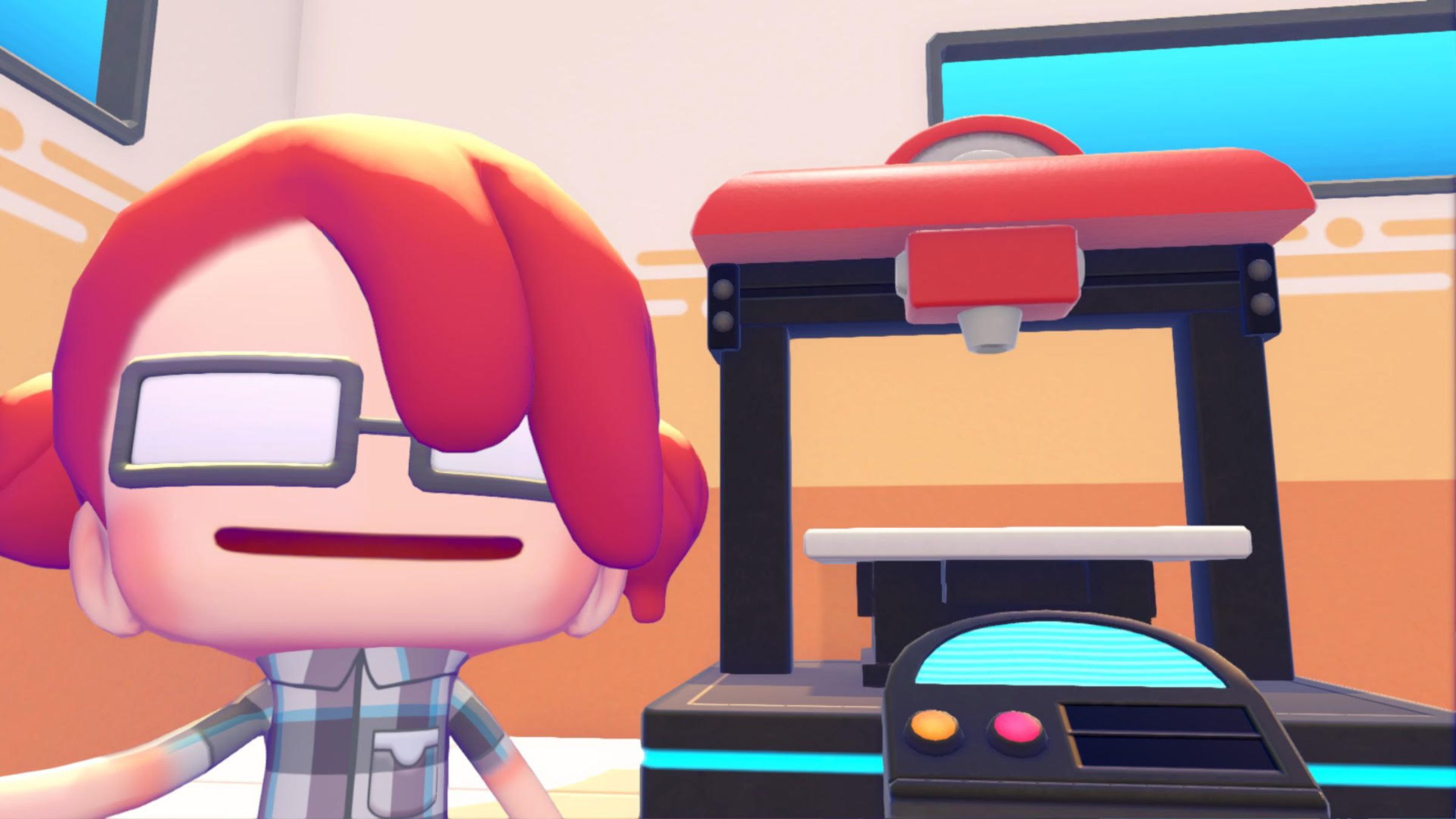
When the code for Developer Island was released, many players were still learning how to print items in Pokopia. Luckily, the Pokemon Center has a machine that allows you to do this! All you need is a clear photo of the item you want to print – even items found on the Cloud Islands. Kano’s island is smaller, but it contains some rare items that are perfect for 3D printing. Here’s a guide on how to use the machine.
To start, take a picture of the item you need. Open your camera and press the Y button to enter object photo mode. You’ll know it’s working when you see labels appear on the item in the camera view. Take a regular photo while in this mode – this will be the reference image used by the 3D printer at the Pokemon Center.
To duplicate an item, you’ll need Poke Metal ingots. You can purchase these from the PC or find them while adventuring. Alternatively, you can mine Poke Metal ore and then smelt it into ingots. Once you have enough, go to the Pokemon Center and use the 3D printer. This will allow you to print copies of items you’ve previously photographed, either on virtual islands or while exploring Pokopia, using those photos as a reference.
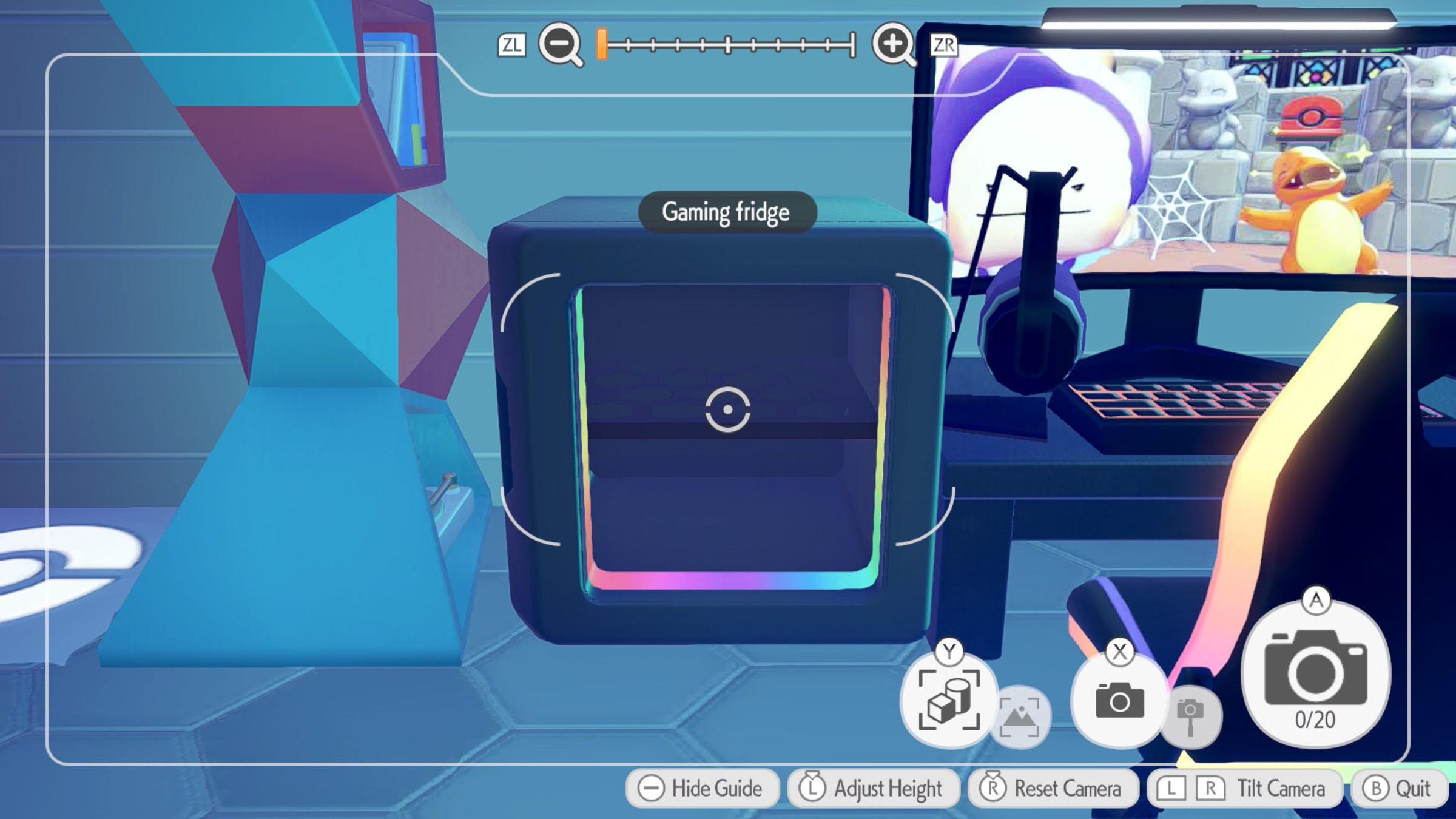
Certain items, like the impressive Charizard rug found on Kano’s island, need Rare Poke Metal ingots to create. If an item can’t be printed, you’ll see an icon indicating that. If you try to print it anyway, a message will tell you which ingots you still need. Items you can print will look like regular photos. Just select the photo and press A, then enter the number of copies you want. The printer will start working immediately, giving you a copy of the item to use – perfect for gathering inspiration from virtual islands like Kano’s and even the developers’ creations.
Have you tried using the Mysterious Goggles to explore Pokopia yet? Share your thoughts and join the discussion in the ComicBook Forum by leaving a comment below!
Read More
- FRONT MISSION 3: Remake coming to PS5, Xbox Series, PS4, Xbox One, and PC on January 30, 2026
- The Boys Season 5, Episode 5 Ending Explained: Why Homelander Does THAT
- Taylor Sheridan’s Gritty 5-Part Crime Show Reveals New Final Season Villain
- ‘The Bride!’ Review: Jessie Buckley Breathes Life into a Monstrous Mess
- Welcome to Demon School! Iruma-kun season 4 release schedule: When are new episodes on Crunchyroll?
- From season 4 release schedule: When is episode 2 out on MGM+?
- Mark Zuckerberg & Wife Priscilla Chan Make Surprise Debut at Met Gala
- Invincible Season 4 Episode 4 Post-Credits Unveils a Demonic Return & More
- How to Build Water Elevators and Fountains in Enshrouded
- Why There’s No Ghosts Tonight (Nov 27) & When Season 5, Episode 7 Releases
2026-03-12 16:17