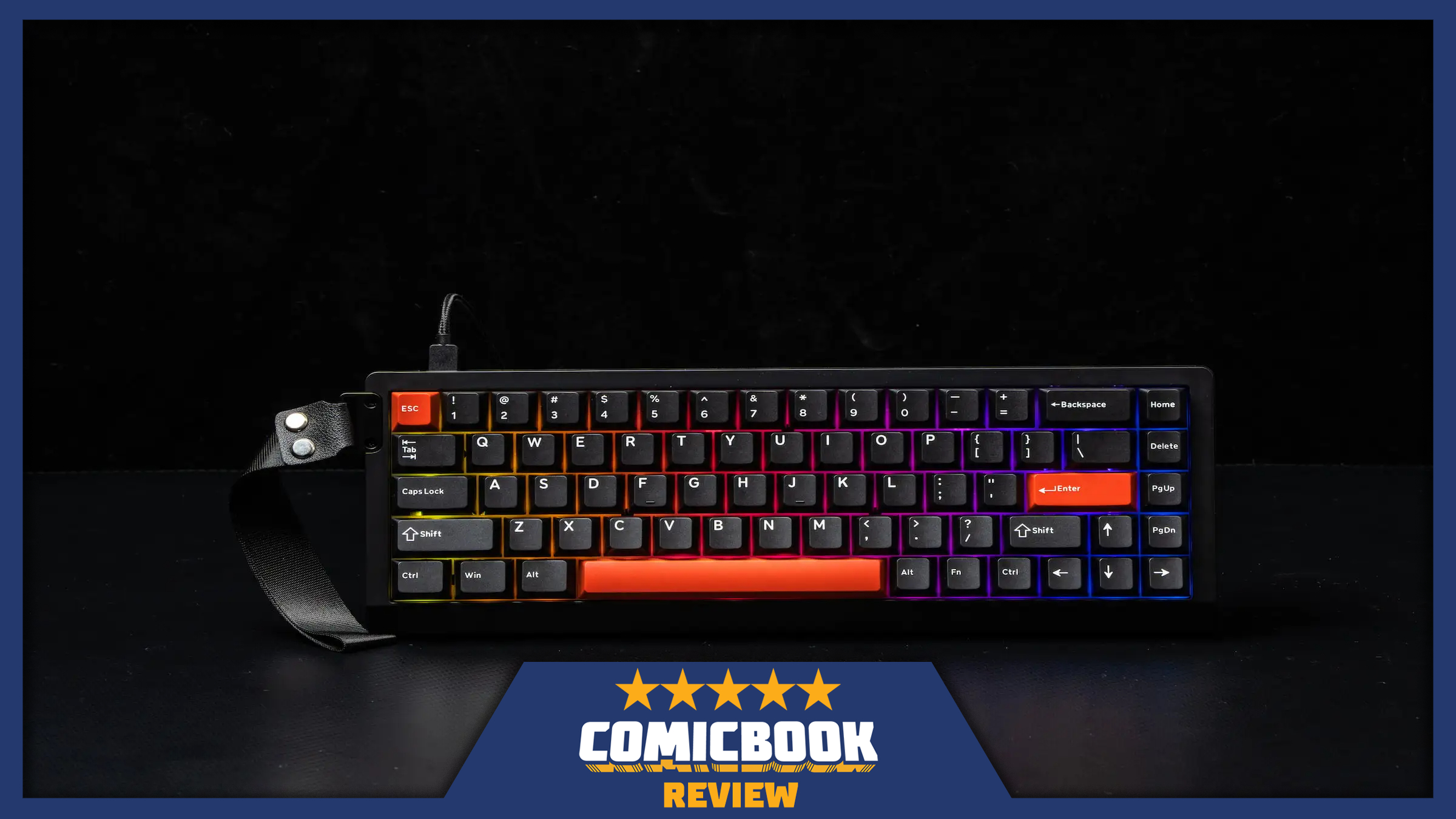
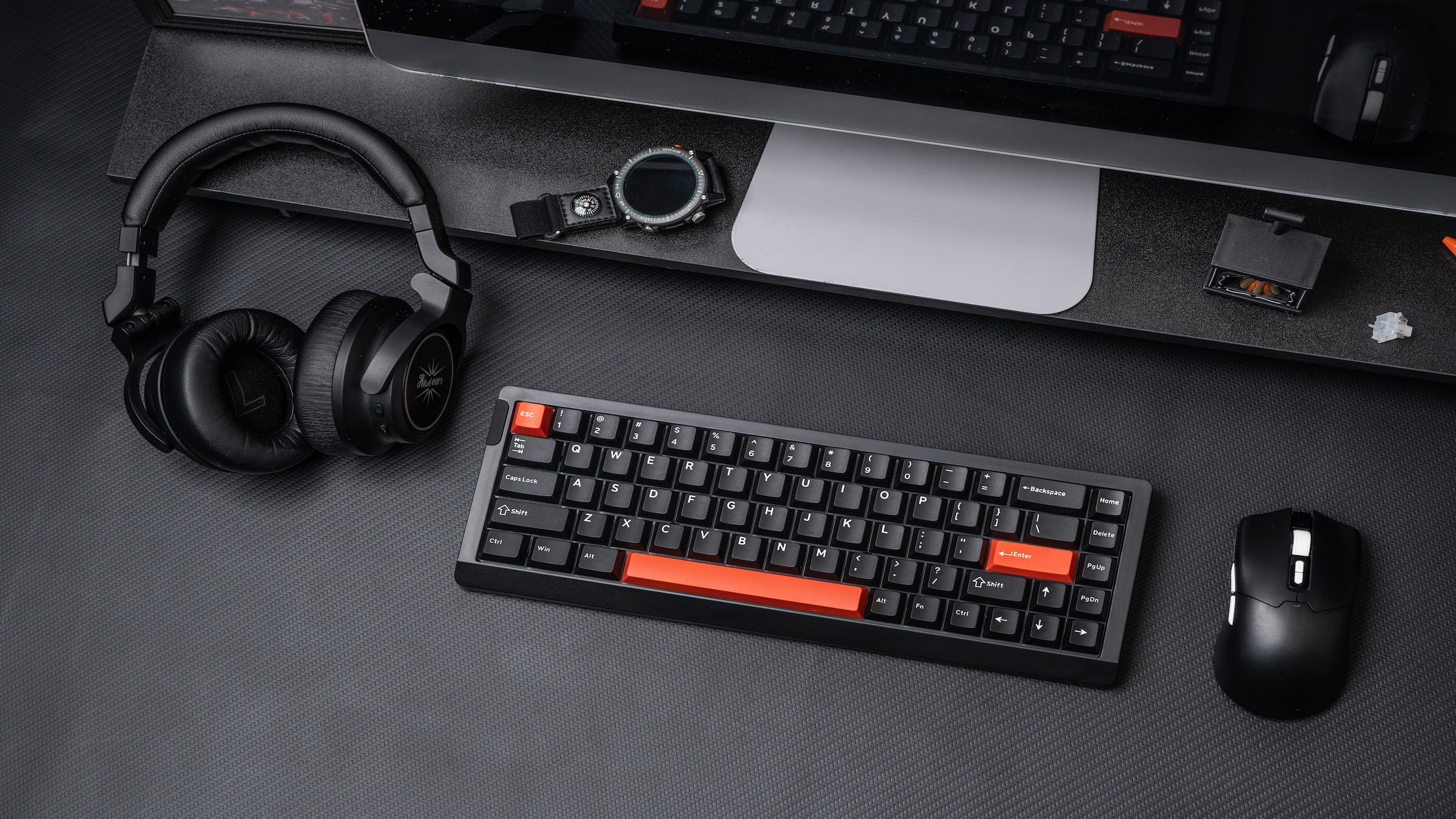
When I first got the Epomaker HE68 Lite, I immediately noticed how small it was. It’s not just a sleek, minimalist design – it’s genuinely compact, meaning you’ll be missing some keys. It’s also very lightweight, and it’s clear this keyboard was made with a budget in mind. My initial impression was that its performance would be everything – it either would or wouldn’t justify its size and price.
I put the device through a real-world test, using it for long gaming sessions, writing, and all my regular online activities – just as I would with any other device. I didn’t see it as a temporary gadget, but as something that needed to prove its worth. Gradually, my initial doubts faded. It wasn’t an immediate change, but I eventually stopped questioning its performance and started depending on it.
Rating: 5/5
| Pros | Cons |
|---|---|
| Adjustable actuation adds real, noticeable control to both gaming and typing | Lightweight plastic build lacks a premium feel and has slight hollowness |
| Strong performance with fast, consistent input response across extended use | Requires Epomaker software to unlock its best features and full customization |
| Compact 65% layout frees up desk space without feeling limiting | |
| Plug-and-play setup makes it easy to get started immediately | |
| Excellent value especially with Hall Effect features at its asking price |
I Thought the Size Would Be a Problem. It Wasn’t.
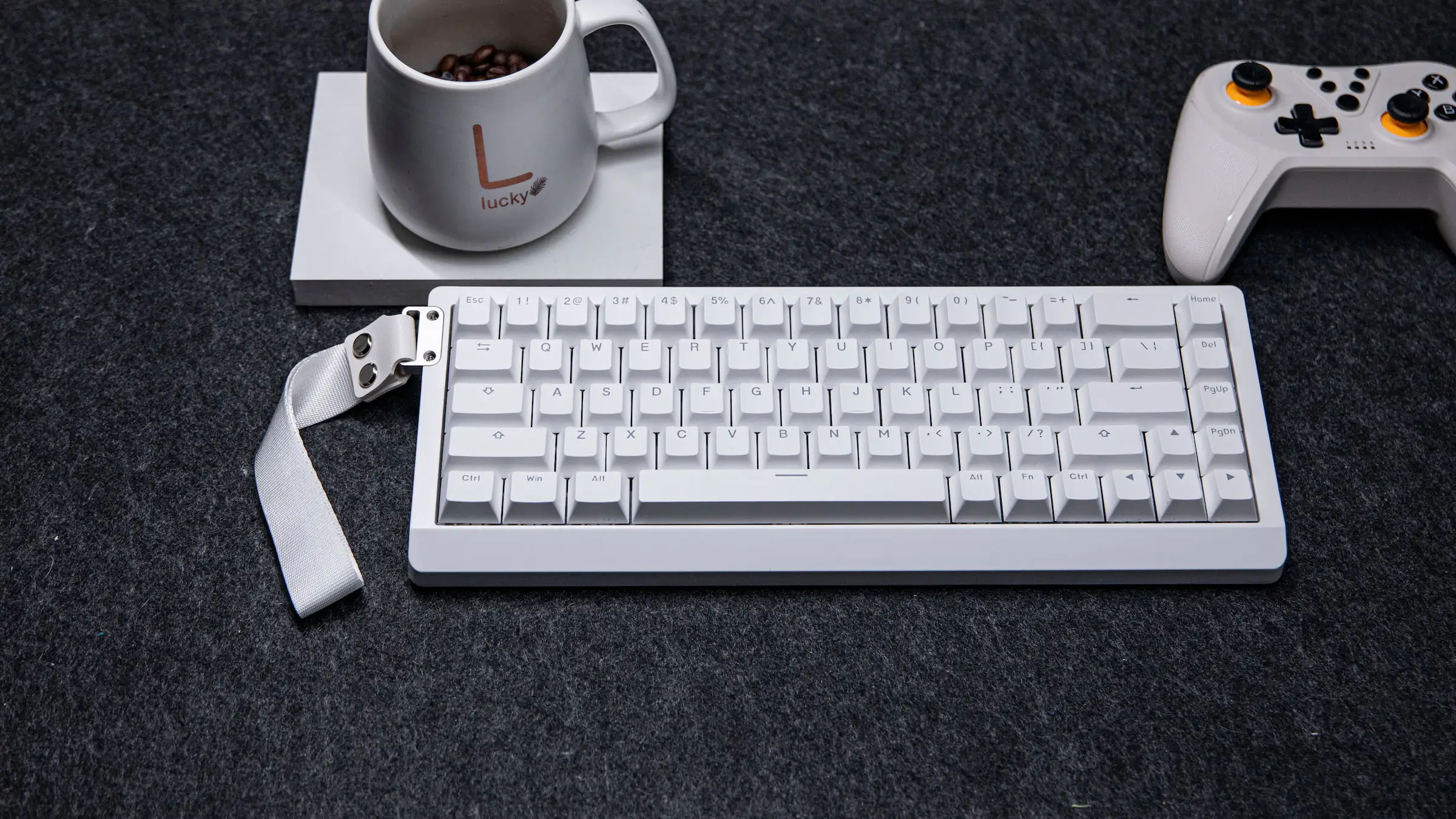
The keyboard’s compact size instantly changed how I used it, not just how it looked. Having less keyboard on my desk freed up space for my mouse, which significantly improved my gaming experience – especially in games needing big, fast movements. I stopped hitting the keyboard or having to work around it, making long gaming or work sessions much more comfortable.
Honestly, I was bracing myself for a tough time learning the layout. I figured I’d keep messing up because of missing keys. But it never really became an issue! This 65 percent keyboard keeps everything I actually need and gets rid of the fluff, but it doesn’t feel like I’m sacrificing anything. It only took a little while to get used to it, and then it just felt natural. I was surprised how quickly I adapted – it really shows how well-designed this layout is.
You definitely notice the keyboard’s affordable $49.99 price in its build quality. It’s lightweight and feels a bit empty when you really pay attention. It doesn’t have the solid, high-end feel of more expensive keyboards. However, it remained stable during use and never felt flimsy. It feels like a budget keyboard, which is expected for the price, but surprisingly, that doesn’t impact how well it performs.
At first, the small size seemed like a limitation, but I quickly realized it was actually a major benefit. It makes the board surprisingly versatile, and after using it for a while, I found it really enhances your overall setup.
Actuation Control That Actually Matters
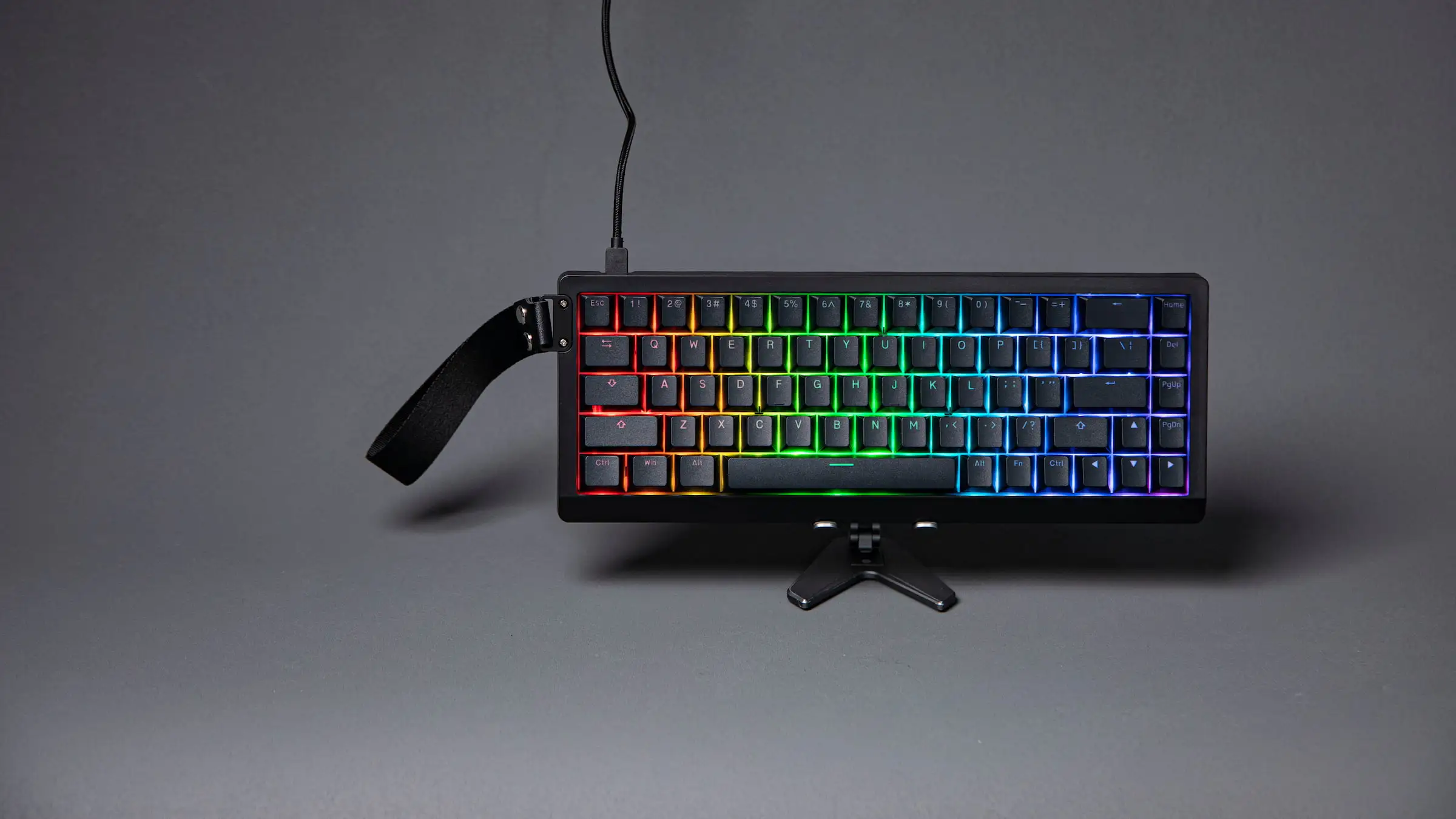
The Hall Effect switches are a key feature that really make the HE68 Lite special, especially considering their small size. I carefully adjusted how sensitive the keys are, and the impact is significant – it’s not something you’d quickly forget. These switches fundamentally change the way the keyboard feels and responds.
Reducing how much force it takes to activate the keys made them respond incredibly fast. In games, this meant quicker reactions and a more direct link between what I did and what happened on screen. It felt very precise and responsive, almost too sensitive at first, which caused a few typos. But after adjusting it to my preference, it gave me a noticeable edge.
Adjusting how much force is needed to press the keys dramatically changed the typing experience. It encouraged more careful and precise keystrokes, leading to fewer errors during extended use. While it did make typing a little slower, it felt like a thoughtful adjustment rather than a restriction. The ability to easily switch between a light and a more firm keypress on the same keyboard is what truly sets this apart.
I’ve found that the HE68 Lite really shines thanks to its adjustable actuation. It’s unusual to find this feature on keyboards, but the HE68 makes it a key benefit. It’s more than just a nice addition to its small size. If you enjoy customizing how your keyboard feels, or you’re a gamer who needs fast responses, this keyboard is a great choice. If you don’t need that level of control, the feature might seem unnecessary, but for the right person, it’s what makes the HE68 Lite stand out.
Performance That Holds Up When It Counts
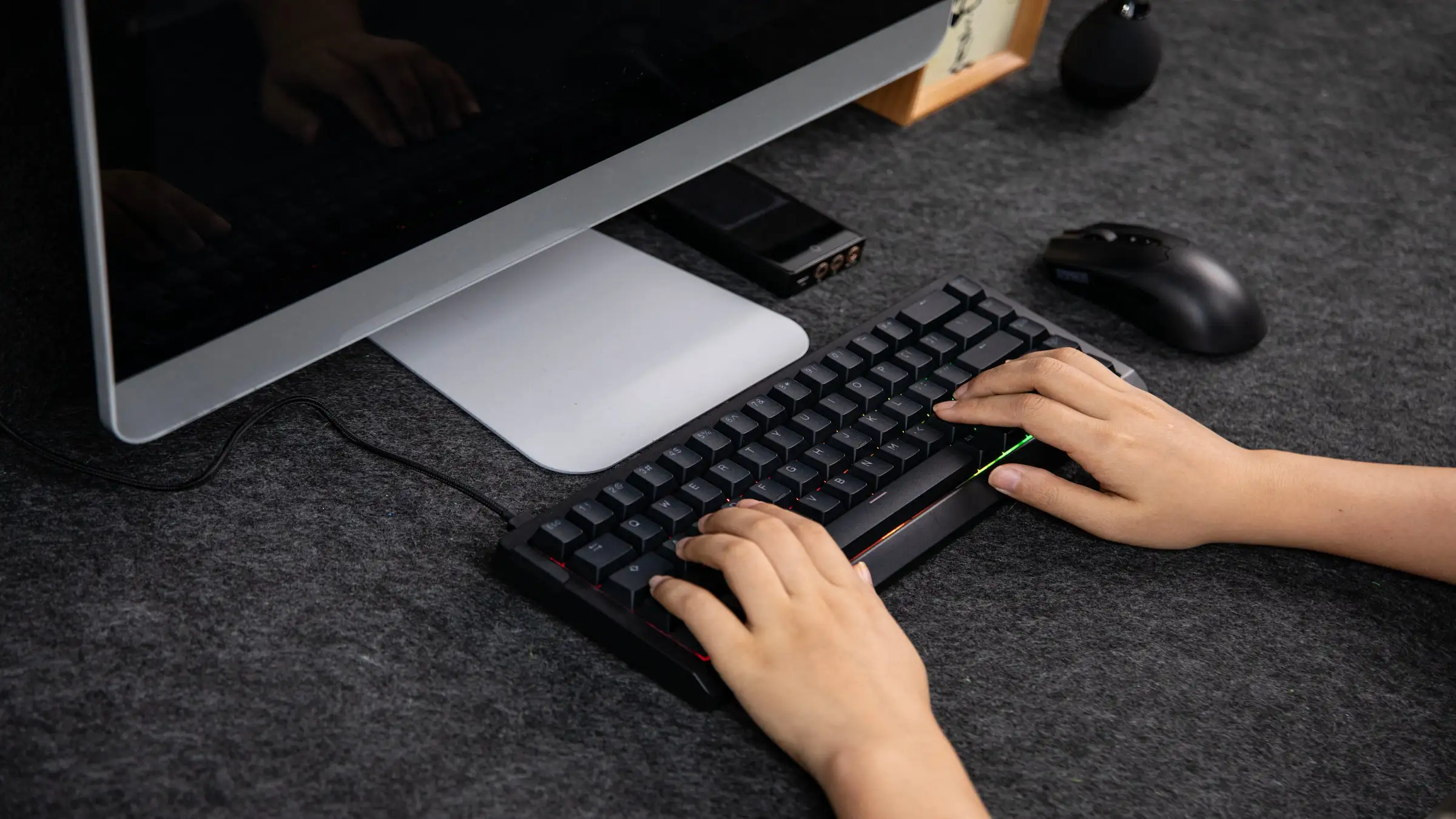
We really put the HE68 Lite to the test with long gaming sessions, and it performed admirably. Key presses were consistently accurate, even after extended use – a time when minor problems often appear. The keyboard felt consistently responsive with no lag or errors. This dependability is crucial for a keyboard you’ll be using regularly, not just for a quick test.
The keyboard’s quick reactions and customizable activation points significantly improved the gaming experience. Actions felt more accurate and responsive, particularly when quick timing was crucial. There was no noticeable delay or lag – the keyboard consistently kept pace, making it feel reliable and trustworthy.
The keyboard’s quick response time significantly improved the overall experience. During testing, it made gameplay feel more fluid, particularly in fast-paced games needing quick reactions or repeated button presses. It’s a subtle improvement that you gradually notice, creating a smoother feel and eliminating a slight bit of lag that becomes apparent once you stop using it.
Honestly, when I wasn’t gaming, this keyboard still felt great. Typing documents or just browsing the web was just as smooth and responsive as when I was in the middle of a raid. It’s nice to have that consistency – I don’t want a keyboard that’s amazing for games but feels clunky when I’m just doing everyday stuff. It really does a good job being versatile.
Plug and Play, But Not the Full Experience
The HE68 Lite was incredibly easy to set up. I simply plugged it in and it worked instantly – no complicated installation needed! It’s truly plug-and-play, and that immediate functionality is a huge plus. It was ready to go right away, which is exactly what you want from new hardware before you start customizing anything.
While the keyboard works well right away, I quickly realized I needed to install the Epomaker software to unlock its full potential. The software allows for detailed customization, letting you personalize the keyboard’s functions. Without it, you’re only getting a basic experience – features like adjusting how sensitive the keys are and creating custom shortcuts require the software.
After installing the software, I immediately noticed a significant improvement. I could easily adjust how things worked, change how quickly it responded, and try out different settings, all of which directly boosted performance. The interface was user-friendly, allowing me to make quick changes without disrupting my workflow. This made it much simpler to test and perfect the settings in real-world situations.
Strong Value with Clear Trade-Offs
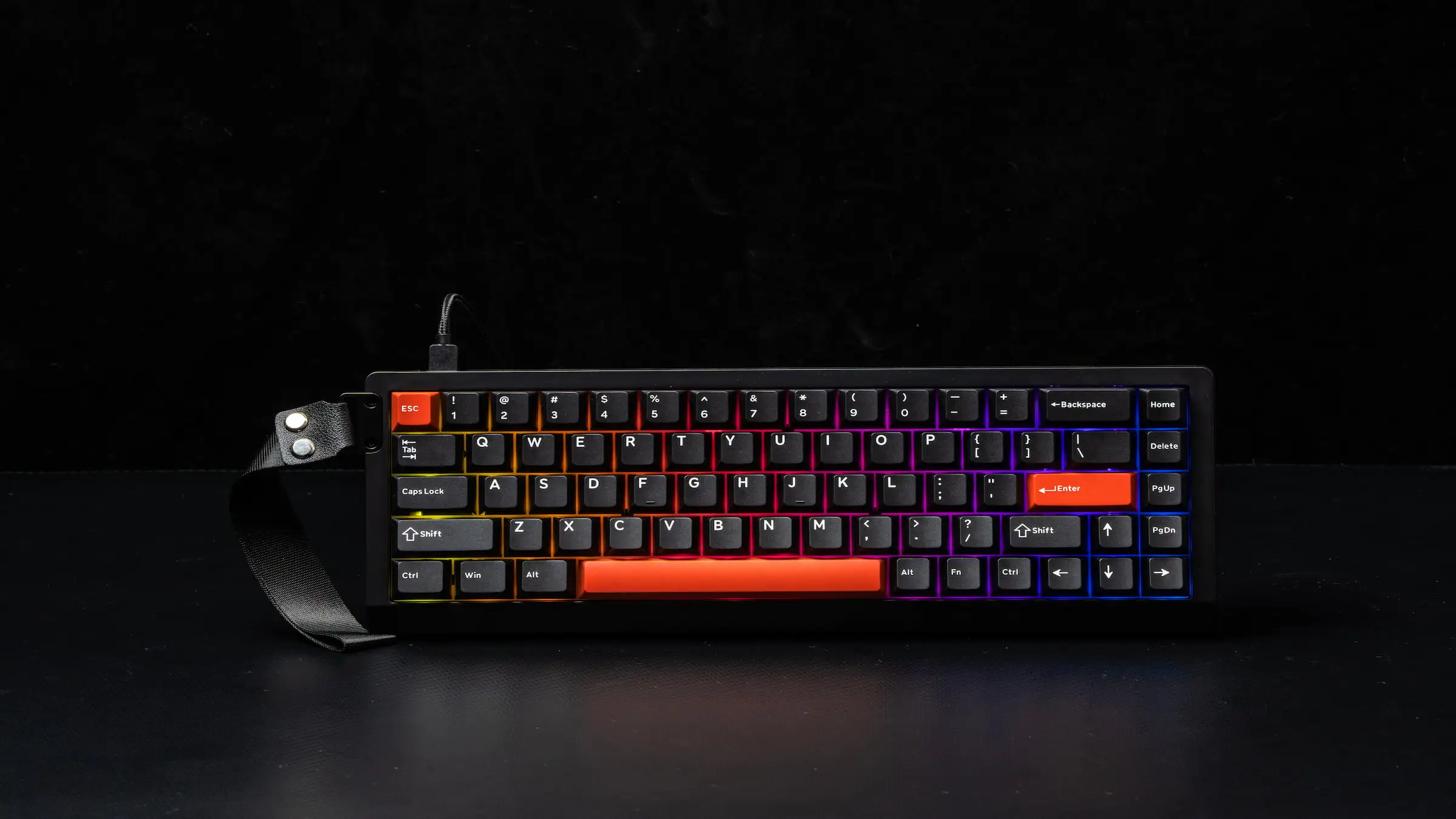
The HE68 Lite, priced at $49.99, offers a surprisingly premium experience compared to other keyboards in its range. Many keyboards at this price point are either very simple or cut costs in ways that impact how well they work. Epomaker, however, focused on features that genuinely improve the typing experience, with the adjustable key sensitivity being a standout feature you rarely find at this price.
There are a few downsides to consider. The plastic casing doesn’t feel high-end, and it has a somewhat empty feel to it. Upgrading the internal components is also limited, meaning you’ll likely be using the original configuration for a while. Plus, some users might miss having a number pad. However, these drawbacks are reasonable considering the affordable price.
Ultimately, this keyboard delivers where it counts: performance. It’s quick to respond, reliably consistent, and offers a surprising amount of customization for just $49.99. After thorough testing, it feels like a keyboard designed with purpose. It’s compact, responsive, and focuses on the features that truly enhance your experience. While it might not stand out based on looks alone, it proves its worth with continued use, especially if you prioritize performance and personalization over high-end materials.
ComicBook received this product for review. You can buy the HE68 Lite Gaming Keyboard directly from Epomaker’s website.
What do you think? Leave a comment below and join the conversation now in the ComicBook Forum!
Read More
- Mark Zuckerberg & Wife Priscilla Chan Make Surprise Debut at Met Gala
- Elon Musk’s Mom Maye Musk Shares Her Parenting Philosophy
- 10 Greatest Manga Endings of All Time
- GBP CNY PREDICTION
- Forza Horizon 6 Car List So Far: Confirmed Highlights, Cover Cars, DLC, and Rewards
- Review: Final Fantasy Tactics: The Ivalice Chronicles (PS5) – Still the Benchmark for Turn-Based Tactics
- Miranda Kerr Shares “Quick” Procedure She Got Before Met Gala 2026
- Ranking the 5 Best Spring 2026 Anime So Far (Mid-Season Update)
- A Major PlayStation Delisting Exposes a Sony Problem
- 10 Best Free Games on Steam in 2026, Ranked
2026-05-02 15:43