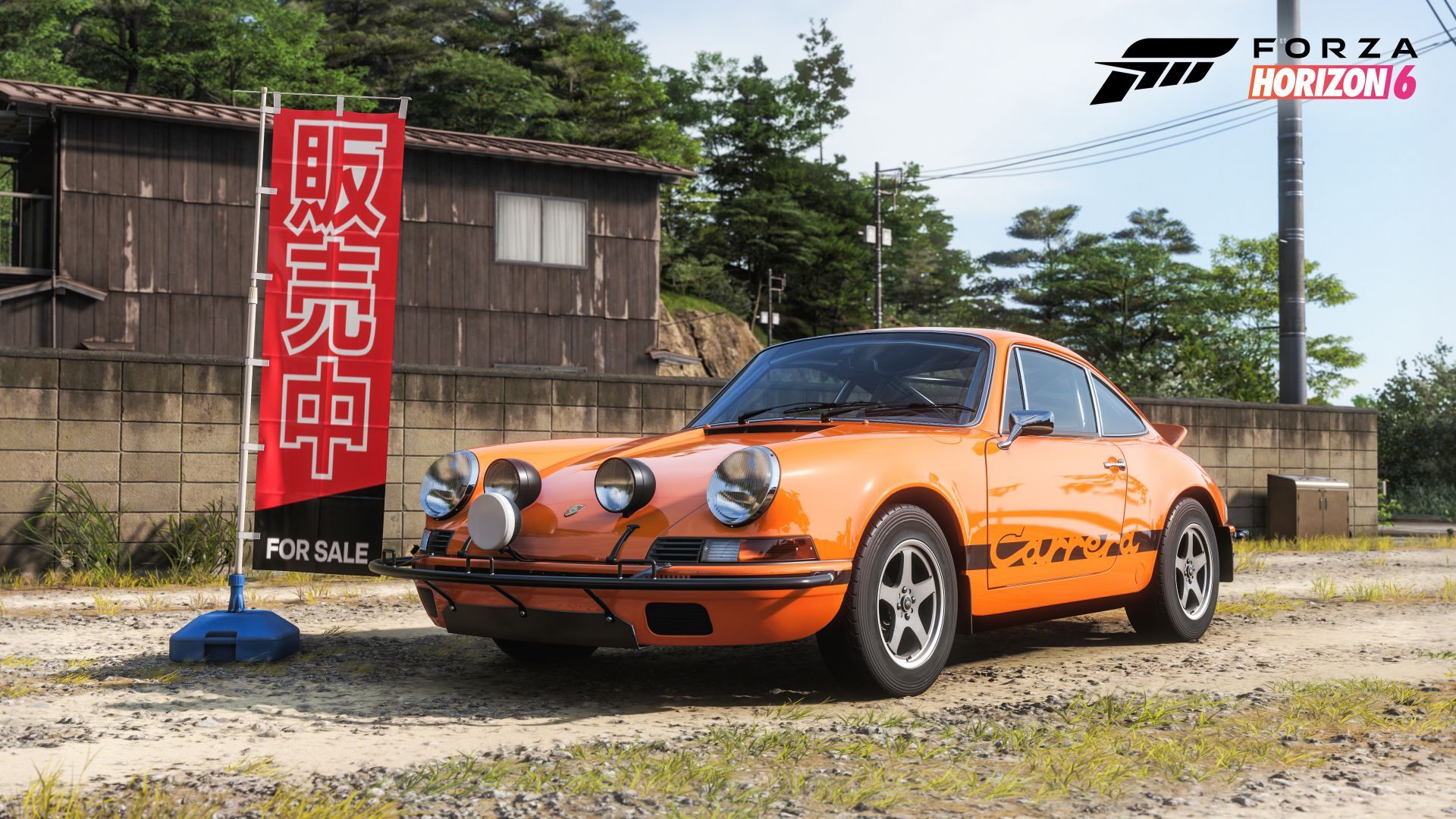
Okay, so in Forza Horizon 6, a lot of the progress in the Horizon Festival and Discover Japan sections actually relies on using Photo Mode. It’s kinda weird, but if you take the time to snap some pics, you get points, and those points let you unlock a bunch of cool rewards. It’s a good system if you enjoy taking in the scenery!
This guide will help you become a pro at taking photos in Forza Horizon 6. Learn how to capture the perfect shot to earn Discover Japan Points and Horizon Festival Points.
Forza Horizon 6 Photo Mode Controls
You can open Photo Mode easily by pressing the up button on your controller’s D-pad, or by pressing ‘P’ if you’re using a keyboard.
As a huge fan of taking amazing in-game photos, I love that Photo Mode keeps everything super easy to understand! All the different things you can do are right there at the bottom of the screen as simple button prompts – and it even adjusts to whatever system I’m playing on, which is really thoughtful.
You control movement and turning using the left and right thumbsticks on a gamepad, or the WASD and arrow keys on a keyboard.
Shortened keyboards that lack arrow keys can try the FN key + IJKL for camera rotation.
The controller’s buttons control ascent and descent, just like the Page Up and Page Down keys on a keyboard.
Zooming on controllers is accomplished by clicking-in the thumbsticks, or Z and C on keyboards.
Mouse camera control appears to be bugged or simply unsupported at this time.
The Effects Mode offers lots to play with, but Shutter Speed and Focus are especially important. If your pictures are blurry, try lowering these settings until they’re clear. And if you get stuck, you can always reset everything to the default settings using the button on your device.
Once you find a good setting that you are satisfied with, be sure to retain it as a preset.
Earning Points From Photo Mode
Right after you take a picture, the screen will show any new items it detects that belong to your collection groups, displayed in separate columns. If the photo doesn’t contain anything new, you’ll see a message like ‘Nothing new in shot’ or ‘No new cars in shot’. At the bottom of the screen, you can also see your nearest collection goals and how many points you need to reach them.
The Discover Japan Photography challenge focuses on taking pictures of specific landmarks, each worth 100 points. It’s fairly straightforward because the game clearly tells you where to go, and there are currently only 26 landmarks to photograph.
The Horizon Festival’s Horizon Promo is a bigger challenge: you need to take pictures of all 619 cars in the game, earning 10 points for each one. While it’s a lot of work, a helpful trick is to photograph the cars lined up at the start of every race you enter. This is a good way to capture a variety of vehicles, whether they’re driven by the computer or other players. Don’t forget to use the Quickshot button to take photos quickly without having to navigate through extra menus and risk a bad start!
If you see any cool or unusual cars while you’re out and about – even if they’re out of your price range – be sure to take a picture!
This covers everything you need to know about using Photo Mode and getting points towards Horizon Festival and Discover Japan achievements in the Forza Horizon 6 Collection Journal.
Read More
- Best Controller Settings for ARC Raiders
- Meet the cast of Good Omens season 3: All the actors and characters
- Mark Zuckerberg & Wife Priscilla Chan Make Surprise Debut at Met Gala
- Review: Final Fantasy Tactics: The Ivalice Chronicles (PS5) – Still the Benchmark for Turn-Based Tactics
- Nippon Sangoku Is The Best New Post-Apocalyptic Anime of Spring 2026
- 10 Greatest Manga Endings of All Time
- The Witcher 3 Officially Reveals Stunning New Ciri Figure Coming 2026
- The WONDERfools ending explained: What happened to the Child of Eternity?
- 7 Great Marvel Villains Who Are Currently Dead
- FRONT MISSION 3: Remake coming to PS5, Xbox Series, PS4, Xbox One, and PC on January 30, 2026
2026-05-19 20:41