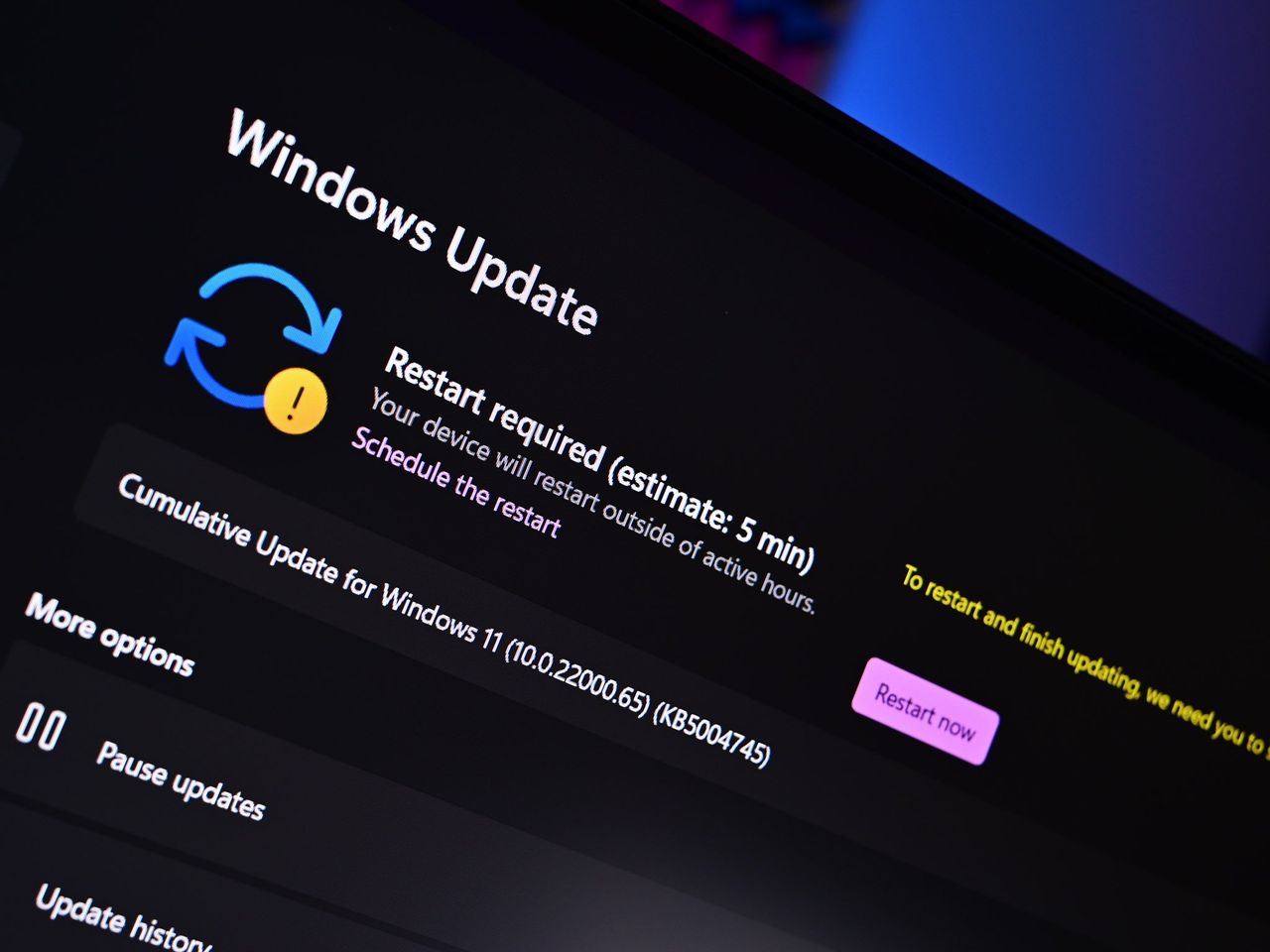
Microsoft recently introduced a simpler naming system for Windows 11 updates to help users better understand what was being installed. However, after hearing from customers, the company is now revising some of those changes.
Microsoft initially announced it would simplify update titles by removing details like dates and system information, opting for names like “Security Update” or “Driver Update” followed by the version number. However, user feedback indicated this change actually created confusion, making it difficult to understand how recent an update was.
Microsoft has responded to user feedback and is working on improvements, according to a recent blog post. They published the update just a few days after the initial announcement and plan to address concerns, such as making sure update names clearly show the date.
This new system for naming updates covers security and preview updates for your operating system, as well as updates for .NET, drivers, and Visual Studio. Here’s how the update names will be formatted before any further adjustments are made.
| Update Type | Simplified Title |
|---|---|
| Monthly security updates | Security Update (KB5034123) (26100.4747) |
| Monthly preview non-security updates | Preview Update (KB5062660) (26100.4770) |
| .NET Framework security updates | .NET Framework Security Update (KB5056579) |
| .NET Framework non-security updates | .NET Framework Preview Update (KB5056579) |
| Driver updates | Logitech Driver Update (123.331.1.0) |
Microsoft recently started automatically applying a new naming system, surprisingly without getting any initial feedback from its Insider program participants. This continues a pattern of Microsoft quickly implementing changes in its live products that haven’t been well-received by users.
Microsoft is responding to user feedback about its new update naming system. They plan to make update titles both more accurate and easier to understand in the future.
What is Microsoft changing about the Windows update naming scheme?
Microsoft is making Windows Update titles easier to understand. They’re removing technical details and extra words, so you’ll now see updates listed with just the update type, date, version number, and the KB number (if there is one).
Is the new Windows update naming scheme optional?
The recent changes to how Windows updates are named happen automatically on our end and can’t be customized by you. You’ll start seeing the new names the next time your Windows 11 computer checks for updates.
Read More
- Review: Final Fantasy Tactics: The Ivalice Chronicles (PS5) – Still the Benchmark for Turn-Based Tactics
- Mark Zuckerberg & Wife Priscilla Chan Make Surprise Debut at Met Gala
- Elon Musk’s Mom Maye Musk Shares Her Parenting Philosophy
- 10 Greatest Manga Endings of All Time
- The WONDERfools ending explained: What happened to the Child of Eternity?
- Miranda Kerr Shares “Quick” Procedure She Got Before Met Gala 2026
- Forza Horizon 6 Car List So Far: Confirmed Highlights, Cover Cars, DLC, and Rewards
- The Witcher 3 Officially Reveals Stunning New Ciri Figure Coming 2026
- Nippon Sangoku Is The Best New Post-Apocalyptic Anime of Spring 2026
- The First 10 Members of the Thunderbolts, Ranked by Power
2025-11-04 18:09