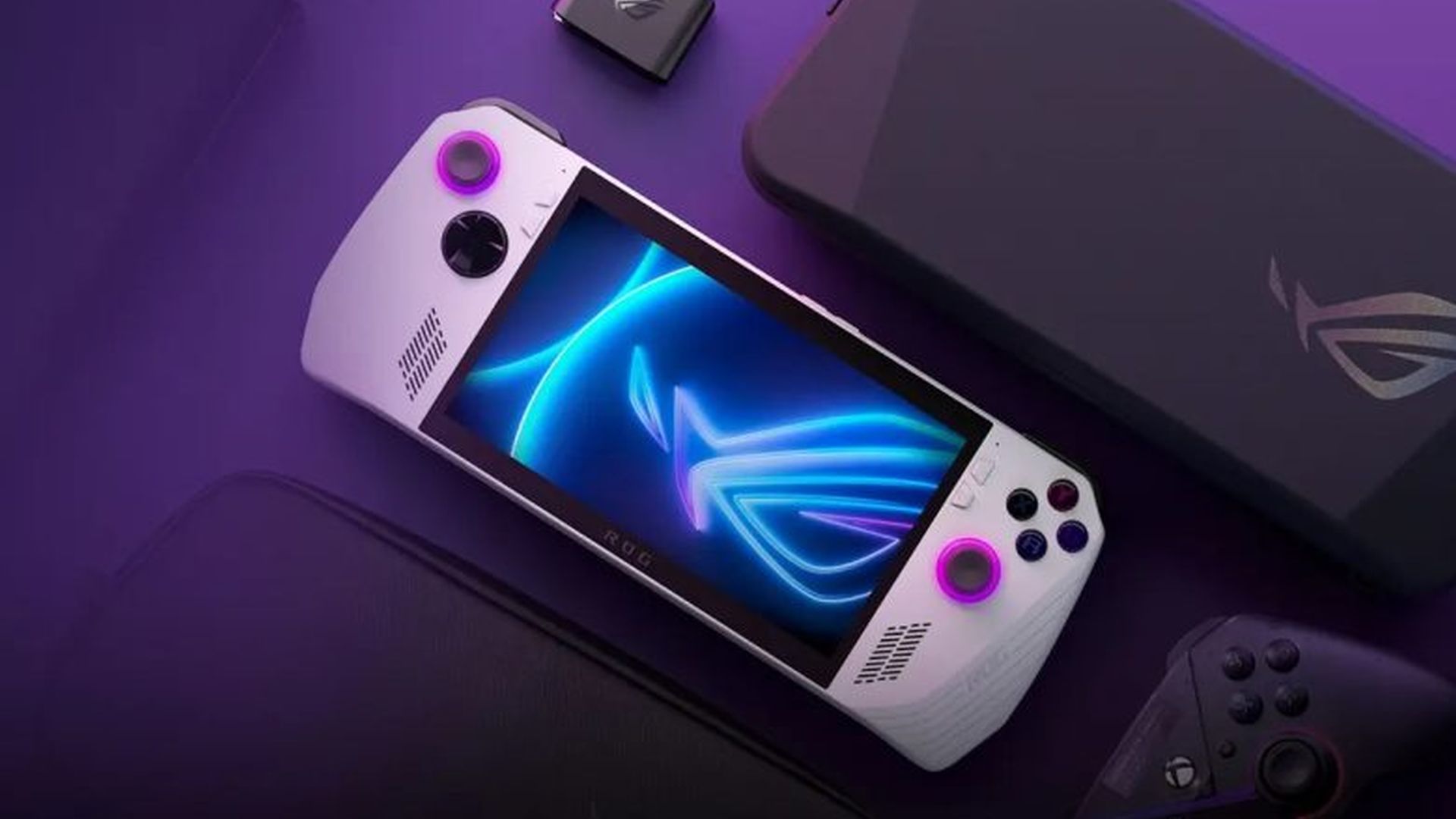
Microsoft is now offering the Xbox Full Screen Experience – a simplified, controller-focused interface that launches directly into the Xbox app – on more Windows 11 handheld devices. It’s now available for MSI Claw users who are part of the Windows Insider program (Dev or Beta channels). Microsoft designed this feature to improve game performance by reducing unnecessary background activity and creating a clean, console-like gaming environment.
For those in the Insider program with compatible Claw devices, you can turn on Xbox support by going to Settings, then Gaming and Full Screen Experience. There, set Xbox as your Home app and choose to launch it automatically when you start up your device. Microsoft confirms the ROG Xbox Ally and Ally X already have this feature, and more computer manufacturers will get it “in the coming months.” This update for MSI devices is part of a limited preview, and follows its initial release on Asus devices.
In short, if Microsoft continues to improve how the Xbox starts up and handles controls, devices like the ASUS ROG Ally (nicknamed ‘Claw’) could become incredibly easy to use. They’d feel less like portable PCs and more like traditional consoles, making them more attractive to a wider audience.
Read More
- Review: Final Fantasy Tactics: The Ivalice Chronicles (PS5) – Still the Benchmark for Turn-Based Tactics
- 10 Greatest Manga Endings of All Time
- GBP CNY PREDICTION
- Mark Zuckerberg & Wife Priscilla Chan Make Surprise Debut at Met Gala
- Forza Horizon 6 Car List So Far: Confirmed Highlights, Cover Cars, DLC, and Rewards
- Miranda Kerr Shares “Quick” Procedure She Got Before Met Gala 2026
- Elon Musk’s Mom Maye Musk Shares Her Parenting Philosophy
- The WONDERfools ending explained: What happened to the Child of Eternity?
- Ranking the 5 Best Spring 2026 Anime So Far (Mid-Season Update)
- New One Piece Live-Action Rumor Teases Netflix TV Show’s Season 4
2025-11-04 14:11