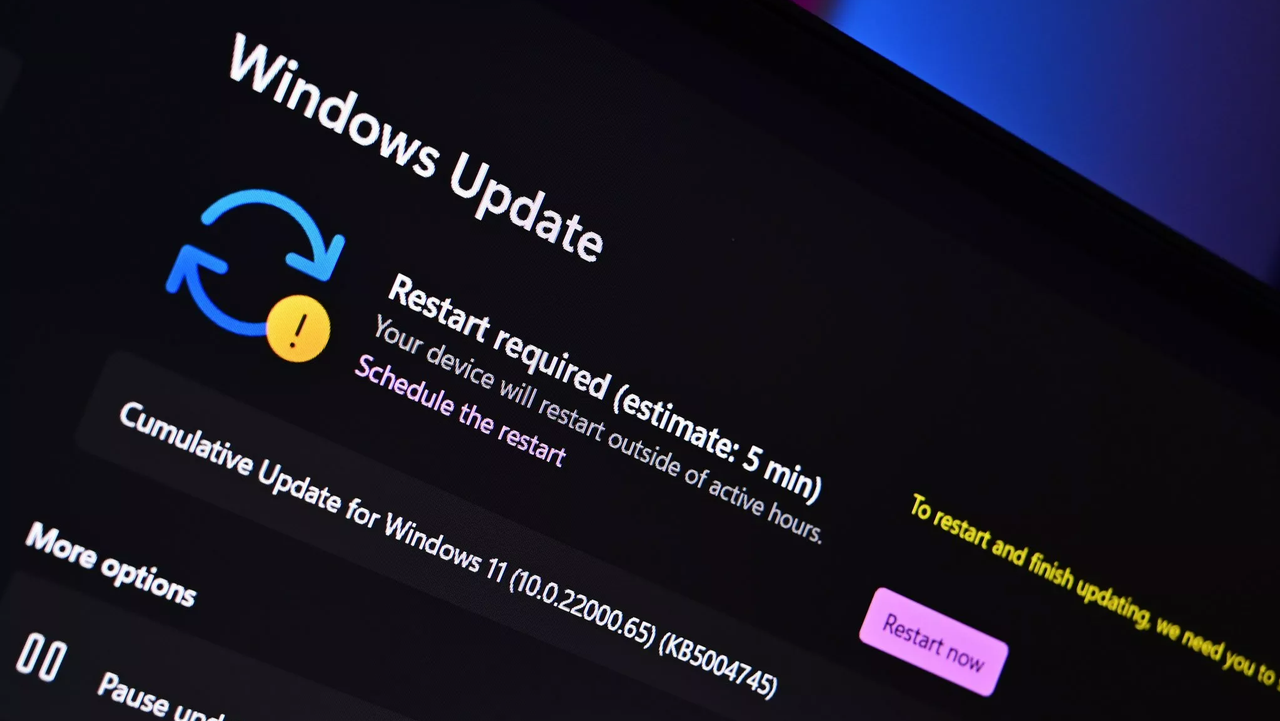
Microsoft is making Windows updates easier to understand on Windows 11. They’re changing how updates are named to create a consistent system across all Windows devices and help users know exactly what they’re downloading.
From now on, you’ll be able to easily see what kind of Windows update you’re downloading and installing. For instance, regular security improvements will be labeled as “Security Update,” and updates for your hardware will be labeled as “Driver Update.”
Microsoft has updated how it names Windows updates to make things simpler and clearer. The goal is to make it easier to understand exactly what each update does. You’ll see these new names in Windows Update and in your update history.
| Update Type | Simplified Title |
|---|---|
| Monthly security updates | Security Update (KB5034123) (26100.4747) |
| Monthly preview non-security updates | Preview Update (KB5062660) (26100.4770) |
| .NET Framework security updates | .NET Framework Security Update (KB5056579) |
| .NET Framework non-security updates | .NET Framework Preview Update (KB5056579) |
| Driver updates | Logitech Driver Update (123.331.1.0) |
Windows update titles used to be filled with technical details like the type of computer and operating system. Microsoft has simplified these titles to be easier to understand. Now, each update has a clear, straightforward name and only includes essential information like the KB number and version. They’ve removed unnecessary technical jargon and details like the computer’s architecture or the update’s date.
A new way of labeling Windows updates is now active. You’ll notice the changes when your next update – whether it’s for drivers, .NET, or security – starts installing on your computer. These new names will be used for all updates delivered through Windows Update.
- Windows OS quality updates (monthly security and non-security preview updates)
- .NET Framework updates
- Driver updates
- AI component updates
- Visual Studio updates
The easier naming system only works for updates that keep your current operating system running smoothly and for drivers. When new features are added to Windows, or a completely new version is released, they’ll still use the older naming format like “version 2XHX.”
Where will the new naming scheme for Windows updates appear?
You’ll see the updated names for Windows updates within Windows Update and its history. However, these new names won’t be visible on the Microsoft Update Catalog website or through Windows Server Update Services.
Can I turn off the new Windows update naming scheme?
No, the new naming scheme is a change made server side and cannot be changed by the end user.
Read More
- Best Controller Settings for ARC Raiders
- Meet the cast of Good Omens season 3: All the actors and characters
- Mark Zuckerberg & Wife Priscilla Chan Make Surprise Debut at Met Gala
- Nippon Sangoku Is The Best New Post-Apocalyptic Anime of Spring 2026
- Review: Final Fantasy Tactics: The Ivalice Chronicles (PS5) – Still the Benchmark for Turn-Based Tactics
- 7 Great Marvel Villains Who Are Currently Dead
- FRONT MISSION 3: Remake coming to PS5, Xbox Series, PS4, Xbox One, and PC on January 30, 2026
- Welcome to Demon School! Iruma-kun season 4 release schedule: When are new episodes on Crunchyroll?
- Elon Musk’s Mom Maye Musk Shares Her Parenting Philosophy
- The Boys Season 5 Officially Ends An Era For Jensen Ackles’ Soldier Boy
2025-10-30 19:09