
Like many relaxing games, Pokemon Pokopia allows you to play with friends. The game’s Link Play feature offers several ways to connect, from starting together in Palette Town to creating and exploring a shared Cloud Island. Recently, the developers shared a special code to access a unique Cloud Island they’ve been building since the game was first announced. However, you can’t access this special island by simply entering the code into any computer at a Pokemon Center.
People are already building amazing islands in Pokemon Pokopia, but the game developers have created a particularly impressive Cloud Island. You can now visit this stunning island using a special code recently shared by the official Japanese Pokemon social media account, @poke_times. However, you’ll first need to obtain a specific in-game item. Here’s a guide on how to do it.
How to Use Codes to Visit Special Cloud Islands in Pokemon Pokopia
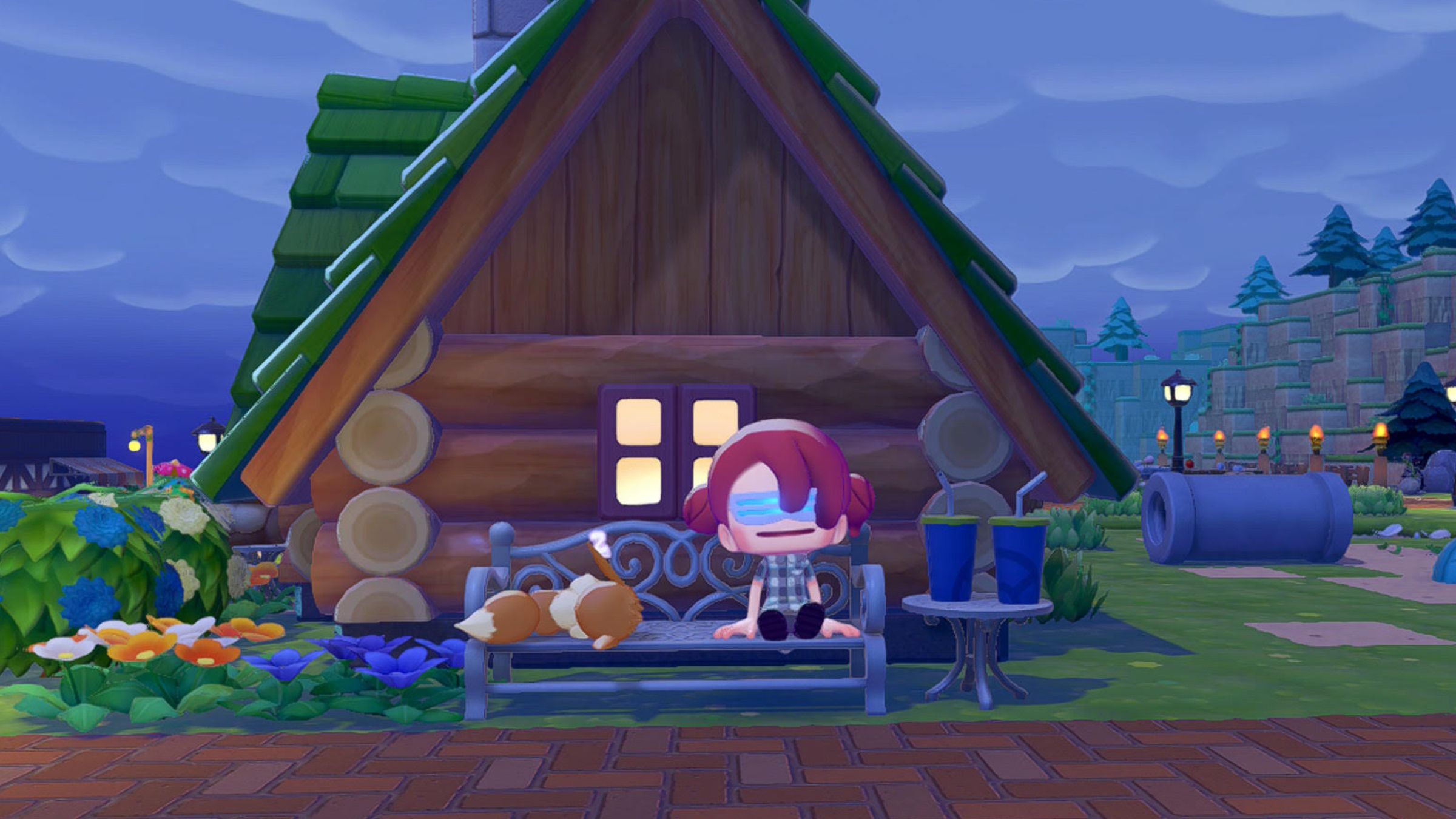
If you attempt to use the Cloud Island code at the Pokemon Center PC, you’ll receive an error saying the island isn’t available yet. This is because the island is currently in a view-only mode and can only be accessed with the Mysterious Goggles.
You can get the Mysterious Goggles in the Pokemon Pokopia PC store. After purchasing them with life coins, you need to equip them to reach a special cloud island. Once there, you’ll be asked for a code.
You can visit the Pokopia developer island by entering the code PXQC G03S while wearing the Mysterious Goggles. Once there, you can explore and find inspiration for your own creations, like the amazing PokeBall replica and beautiful house designs. To leave, either press the – button in the menu or use the Pokemon Center PC on Cloud Island.
This feature allows players to share their Cloud Island designs without letting others edit them. I’m hoping Pokémon Company will release more codes for special Cloud Island spaces later on, but right now, the developer island code is the only one available to the public.
How Visiting Cloud Islands Normally Works in Pokemon Pokopia
Lots of players are still learning how multiplayer works in Pokopia, and that’s okay! Using the Mysterious Goggles is one way to experience Cloud Islands, but it’s mostly just a guided tour. If you access Cloud Islands through the Pokemon Center PC, however, you’ll find a more interactive and collaborative virtual world.
Playing multiplayer in Palette Town needs one player to be constantly online – when I left the game last night to eat, my friend was immediately returned to his own world. However, Cloud Islands are different; they let players collaborate even when the host isn’t online, allowing creativity to flow without interruption.
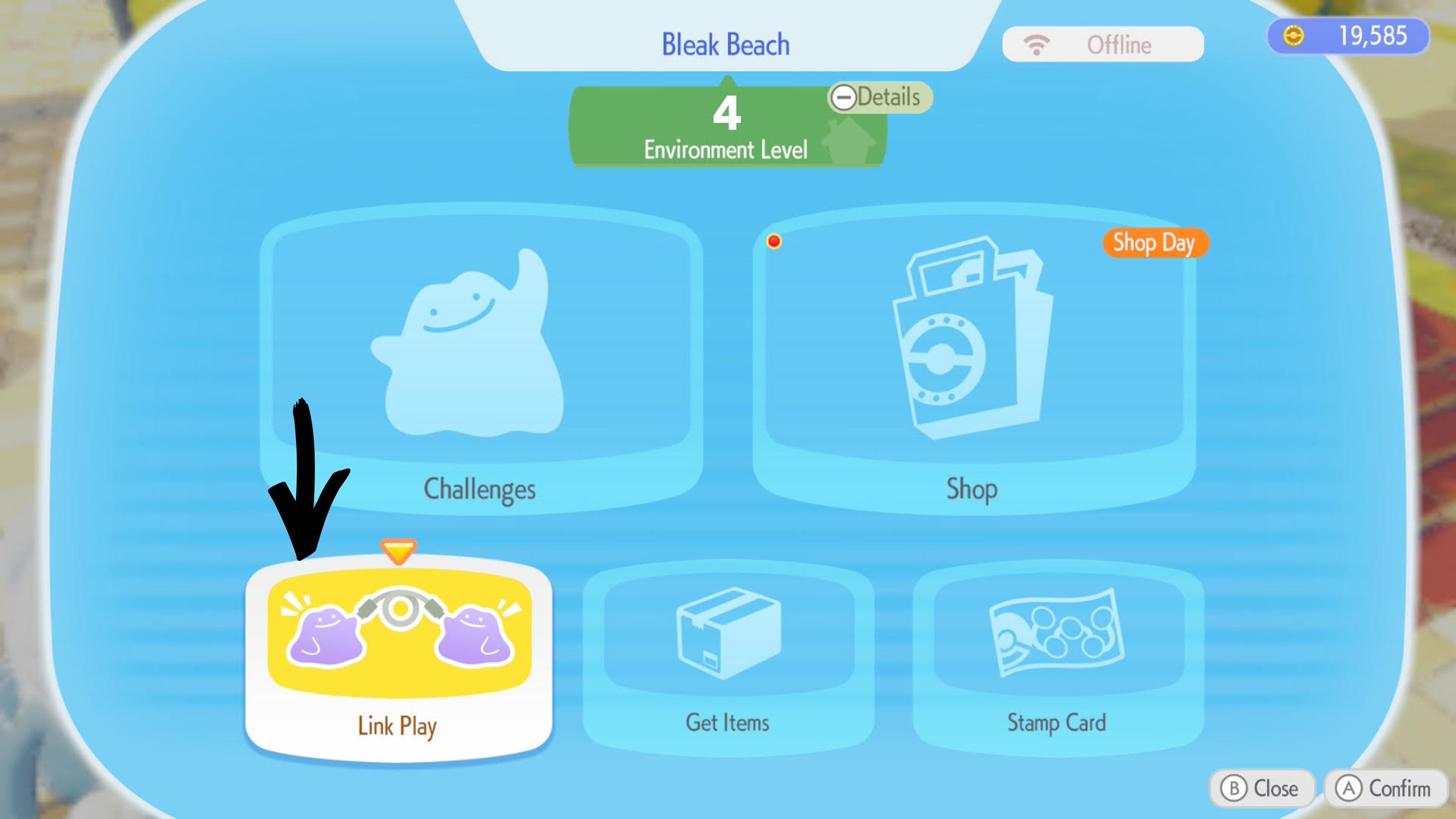
You can find the classic Cloud Islands through the Link Play feature on any Pokémon Center PC. Simply choose “Play on a Cloud Island” to visit a friend’s island using a code, build your own island, or revisit one you’ve already been to. This lets you enjoy a shared, creative space with others, and you don’t need the Mysterious Goggles to access it.
Have you tried out the multiplayer mode in Pokémon Pokopia? Share your thoughts and join the discussion in the ComicBook Forum!
Read More
- Everything You Need To Know About Nikki Baxter In Stranger Things’ Animated Spinoff
- ‘The Bride!’ Review: Jessie Buckley Breathes Life into a Monstrous Mess
- Out of Nowhere, 4-Year-Old King of Fighters 15 Gets Surprise 2026 Patch
- The Boys Season 5, Episode 5 Ending Explained: Why Homelander Does THAT
- Anna Wintour Reacts to Rumors She Approves All Met Gala Looks
- Miranda Kerr Shares “Quick” Procedure She Got Before Met Gala 2026
- USD JPY PREDICTION
- Jujutsu Kaisen Creator Confirms the Story is Over: “It Won’t Continue!”
- After 11 Years, Black Clover Officially Ends With Final Release (& Crowns a New Wizard King)
- Oil Price Pounce: Iran Deal Sends Markets Into a Tailspin
2026-03-07 23:20