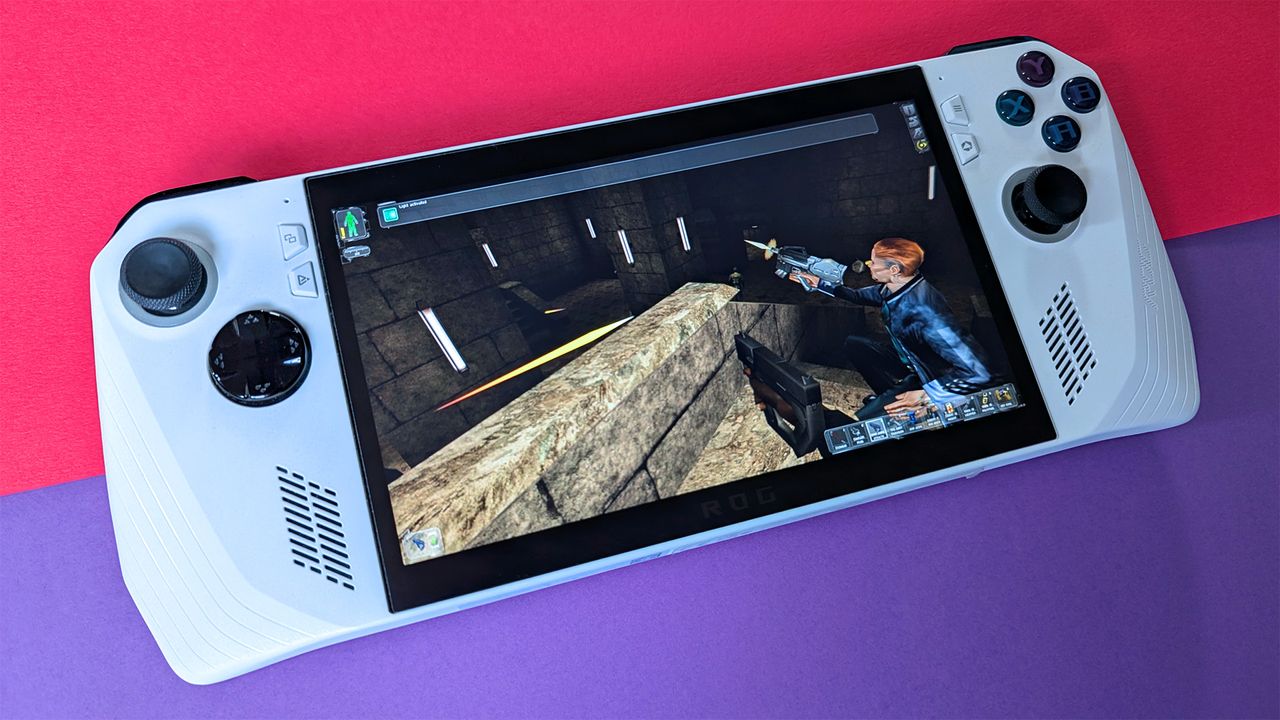
As a keen observer in the gaming world, I must acknowledge that Valve’s Steam Deck, running on Linux, has been leading the pack as the premier handheld gaming PC. For a valid reason, it has long held the title of the best value choice. However, with its hardware being almost three years old, it’s beginning to reveal signs of age. Even the upgraded Steam Deck OLED model, boasting a 90Hz screen and minor performance enhancement, sometimes struggles to run some of my preferred games. Interestingly, I find myself gravitating towards the ASUS ROG Ally, powered by Windows 11, more frequently these days.
Typically retailing at $649.99, Best Buy frequently offers the Z1 Extreme ROG Ally for $499.99, a discount that feels more like the standard price nowadays. This certainly makes it easier to endorse this gaming handheld when its cost dips below the $500 threshold. If you’re not a fan of Windows 11, consider installing SteamOS on the ROG Ally as an alternative. Either way, it’s hard to go wrong with this device.
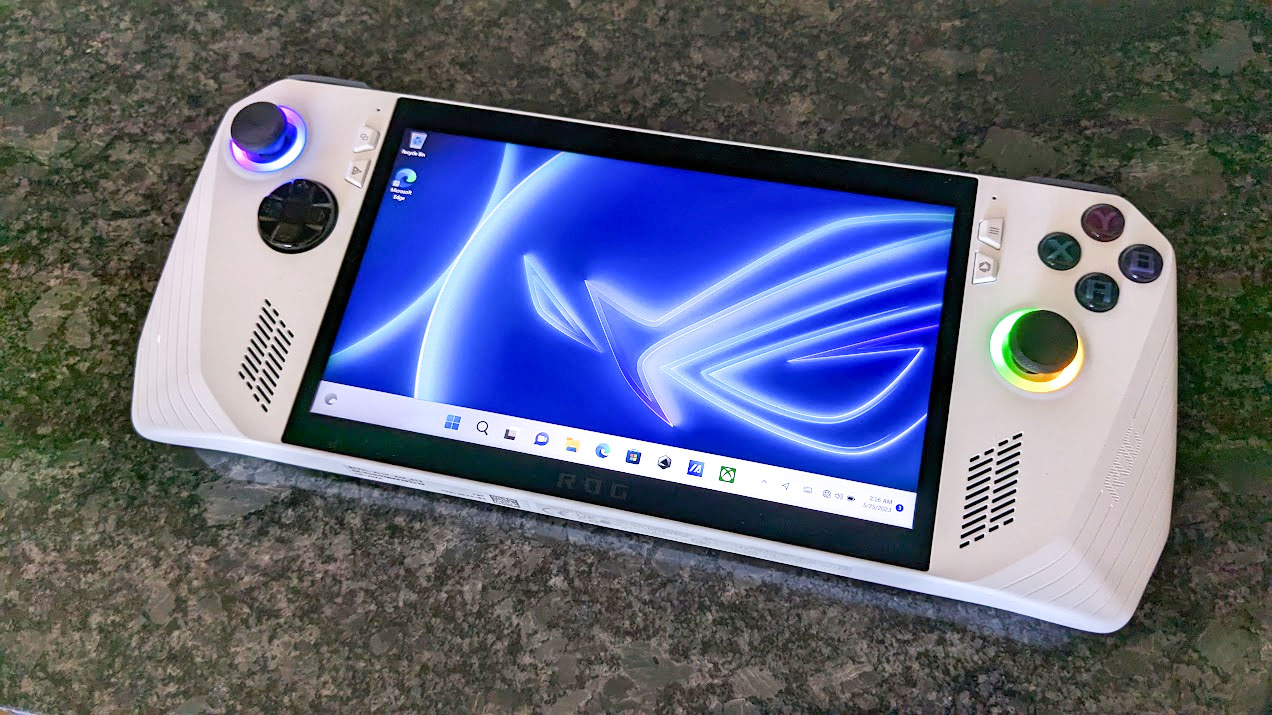
It seems clear that many PC gamers share the sentiment that Windows 11 on handheld gaming PCs isn’t quite up to par yet, and I can understand why they feel this way initially. But after spending more than a few hours playing these devices, one tends to slip into repetitive patterns of use which eventually lead you to recognize how minimal your interaction with Windows actually is.
Apart from checking Windows Update on my desktop and occasionally updating AMD Radeon graphics drivers manually, I seldom leave the ASUS Armoury Crate launcher application. If I do, it’s typically to switch to Steam’s Big Picture mode, which resembles the UI of the Steam Deck, or to infrequently open the evolving Xbox app for PC Game Pass games.
Using the ASUS ROG Ally for gaming is just as delightful as using Valve’s Steam Deck, especially since you can play games directly from Steam. While ASUS provides its own features for adjusting button mapping and analog stick settings, it’s the community-created Steam Input controller profiles that really shine when playing older games that weren’t designed to work with traditional gamepads.
If you genuinely find Windows 11 on a compact touchscreen less enjoyable (I understand), you might want to consider switching to SteamOS on a ROG Ally instead. However, before you make that switch, I encourage you to give the standard installation a fair try and spend a few days playing games. When you no longer view it as “a Windows PC attempting to mimic a Steam Deck” but rather “a portable console with Windows 11 running in the background,” it transforms into a more entertaining experience.
If you haven’t had a chance to test the Z1 Extreme ROG Ally yet, swing by Best Buy (don’t forget your My Best Buy membership if you have one) and give it a whirl. You can always bring it back if you’re not satisfied (as long as it’s in good condition). A 512GB storage should suffice, but feel free to manually upgrade the ROG Ally SSD to a larger capacity like 1TB, if you find that needed.
Read More
- FRONT MISSION 3: Remake coming to PS5, Xbox Series, PS4, Xbox One, and PC on January 30, 2026
- Best Controller Settings for ARC Raiders
- Welcome to Demon School! Iruma-kun season 4 release schedule: When are new episodes on Crunchyroll?
- Taylor Sheridan’s Gritty 5-Part Crime Show Reveals New Final Season Villain
- From season 4 release schedule: When is episode 2 out on MGM+?
- Mark Zuckerberg & Wife Priscilla Chan Make Surprise Debut at Met Gala
- The Boys Season 5 Officially Ends An Era For Jensen Ackles’ Soldier Boy
- ‘The Bride!’ Review: Jessie Buckley Breathes Life into a Monstrous Mess
- Invincible Season 4 Episode 4 Post-Credits Unveils a Demonic Return & More
- Meet the cast of Good Omens season 3: All the actors and characters
2025-07-21 14:39