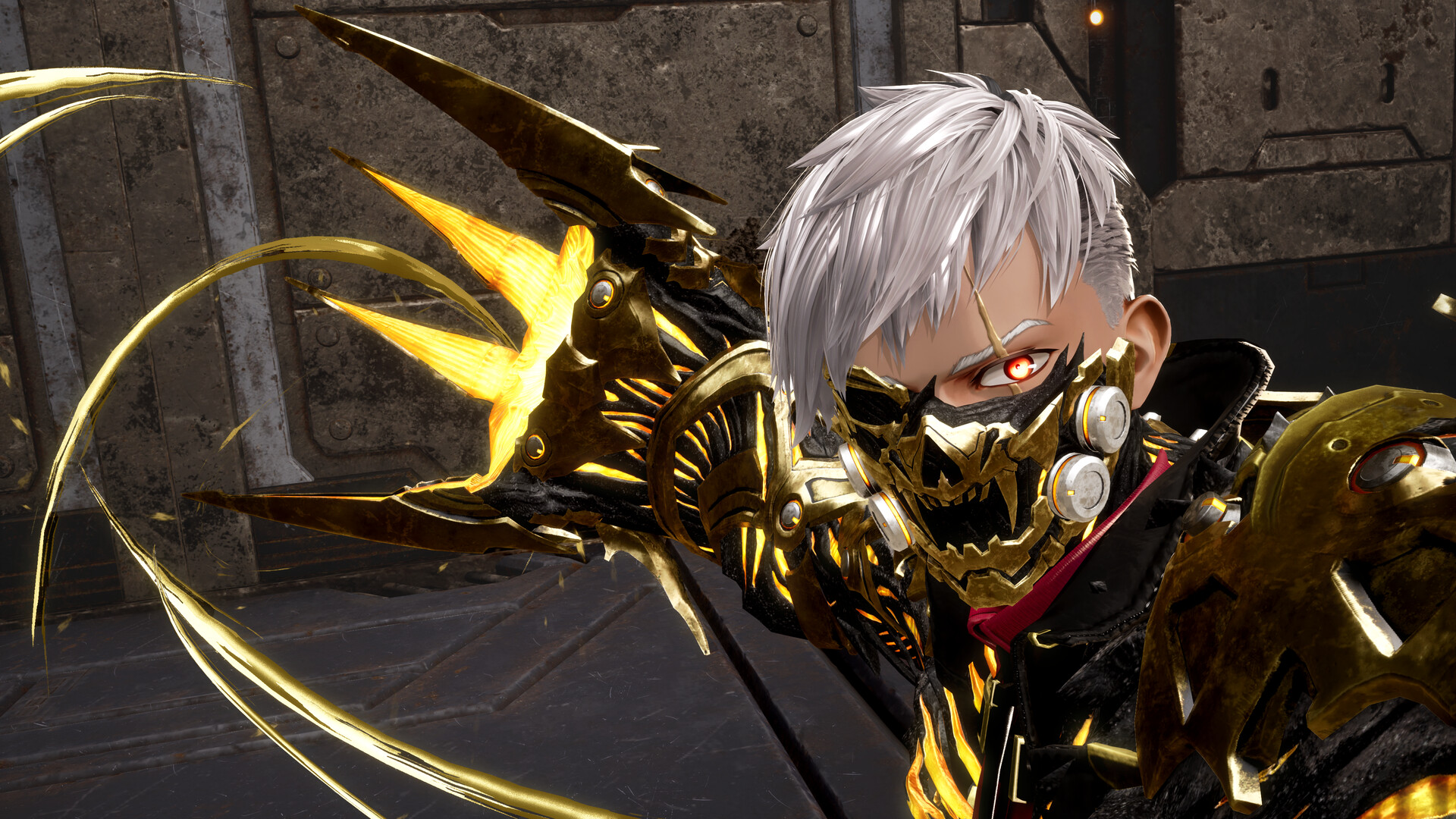
A new, substantial patch has been released for Code Vein 2, bringing significant changes for players who have been enjoying the game since it launched.
Many of you enjoyed the recent game release, but we know there was still work to be done. Bandai Namco is continuing to improve performance across all platforms, building on the progress made in previous updates. We’re also refining the gameplay, adjusting combat balance to make enemies more challenging in later playthroughs, while rewarding players with more Haze.
We’ve added a lot of improvements to the Affinity System, including three new ways to progress your characters. We’ve also redesigned how you track your progress to make it simpler. Plus, you’ll find new options for customizing your characters – see the patch notes below for a complete list of changes.
Honestly, I think these changes are going to be amazing! As a fan, I’m really excited because I believe they’ll make Code Vein 2 even better than the original game was.
Patch Notes
Optimizations for All Platforms
- Optimized the collision data for certain objects and structures in the field to reduce processing load.
- Optimized the initialization process that occurs when enemies spawn to reduce processing load.
- Reduced the processing load of several partner outfits.
- Optimized enemy spawning to reduce stuttering while riding the motorcycle.
- These consist of further improvements to the optimizations implemented in Ver. 1.0.6.
- Reduced the processing load of attack effects for certain boss enemies.
- Reduced the processing load of effects used in certain weapon formae and magic formae.
- Reduced the processing load of hit effects for certain weapon formae and magic formae.
Feature additions and improvements
1. Addition of a difficulty selection feature for additional playthroughs.
- We have added an Enhance Enemy Difficulty During Replay option to the Game Settings. This setting is enabled by default.
- When you replay the game using your save data, enemies will be stronger and you will earn more Haze when defeating them; however, turning this setting off will restore enemies to their original strength and Haze drops to those of the first playthrough.
We’ve added a way to show how much you like other characters (Affinity display) and improved how that system works. We’ve also included new features that let you trade items and give gifts.
2-1: We added a UI that displays your Affinity with your Partner.
- You can check your Affinity in the Change Partner and Gift screens at a Mistletoe.
- For some Partners, the Affinity is hidden at the start, but it will become visible once you reach the point in the story where you can give them gifts.
- Affinity is divided into three categories: Exploration, Story, and Gifts, each with their own maximum limit. To reach 100% Affinity, you must raise all three categories to their maximum limits.
- Exploration Affinity increases by adventuring with your partners and defeating enemies. Affinity increases more slowly when defeating enemies weaker than the player’s level.
- Story Affinity increases by completing Quests received from your partners and advancing each of their individual episodes. Lou gives no quests; her Story Affinity increases by progressing through the main story.
- Gift Affinity increases by giving your partners food or valuables.
Read More
- Review: Final Fantasy Tactics: The Ivalice Chronicles (PS5) – Still the Benchmark for Turn-Based Tactics
- Mark Zuckerberg & Wife Priscilla Chan Make Surprise Debut at Met Gala
- Elon Musk’s Mom Maye Musk Shares Her Parenting Philosophy
- 10 Greatest Manga Endings of All Time
- The WONDERfools ending explained: What happened to the Child of Eternity?
- Miranda Kerr Shares “Quick” Procedure She Got Before Met Gala 2026
- Forza Horizon 6 Car List So Far: Confirmed Highlights, Cover Cars, DLC, and Rewards
- The Witcher 3 Officially Reveals Stunning New Ciri Figure Coming 2026
- Nippon Sangoku Is The Best New Post-Apocalyptic Anime of Spring 2026
- The First 10 Members of the Thunderbolts, Ranked by Power
2026-04-11 00:12