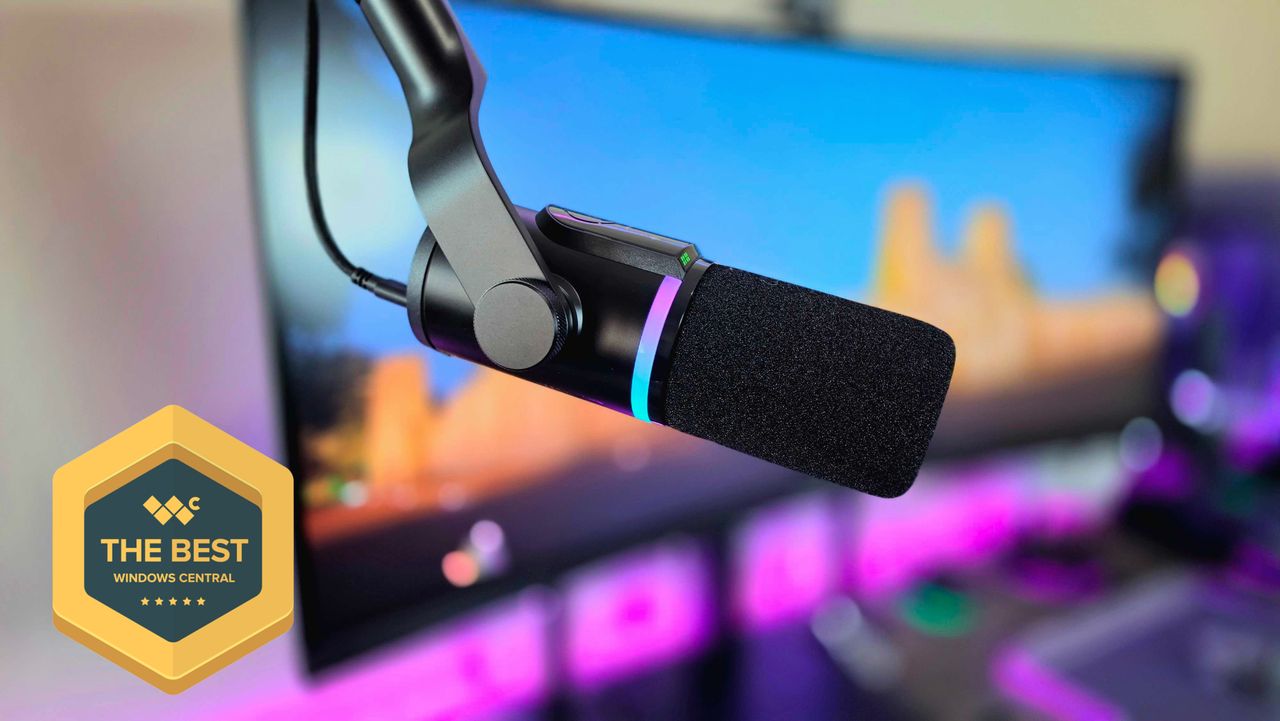
Whether you want a microphone for creating videos, making calls, or exploring music, finding the right one can be really challenging.
USB microphones are simple to use, while XLR microphones offer more advanced features. But what if you could have a microphone that excels at both? HP and HyperX are aiming to do just that with the FlipCast – a high-end microphone designed to give you the benefits of both types.
The HyperX FlipCast is a high-quality microphone that works well for many things. However, it’s pricey, and you’ll need to buy a stand or mount separately. It also doesn’t offer as much software control as some other microphones. Ultimately, whether it’s worth the cost depends on how important the option to connect with both USB and XLR is to you.
I received a sample unit from HP for the purpose of this review. It’s important to note that neither HyperX nor HP had any opportunity to review or influence my findings before I published them.
Refined hardware and excellent audio quality
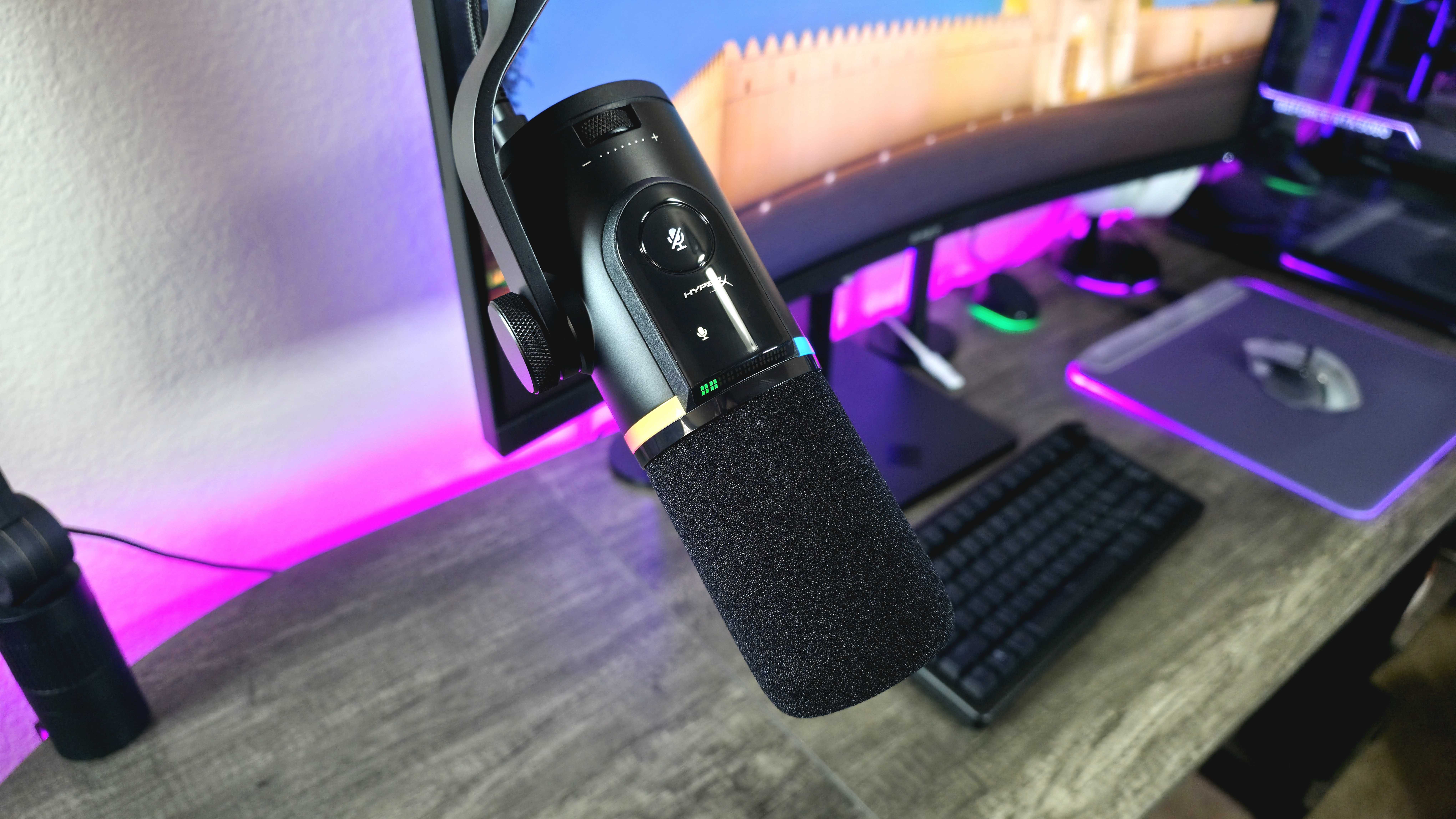
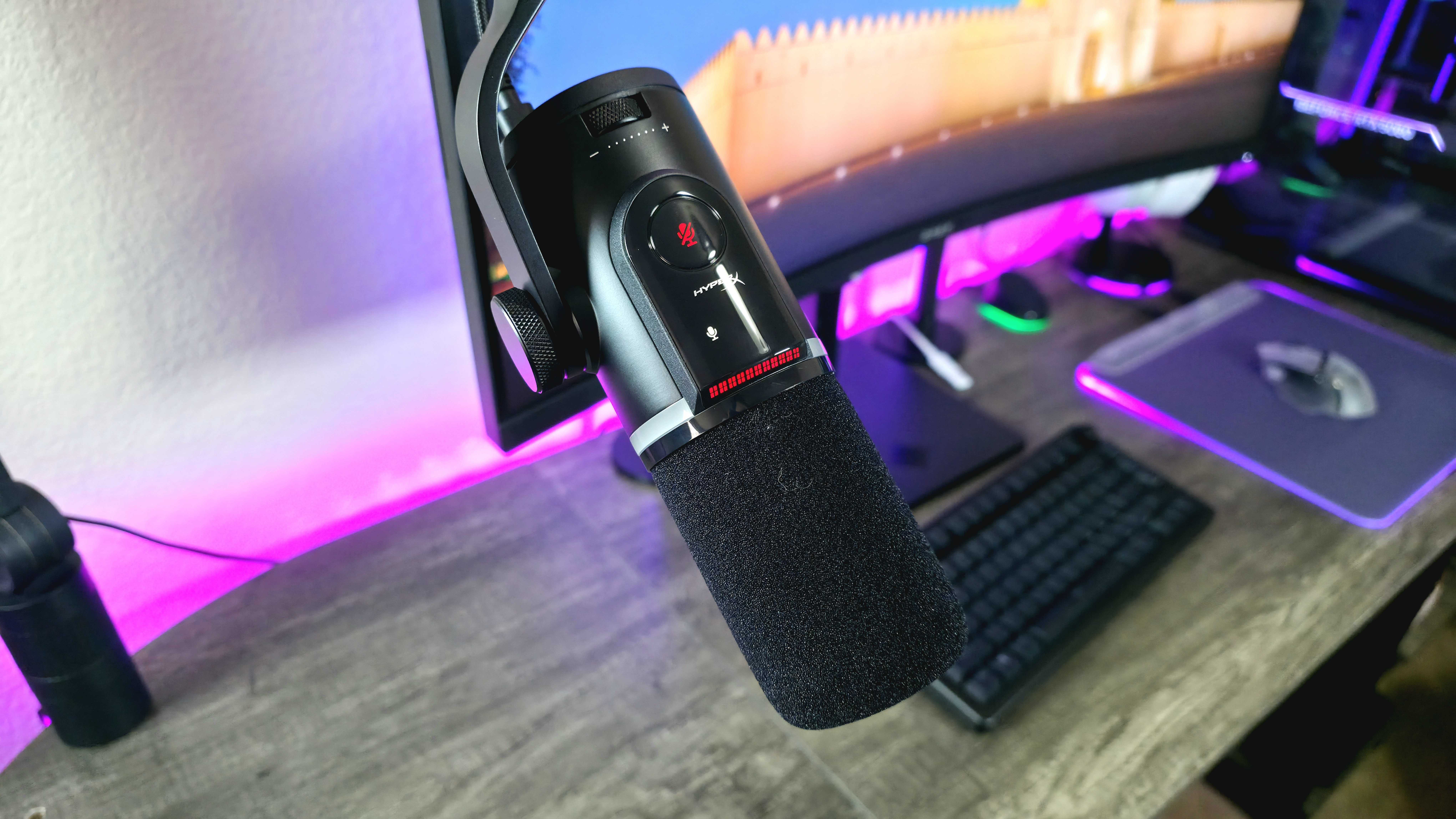
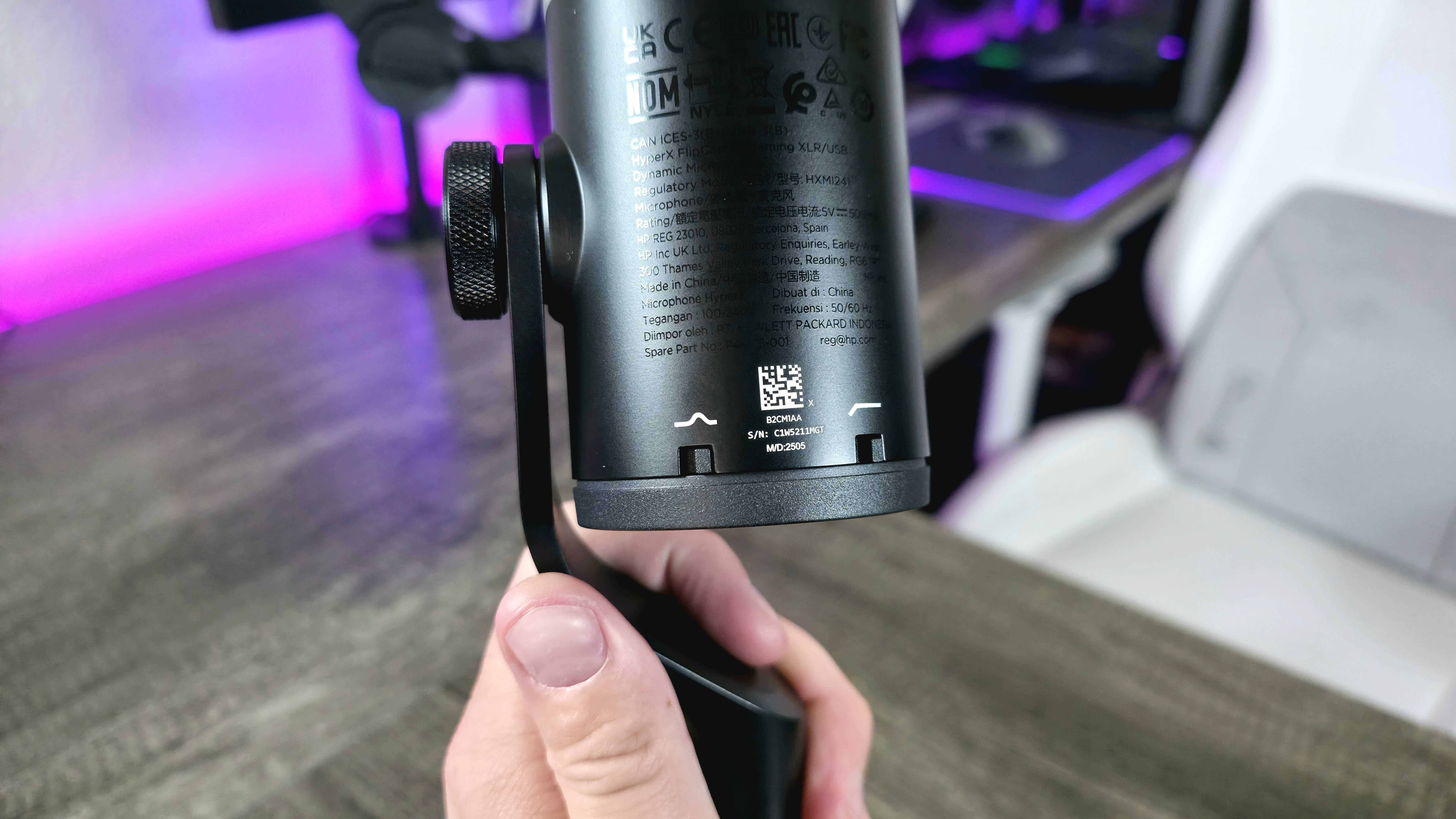
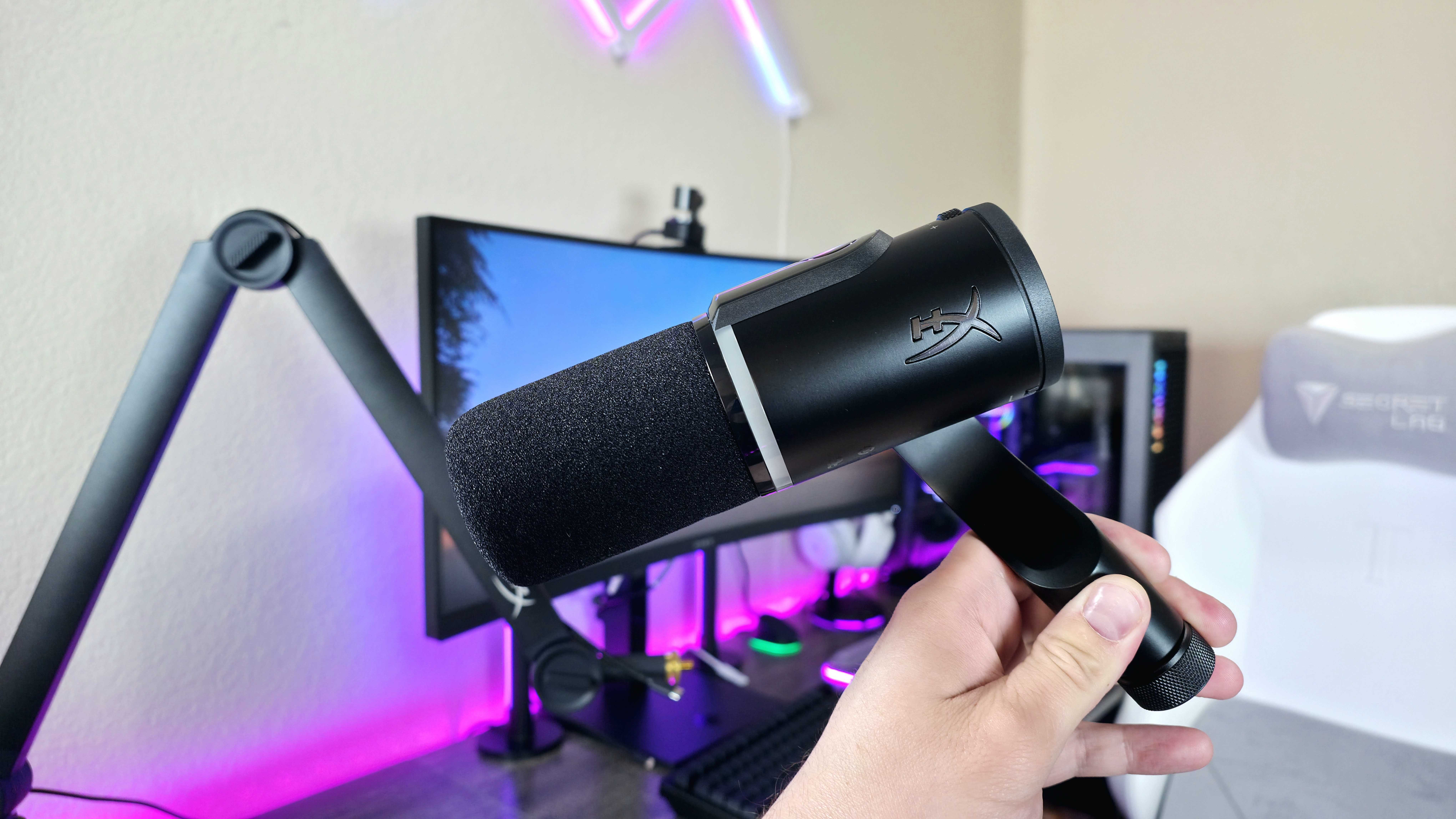
The HyperX FlipCast, similar to many professional microphones, is a dynamic microphone you speak into from the front. It has a stylish, matte black, cylindrical shape and includes the gaming-focused details you’d expect from HyperX.
The microphone features a customizable RGB light strip, but it unfortunately turns off when the mic is muted. This is similar to what I saw with the HyperX QuadCast 2 S. However, the FlipCast also has a separate LED that lights up red when muted, so it would be great if I could choose to keep the RGB lighting on even when the mic is silenced.
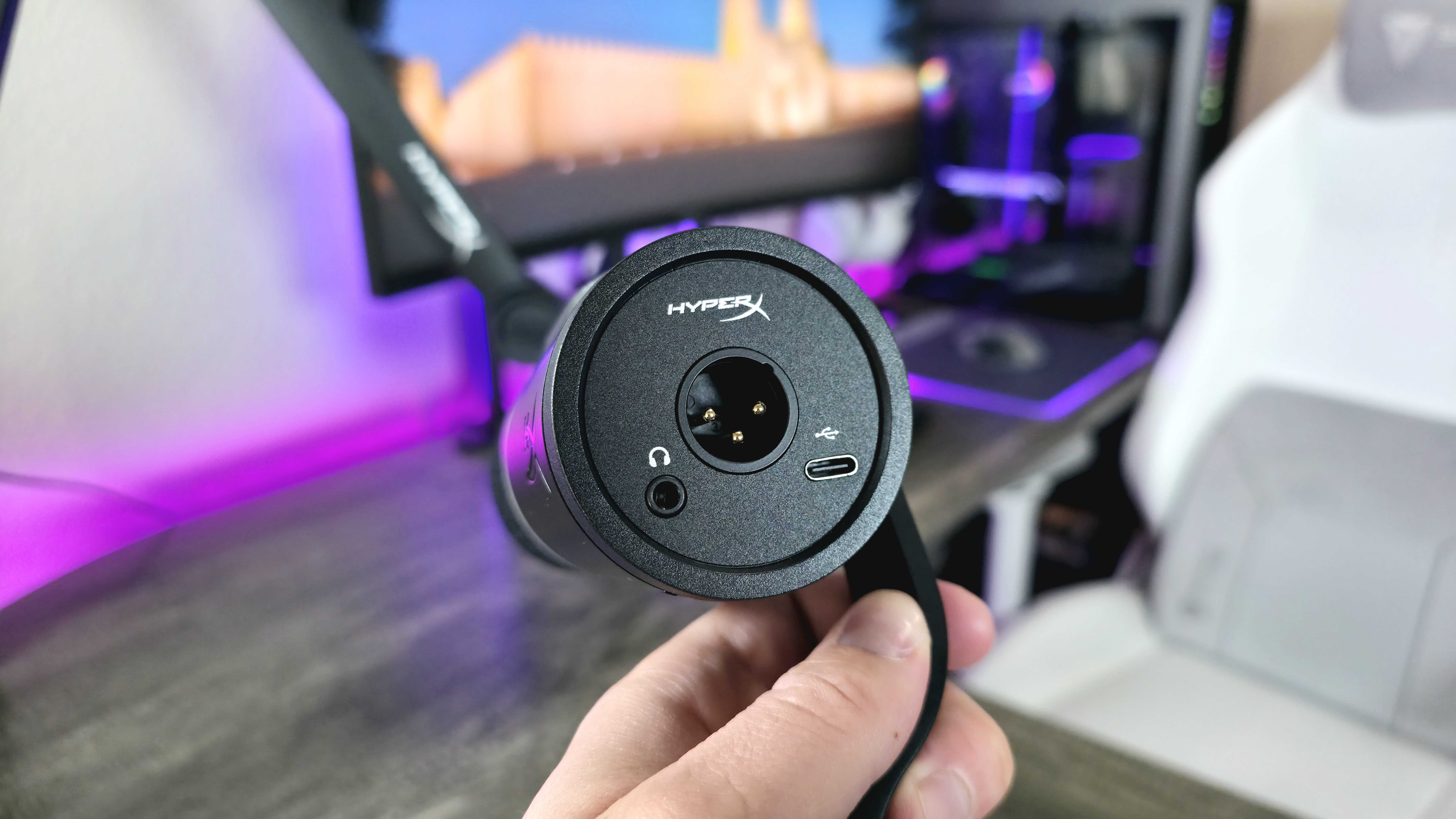
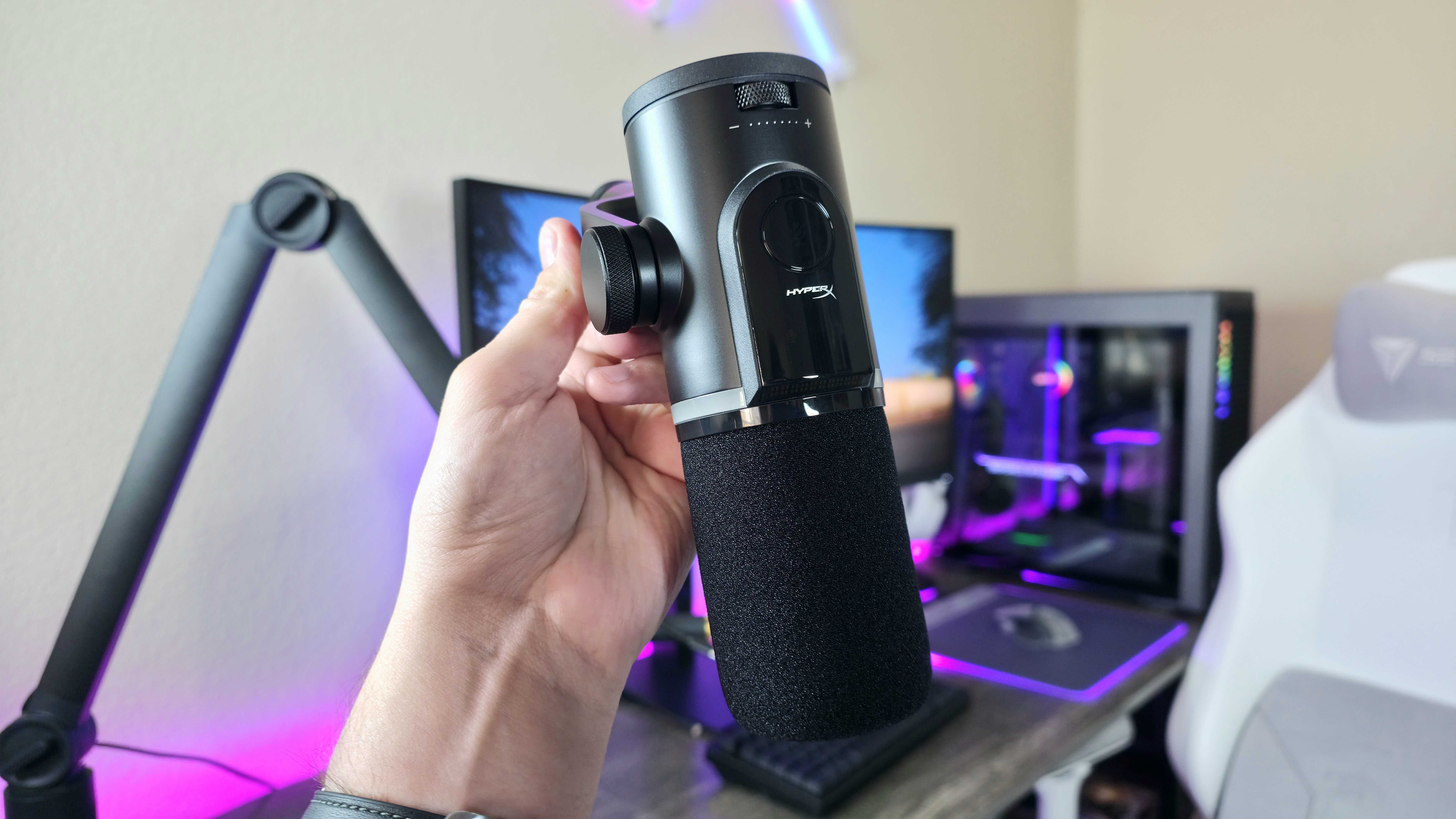
The LED meter is a standout feature of the FlipCast. It normally shows audio levels, but you can use the wheel on the back to control things like headphone volume, monitoring, and microphone sensitivity. Overall, the FlipCast’s controls are simple to use and helpful, though the touch mute button might be a bit too sensitive.
All these details make the FlipCast seem like a high-quality microphone, matching its cost. However, the most crucial thing is how well it actually records sound.
https://w.soundcloud.com/player/
The HyperX FlipCast is a great-sounding microphone perfect for recording, even though it focuses on a single recording style. It’s designed to be positioned directly in front of your mouth for the best sound.
The sound quality is excellent – rich, clear, and consistent, just as I hoped. The FlipCast feels as well-made as the QuadCast 2 S, but its AI noise cancellation is even more effective. This microphone truly stands out for blocking unwanted background sounds, and it does so remarkably well even without using its built-in filters.
The FlipCast is a strong contender among high-end microphones in its price range, though it doesn’t quite surpass established leaders like Shure. Still, it’s a very impressive performer.
USB and XLR versatility, but simple software
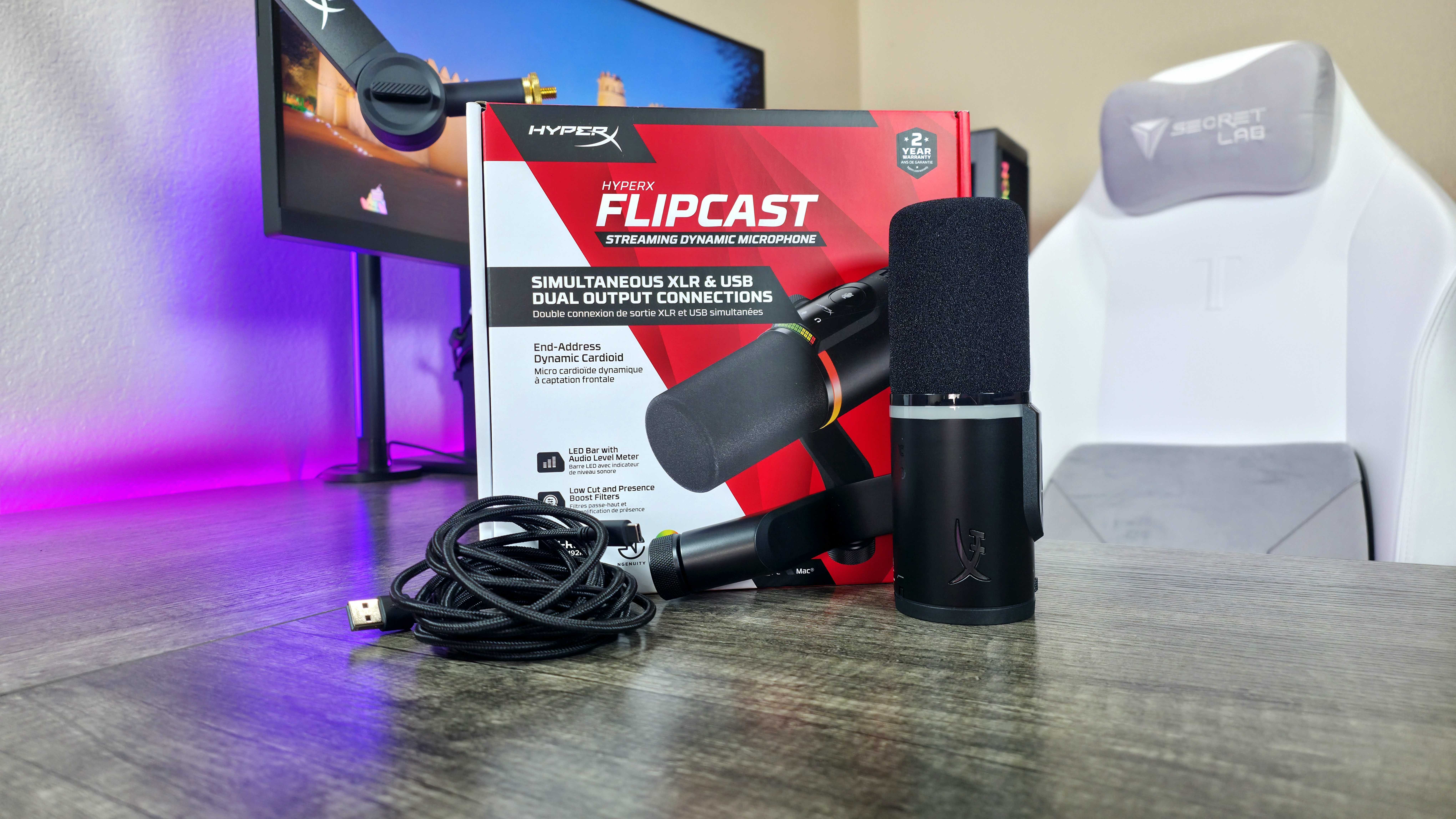
What makes the HyperX FlipCast stand out is that it works with both USB and XLR connections. USB microphones are simpler to use and generally cheaper, while XLR microphones offer better sound quality and the option to add improvements and accessories later on.
From my analysis, the key benefit of the FlipCast is its versatility. It’s designed to grow with your needs. You can start with a simple USB connection for plug-and-play ease, and then, as your setup becomes more advanced, seamlessly switch to XLR without needing to purchase a completely new microphone. It also conveniently supports dual-PC setups simultaneously with both USB and XLR connectivity, offering flexibility from the start.
The HyperX FlipCast isn’t the only microphone of its kind, but microphones with both USB and XLR connections are still relatively rare, particularly from established brands. The Shure MV7+, available for around $299.99 on Amazon, is probably the best-known option and has received excellent reviews.
While this microphone costs considerably more than the FlipCast and doesn’t come with a stand, you’re paying for Shure’s renowned sound quality and a more comprehensive set of software tools. The FlipCast’s main drawback is that its HyperX NGENUITY software is user-friendly but doesn’t allow for the same level of detailed adjustments as the software offered by brands like Shure and AVerMedia.
If you’re sure you don’t need a complex XLR setup, a great USB microphone is a more affordable option – the HyperX QuadCast 2 S is a good example, and it even comes with a stand.
HyperX FlipCast review: My final thoughts
✅You should buy this if …
- You want a microphone with both USB and XLR connectivity.
- You need intuitive onboard controls and software.
- You want consistently great audio recording and noise cancellation.
❌You should not buy this if …
- You don’t really need a high-end XLR microphone.
- You don’t want to pay extra for a proper microphone mount.
The HyperX FlipCast is a top-quality microphone that rivals the leading brands. It consistently delivers excellent sound, has a sleek and easy-to-use design, and features surprisingly good noise cancellation powered by artificial intelligence.
The HyperX FlipCast is a great investment, especially if you’re serious about content creation or professional work, because it can adapt as your needs grow with its USB and XLR connections. I think it’s a top pick overall. However, it’s a bit frustrating that it doesn’t include a stand, considering other similar high-quality microphones also leave that out, and you’re already spending a good amount of money on the microphone itself.
HyperX continues to show that its accessories are useful for more than just gaming with the new FlipCast microphone. While it might not be the very best in every way, it performs well enough that I’d recommend it. You can buy the HyperX FlipCast now for $229.99 at BestBuy.com and Amazon.com.
I used the HyperX Caster microphone arm, which you can get for $139.99 at HP.com. If you’d like to learn more, I have a detailed review available.
Read More
- Marvel Officially Confirms Deadpool’s Most Brutal Redesign
- Nintendo Switch 2 Reportedly Getting Remake of One of the Best PS3 and Xbox 360 Games
- Welcome to Demon School! Iruma-kun season 4 release schedule: When are new episodes on Crunchyroll?
- Michael Jackson Biopic’s Record-Breaking Debut Unseats 2026’s Biggest Box Office Hit On U.S. Chart
- Crunchyroll Confirms New Isekai Anime Releases for 2026 and Beyond (With Major Returns)
- 10 Movies That Were Banned in Different Countries For Random Reasons
- Gold Rate Forecast
- The Boys Season 5, Episode 2’s Soldier Boy Ending Twist Changes Everything for Homelander & Butcher
- The Fairly OddParents’ Creator Reveals Who Timmy Ended Up With
- Did Lauren Sánchez Bezos Hint at Baby Plans With Jeff Bezos? The Truth
2025-12-27 20:12