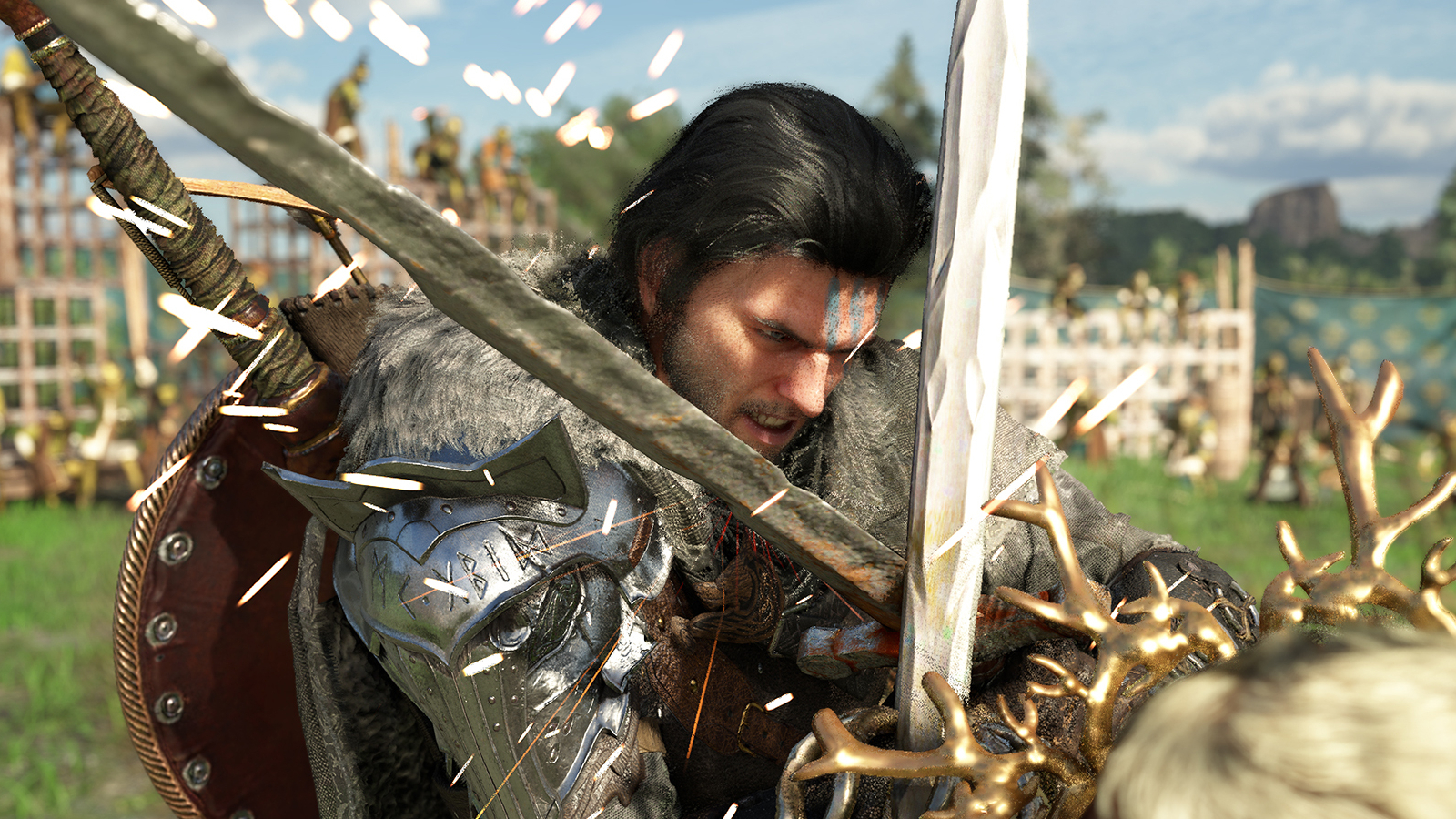
Crimson Desert is a detailed and expansive open-world game, but like many ambitious projects of its size, it launched with some imperfections. The developers are actively working to fix these issues, and players are also helping to improve the overall experience.
While a few mods drastically change how you play Crimson Desert, most focus on improving the user interface and adjusting the balance between risk and reward. However, even these smaller changes significantly impact the overall experience. Here are fifteen of the most impactful mods you can download right now.
Download links have been provided. Download at your own discretion.
Better Inventory UI
Managing your items in Crimson Desert can become frustrating as you collect more and more different things. The “Better Inventory UI” mod, created by Caites, makes this much easier. It organizes items more clearly, making everything easier to read and navigate. By showing more items on the screen at once, it’s a change you’ll quickly find indispensable.
Private Storage Anywhere
Improving inventory management isn’t just about making the interface look nicer; it can be completely changed by letting you access your stored items from anywhere, without needing to go back to your camp chest. The ‘PrivateStorageAnywhere’ mod does this, letting you quickly open your stash with a single button press. This speeds up gameplay by reducing tedious trips and letting you focus on exploring and fighting.
Dark Map Mode
The Dark Map Mode by TheLastGunslinger9 is a straightforward mod that simply darkens the world map, but this seemingly small change actually offers significant advantages. The standard map can be straining to look at during long gameplay sessions, particularly with lots of markers and points of interest displayed. This mod’s darker colors make the map easier on the eyes and help icons and routes stand out clearly. Plus, it works great with other mods that improve the user interface. When used alongside Better Inventory UI, for example, it creates a more unified and comprehensive interface, feeling like a complete visual upgrade rather than just two separate adjustments.
Just wanted to mention another cool mod I found – it’s called Enhanced Map Icons, and basically it improves how the icons look on the map. The creator says it plays nicely with the Dark Map mod too, which is awesome!
New Ragdoll Animations
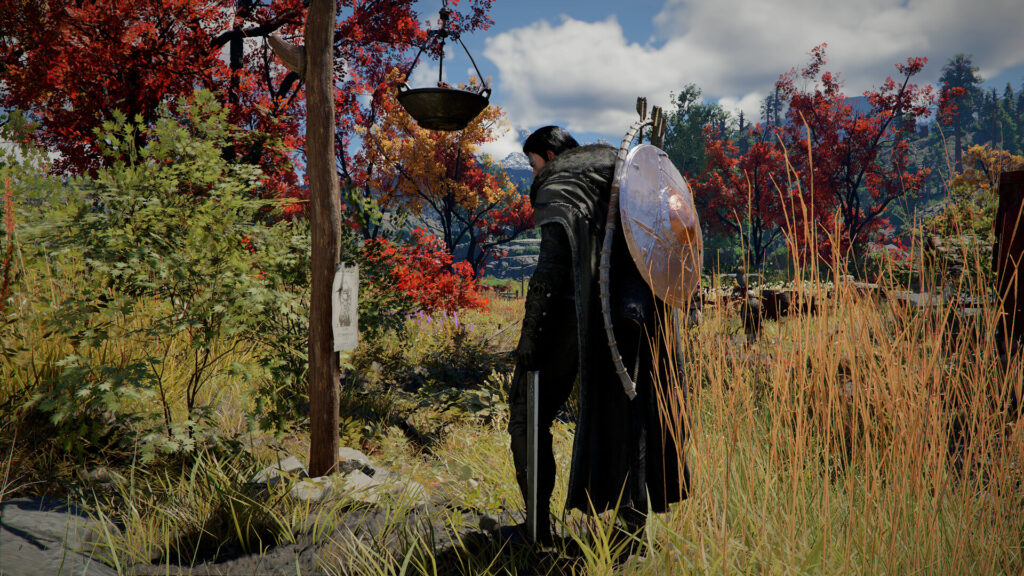
Battles in Crimson Desert already have a strong sense of impact, but this mod by VAXIStaa takes it even further. Called VAXIS’s Dynamic Ragdolls, it makes combat feel less predictable and more realistic by changing how enemies fall when defeated. Instead of stiff, pre-set animations, the mod loosens the physics controlling enemy limbs and heads, creating more chaotic and natural reactions with each hit. Even after an enemy is fully defeated, their body becomes a truly interactive ragdoll, rather than remaining frozen in place.
Improved Hair Physics
VAXIStaa has released a new mod for Crimson Desert that makes hair move much more realistically. While it might seem like a small change, this ‘Ultra Realistic Hair Physics’ mod actually adds a lot to the game’s immersion. Hair on characters and horses flows naturally, bounces, and interacts with itself and the wind. When used with other immersion mods, like Dynamic Ragdolls, it makes the game world feel even more alive and believable.
Better Radial Menus
A new mod called Better Radial Menus by Caites significantly improves the user experience in Crimson Desert. It simplifies navigating and viewing radial menus by removing the need to hold the CTRL key when selecting gear or checking stats. The mod also prevents screen clutter and pauses time, letting you comfortably browse your inventory. In a game that demands quick thinking, Better Radial Menus can really impact how effectively you handle challenges.
Barber Unlocked
In Crimson Desert, you can customize your character quite a bit, but the “Barber Unlocked” mod takes it further. It removes all restrictions on how you style your character Kliff’s hair, giving you access to every hairstyle and beard option. It also unlocks more hairstyles for the character Damiane. Thanks to this mod by Aerophus, you don’t have to wait to express your creativity and create the look you want for your character – it’s available right away.
Food Risk System
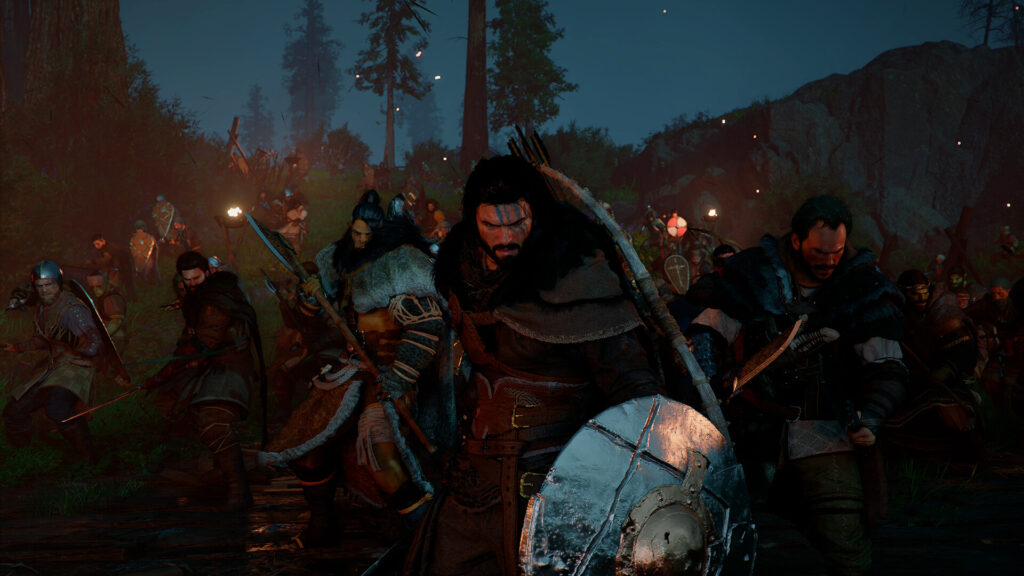
The mod ‘Cut Content Restored Food Risk System,’ created by claramercury, brings back a game feature the developer originally intended but didn’t activate. It’s arguably the most significant mod we’ve showcased so far, adding a risk-reward element through fifty new food-related skills spread across fifteen different categories.
Eating highly nutritious food now has drawbacks – you might get poisoned, feel nauseous, or suffer other negative effects, depending on what you consume. This adds a new level of challenge to the game. The mod includes three difficulty settings: ‘Adventure’ offers minor changes, ‘Survival’ adds more strategic depth, and ‘Iron Gut’ makes only the least potent foods safe to eat.
Shoulder Camera
Many players have found ways to adjust the camera in Crimson Desert because some feel the default view is too distant. One popular option, a mod called Shoulder Camera by Latranchedepain, doesn’t let you change the field of view, but its settings still make a big difference. It makes fights feel more up-close and personal, and lets you see more detail in the game’s textures. The default camera isn’t bad, but if you dislike being so far from your character, this mod is definitely worth checking out.
A mod called “Proper 3rd Person Camera” changes the camera to feel more like the one in Red Dead Redemption 2.
No Cooldown For All Items
Like many similar games, Crimson Desert uses cooldowns to keep things fair, but they can also disrupt the natural rhythm of gameplay. While getting rid of them might seem like an unfair advantage, it actually changes how you fight and use items, letting you play more aggressively or work more efficiently. The ‘No Cooldown For All Items’ mod from PLMOST is definitely worth installing for the extra freedom it provides.
Lower Glider Stamina Usage
A key feature of Crimson Desert is exploration, and this mod by CyberGecko1 enhances that. It lets you customize how much stamina you use while gliding – with separate settings for regular and fast gliding – allowing for longer, smoother journeys across the game’s large world. This makes exploring the Pywel region feel more fluid and helps you cover ground much faster than you normally would.
Colour and Objects Fix
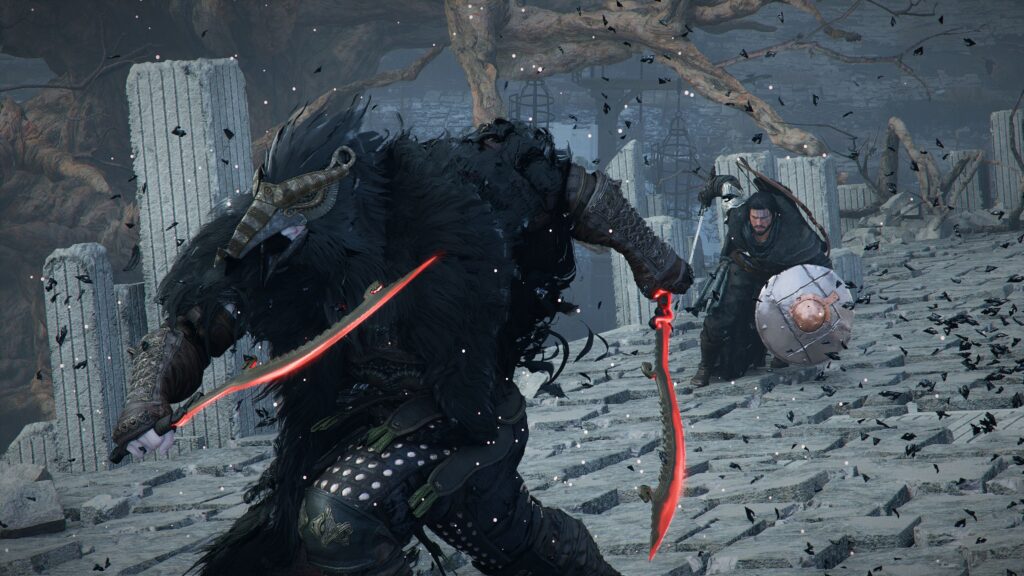
The Colour and Objects Fix mod by MopedTobias81 improves the game’s visuals by enhancing colors, objects, and shadows. It makes everything look cleaner and more realistic through color adjustments and by preventing colors from being overly saturated. The mod also lets you customize shadows with options to reduce noise and improve detail, and includes UI tweaks for better clarity and a more immersive atmosphere in the game’s environments.
No HUD
We’ve talked about mods that change how Crimson Desert looks, but what about removing parts of the screen altogether? The No-HUD mod, available through ShaderToggler, lets you turn the heads-up display on and off. This makes exploring, moving around, and fighting feel more realistic. The mod also includes shortcuts to control visual effects like fog and lighting, letting you create a very simple, clean look. This focuses your attention on the environment and your instincts instead of relying on what’s displayed on the screen.
No Letterbox
Those dramatic black bars you often see at the top and bottom of the screen can sometimes be distracting. While they create a cinematic look, many players find it more engaging to use the full screen. If you’d prefer a larger image and don’t mind losing that widescreen effect – especially during cutscenes – the ‘No Letterbox’ tool by Caites easily removes those black bars for a more immersive experience.
Minimap Tweaks
Many players agree that the default minimap in Crimson Desert isn’t always reliable for navigation. The “Minimaps Tweaks” mod by Caites (who also created four other popular mods) fixes this by improving how far the map reveals, making it more stable at different speeds, clarifying the icons, and ensuring the zoom level is consistent. This makes the in-game map more predictable and trustworthy.
Read More
- Surprise Isekai Anime Confirms Season 2 With New Crunchyroll Streaming Release
- Solo Leveling’s New Character Gets a New Story Amid Season 3 Delay
- Pragmata Shows Off Even More Gorgeous RTX Path Tracing Ahead of Launch
- Frieren: Beyond Journey’s End Gets a New Release After Season 2 Finale
- HBO Max Just Added the Final Episodes of a Modern Adult Swim Classic
- Crimson Desert’s Momentum Continues With 10 Incredible New Changes
- PRAGMATA ‘Eight’ trailer
- All 7 New Supes In The Boys Season 5 & Their Powers Explained
- Dragon Quest Smash/Grow launches April 21
- Sydney Sweeney’s The Housemaid 2 Sets Streaming Release Date
2026-04-15 18:13